

활성화 방법
- Steam을(를) 설치하고 계정에 로그인하세요(무료 계정이면 충분합니다).
- 상단 메뉴에서 „게임” → „Steam에서 제품 활성화…”를 선택하세요.
- 주문에 표시된 그대로(하이픈 포함) 키를 입력하고 확인하세요. 게임이 라이브러리에 추가됩니다.
게임 정보
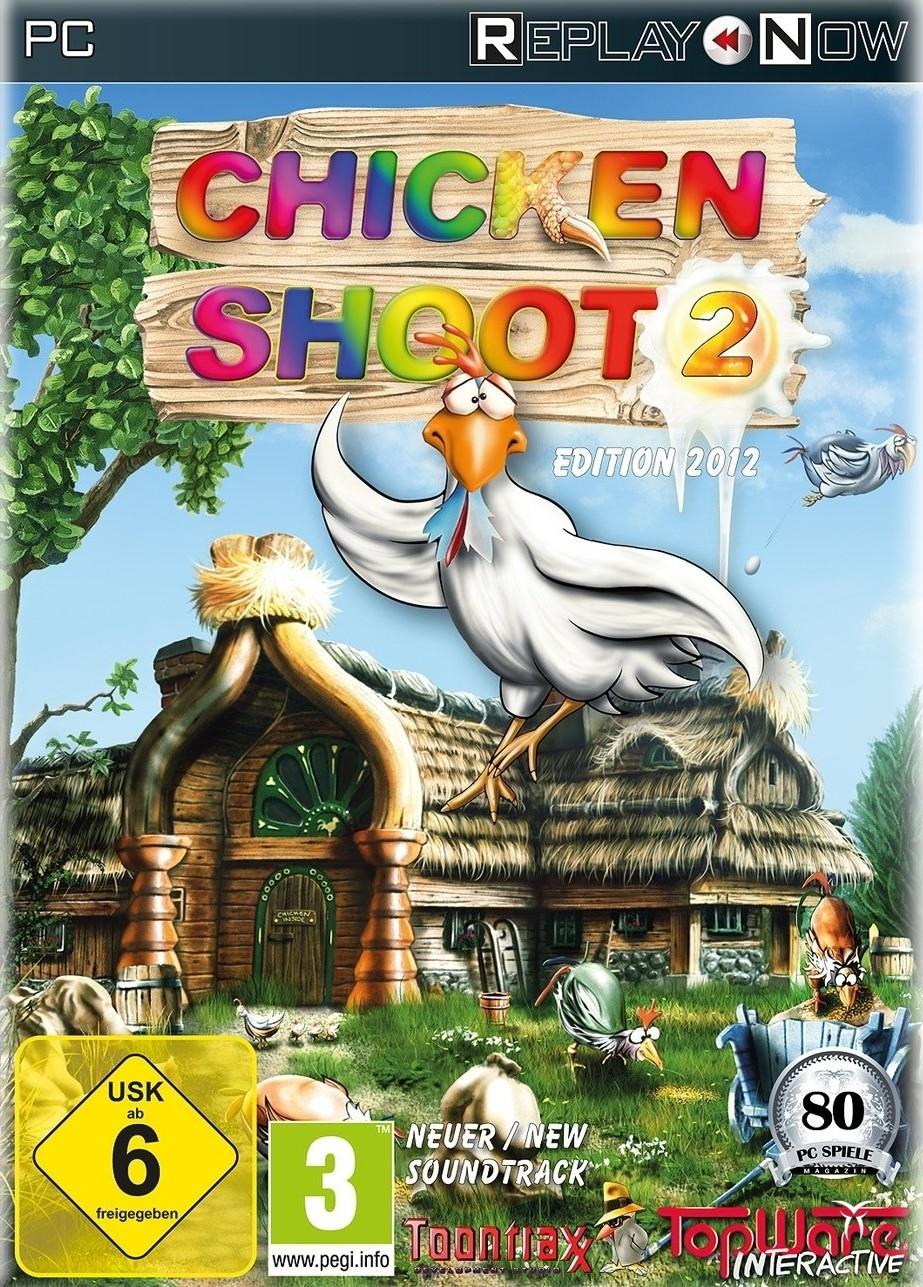
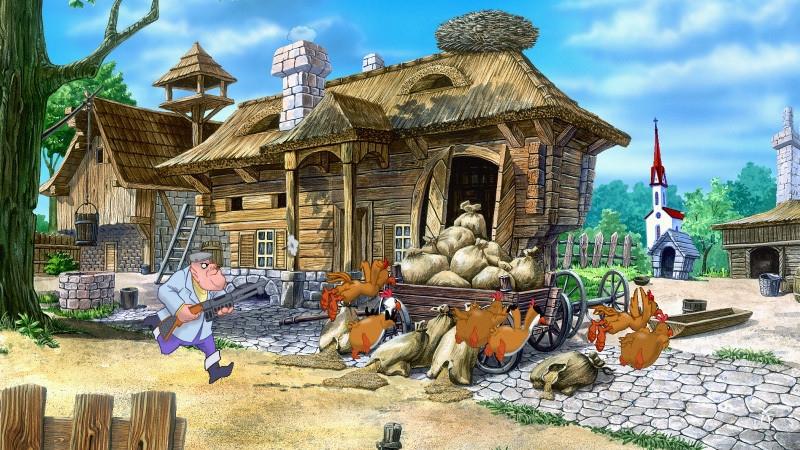
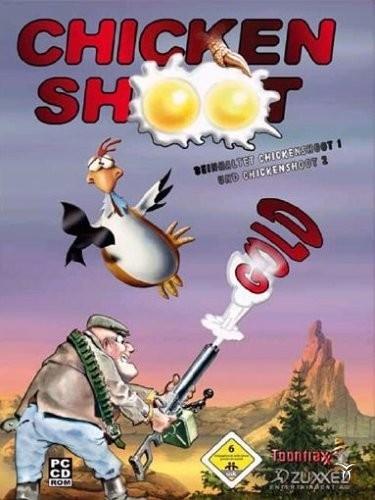
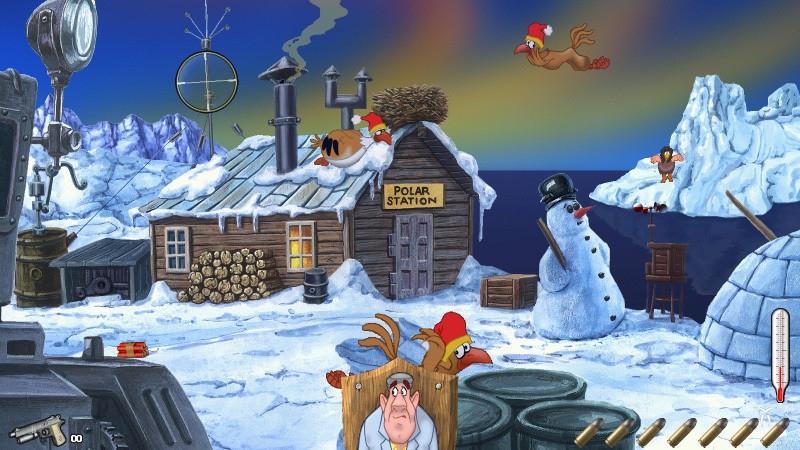
This tiresome bunch of feathered troublemakers is not giving any peace. Stop this hostile destruction from these rampaging roosters in Arcade mode, or fight against the clock in Classic mode in three difficulty levels. Six fabulous landscapes (in Chicken Shoot 1) and another seven landscapes (in Chicken Shoot 2) enchant the player again and again revealing new secrets and gimmicks every time. Punctuated with loads of original sound effects and underscored with idyllic music both parts will amuse not only the lone player, but the whole family with its variety of comic chicken animations, unique ...
시스템 요구 사항
최저한의
- Graphic
- 16MB
- Other
- 3-buttons mouse
- Other
- Internet connection required
- Other
- Keyboard requirement
- 운영체제
- Windows XP
- 운영체제
- Windows 7
- 운영체제
- Windows Vista
- 운영체제
- Windows 8
- 프로세서
- AMD Singlecore CPU
- 프로세서
- Intel Singlecore CPU
- 메모리
- 0.512GB
- 저장공간
- 0.25GB
- 사운드카드
- DirectX compatible
추천
- Other
- Keyboard requirement
- Other
- Internet connection required
- Other
- 3-buttons mouse
- Graphic
- 32MB
- 운영체제
- Windows 7
- 운영체제
- Windows Vista
- 운영체제
- Windows XP
- 운영체제
- Windows 8
- 저장공간
- 0.35GB
- 프로세서
- AMD Singlecore CPU 1.5GHz
- 프로세서
- Intel Singlecore CPU 1.5GHz
- 사운드카드
- DirectX compatible
- 메모리
- 1GB