





활성화 방법
- Steam을(를) 설치하고 계정에 로그인하세요(무료 계정이면 충분합니다).
- 상단 메뉴에서 „게임” → „Steam에서 제품 활성화…”를 선택하세요.
- 주문에 표시된 그대로(하이픈 포함) 키를 입력하고 확인하세요. 게임이 라이브러리에 추가됩니다.
게임 정보
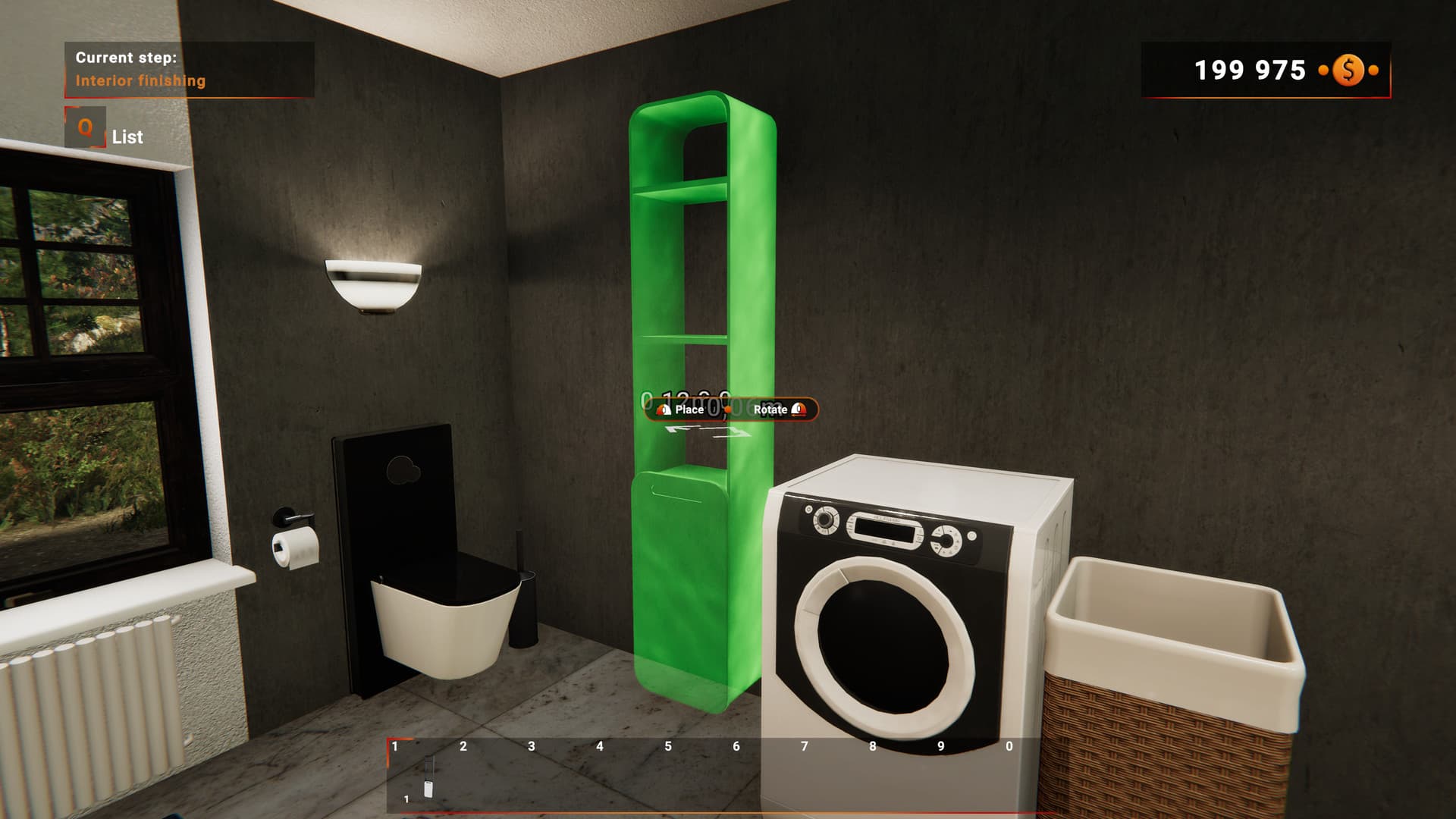
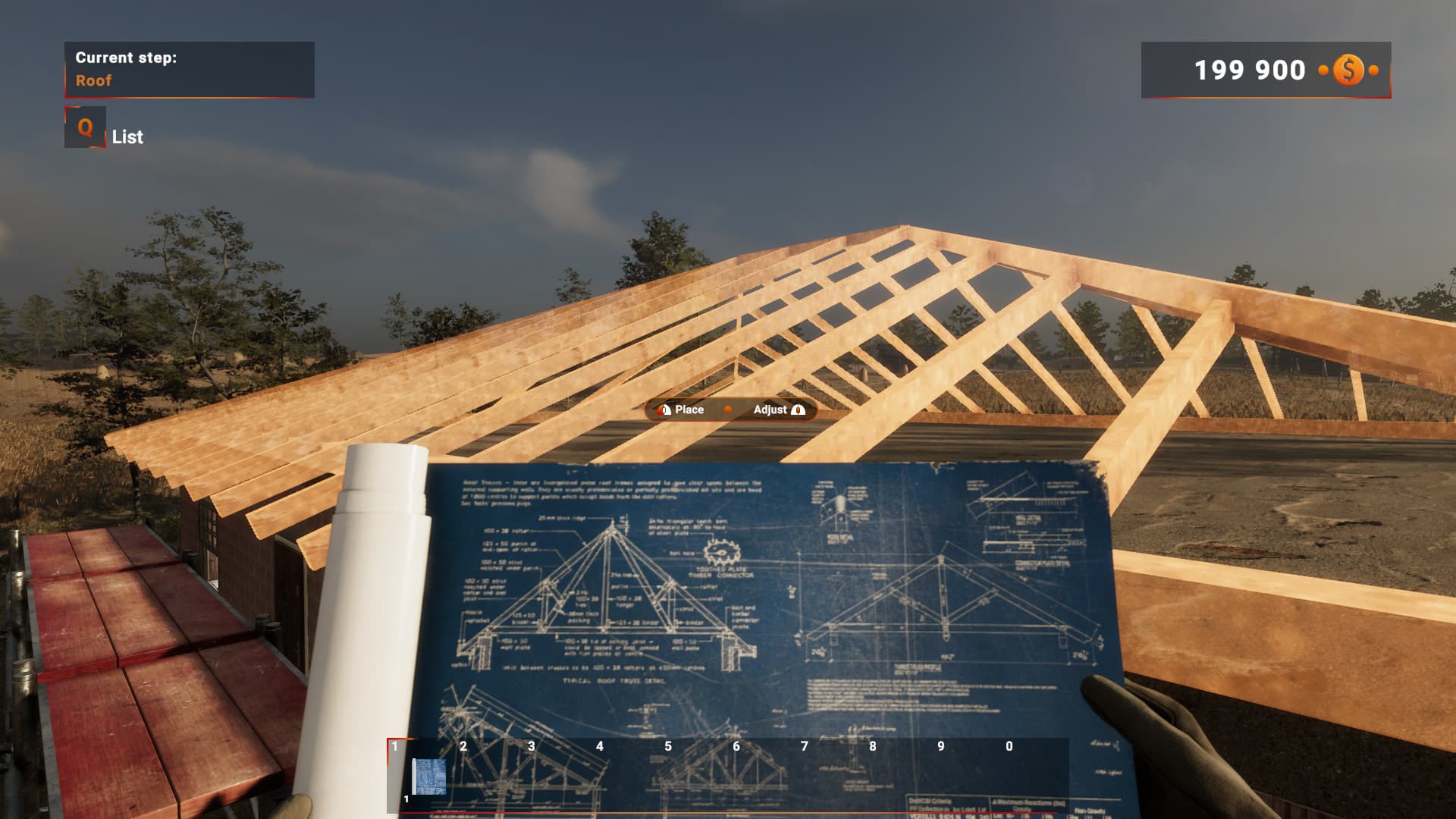
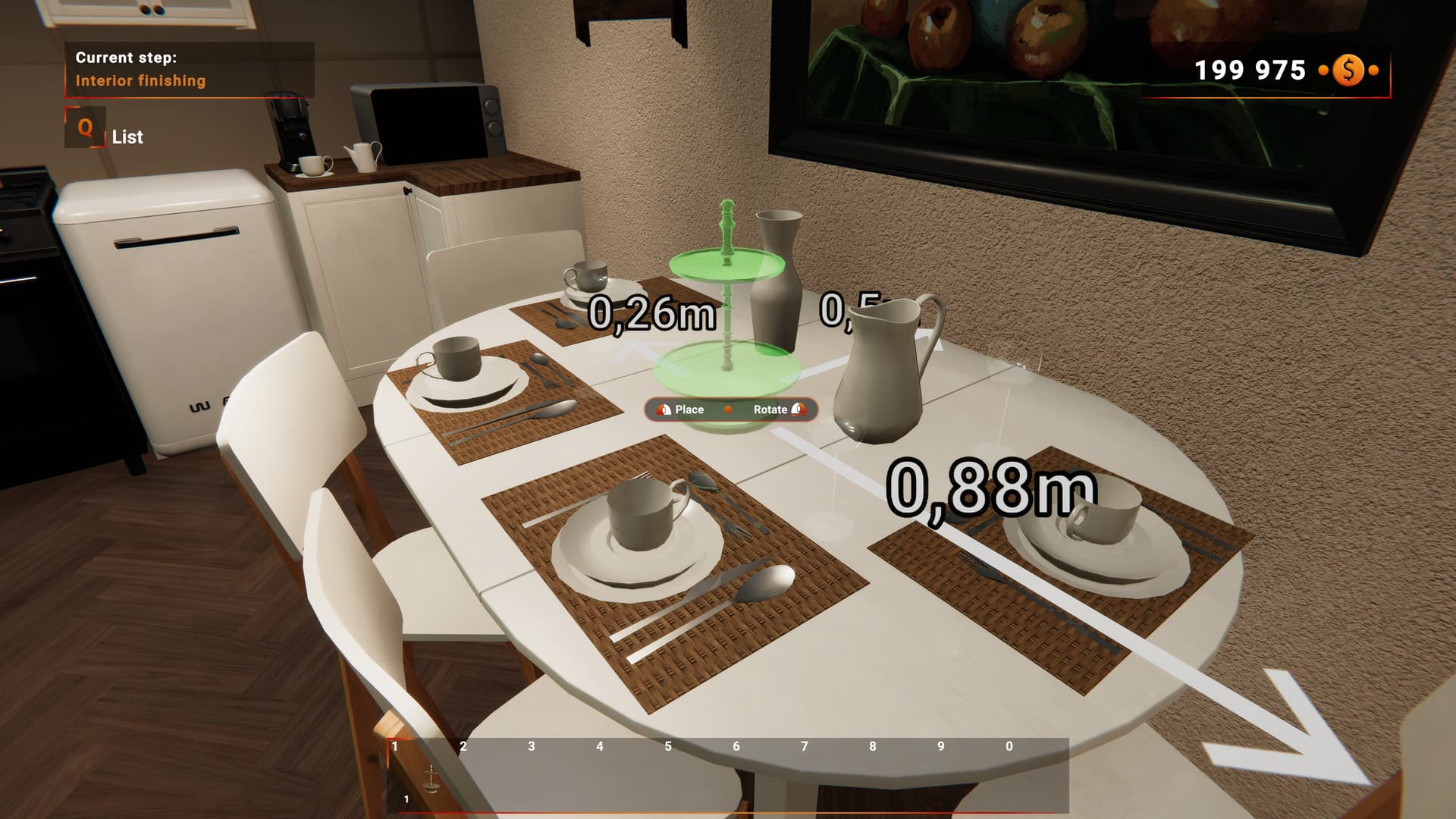
Builder Simulator is a game for those, whose biggest dream always was to construct your own house from scratch. Prepare your plan, buy needed materials, and build a perfect residence brick by brick. Will it be an easy task? At first, yes! After all, you’re just a rookie in this serious building industry. A specially made tutorial will guide you step by step through the twists and turns of construction work. However, the more experience you get, the more demanding the challenges become. ...
시스템 요구 사항
최저한의
- Requires a 64-bit processor and operating system
- 운영체제
- Windows® 7/8/10
- 프로세서
- i5 4460 or AMD ryzen 5 1600
- 메모리
- 6 GB RAM
- 그래픽
- GTX 750TI 2GB
추천
- Requires a 64-bit processor and operating system
- 운영체제
- Windows® 10
- 프로세서
- i5 9400f or ryzen 5 3600
- 메모리
- 8 GB RAM
- 그래픽
- GTX 1060 6GB


