

활성화 방법
- Steam을(를) 설치하고 계정에 로그인하세요(무료 계정이면 충분합니다).
- 상단 메뉴에서 „게임” → „Steam에서 제품 활성화…”를 선택하세요.
- 주문에 표시된 그대로(하이픈 포함) 키를 입력하고 확인하세요. 게임이 라이브러리에 추가됩니다.
게임 정보
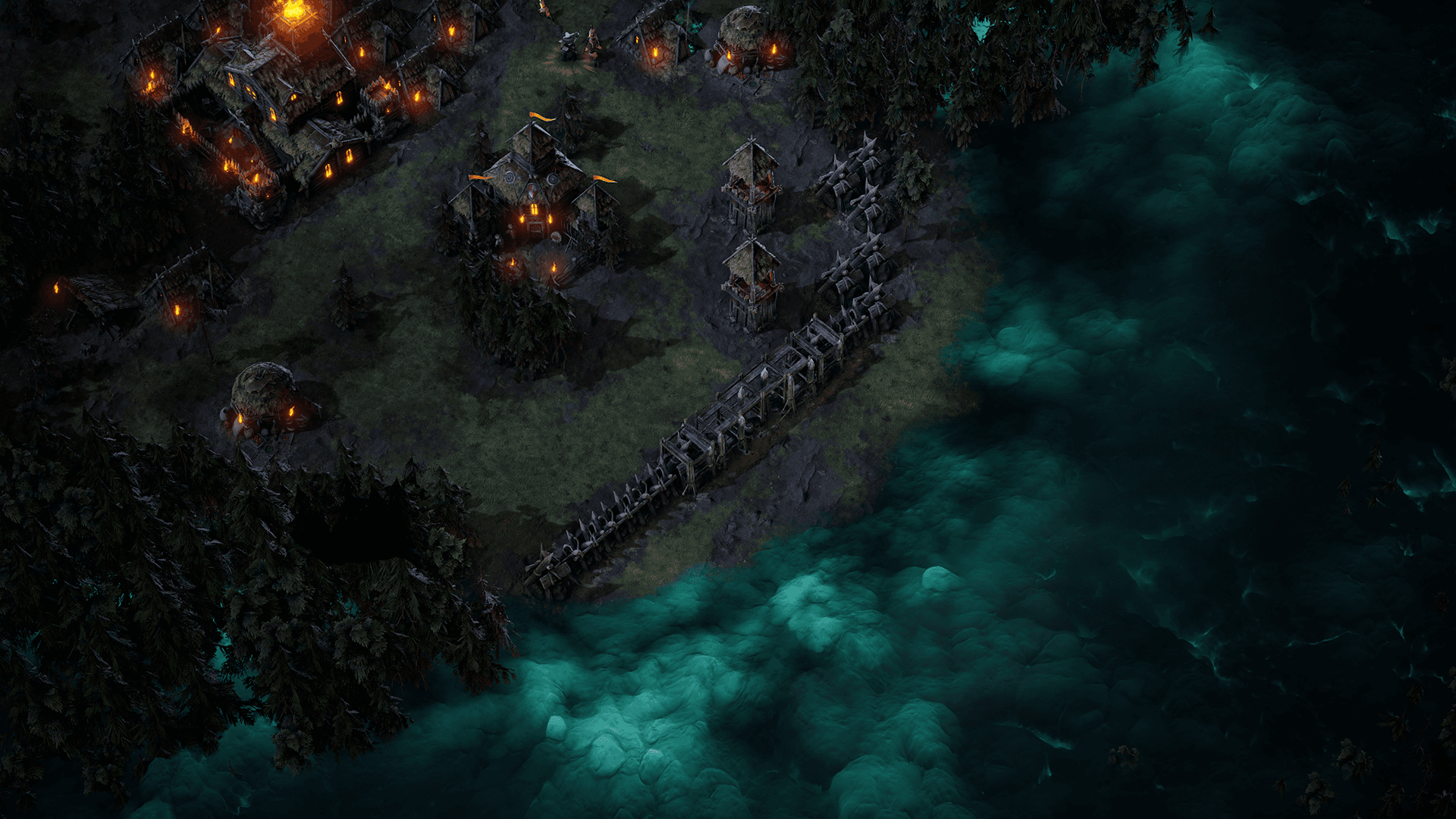
Age of Darkness: Final Stand is a dark fantasy survival RTS where you must illuminate, build and defend humanity’s last bastion against hordes of Nightmares. Set in the remnants of a kingdom consumed by a deadly fog, you decide. Will you hide in the light? Or take back your world.
Build, Gather and Fight in a Desperate Last Stand Against an Onslaught of Never Ending Evil! ...
시스템 요구 사항
최저한의
- Requires a 64-bit processor and operating system
- 운영체제
- Windows 10 Home
- 프로세서
- Intel i5 Processor (8th Gen)
- 메모리
- 8 GB RAM
- 그래픽
- NVIDIA GeForce GTX 970
- 저장공간
- 5 GB available spacev
추천
- Requires a 64-bit processor and operating system
- 운영체제
- Windows 10 Home
- 프로세서
- Intel i7 Processor (9th Gen)
- 메모리
- 8 GB RAM
- 그래픽
- NVIDIA GeForce GTX 1060
- 저장공간
- 5 GB available space