



कैसे सक्रिय करें
- Steam इंस्टॉल करें और अपने खाते में साइन इन करें (मुफ़्त खाता काफ़ी है)।
- ऊपर के मेनू में „Games” → „Activate a Product on Steam…” चुनें।
- कुंजी को ठीक वैसे ही दर्ज करें जैसे ऑर्डर में दिखाई गई है (डैश सहित) और पुष्टि करें। गेम आपकी लाइब्रेरी में दिखाई देगा।
गेम के बारे में
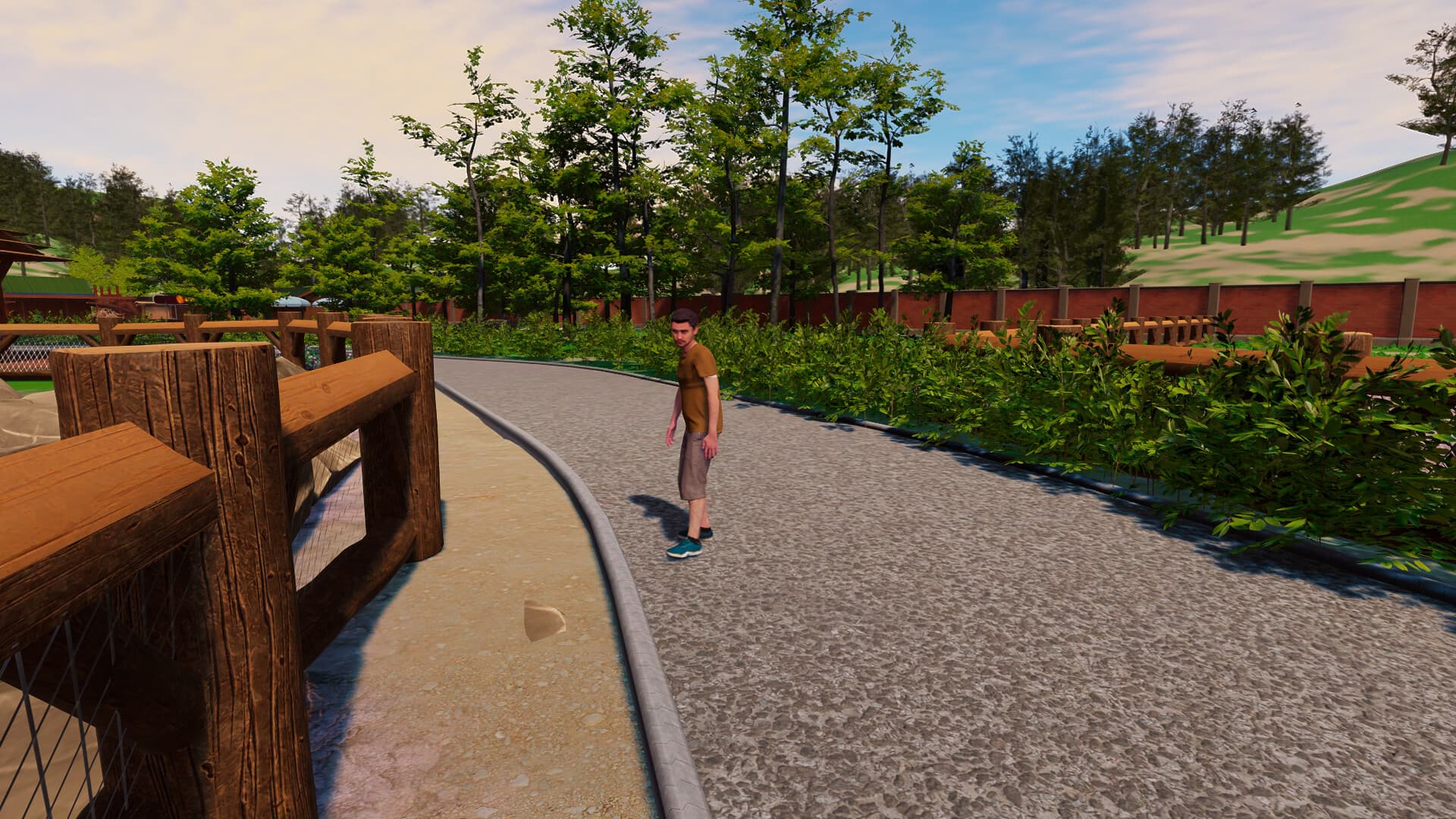
Renovate your Zoo!
In Zoo Simulator, one of your first tasks will be to restore the zoo. You will have to put a lot of effort into cleaning neglected alleys and damaged places for your future animals. To do this, you will be using a lot of tools such as welders and water washers. Remember - hard work can result in a crowd of delighted visitors!
Various species of animals ...
सिस्टम आवश्यकताएं
न्यूनतम
- ऑपरेटिंग सिस्टम
- Windows 10 64 Bit
- प्रोसेसर
- Intel Core i3 3.0 GHz
- मेमोरी
- 12 GB RAM
- ग्राफ़िक्स
- Nvidia GeForce GTX 1060 6GB
- DirectX
- Version 11
- स्टोरेज
- 8 GB available space
सिफारिश की
- ऑपरेटिंग सिस्टम
- Windows 10 64 Bit
- प्रोसेसर
- Intel Core i5 3.4 GHz
- मेमोरी
- 16 GB RAM
- ग्राफ़िक्स
- NVidia GeForce GTX 1060 6GB
- DirectX
- Version 11
- स्टोरेज
- 12 GB available space