




कैसे सक्रिय करें
- Steam इंस्टॉल करें और अपने खाते में साइन इन करें (मुफ़्त खाता काफ़ी है)।
- ऊपर के मेनू में „Games” → „Activate a Product on Steam…” चुनें।
- कुंजी को ठीक वैसे ही दर्ज करें जैसे ऑर्डर में दिखाई गई है (डैश सहित) और पुष्टि करें। गेम आपकी लाइब्रेरी में दिखाई देगा।
गेम के बारे में
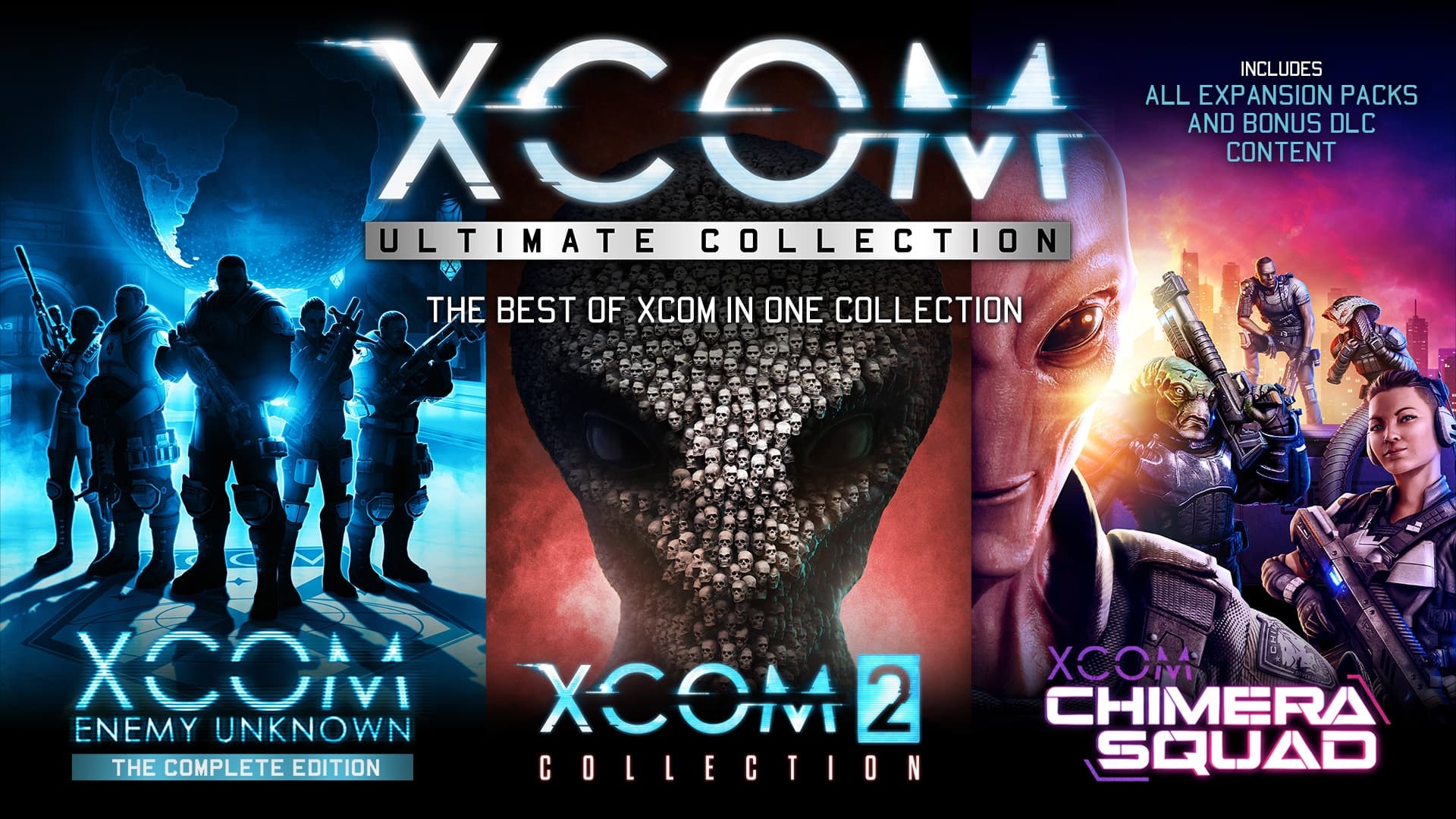
XCOM: Ultimate Collection provides the best introduction to one of the most critically acclaimed strategy game series in all of gaming! Now you can play XCOM: Enemy Unknown, XCOM 2, all the expansions, all DLC packs, and the recently released XCOM: Chimera Squad in one collection.
सिस्टम आवश्यकताएं
न्यूनतम
- ऑपरेटिंग सिस्टम
- Windows® 7, 64bit
- प्रोसेसर
- 2.4 GHz Quad Core
- मेमोरी
- 4 GB RAM
- ग्राफ़िक्स
- 1 GB AMD Radeon HD 7770, NVIDIA GeForce 650 or better
- DirectX Version
- Version 11
- स्टोरेज
- 18 GB available space
- साउंड कार्ड
- DirectX compatible sound card
- अतिरिक्त जानकारी
- Initial installation requires one-time Internet connection for Steam authentication; software installations required (included with the game) include Steam Client, Microsoft Visual C 2012 and 2015 Runtime Libraries, and Microsoft DirectX. Internet connection and acceptance of Steam™ Subscriber Agreement required for activation. See www.steampowered.com/agreement for details.
सिफारिश की
- ऑपरेटिंग सिस्टम
- Windows® 7 64bit / 8.1 64bit / 10 64bit
- प्रोसेसर
- 3 GHz Quad Core
- मेमोरी
- 4 GB RAM
- ग्राफ़िक्स
- 2 GB AMD Radeon HD R9 290, NVIDIA GeForce GTX 980 or better
- DirectX
- Version 11
- स्टोरेज
- 18 GB or more available space
- साउंड कार्ड
- DirectX compatible sound card
कानूनी जानकारी
©2021 Take-Two Interactive Software, Inc. XCOM, XCOM 2, 2K, Firaxis Games, and their respective logos are all trademarks of Take-Two Interactive Software, Inc. All rights reserved. Use of this product requires agreement to the following third party end user license agreement: http://www.take2games.com/eula/