

कैसे सक्रिय करें
- Steam इंस्टॉल करें और अपने खाते में साइन इन करें (मुफ़्त खाता काफ़ी है)।
- ऊपर के मेनू में „Games” → „Activate a Product on Steam…” चुनें।
- कुंजी को ठीक वैसे ही दर्ज करें जैसे ऑर्डर में दिखाई गई है (डैश सहित) और पुष्टि करें। गेम आपकी लाइब्रेरी में दिखाई देगा।
Steam की आधिकारिक सक्रियण गाइड
- PlayStation Network Account required, subject to the PlayStation Terms of Services and User Agreement http://www.playstationnetwork.com/terms-of-service
गेम के बारे में
Game Overview
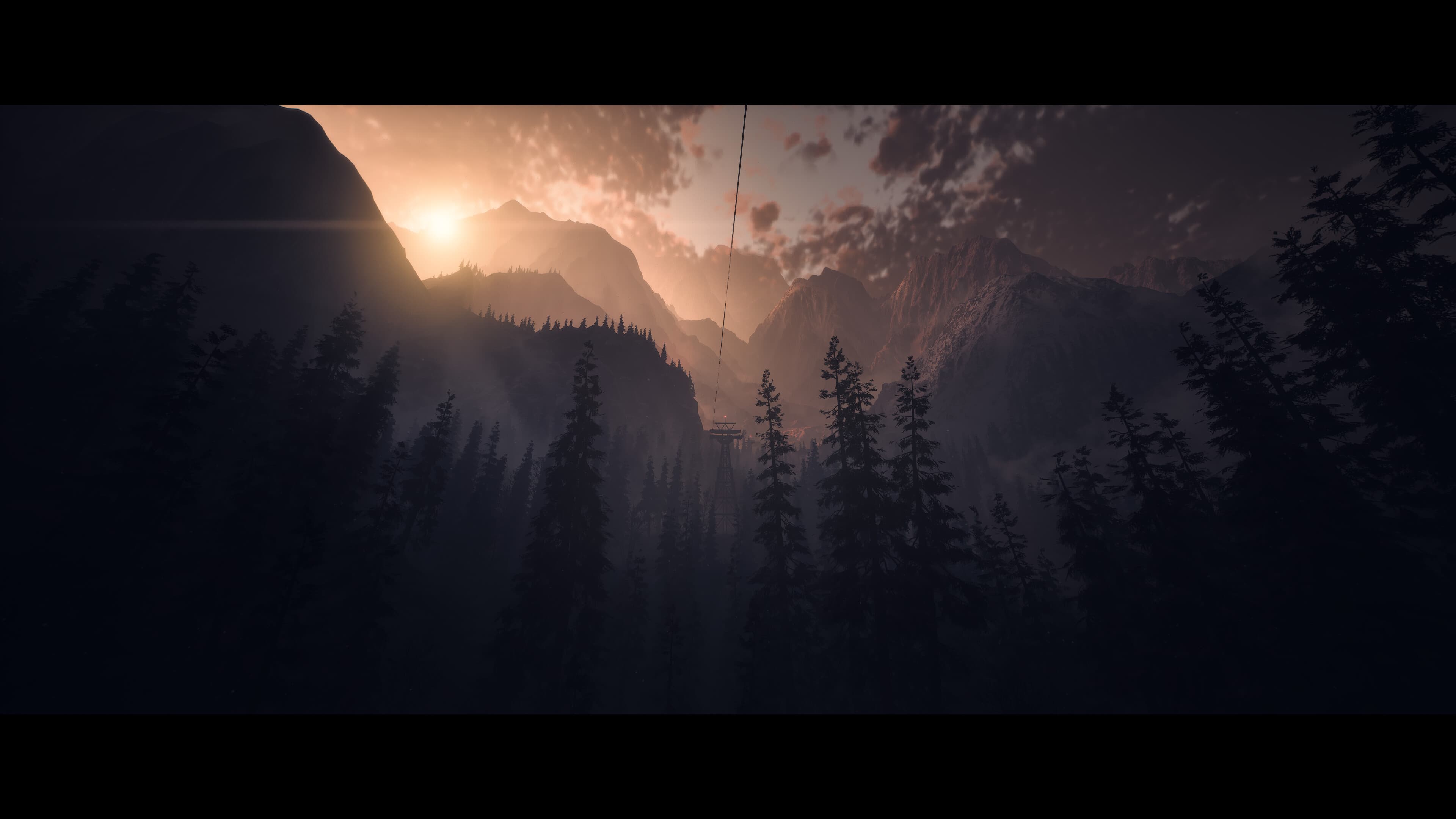
When eight friends return to the isolated lodge where two of their group vanished a year prior, fear tightens its icy grip, and their mountain retreat descends into a nightmare with no escape.
Face your fears and determine who survives Until Dawn in this seminal horror classic, rebuilt and enhanced for PC.
Cult horror rebuilt ...
सिस्टम आवश्यकताएं
न्यूनतम
- Requires a 64-bit processor and operating system
- ऑपरेटिंग सिस्टम
- Windows 10, 11
- प्रोसेसर
- Intel Core i7 4790K / AMD Ryzen 5 1500x (or similar processor with AVX support)
- मेमोरी
- 8 GB RAM
- ग्राफ़िक्स
- NVIDIA GeForce GTX 1660 / Radeon RX 470 (or equivalent card with minimum 6GB VRAM)
- स्टोरेज
- 70 GB available space
- अतिरिक्त जानकारी
- Storage 70 GB on SSD
सिफारिश की
- Requires a 64-bit processor and operating system
- ऑपरेटिंग सिस्टम
- Windows 10, 11
- प्रोसेसर
- Intel Core i5 8600 / AMD Ryzen 7 2700X
- मेमोरी
- 16 GB RAM
- ग्राफ़िक्स
- NVIDIA GeForce RTX 2060 / AMD Radeon RX 6600XT
- स्टोरेज
- 70 GB available space
- अतिरिक्त जानकारी
- Storage 70 GB on SSD
कानूनी जानकारी
© 2024 Sony Interactive Entertainment Europe. Until Dawn is a trademark of Sony Interactive Entertainment.