

कैसे सक्रिय करें
- Steam इंस्टॉल करें और अपने खाते में साइन इन करें (मुफ़्त खाता काफ़ी है)।
- ऊपर के मेनू में „Games” → „Activate a Product on Steam…” चुनें।
- कुंजी को ठीक वैसे ही दर्ज करें जैसे ऑर्डर में दिखाई गई है (डैश सहित) और पुष्टि करें। गेम आपकी लाइब्रेरी में दिखाई देगा।
गेम के बारे में
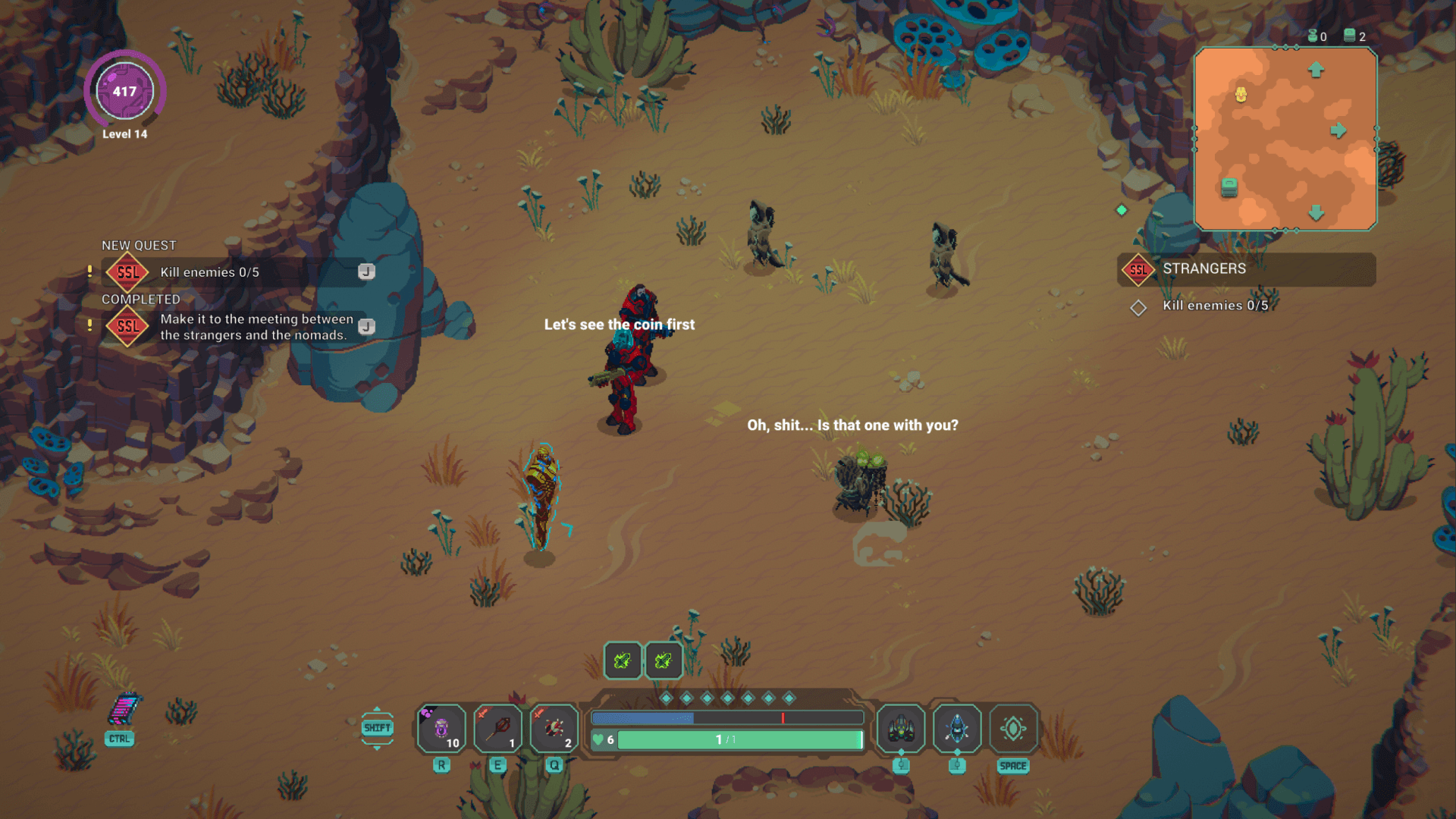
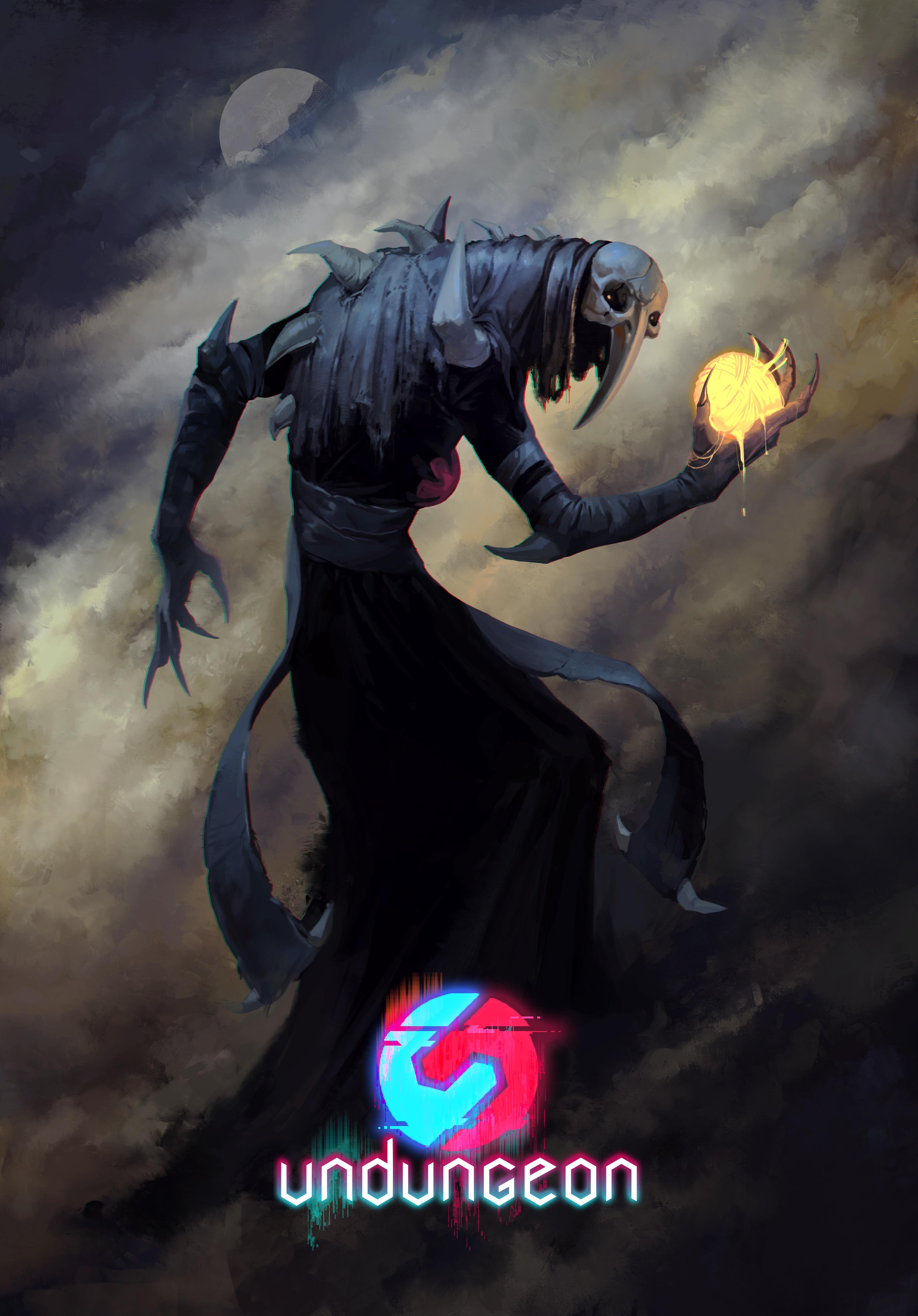
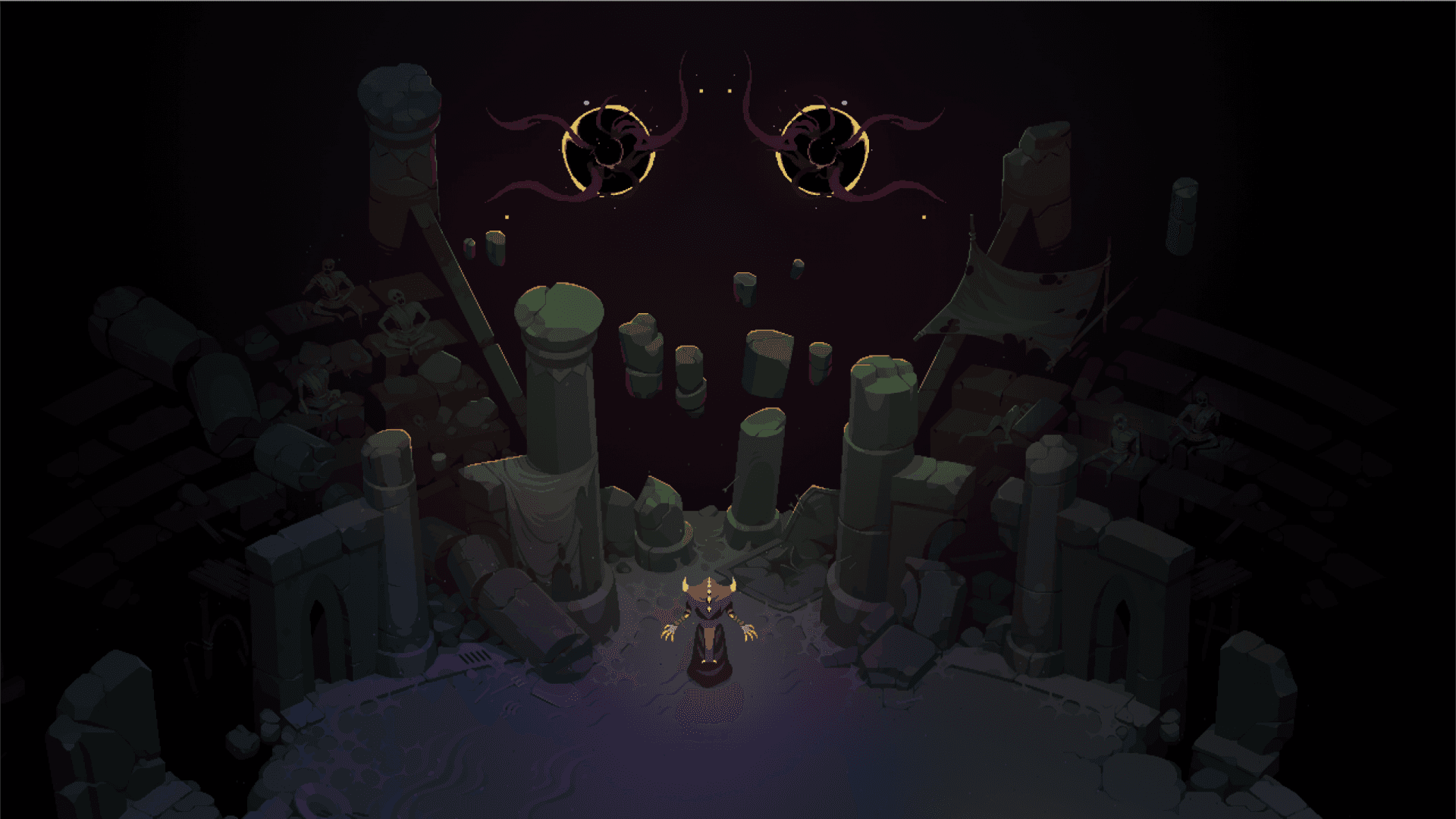
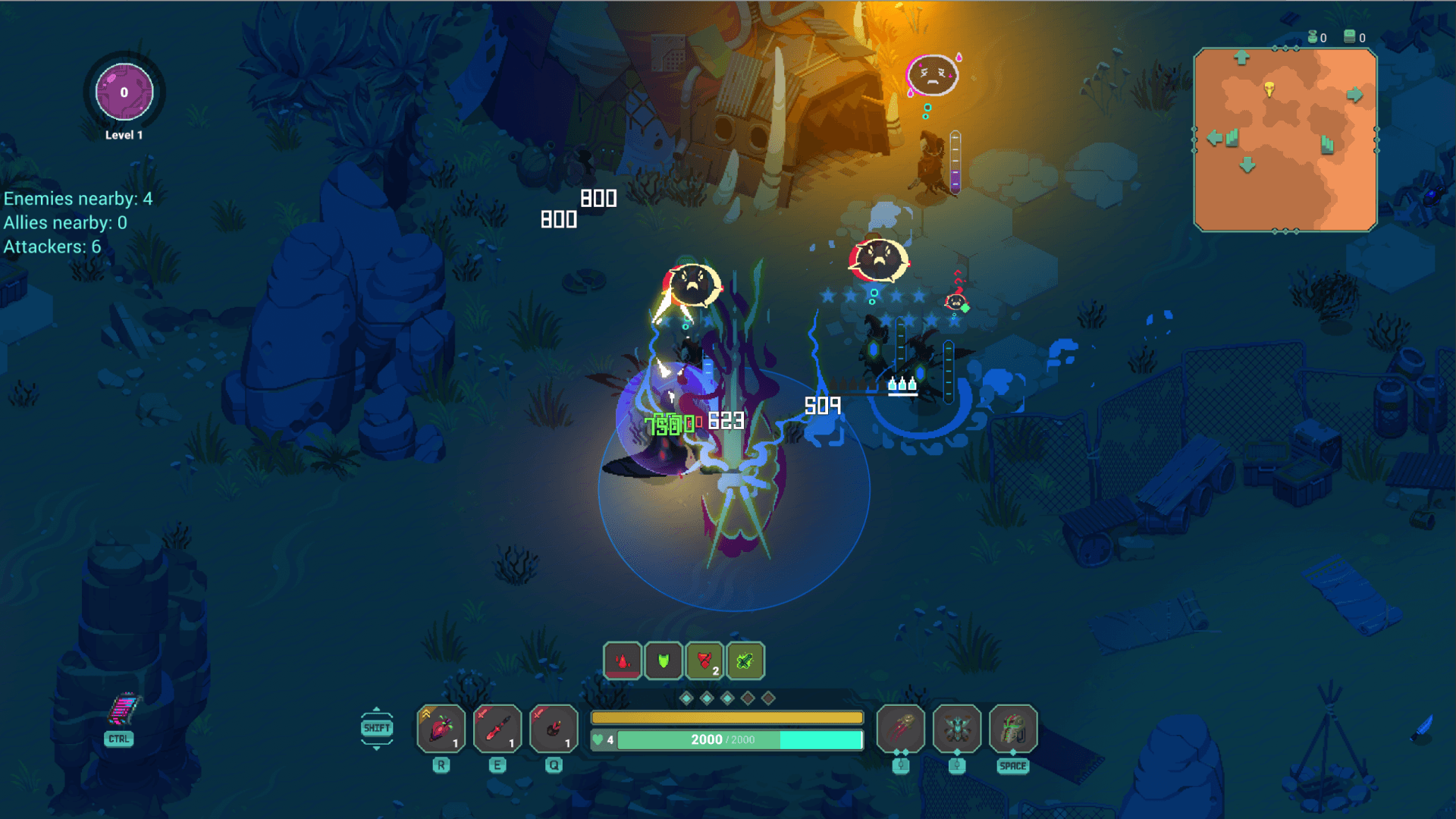
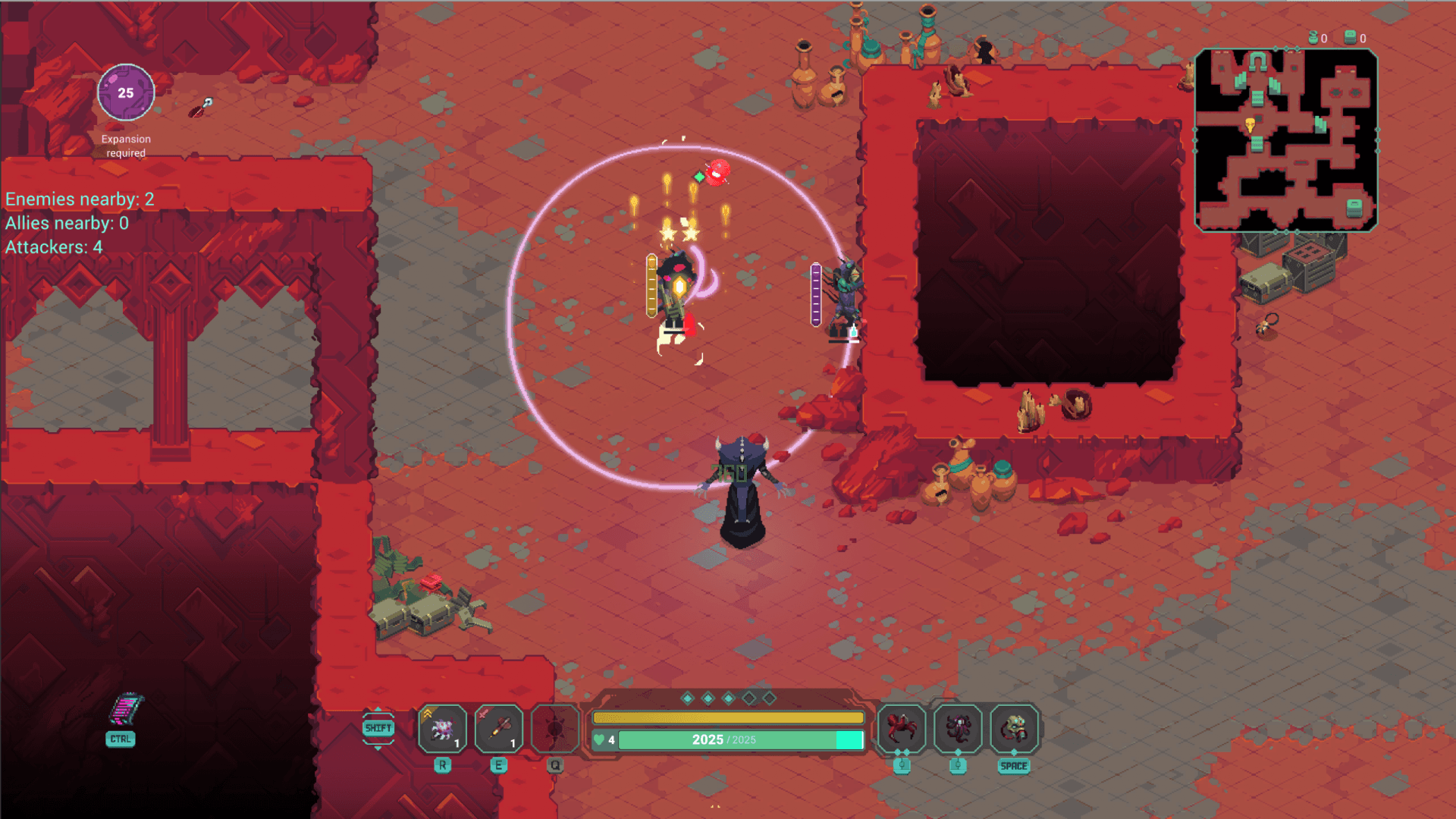
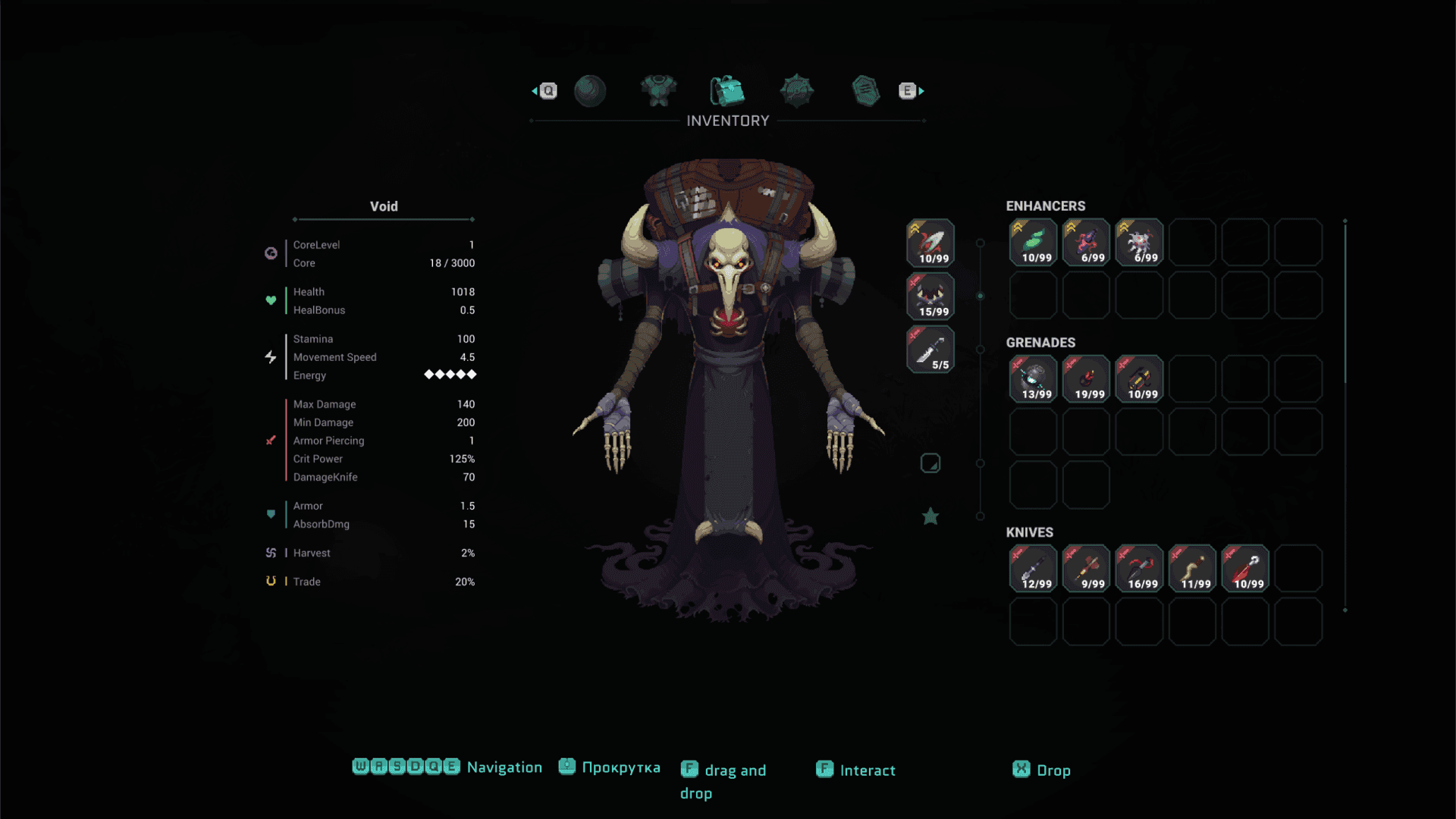
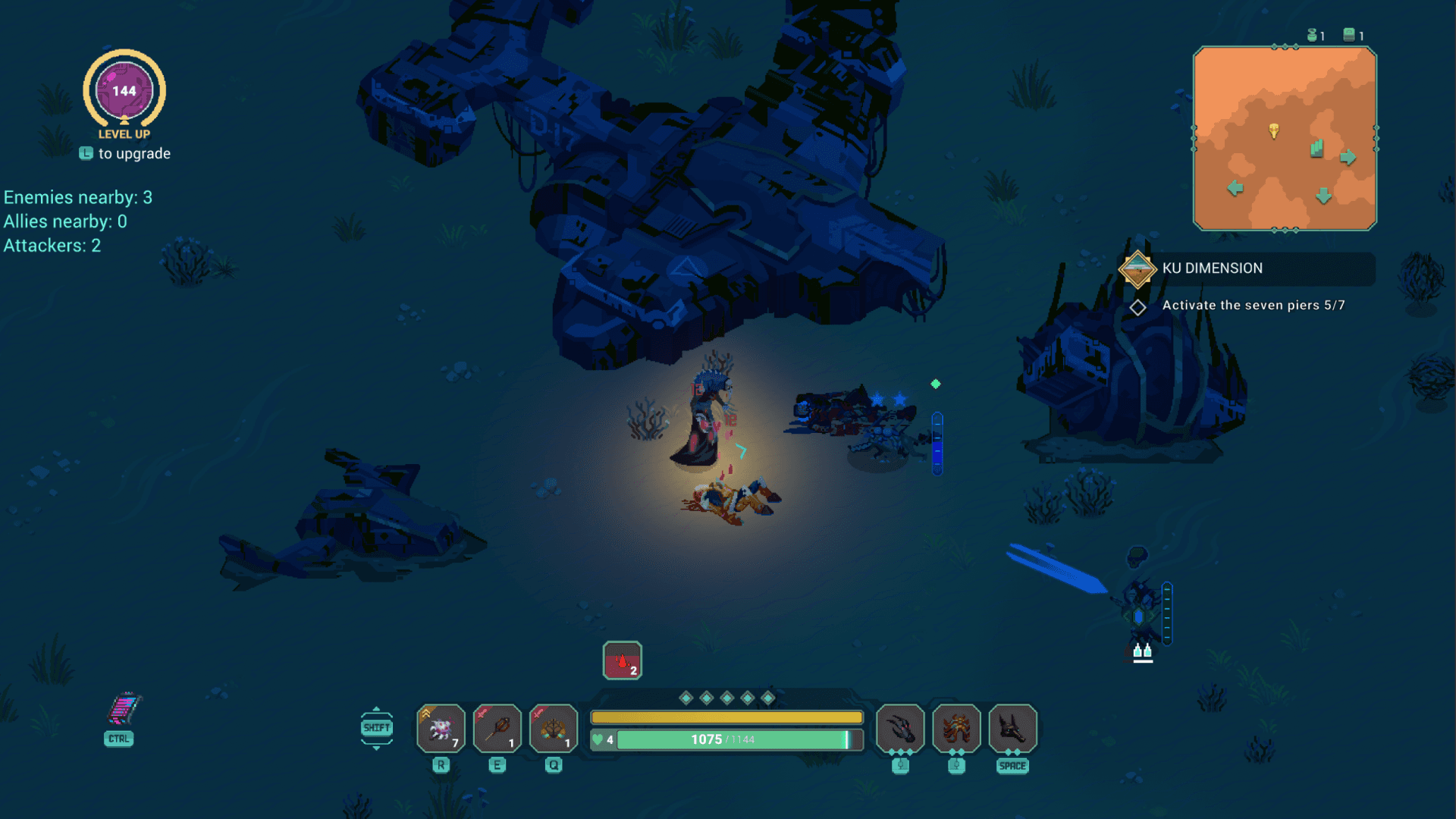
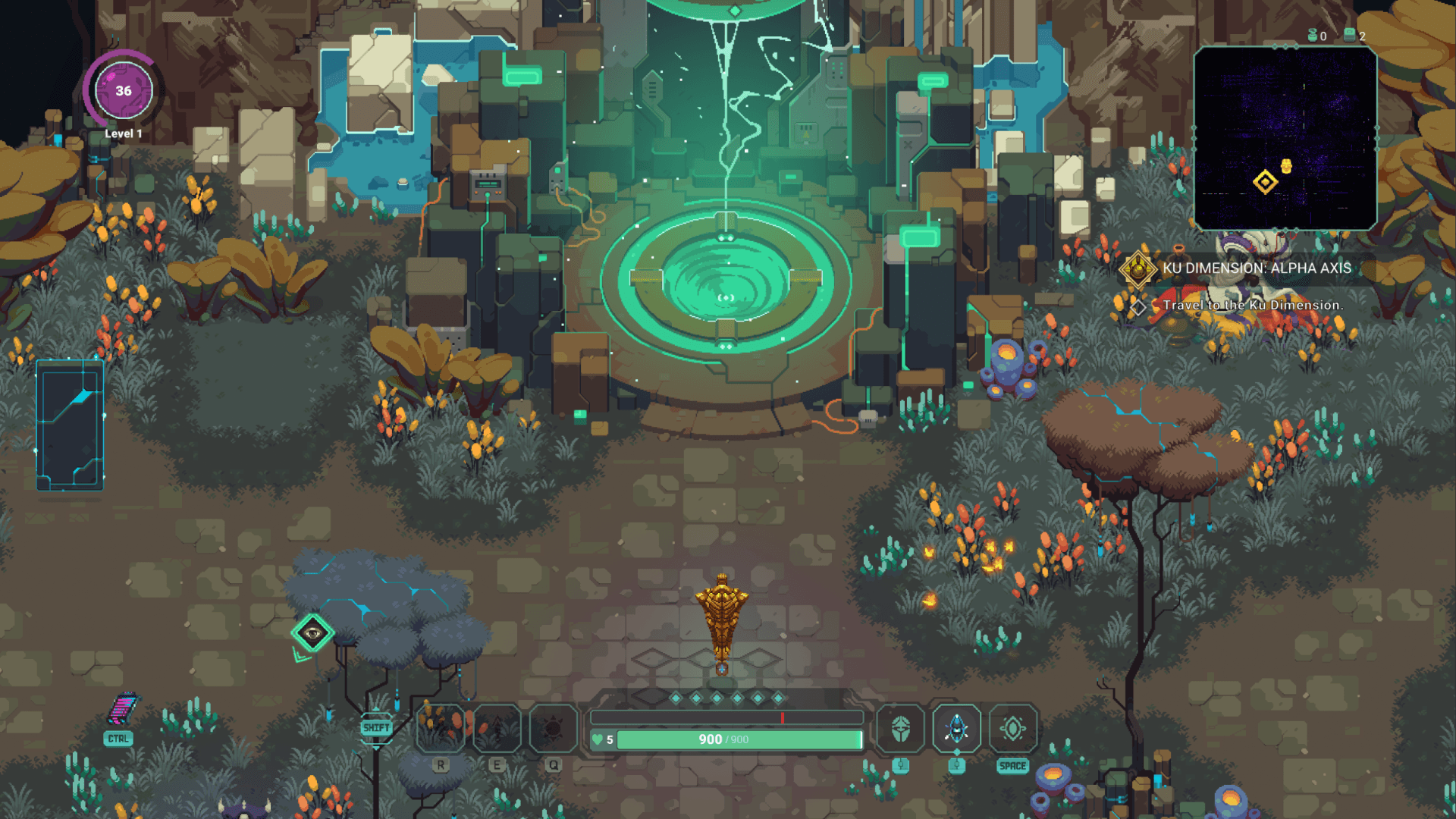
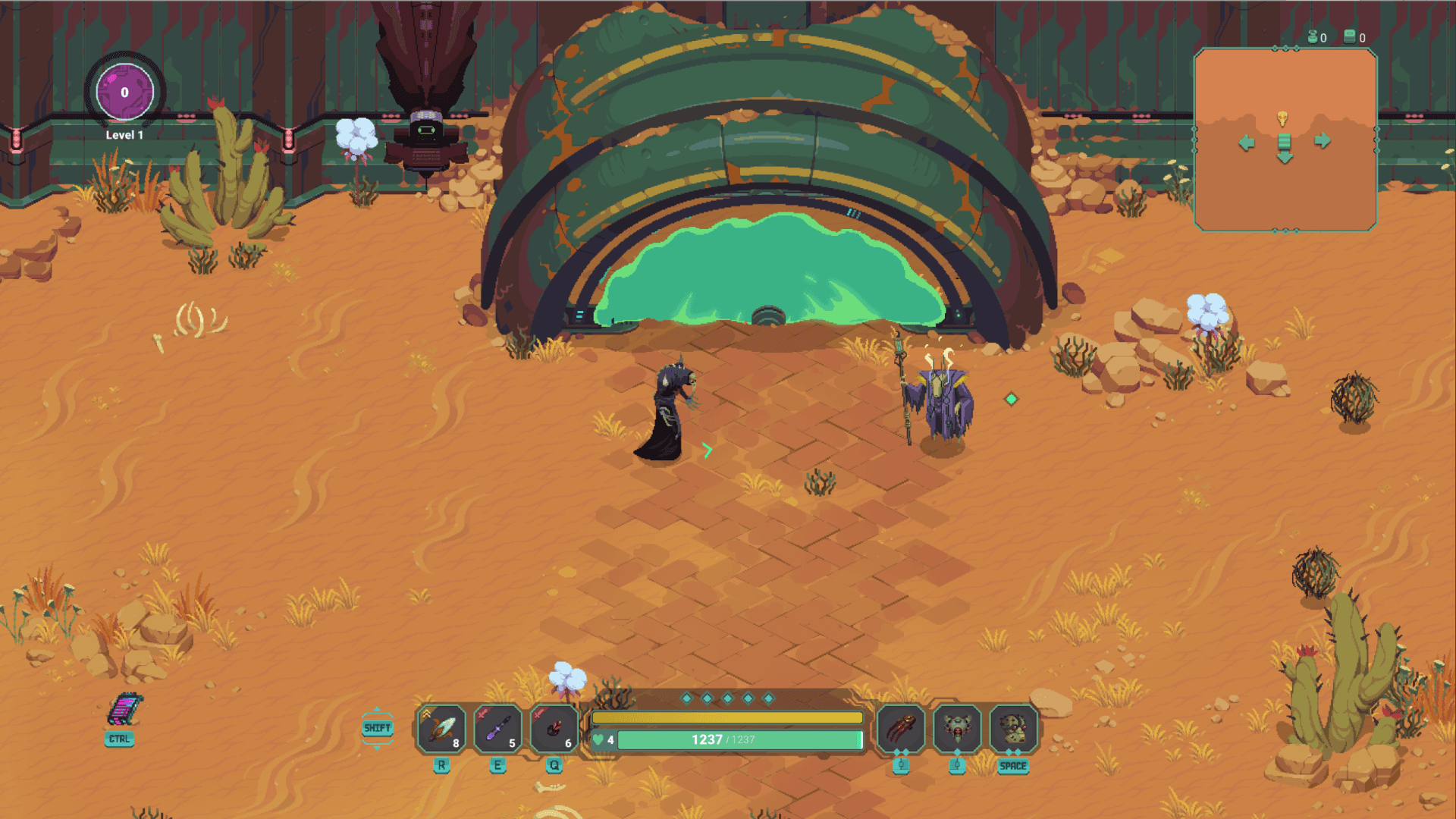
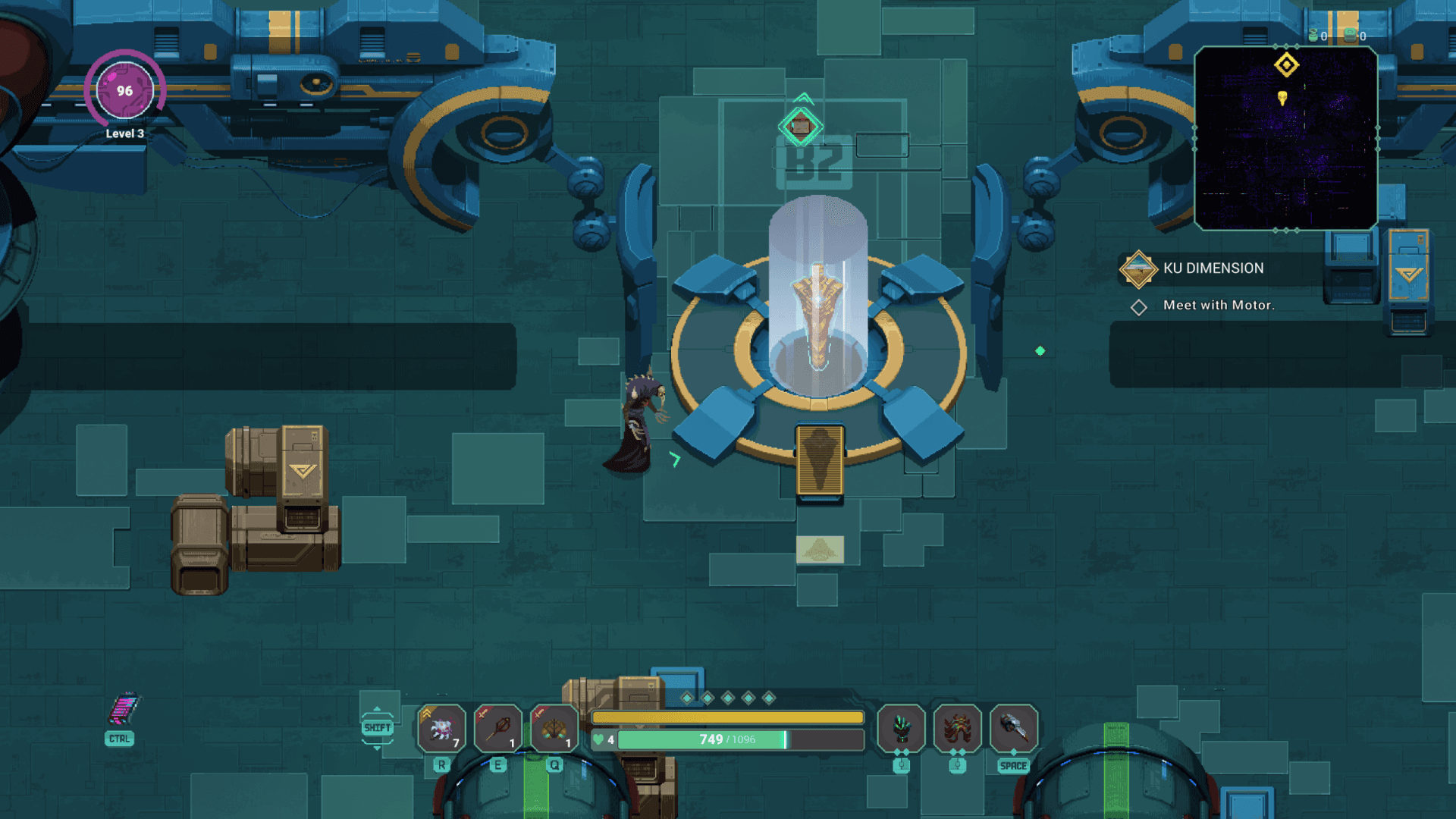
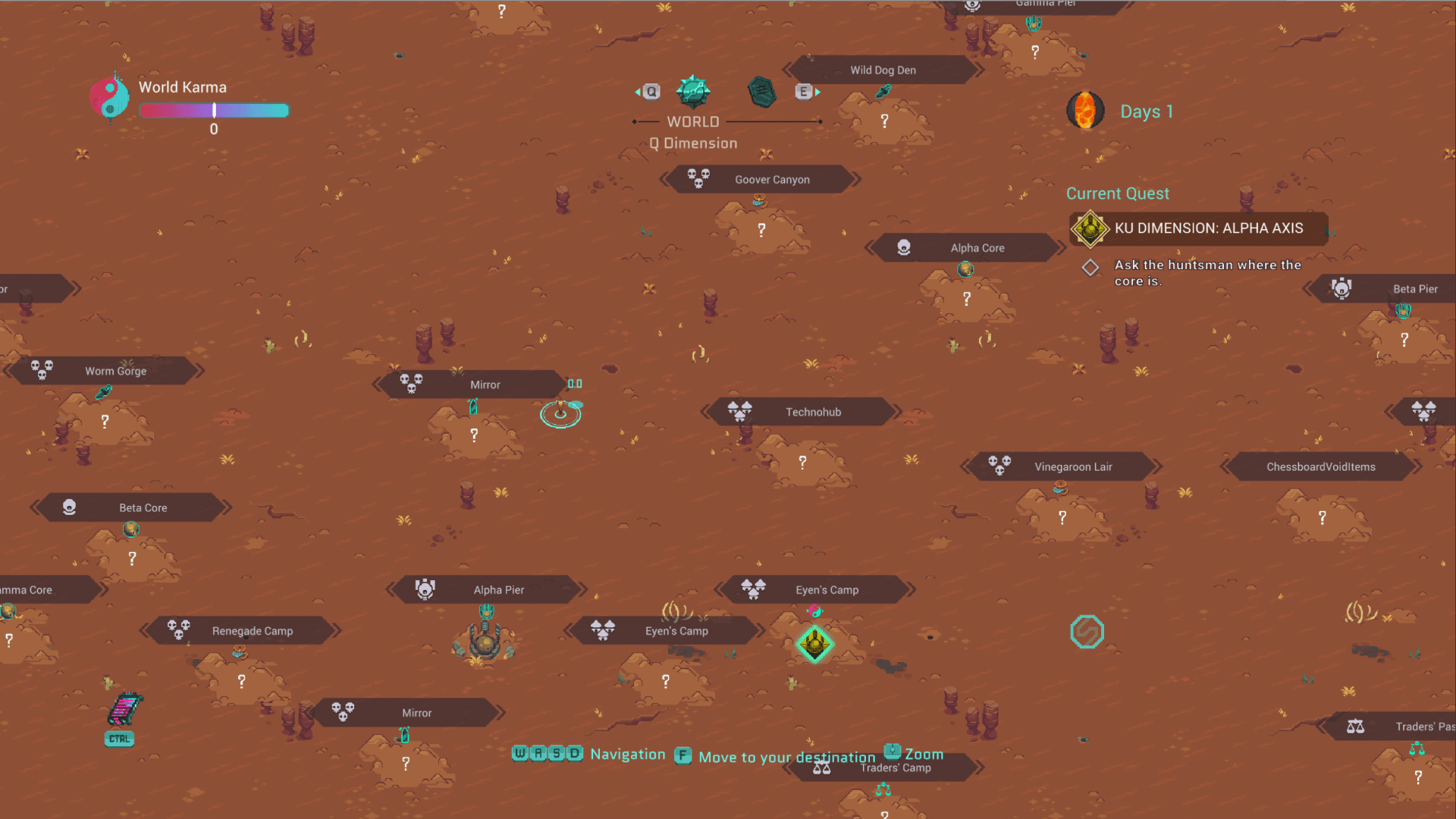
Undungeon is an action role-playing experience that brings back the spirit of old school action/RPGs wrapped in modern design. Restore the order in all dimensions, influence and determine the fate of the worlds, create and decide what will happen in the new Multiverse.
FEATURES:
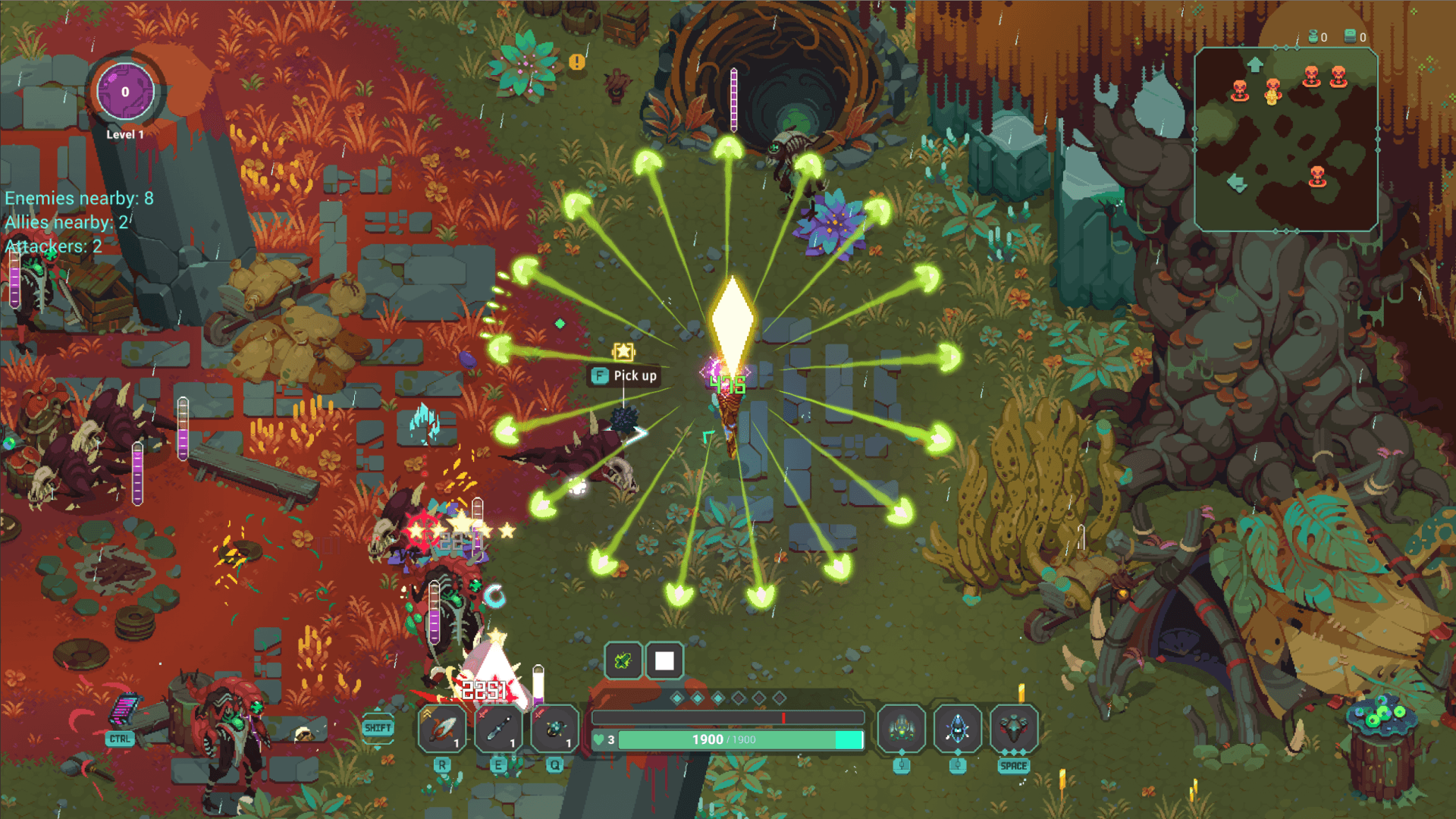
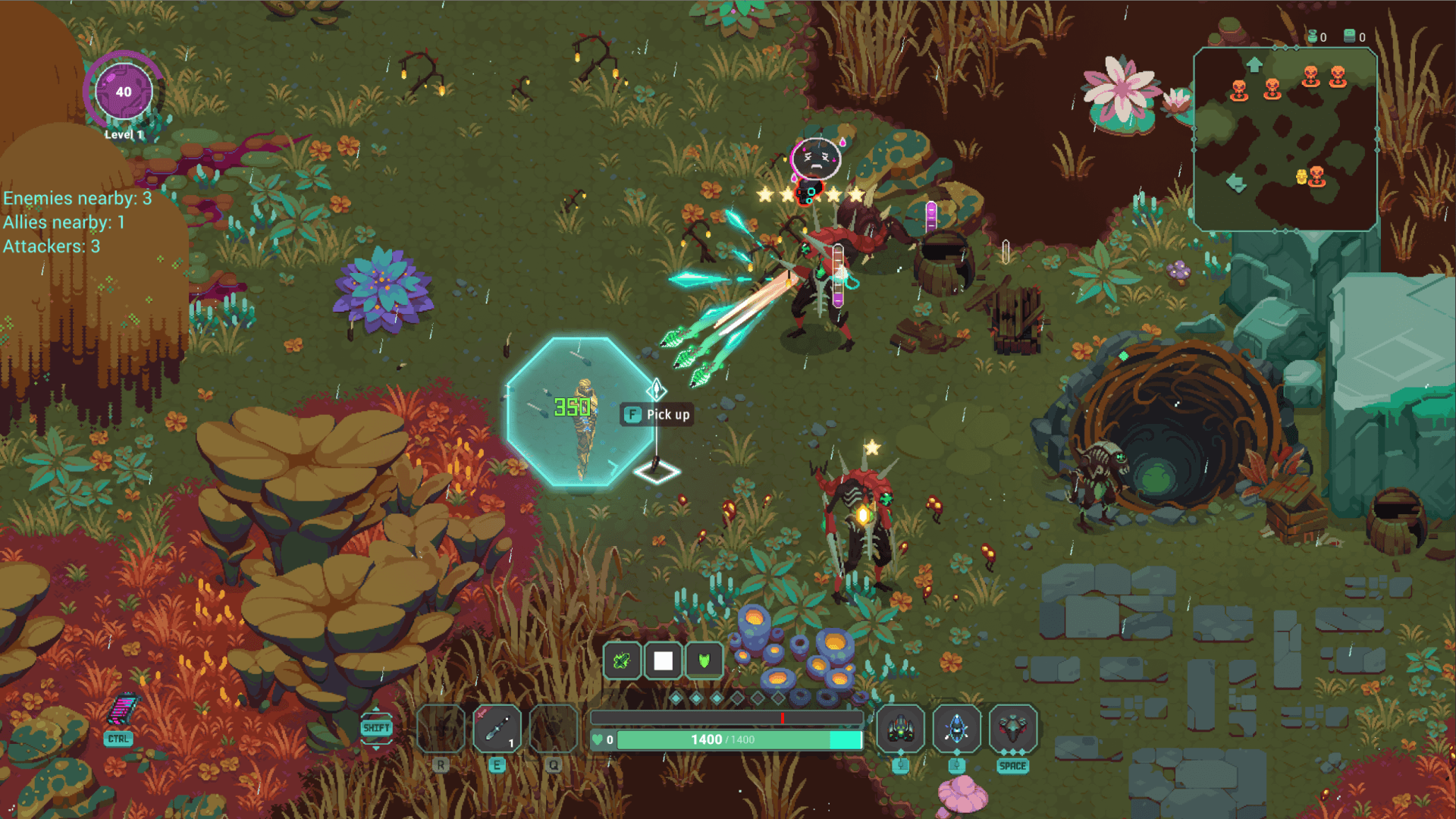
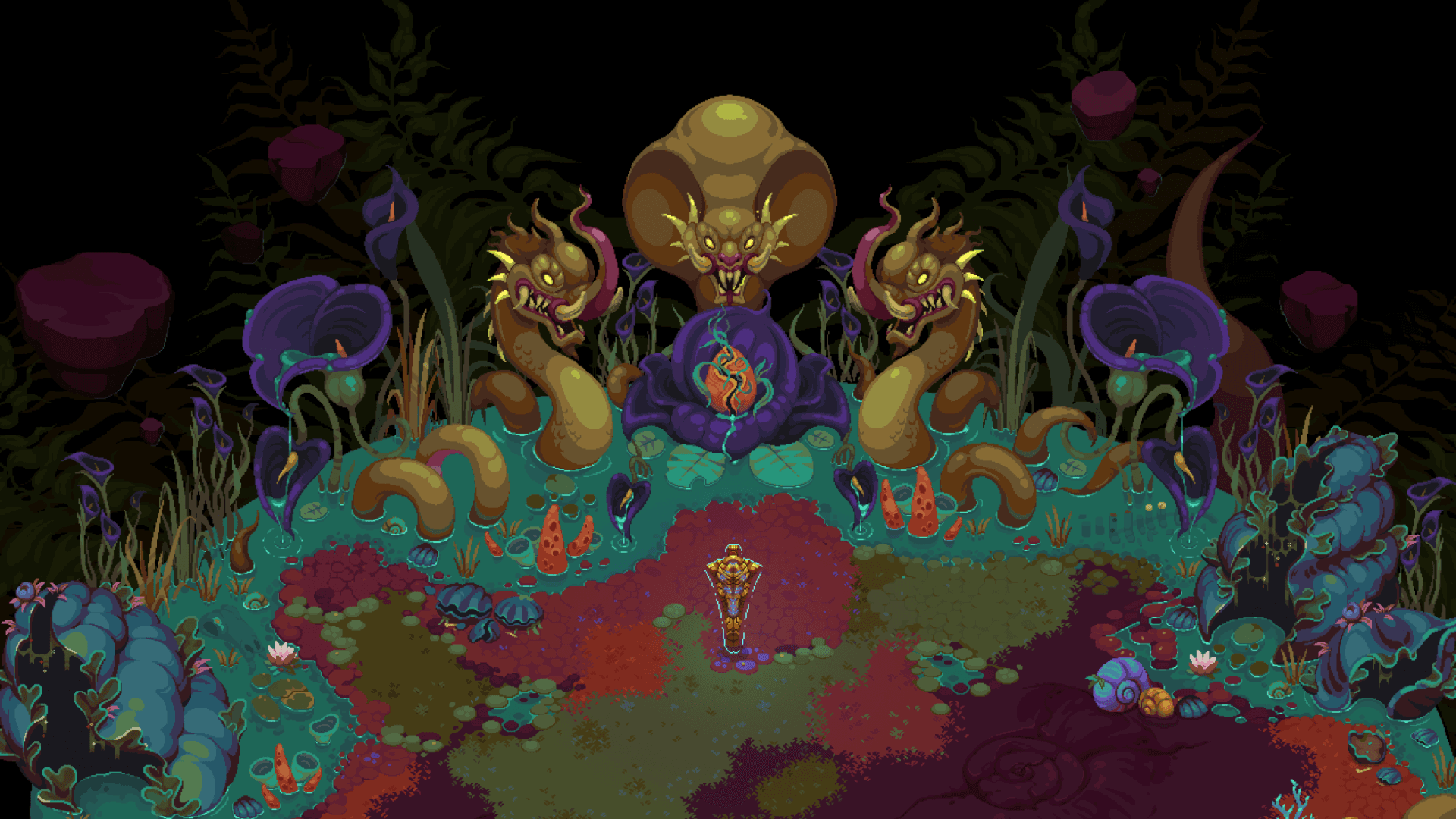
- Colorful pixel art aesthetics: each tree, bush or rock is hand-drawn, each enemy has dozens of carefully crafted animation frames to create a one-of-a-kind visual experience;
- Mind-bending science fiction story: Several multidimensional versions of Earth were suddenly merged together, shattering one another in a ...
सिस्टम आवश्यकताएं
न्यूनतम
- ऑपरेटिंग सिस्टम
- Windows 7 and up
- प्रोसेसर
- 2Ghz and up
- मेमोरी
- 8 GB RAM
- ग्राफ़िक्स
- GTX 750
- DirectX
- Version 11
- स्टोरेज
- 10 GB available space
- साउंड कार्ड
- A good one
सिफारिश की
- ऑपरेटिंग सिस्टम
- Windows 10
- प्रोसेसर
- i7 ~3 Ghz / Ryzen 7
- मेमोरी
- 16 GB RAM
- ग्राफ़िक्स
- GTX 1060
- DirectX
- Version 11
- स्टोरेज
- 10 GB available space
- साउंड कार्ड
- Integrated