


कैसे सक्रिय करें
- Steam इंस्टॉल करें और अपने खाते में साइन इन करें (मुफ़्त खाता काफ़ी है)।
- ऊपर के मेनू में „Games” → „Activate a Product on Steam…” चुनें।
- कुंजी को ठीक वैसे ही दर्ज करें जैसे ऑर्डर में दिखाई गई है (डैश सहित) और पुष्टि करें। गेम आपकी लाइब्रेरी में दिखाई देगा।
गेम के बारे में
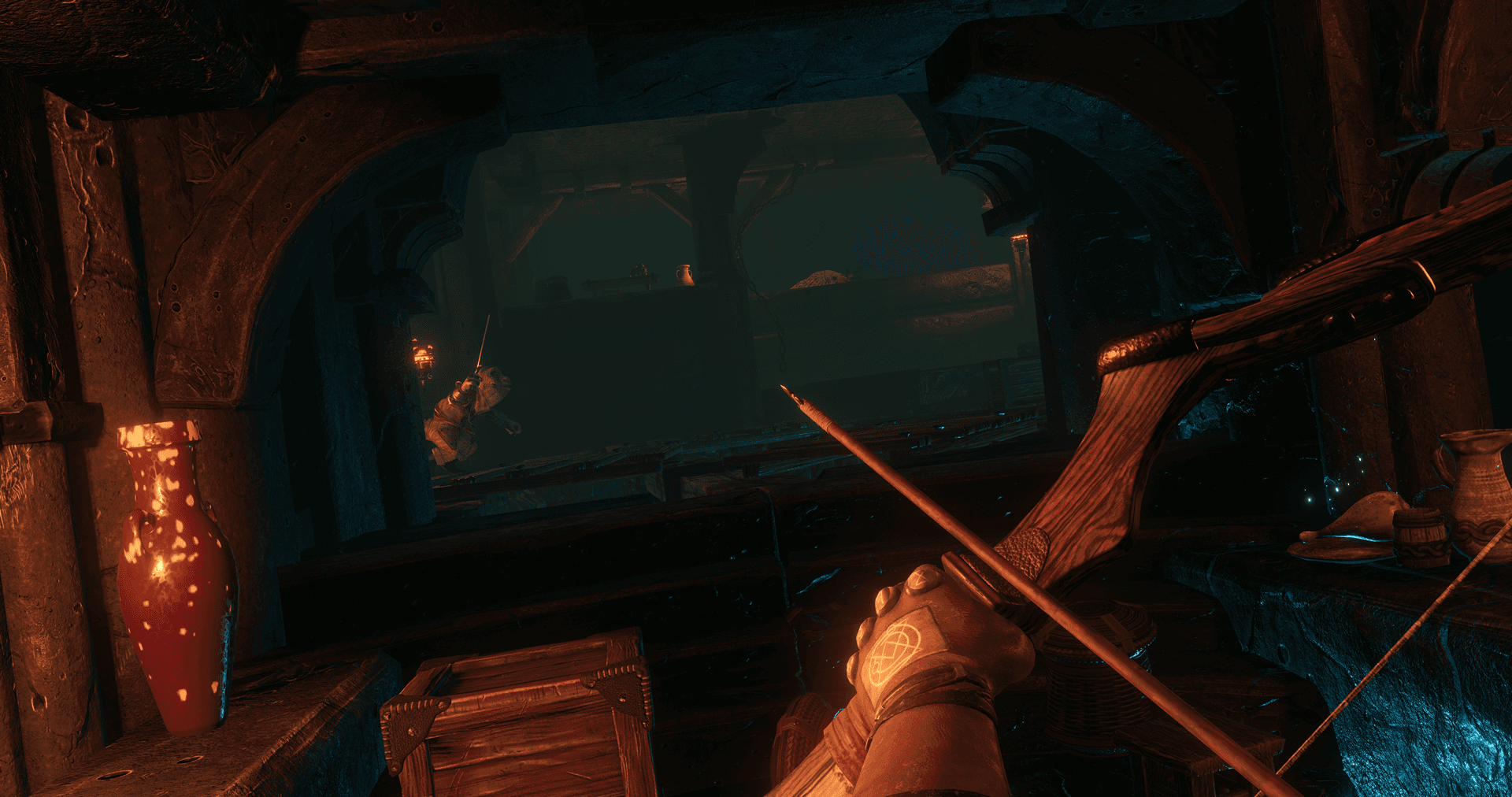
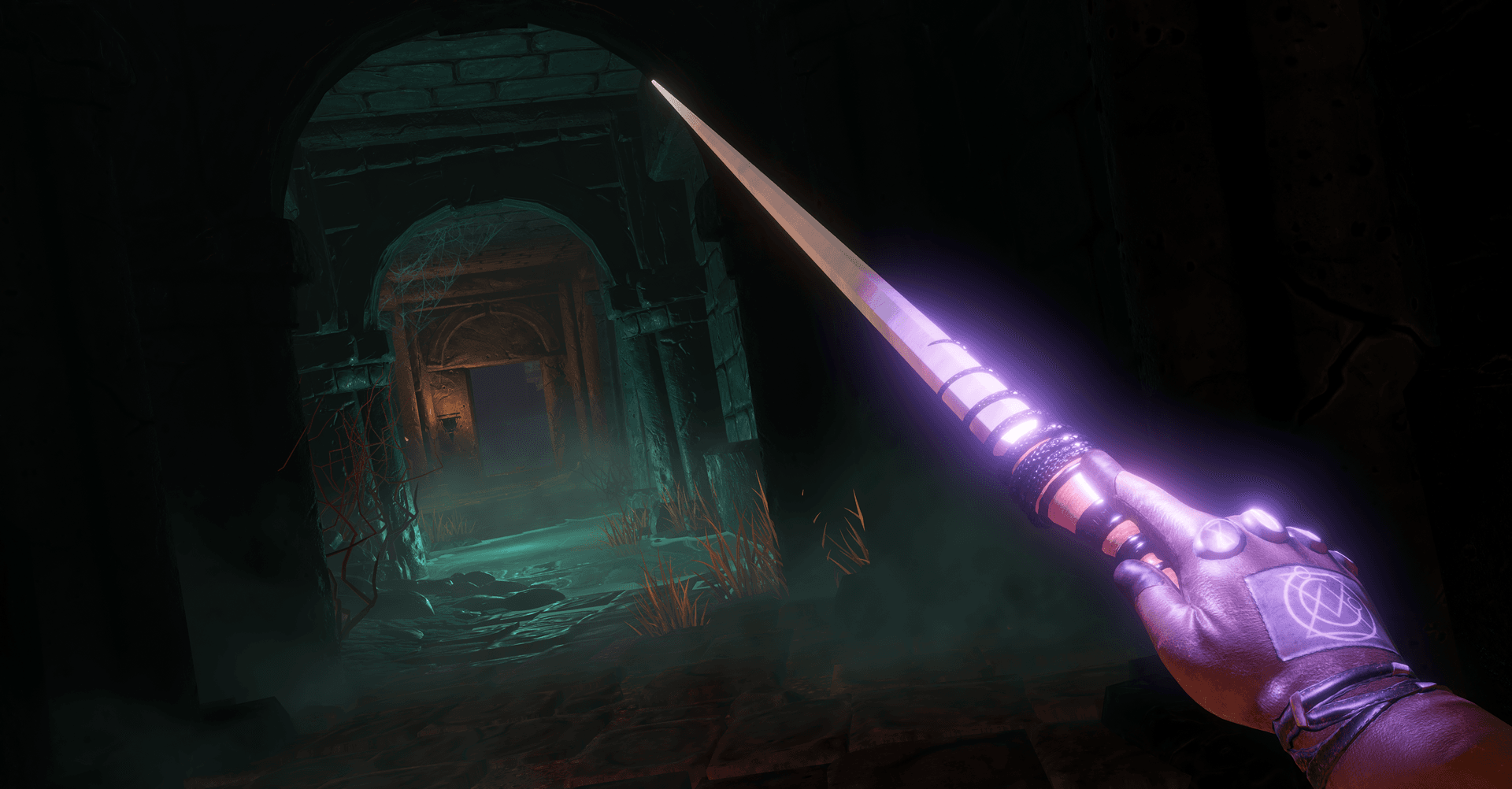
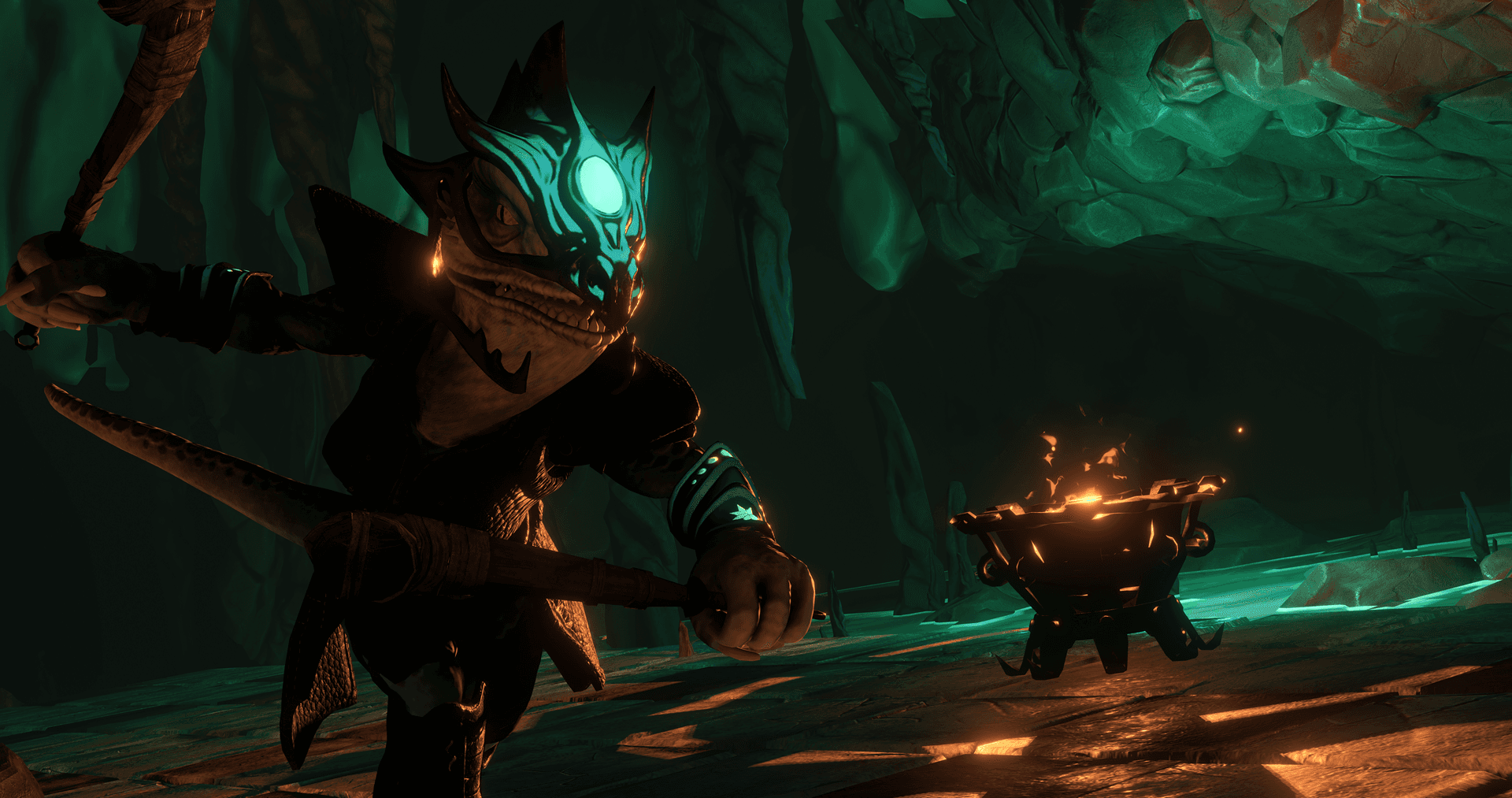
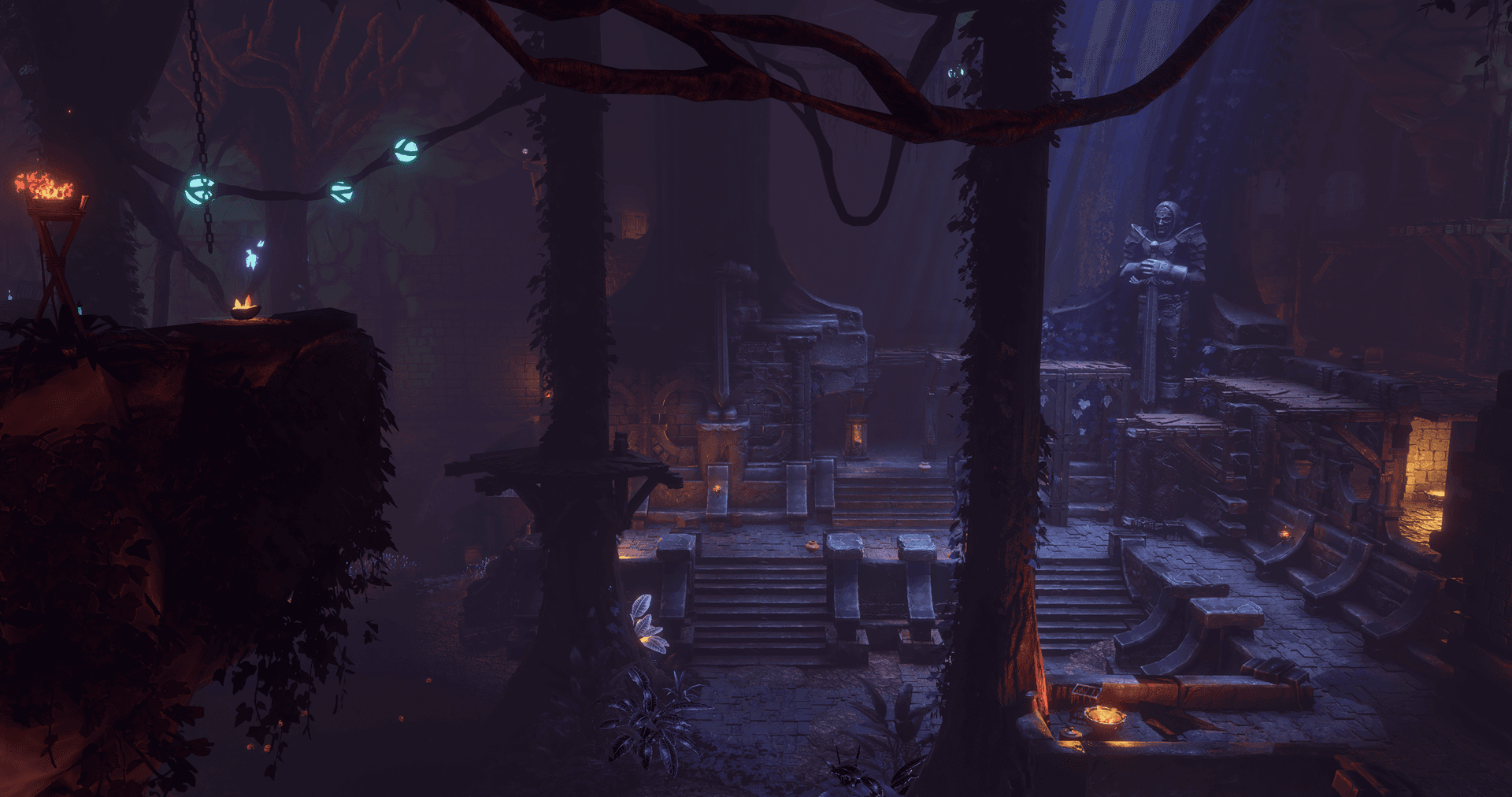
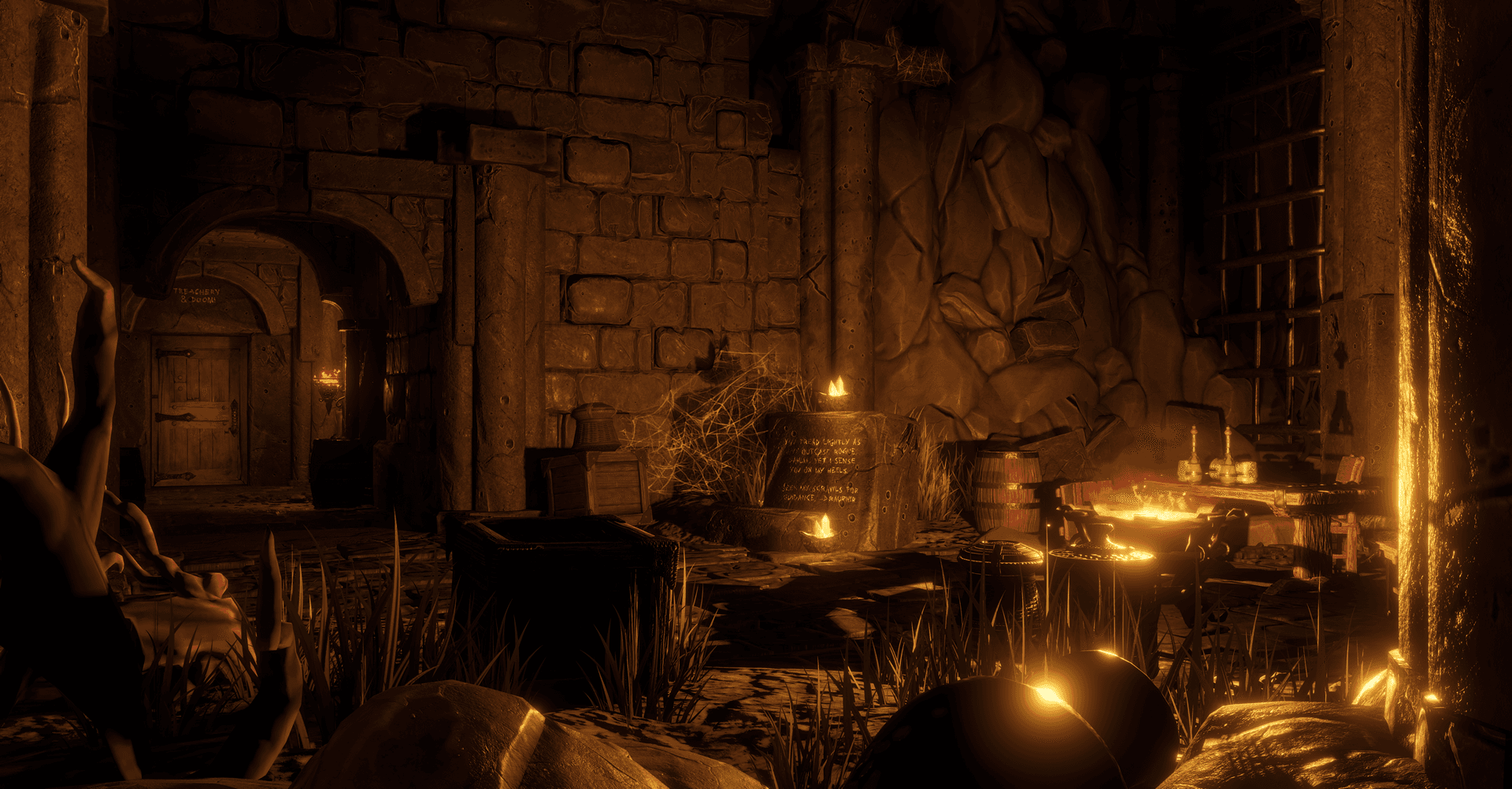
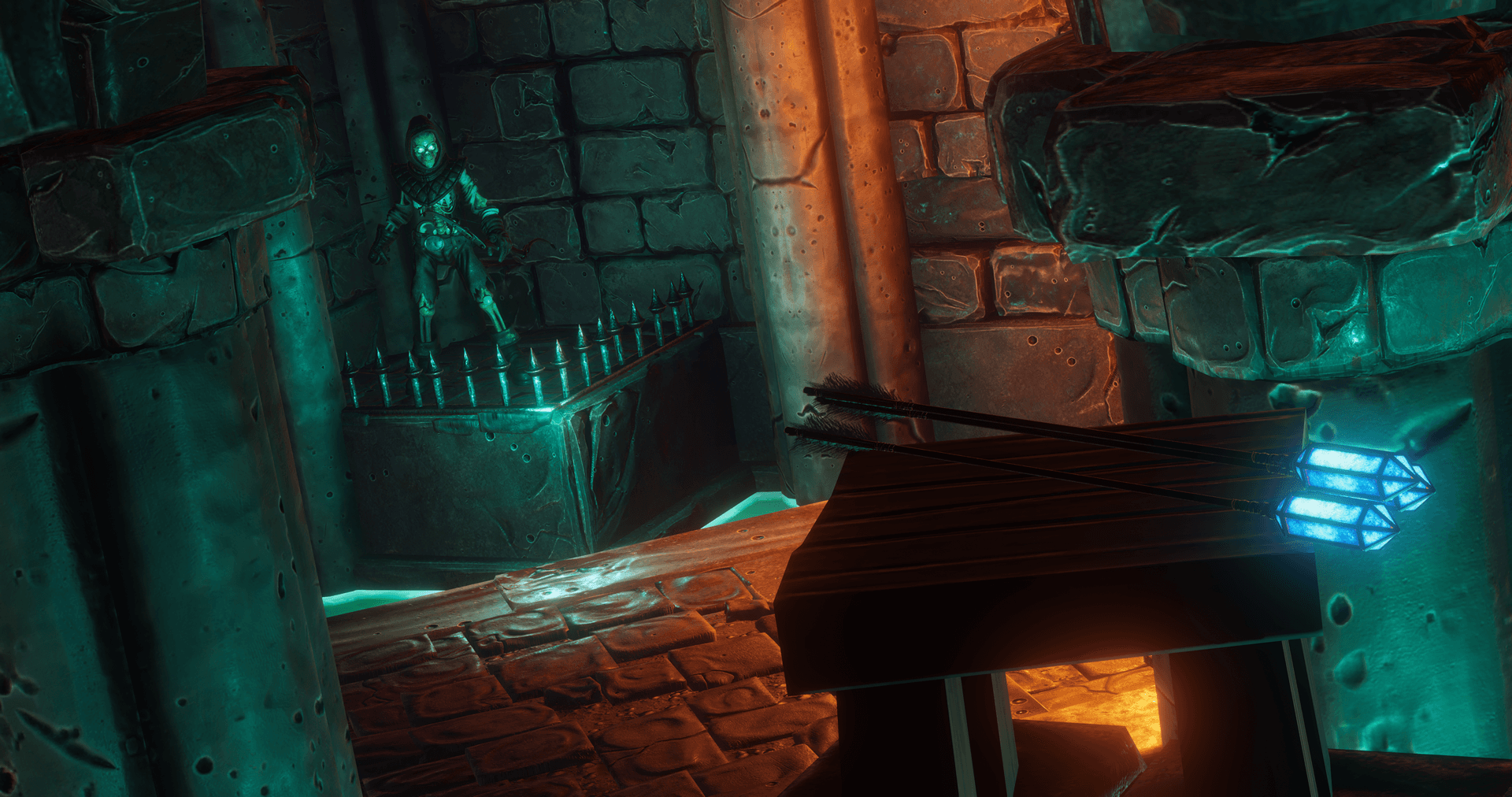
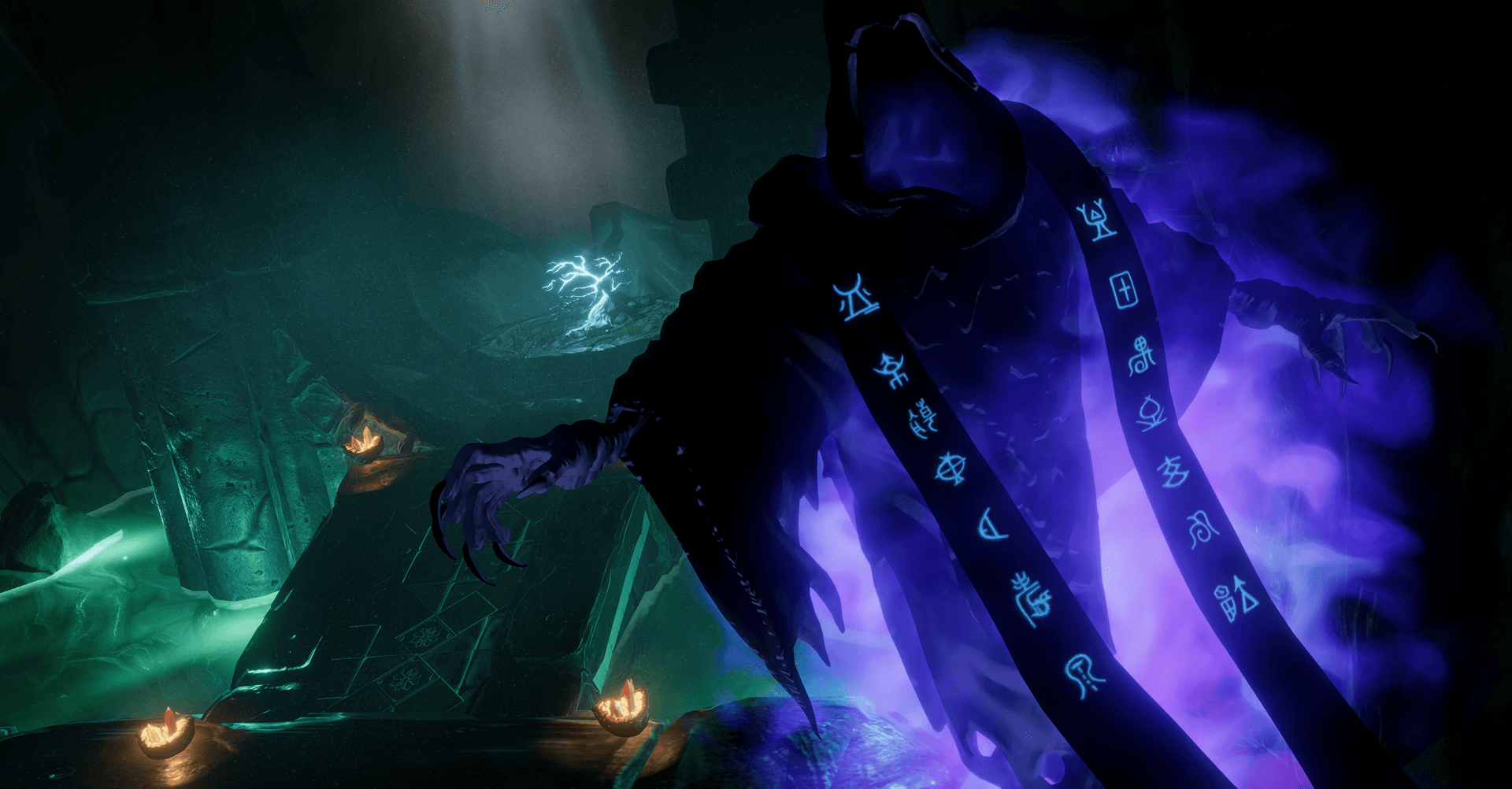
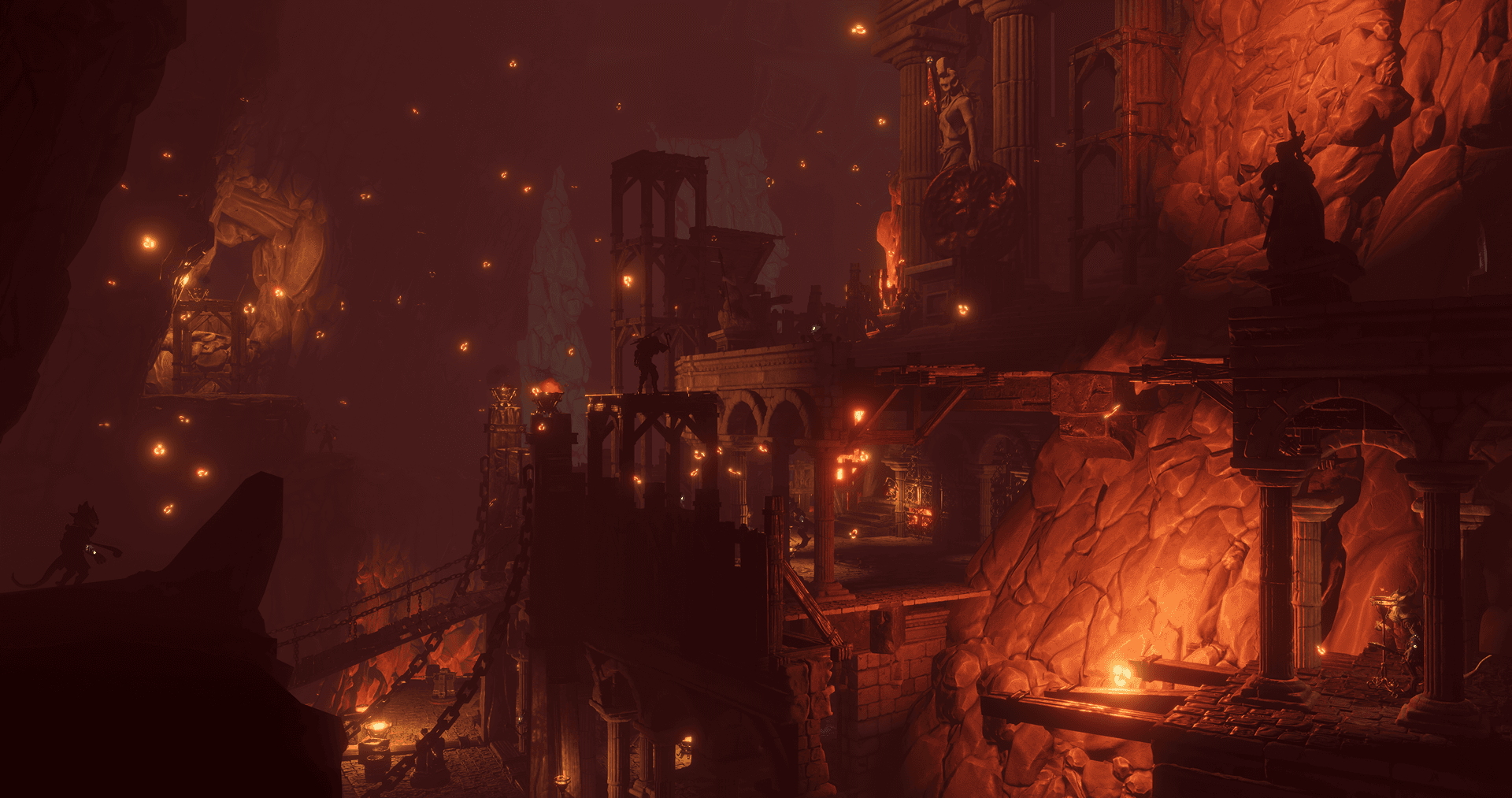
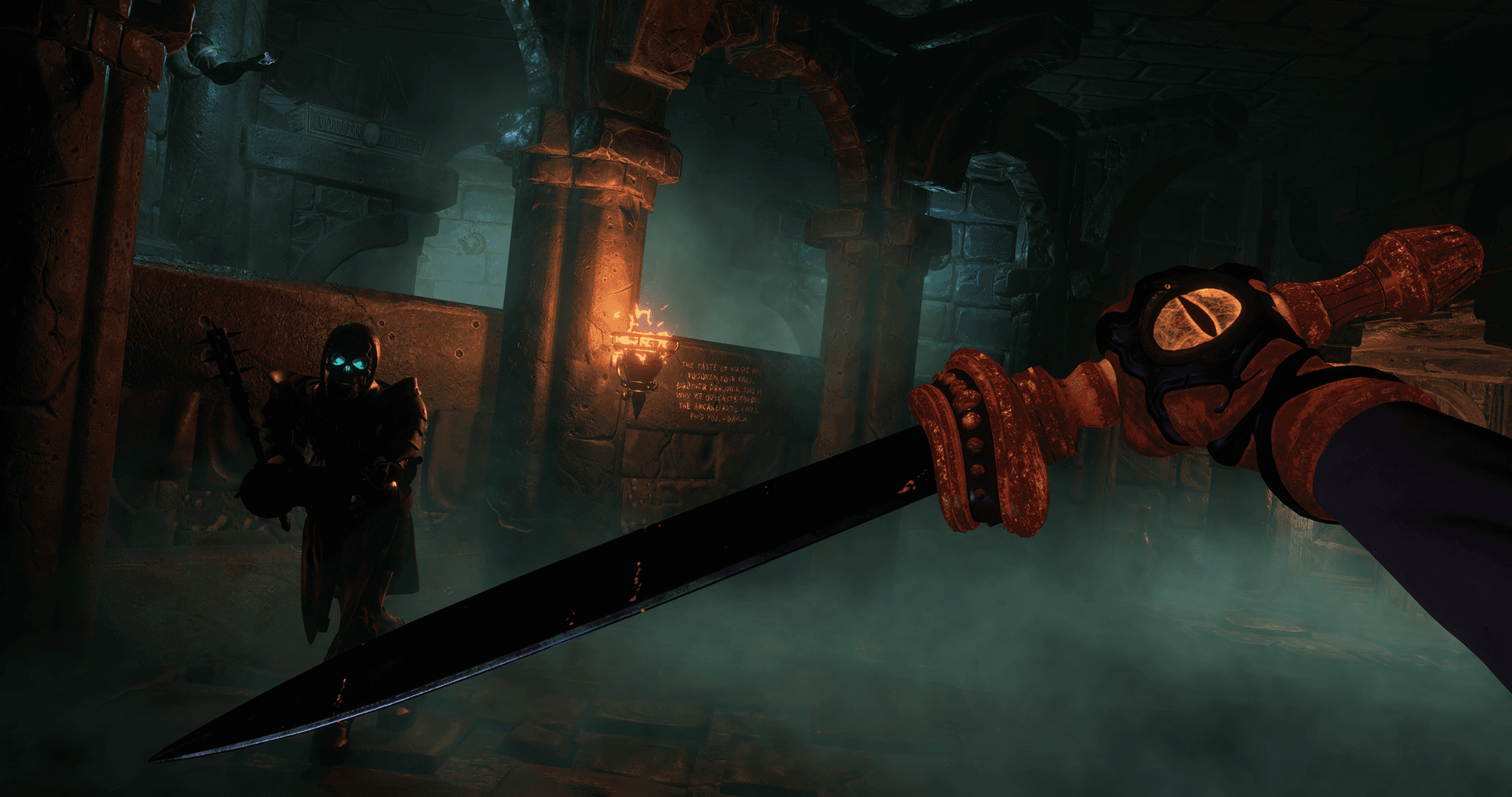
From the creative minds behind the acclaimed Ultima Underworld®, System Shock and Thief series. In Underworld Ascendant®, Paul Neurath and Warren Spector's OtherSide Entertainment challenges you to think creatively in an interactive sandbox environment.
You are summoned by a mysterious figure to The Stygian Abyss, a dangerous and constantly evolving dungeon world imperiled by the looming threat of the beast Typhon. ...
सिस्टम आवश्यकताएं
- Steam account required for game activation and installation
- PC System Requirements
- न्यूनतम
- Requires a 64-bit processor and operating system
- ऑपरेटिंग सिस्टम
- 64-bit Windows 7, 64-bit Windows 8 (8.1) or 64-bit Windows 10
- प्रोसेसर
- Intel CPU Core i5-2500K 3.3GHz / AMD FX-8320 3.5 GHz
- मेमोरी
- 8 GB RAM
- ग्राफ़िक्स
- Nvidia GPU GeForce GTX 960 (3GB)/ AMD R9 280 (3GB)
- DirectX
- Version 11
- स्टोरेज
- 45 GB available space
- अनुशंसित
- Requires a 64-bit processor and operating system
- ऑपरेटिंग सिस्टम
- 64-bit Windows 7, 64-bit Windows 8 (8.1) or 64-bit Windows 10
- प्रोसेसर
- Intel CPU Core i7-6700/ AMD Ryzen 5 1500x
- मेमोरी
- 12 GB RAM
- ग्राफ़िक्स
- Nvidia GPU GeForce GTX 1060 (6GB)/ Radeon RX 480 (8GB)
- DirectX
- Version 12
- स्टोरेज
- 45 GB available space
कानूनी जानकारी
© 2018 OtherSide Entertainment, Inc. All rights Reserved. Underworld Ascendant and OtherSide Entertainment are trademarks of OtherSide Entertainment, Inc. 505 Games and the 505 Games logo are registered trademarks of 505 Games S.p.A and/or its Affiliates. All other trademarks and copyrights are the property of their respective holders.