

कैसे सक्रिय करें
- Steam इंस्टॉल करें और अपने खाते में साइन इन करें (मुफ़्त खाता काफ़ी है)।
- ऊपर के मेनू में „Games” → „Activate a Product on Steam…” चुनें।
- कुंजी को ठीक वैसे ही दर्ज करें जैसे ऑर्डर में दिखाई गई है (डैश सहित) और पुष्टि करें। गेम आपकी लाइब्रेरी में दिखाई देगा।
गेम के बारे में
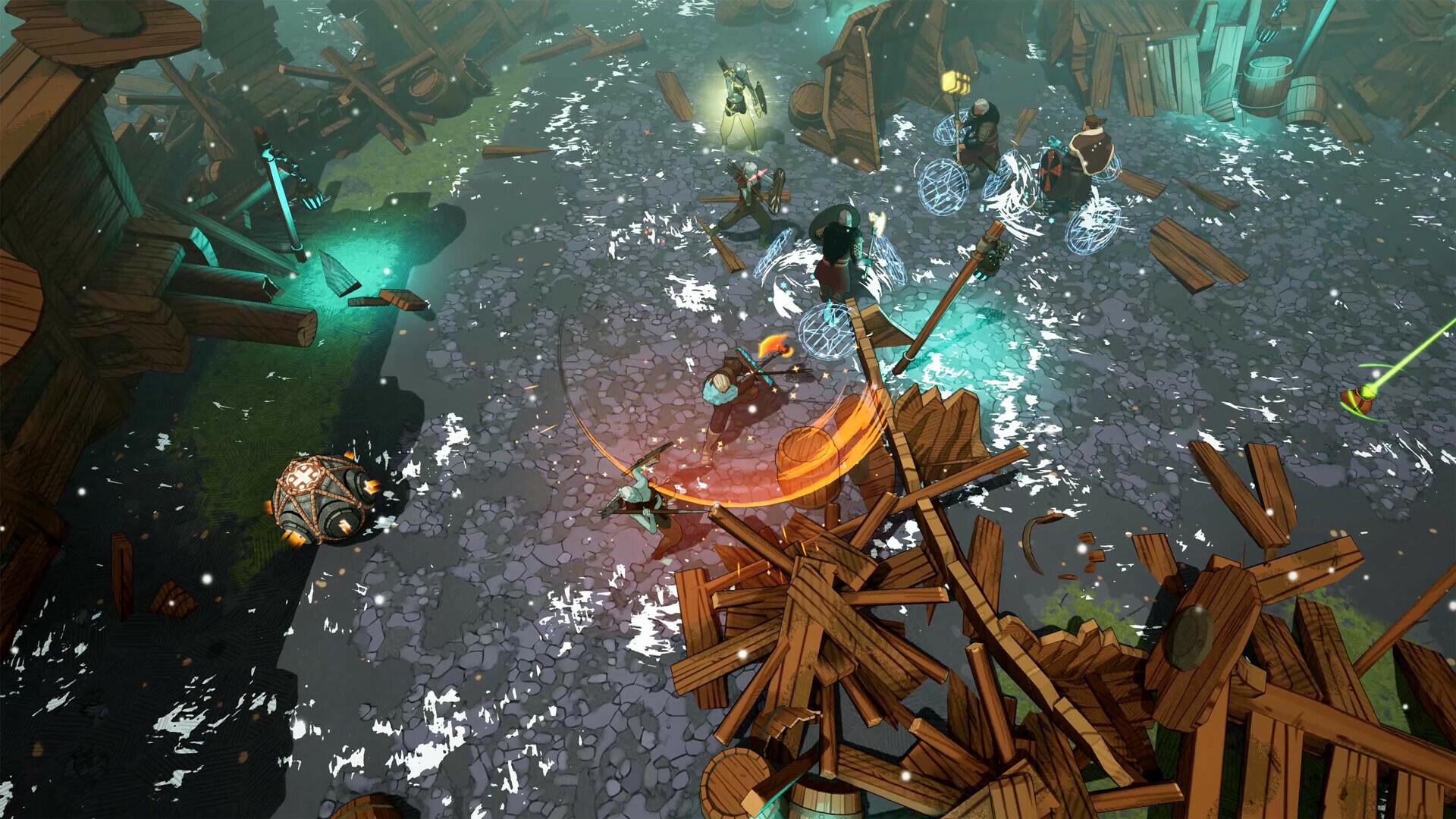
Heads up, the Giants are coming! Midgard is under siege from unwelcome visitors. Mythical creatures, deadly spirits, and gigantic brutes threaten to bring on Ragnarök—the end of the world!
It’s up to you, a mighty Einherjar, to cut short your glorious feast in Valhalla and return to Midgard. There, you’ll need to become the ultimate Viking and survive—even thrive—to save your village, and the world, from total destruction. Luckily, you don’t have to brave it alone: your (mostly) fearless tribe of co-op companions will help you build up village defenses and find treasures through a vast, ...
सिस्टम आवश्यकताएं
न्यूनतम
- ऑपरेटिंग सिस्टम
- Windows 7 64 Bits
- प्रोसेसर
- Intel Quad Core i5-2300 or AMD FX-6300
- मेमोरी
- 8 GB RAM
- ग्राफ़िक्स
- Nvidia GeForce GTX 560 (1GB) or AMD Radeon HD 7770 (1GB)
- DirectX
- Version 11
- नेटवर्क
- Broadband Internet connection
- स्टोरेज
- 8 GB available space
- साउंड कार्ड
- DirectX® Compatible
सिफारिश की
- ऑपरेटिंग सिस्टम
- Windows 10 64 Bits
- प्रोसेसर
- Intel Quad Core i5-2300 or AMD FX-6300
- मेमोरी
- 8 GB RAM
- ग्राफ़िक्स
- Nvidia GeForce GTX 780 Ti/970 (High Settings) and 1070 (Ultra Settings) or AMD R9 290/AMD RX480 (High Settings)
- DirectX
- Version 11
- नेटवर्क
- Broadband Internet connection
- स्टोरेज
- 8 GB available space
- साउंड कार्ड
- DirectX® Compatible