
कैसे सक्रिय करें
- Steam इंस्टॉल करें और अपने खाते में साइन इन करें (मुफ़्त खाता काफ़ी है)।
- ऊपर के मेनू में „Games” → „Activate a Product on Steam…” चुनें।
- कुंजी को ठीक वैसे ही दर्ज करें जैसे ऑर्डर में दिखाई गई है (डैश सहित) और पुष्टि करें। गेम आपकी लाइब्रेरी में दिखाई देगा।
गेम के बारे में
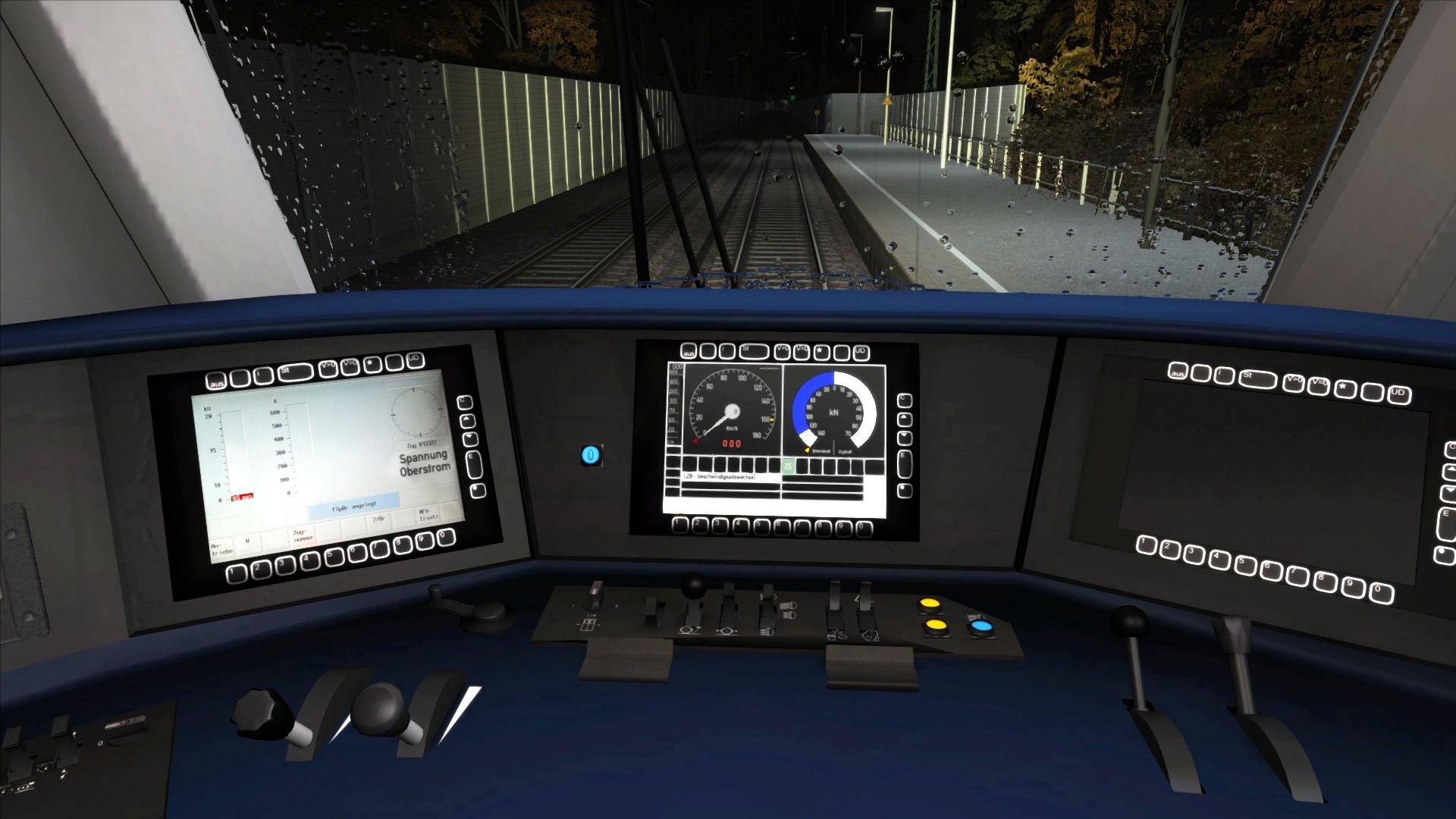
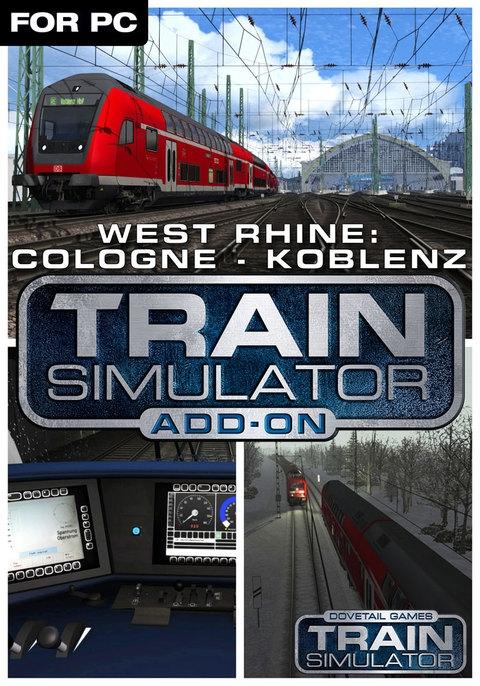
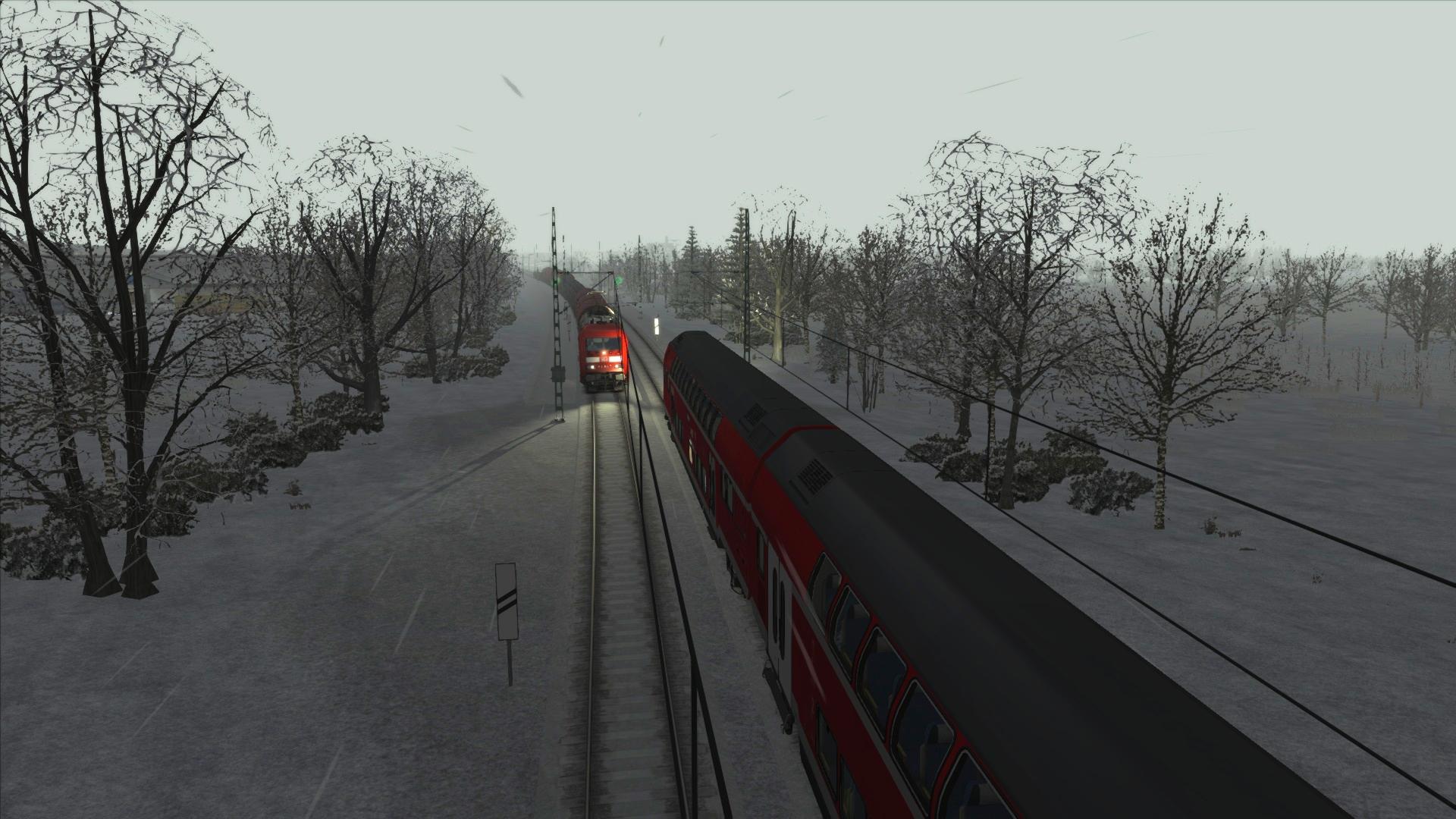
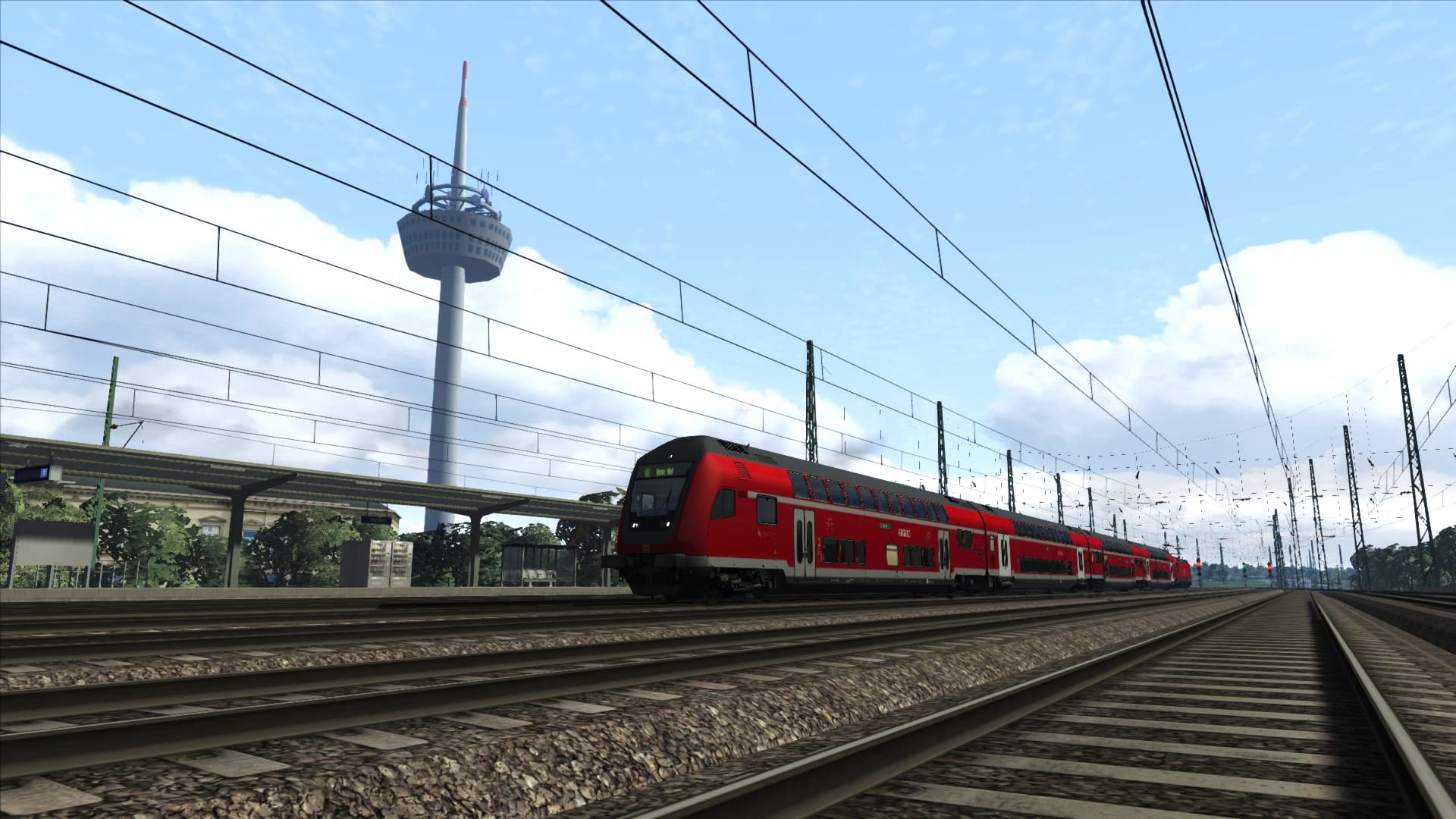
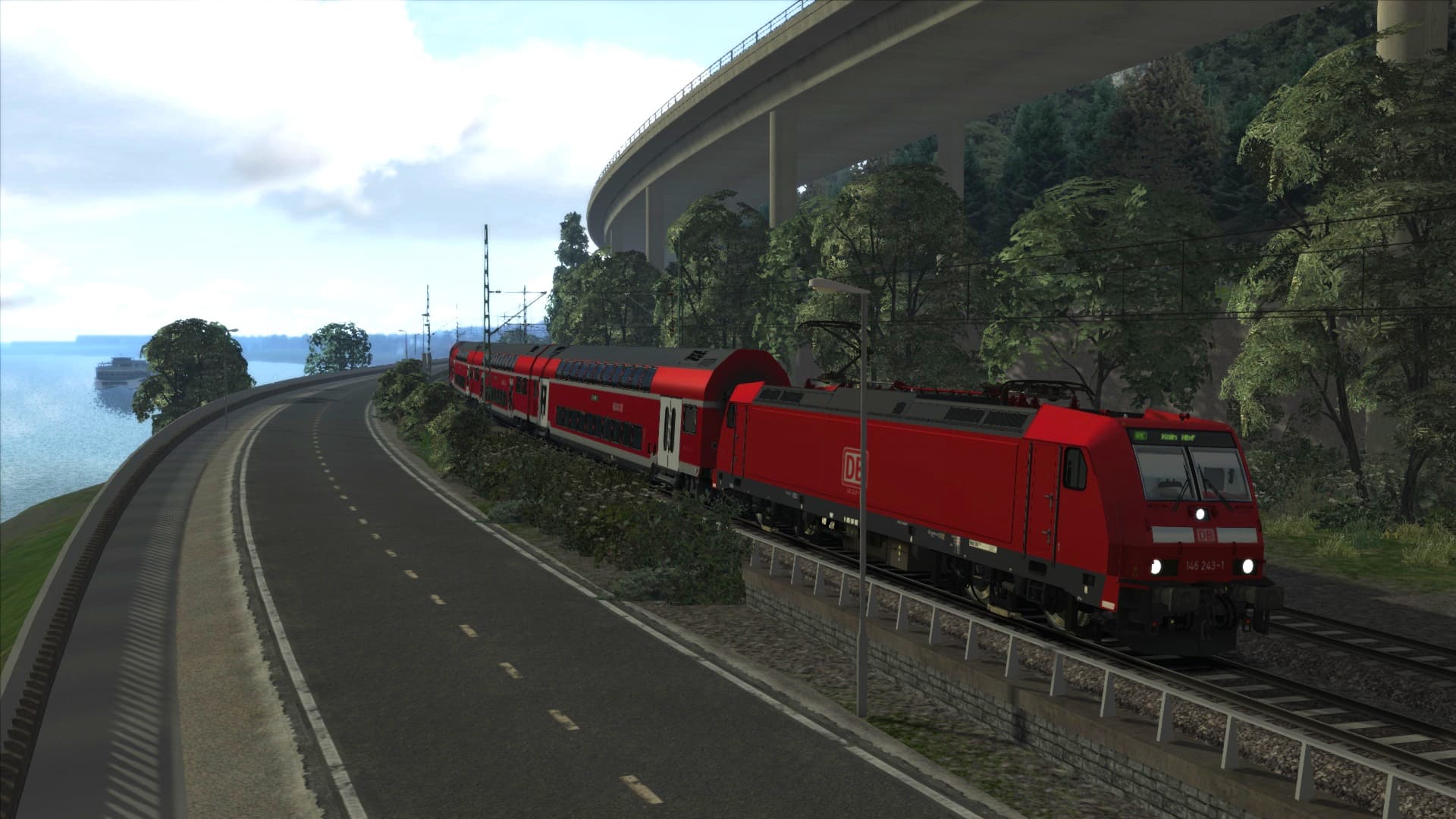
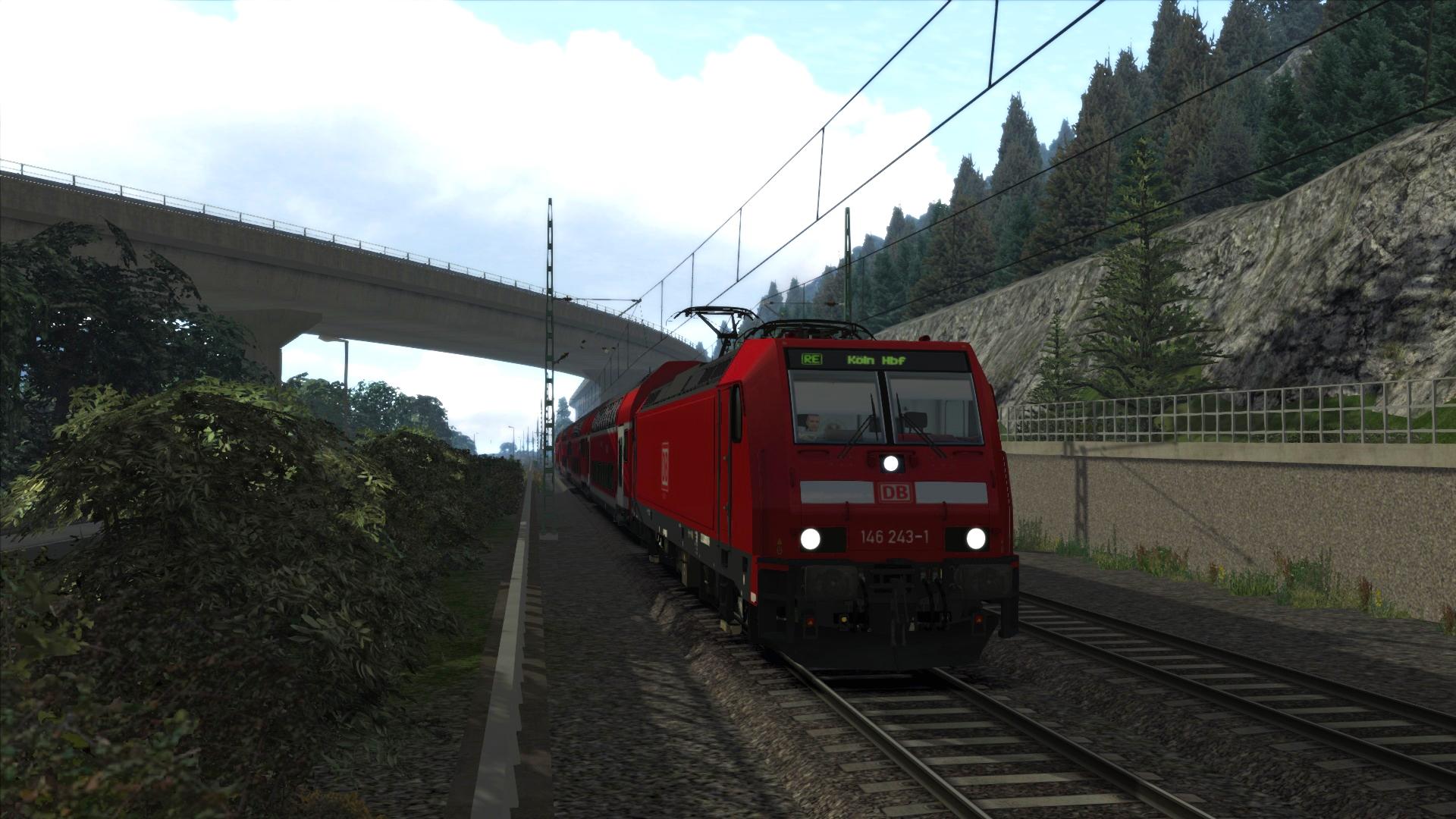
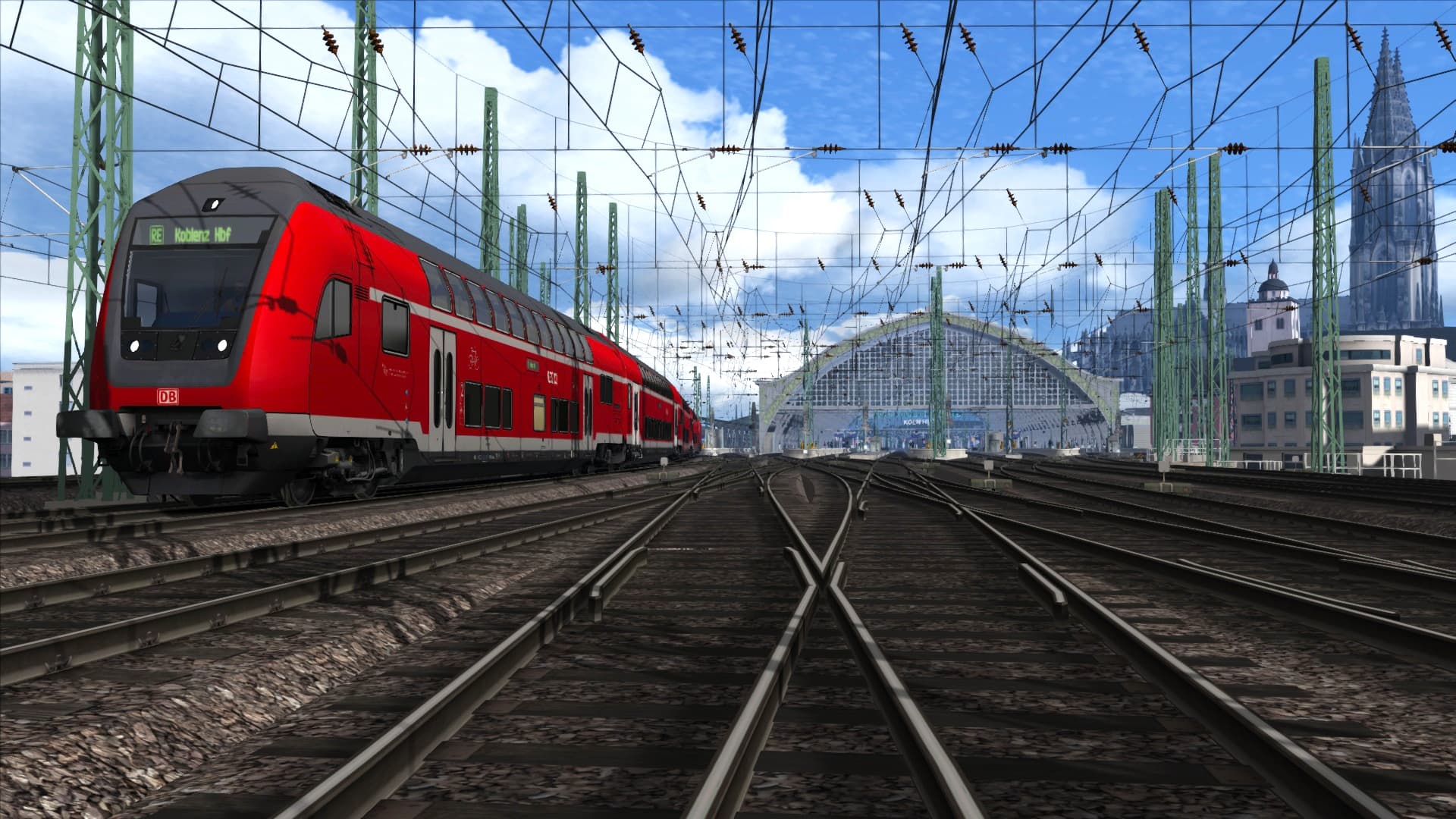
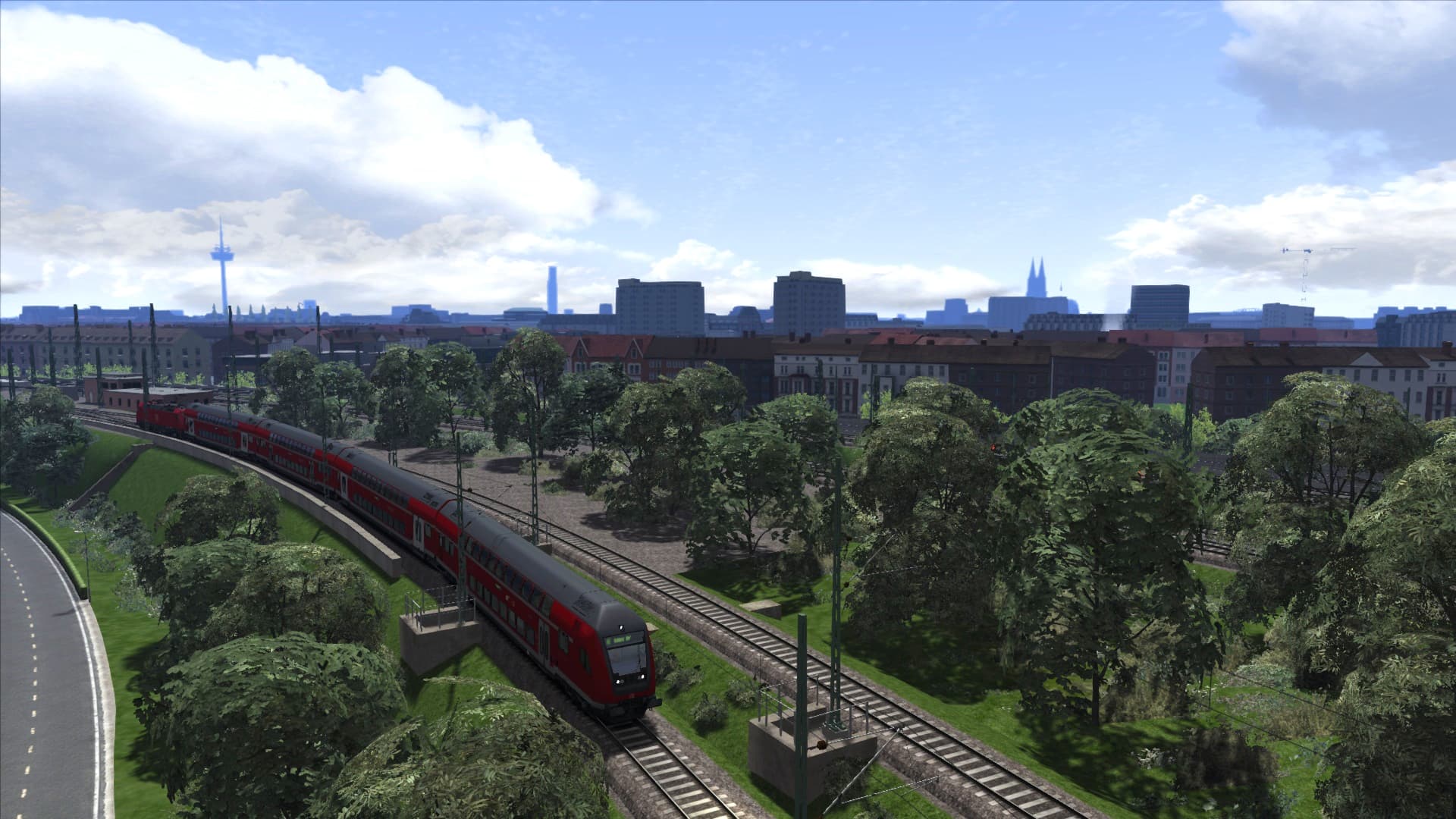
The beautiful landscape of the Rhineland-Palatinate comes to life in a stunning new route for Train Simulator.
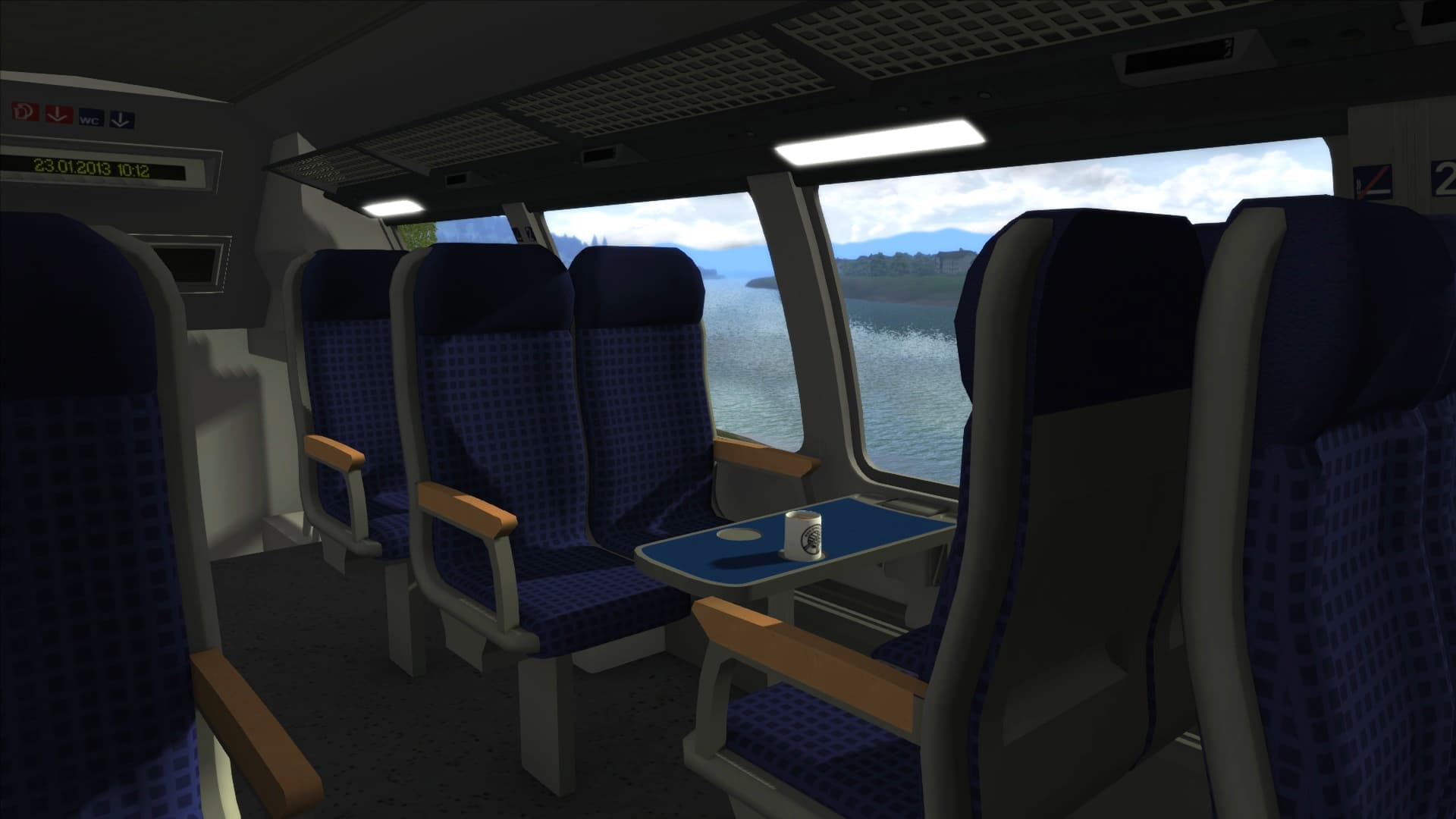
The 96 kilometre (60 mile) route between Germany’s fourth largest city, Cologne, and one of the country’s oldest cities, Koblenz, runs parallel to the west bank of the Rhine for much of the journey, giving passengers spectacular views across the Rhineland-Palatinate area of West Germany.
The earliest section of the line opened on 15 February 1844 between Bonn and St Pantaleon, Cologne’s former main station. It was then extended in 1856 and 1859 to include Cologne Central Station. ...
सिस्टम आवश्यकताएं
न्यूनतम
- ऑपरेटिंग सिस्टम
- Windows® 7 / 8.1
- प्रोसेसर
- Processor: 2.8 GHz Core 2 Duo (3.2 GHz Core 2 Duo recommended), AMD Athlon MP (multiprocessor variant or comparable processors)
- मेमोरी
- 4 GB RAM
- ग्राफ़िक्स
- 512 MB - 1GB with Pixel Shader 3.0 (AGP PCIe only)
- DirectX
- 9.0c
- स्टोरेज
- 40 GB HD space
- साउंड कार्ड
- Direct X 9.0c compatible
- Other Requirements
- Broadband Internet connection
- Additional
- Quicktime Player is required for playing the videos
- ग्राफ़िक्स
- Laptop versions of these chipsets may work but are not supported. Updates to your video and sound card drivers may be required
सिफारिश की
आपको ये भी पसंद आ सकते हैं
- Train Sim World® 2: Hauptstrecke München - Augsburg Route Add-On
- Train Simulator Classic 2024
- Train Sim World® 2: Hauptstrecke Rhein-Ruhr: Duisburg - Bochum Route Add-On

- Train Sim World®: Rapid Transit
- Fishing Sim World: Pro Tour

- Train Simulator: LGV Rhône-Alpes & Méditerranée Route Extension Add-On
- Train Sim World 2: Southeastern High Speed: London St Pancras - Faversham Route Add-On
- Train Simulator 2021