

कैसे सक्रिय करें
- Steam इंस्टॉल करें और अपने खाते में साइन इन करें (मुफ़्त खाता काफ़ी है)।
- ऊपर के मेनू में „Games” → „Activate a Product on Steam…” चुनें।
- कुंजी को ठीक वैसे ही दर्ज करें जैसे ऑर्डर में दिखाई गई है (डैश सहित) और पुष्टि करें। गेम आपकी लाइब्रेरी में दिखाई देगा।
गेम के बारे में
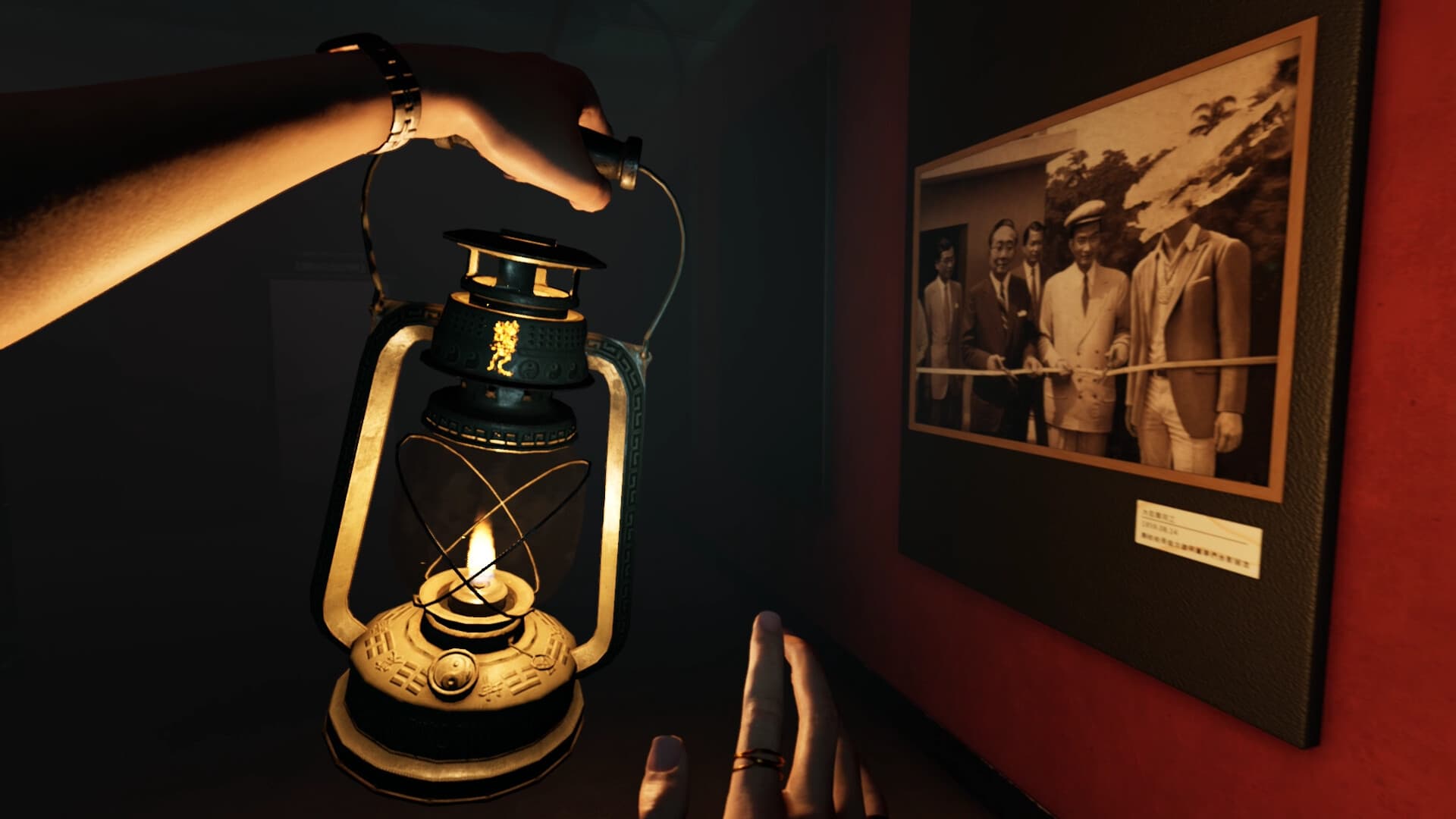
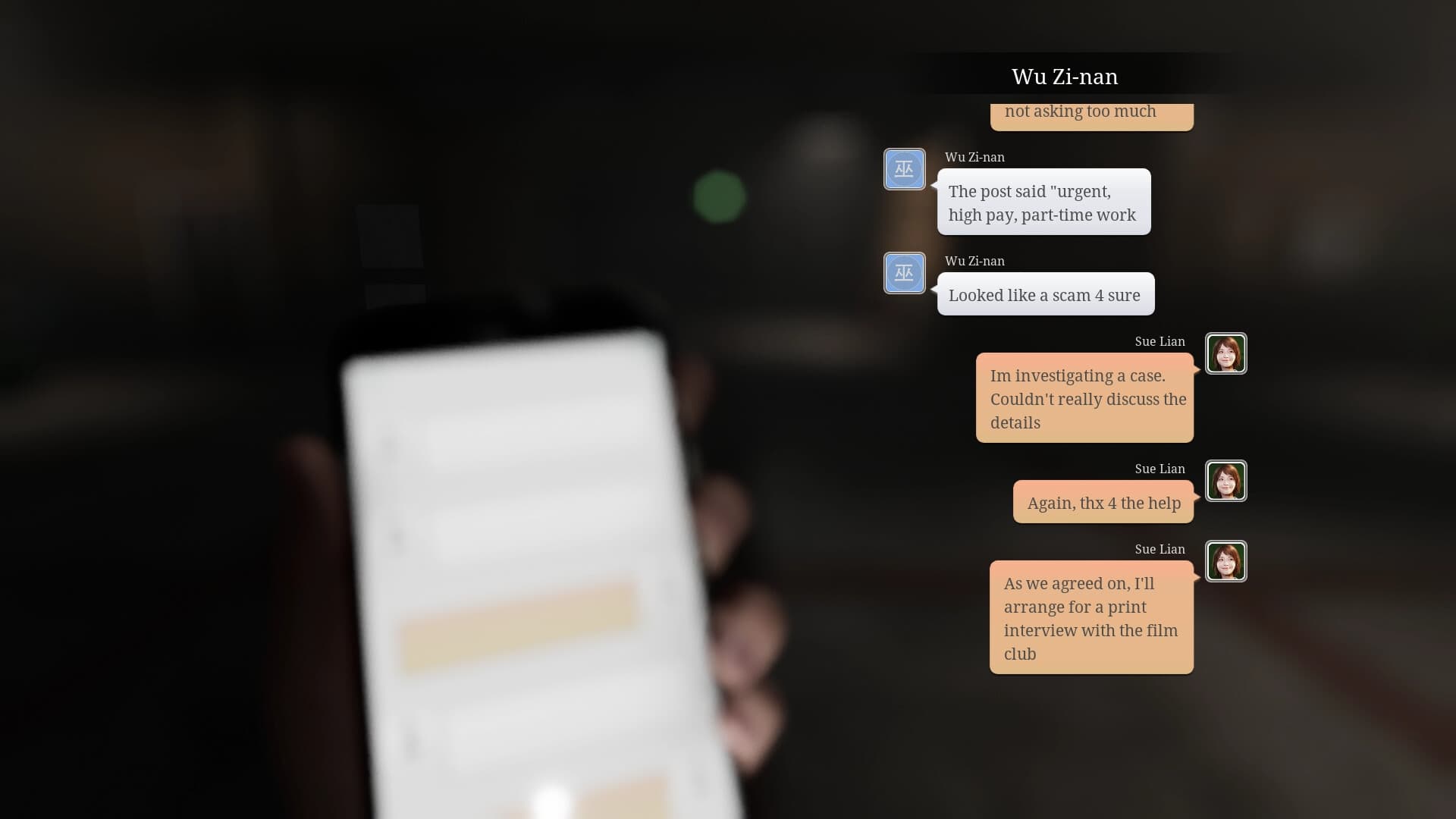
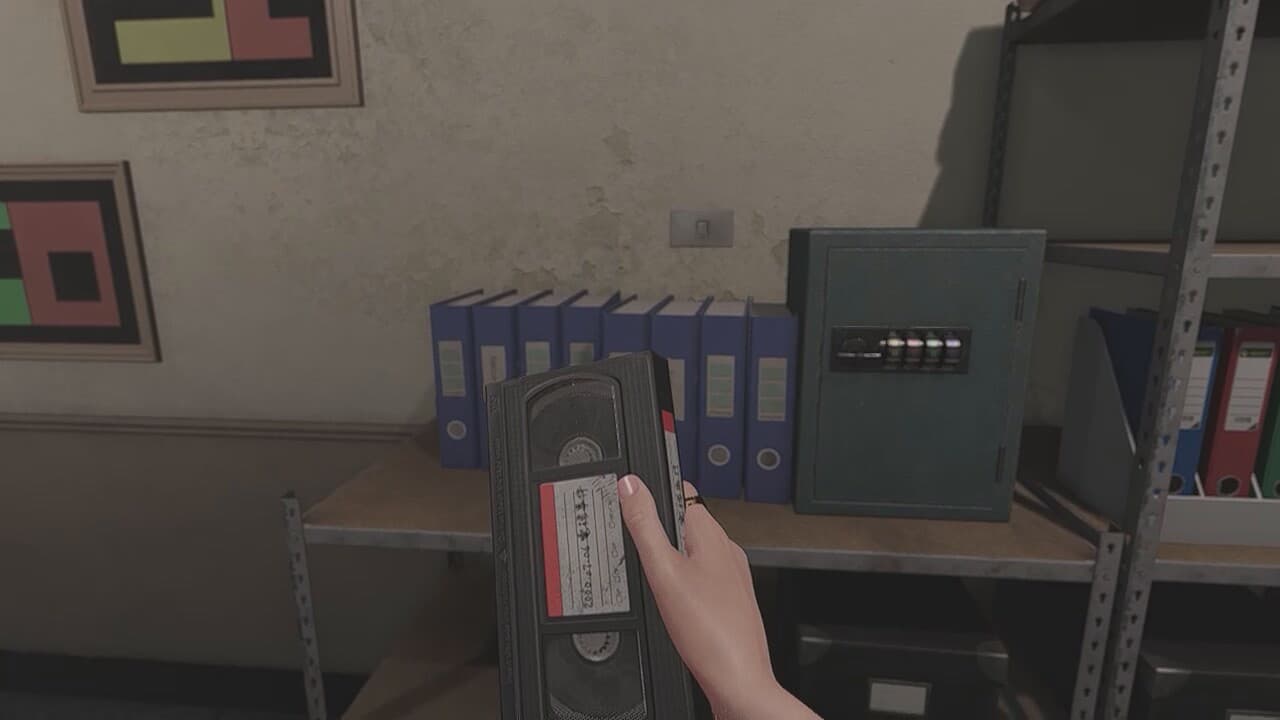
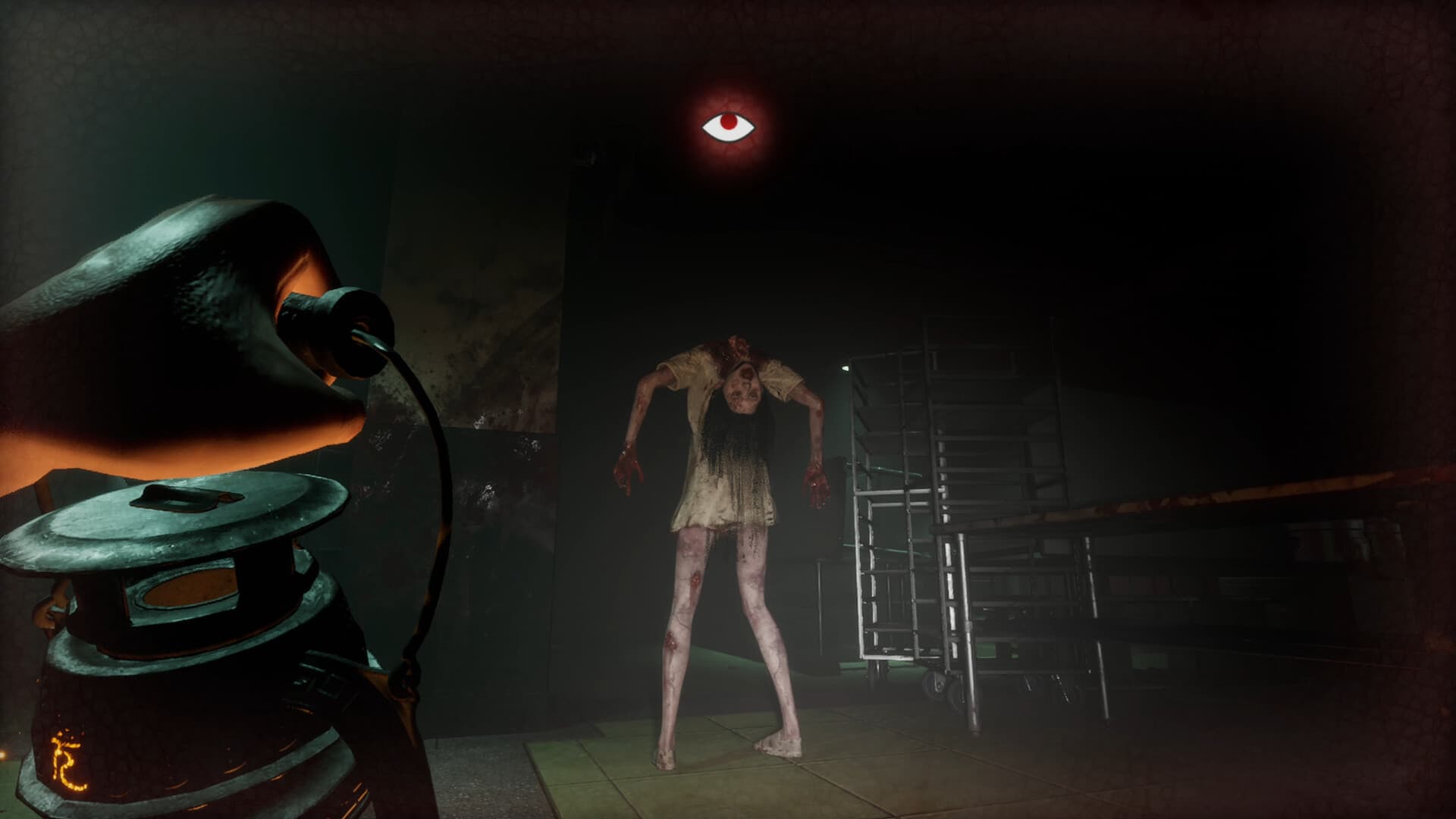
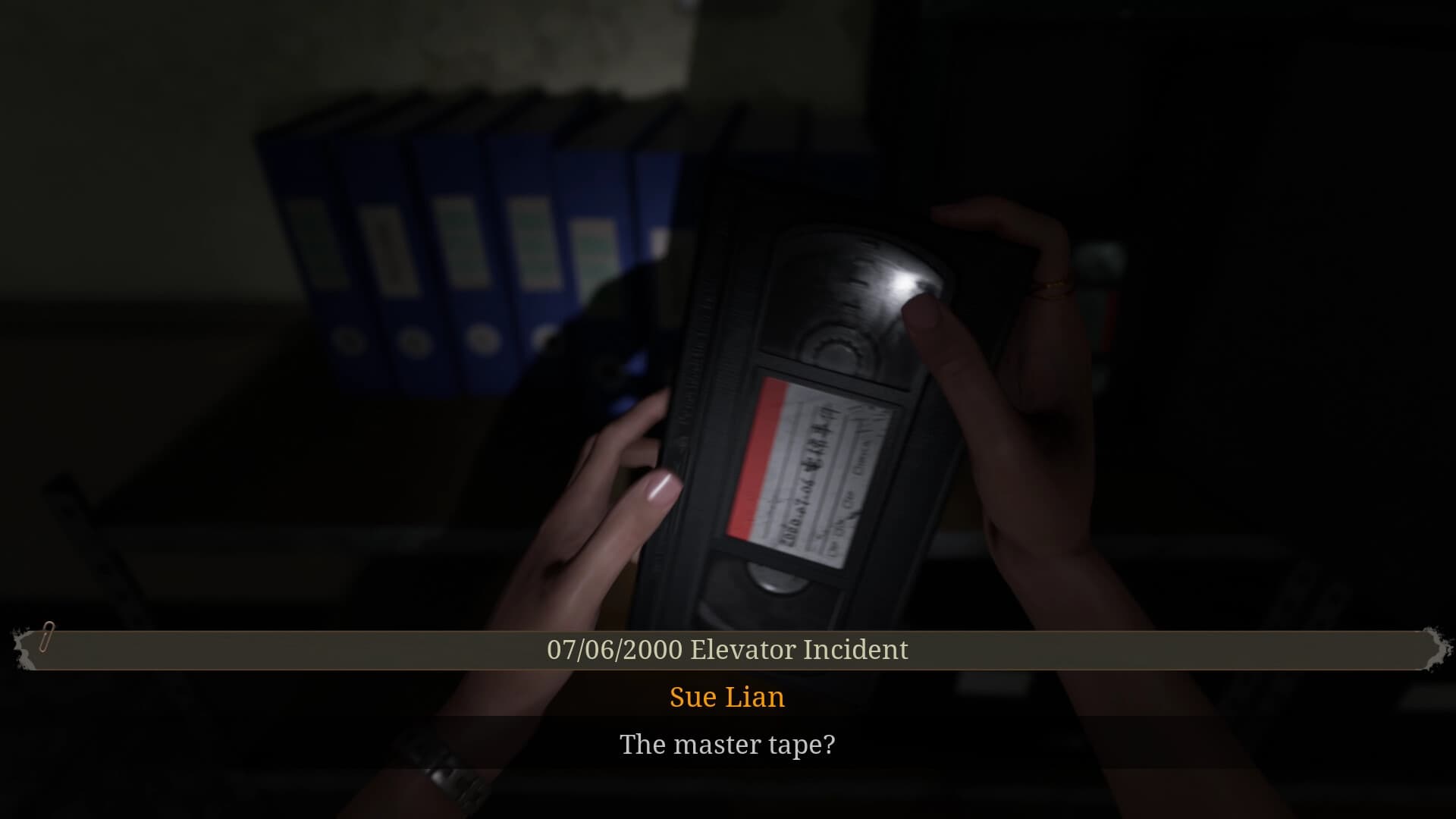
Try to escape with your life in 'The Bridge Curse 2: The Extrication', a first-person survival horror adventure set within 'Wen Hua University', renowned in Taiwan for its ghost tales & folklore. Play through the eyes of four distinct characters as you evade and confront terrifying ghosts, unravel mind-bending puzzles, and unearth a sinister conspiracy... Will you survive the night, or become the latest victim of the curse? ...
सिस्टम आवश्यकताएं
न्यूनतम
- Requires a 64-bit processor and operating system
- ऑपरेटिंग सिस्टम
- Windows 10 64 bit
- प्रोसेसर
- AMD Ryzen 3 1200 or Intel Core i5 4590 or equivalent (or better)
- मेमोरी
- 8 GB RAM
- ग्राफ़िक्स
- AMD R9 280 or NVIDIA GTX 960 or equivalent (or better)
- DirectX
- Version 11
- स्टोरेज
- 10 GB available space
- साउंड कार्ड
- Direct compatible sound card for audio
- अतिरिक्त जानकारी
- 1080p resolution, Visual Quality: Low, 30FPS
सिफारिश की
- Requires a 64-bit processor and operating system
- ऑपरेटिंग सिस्टम
- Windows 10 64 bit or Windows 11 64 bit
- प्रोसेसर
- AMD Ryzen 5 1600 or Intel Core i7 7700 or equivalent (or better)
- मेमोरी
- 16 GB RAM
- ग्राफ़िक्स
- AMD RX 5600XT or NVIDIA RTX2060 or equivalent (or better)
- DirectX
- Version 12
- स्टोरेज
- 10 GB available space
- साउंड कार्ड
- Direct compatible sound card for audio
- अतिरिक्त जानकारी
- 1080p resolution, Visual Quality: High, 60FPS