




कैसे सक्रिय करें
- Steam इंस्टॉल करें और अपने खाते में साइन इन करें (मुफ़्त खाता काफ़ी है)।
- ऊपर के मेनू में „Games” → „Activate a Product on Steam…” चुनें।
- कुंजी को ठीक वैसे ही दर्ज करें जैसे ऑर्डर में दिखाई गई है (डैश सहित) और पुष्टि करें। गेम आपकी लाइब्रेरी में दिखाई देगा।
गेम के बारे में
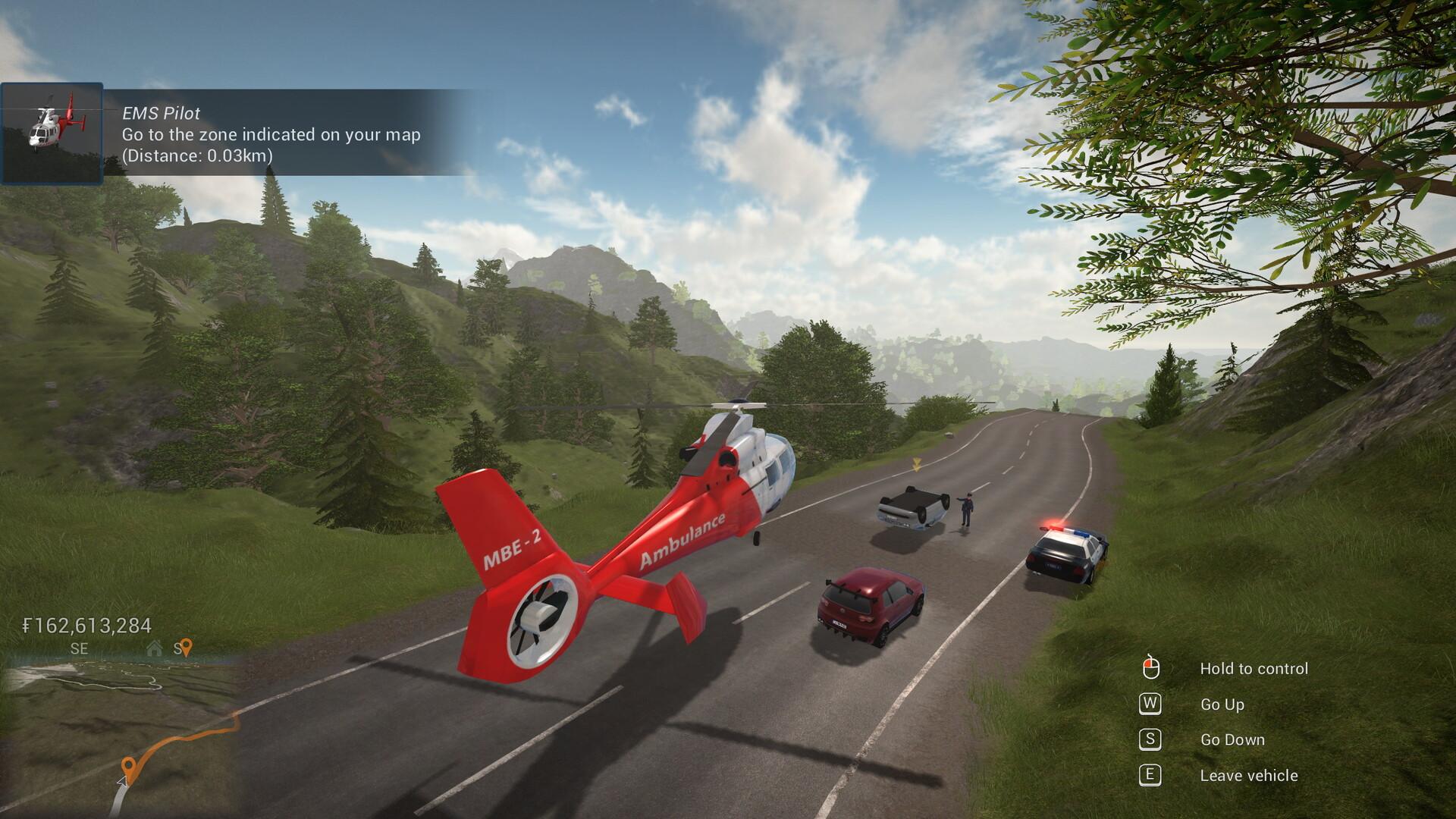
Technicity is a first-person city building game where you can also design your own construction blocks and items to create really unique buildings. Use cranes to speed up construction, terraform the open world, build roads and use vehicles to travel to different cities that you or your friends create in solo or coop mode.
Use a crane or a cement mixer to quickly build houses, shops, factories and any other building you can think of. The design is yours: with a large variety of building blocks of different shapes and materials, you can really create whatever you want. ...
सिस्टम आवश्यकताएं
न्यूनतम
- Windows
- ऑपरेटिंग सिस्टम
- Windows 7/8/10
- प्रोसेसर
- 3 GHz
- मेमोरी
- 8 GB RAM
- ग्राफ़िक्स
- OpenGL 3 compatible card with 2 GB of memory, nVidia® 7XX+/AMD® 7XXX+
- स्टोरेज
- 2 GB available space
सिफारिश की
- Windows
- ऑपरेटिंग सिस्टम
- Windows 7/8/10
- प्रोसेसर
- Intel core i5 or better / AMD ryzen 5 or better
- मेमोरी
- 8 GB RAM
- ग्राफ़िक्स
- nVidia® GTX 1050 or better / AMD® RX 560 or better
- नेटवर्क
- Broadband Internet connection
- स्टोरेज
- 2 GB available space


