कैसे सक्रिय करें
- Steam इंस्टॉल करें और अपने खाते में साइन इन करें (मुफ़्त खाता काफ़ी है)।
- ऊपर के मेनू में „Games” → „Activate a Product on Steam…” चुनें।
- कुंजी को ठीक वैसे ही दर्ज करें जैसे ऑर्डर में दिखाई गई है (डैश सहित) और पुष्टि करें। गेम आपकी लाइब्रेरी में दिखाई देगा।
गेम के बारे में
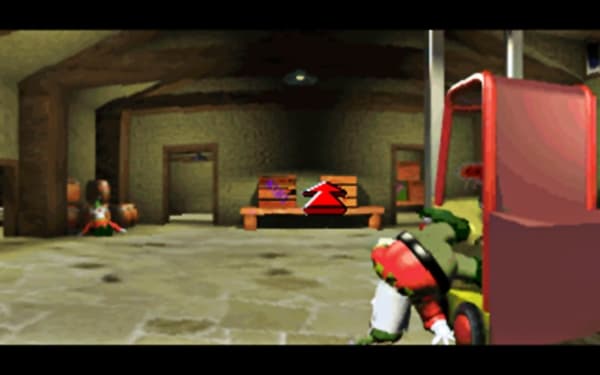
In this superb classic retro adventure game from yesteryear, take on the role of Spud and prevent the evil Doctor Chillblane from enslaving the world with his cruel tyranny. Travel the world from pole to pole running a gauntlet of strange creatures such as... manic penguins, crazed pixies, paranoid polar bears and dangerous dragons... in order to complete your quest and save your Grand- father and his amazing magical invention. ...
सिस्टम आवश्यकताएं
न्यूनतम
- Graphic
- SVGA
- ऑपरेटिंग सिस्टम
- Windows XP
- ऑपरेटिंग सिस्टम
- Windows 7
- ऑपरेटिंग सिस्टम
- Windows Vista
- ऑपरेटिंग सिस्टम
- Windows 8
- प्रोसेसर
- Pentium 0.800GHz
- मेमोरी
- 0.512GB
- स्टोरेज
- 1GB
- साउंड कार्ड
- Windows® 16-bit
सिफारिश की