कैसे सक्रिय करें
- Steam इंस्टॉल करें और अपने खाते में साइन इन करें (मुफ़्त खाता काफ़ी है)।
- ऊपर के मेनू में „Games” → „Activate a Product on Steam…” चुनें।
- कुंजी को ठीक वैसे ही दर्ज करें जैसे ऑर्डर में दिखाई गई है (डैश सहित) और पुष्टि करें। गेम आपकी लाइब्रेरी में दिखाई देगा।
गेम के बारे में
The ground-breaking new title from nDreams Elevation – the VR-immersion expert’s pioneering new studio.
Embody a reluctant hero, wield extraordinary abilities, and journey into a perilous world of crossed realities. Are you ready to make the leap?
Live the adventure
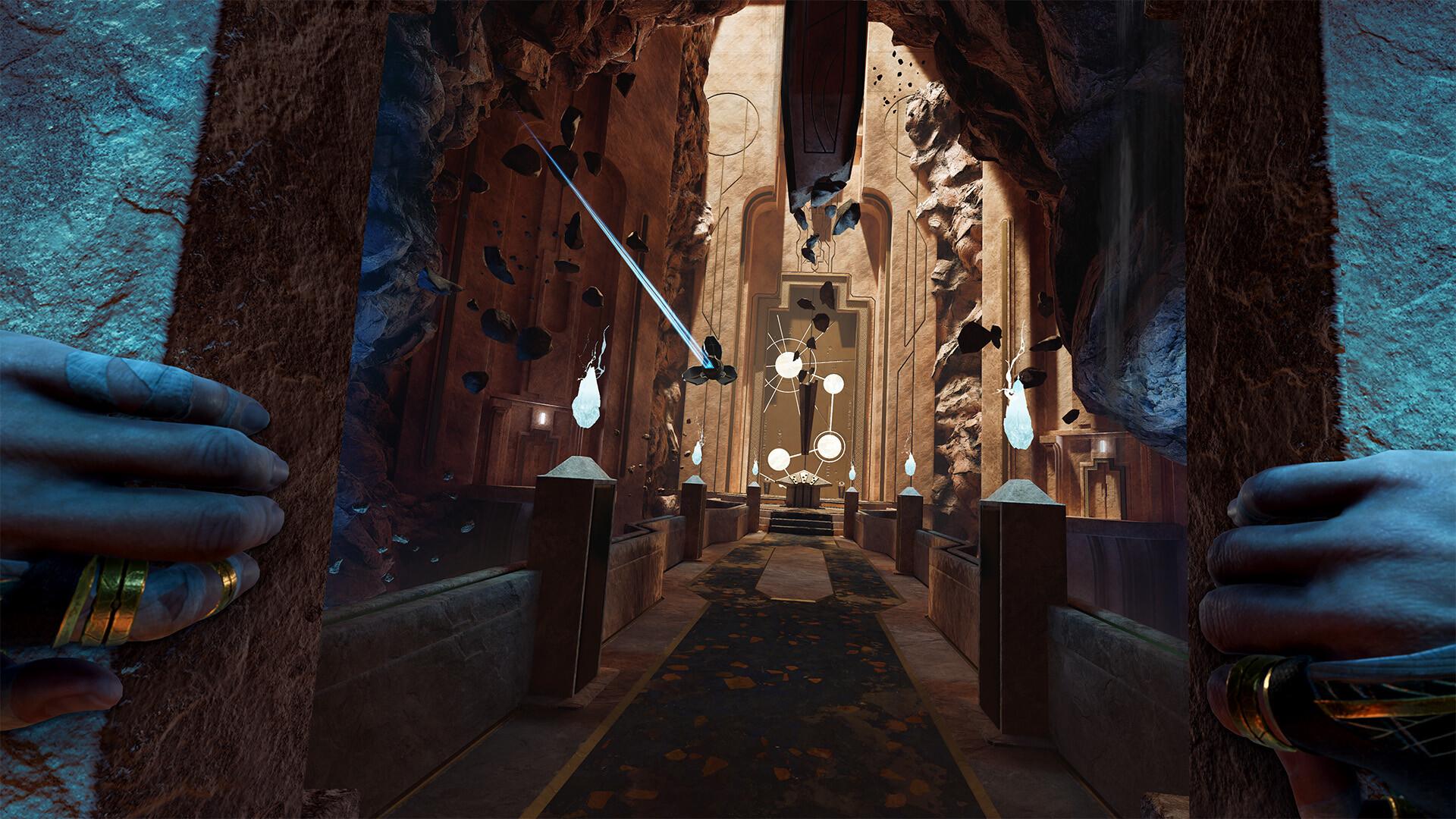
Delve deep into a spectacular world packed with mythical threats, and secrets to uncover.
Own the action
Freely jump, climb, and zip-line across breathtaking environments with smooth, intuitive traversal designed for VR.
Unrivalled immersion ...
सिस्टम आवश्यकताएं
न्यूनतम
- Windows
- Requires a 64-bit processor and operating system
- ऑपरेटिंग सिस्टम
- Windows 10 (64-bit)
- प्रोसेसर
- AMD Ryzen 5 3600 / Intel i7-11700F
- मेमोरी
- 16 GB RAM
- ग्राफ़िक्स
- RTX 2080 SUPER
- DirectX
- Version 11
- नेटवर्क
- Broadband Internet connection
- स्टोरेज
- 50 GB available space
- VR Support
- Quest 2, Quest 3, Quest 3S, Valve Index, HTC Vive, HTC Vive Pro, PSVR2, Rift S, Rift
- अतिरिक्त जानकारी
- Desktop Only, SSD Required
सिफारिश की
- Windows
- Requires a 64-bit processor and operating system
- ऑपरेटिंग सिस्टम
- Windows 11 (64-bit)
- प्रोसेसर
- AMD Ryzen 5 5600X / Intel i7-11700F or better
- मेमोरी
- 16 GB RAM
- ग्राफ़िक्स
- NVIDIA RTX 4060 Ti (8 GB) or AMD Radeon RX 7800 XT - 16 GB VRAM
- DirectX
- Version 11
- नेटवर्क
- Broadband Internet connection
- स्टोरेज
- 50 GB available space
- VR Support
- Quest 2, Quest 3, Quest 3S, Valve Index, HTC Vive, HTC Vive Pro, PSVR2, Rift S, Rift
- अतिरिक्त जानकारी
- Desktop Only, SSD Required
कानूनी जानकारी
REACH © 2025 nDreams Limited. All rights reserved. Developed and published by nDreams. NDREAMS, the nDreams logo, and REACH are trade marks of nDreams Limited.