




कैसे सक्रिय करें
- Steam इंस्टॉल करें और अपने खाते में साइन इन करें (मुफ़्त खाता काफ़ी है)।
- ऊपर के मेनू में „Games” → „Activate a Product on Steam…” चुनें।
- कुंजी को ठीक वैसे ही दर्ज करें जैसे ऑर्डर में दिखाई गई है (डैश सहित) और पुष्टि करें। गेम आपकी लाइब्रेरी में दिखाई देगा।
गेम के बारे में
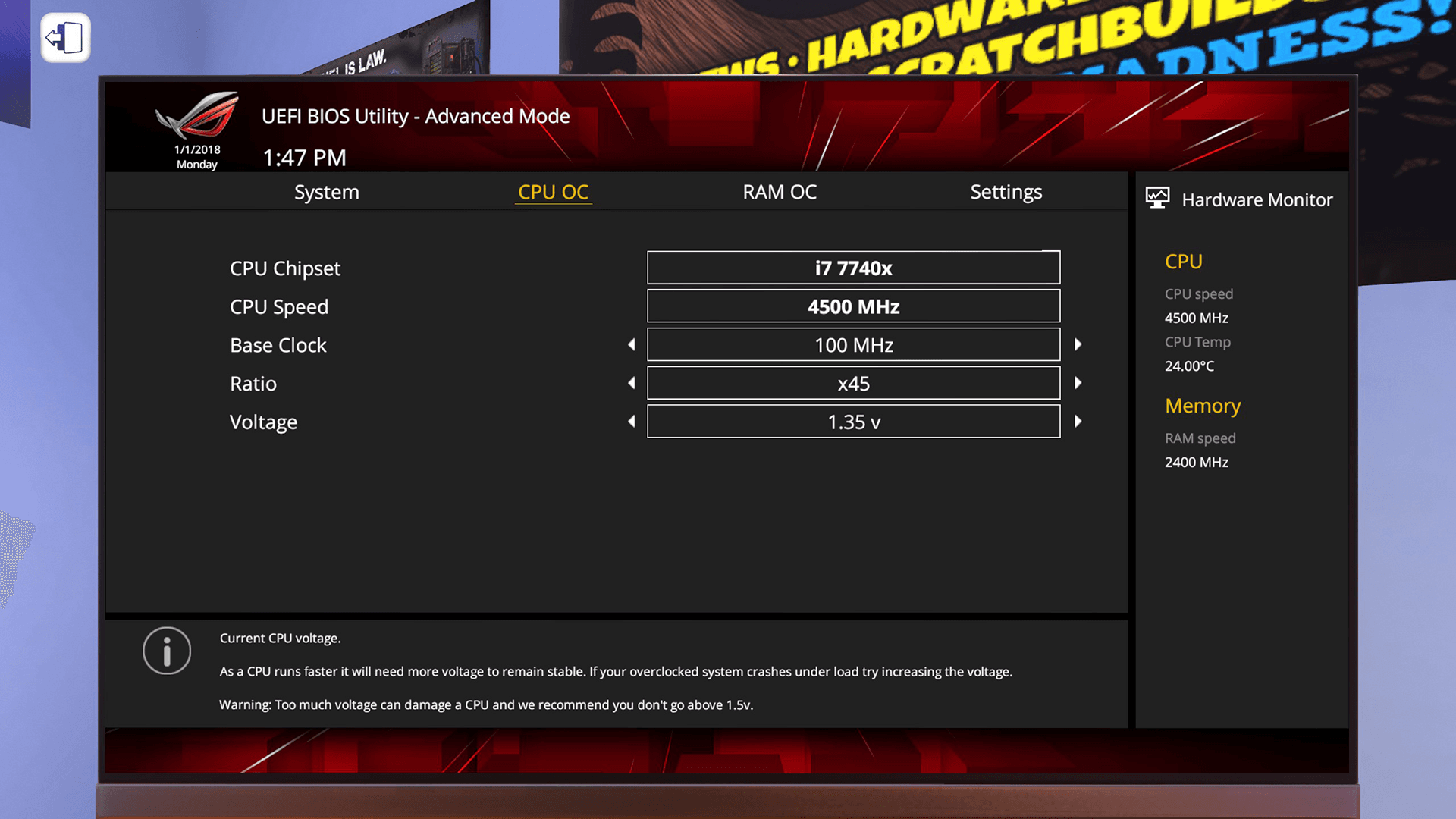
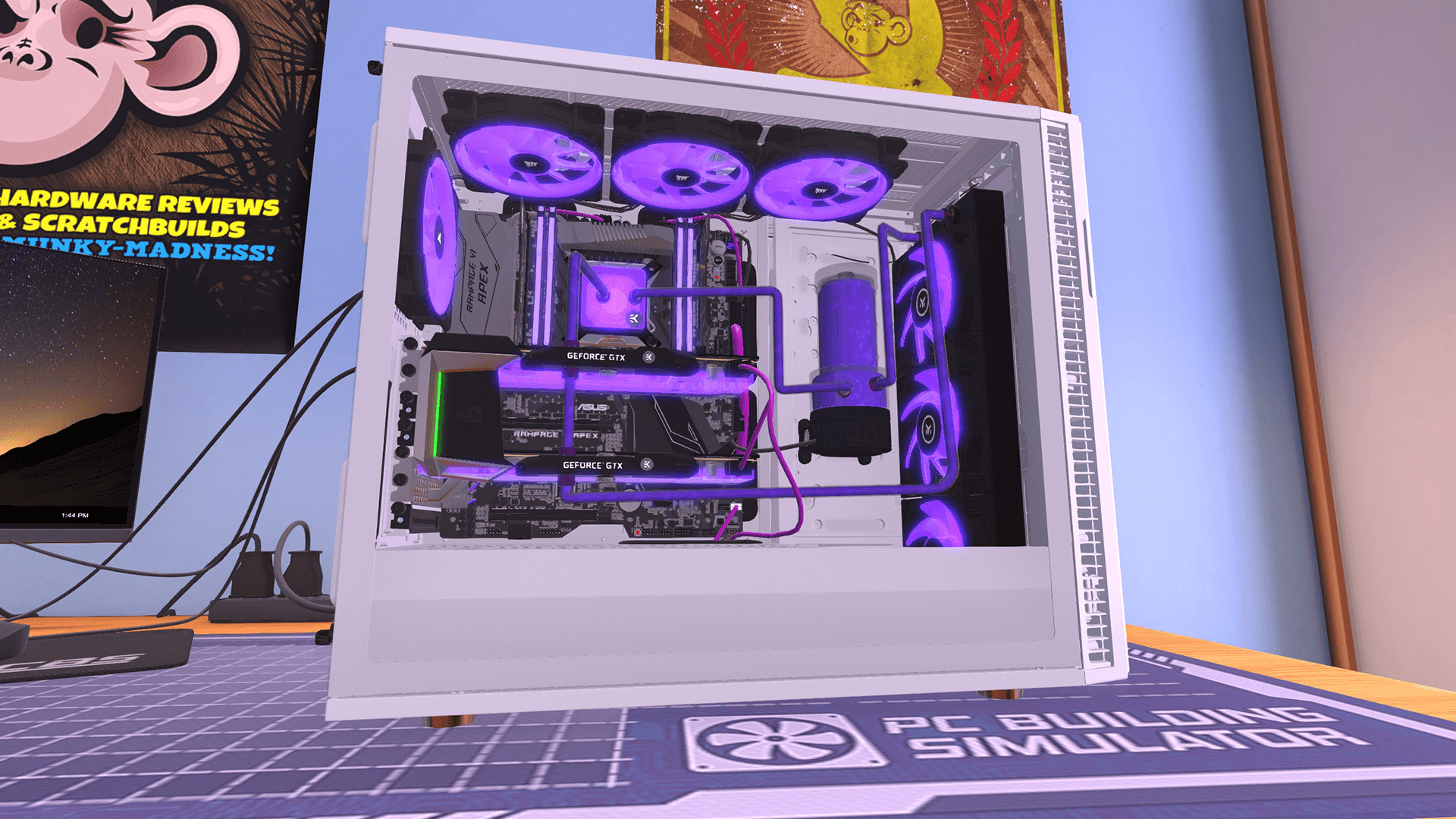
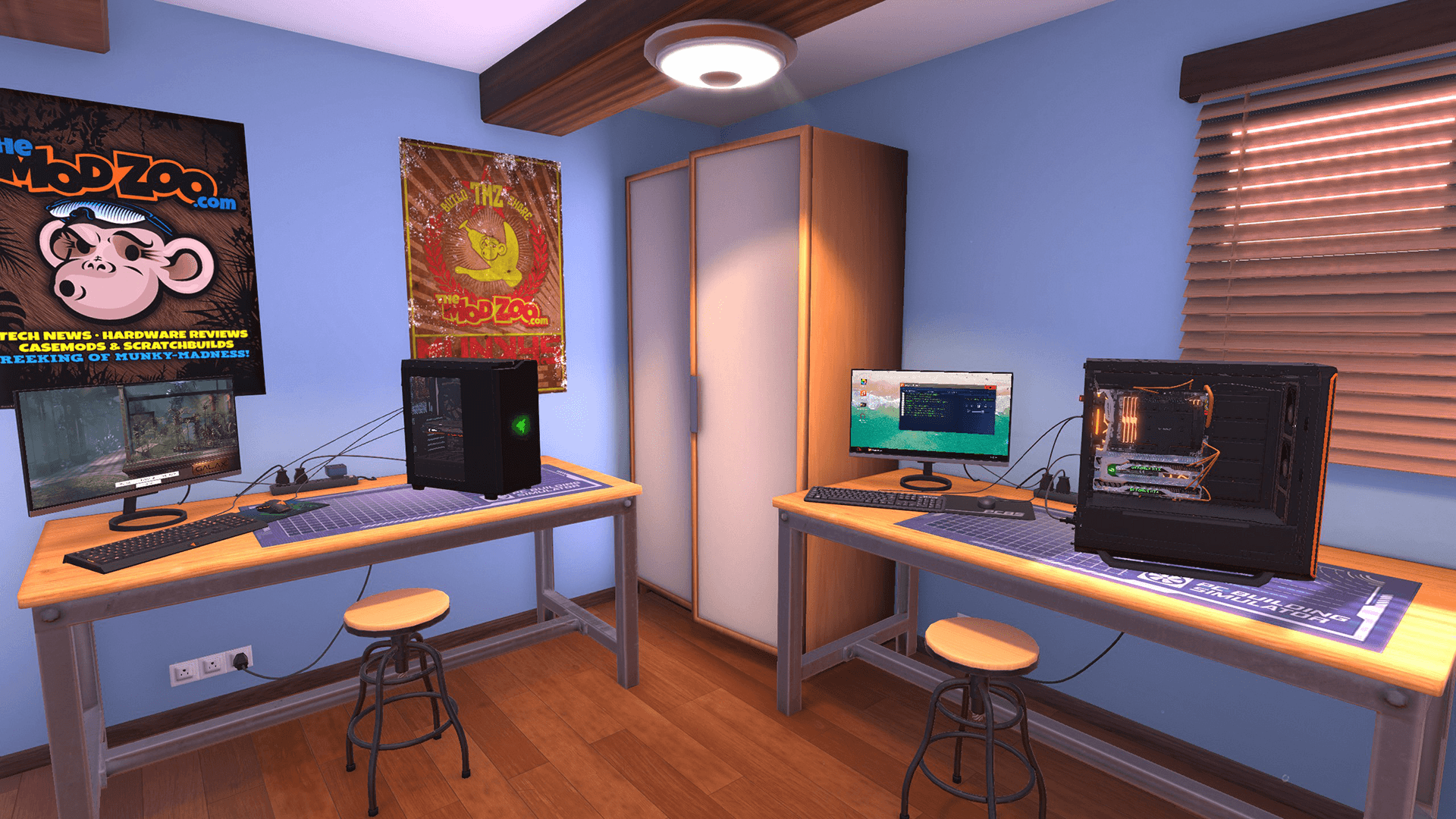
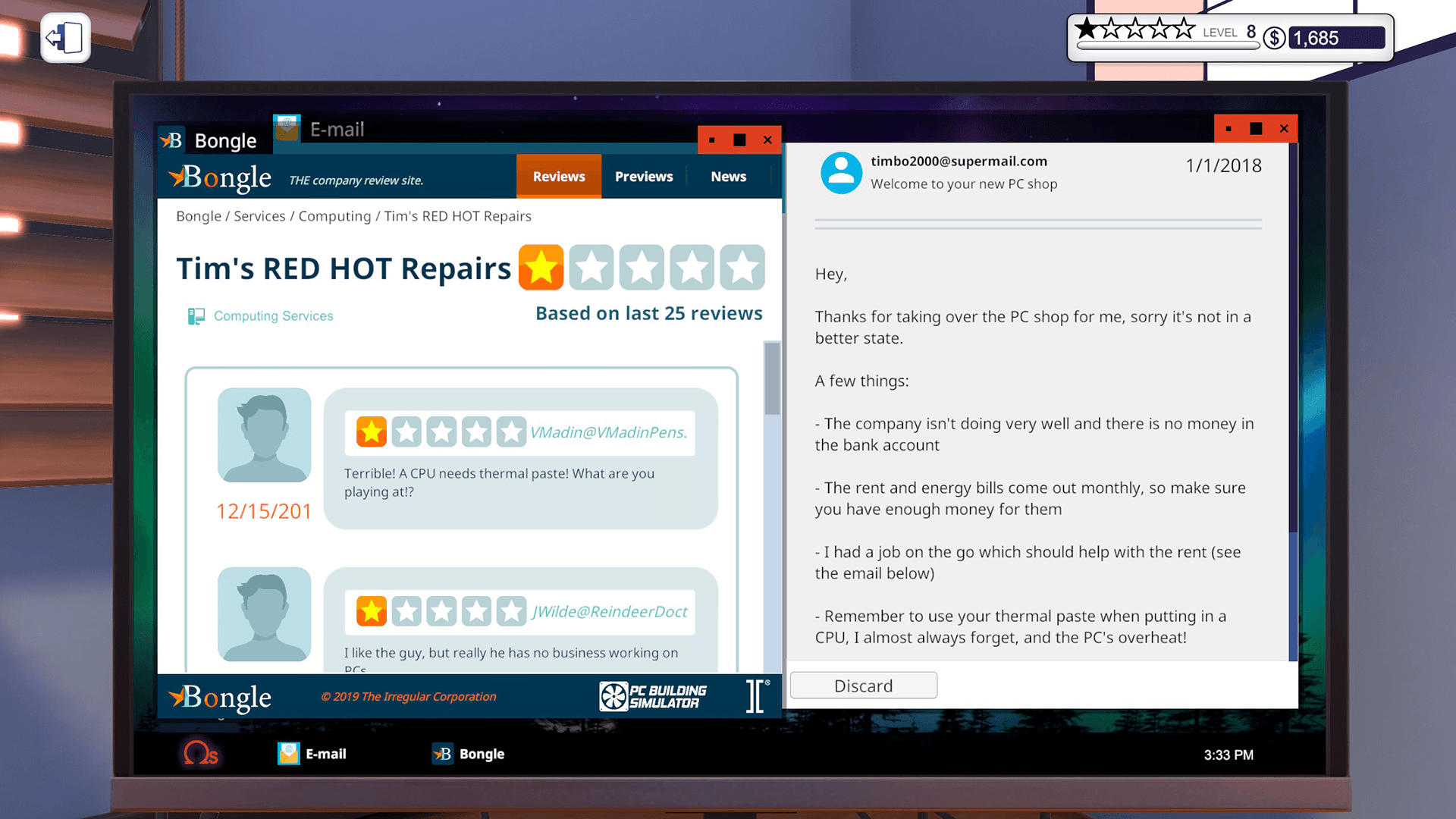
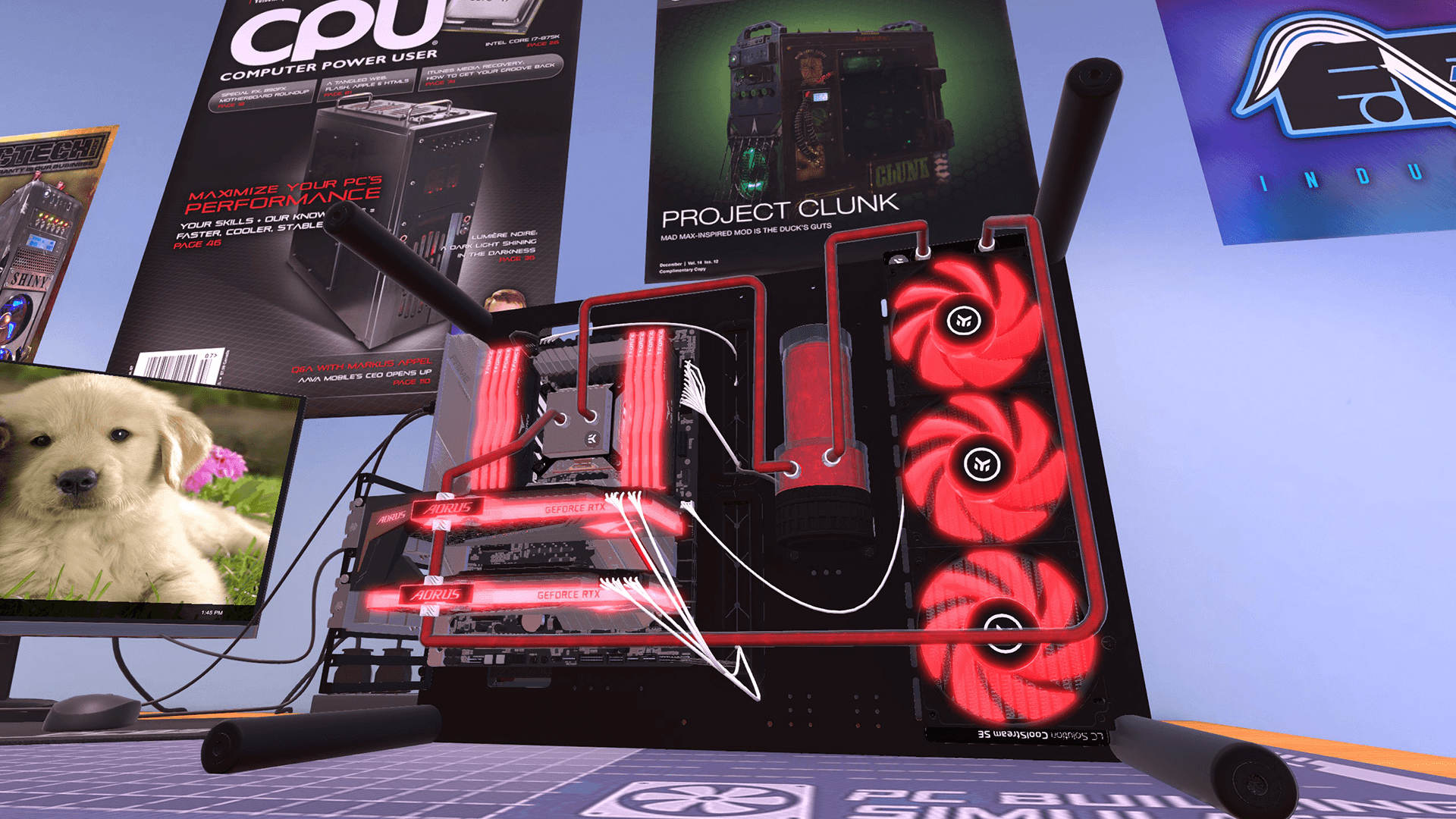
THE ULTIMATE PC BUILDING SIMULATION HAS ARRIVED!
Build your very own PC empire, from simple diagnosis and repairs to bespoke, boutique creations that would be the envy of any enthusiast. With an ever-expanding marketplace full of real-world components you can finally stop dreaming of that ultimate PC and get out there, build it and see how it benchmarks in 3DMark!
PC Building Simulator has already enjoyed viral success with over 650,000+ downloads of its pre-alpha demo and has now been lovingly developed into a fully-fledged simulation to allow you to build the PC of your dreams. ...
सिस्टम आवश्यकताएं
न्यूनतम
- ऑपरेटिंग सिस्टम
- Windows 7 or higher
- प्रोसेसर
- Intel Core i5-2500K or AMD Athlon X4 740 (or equivalent)
- मेमोरी
- 4 GB RAM
- ग्राफ़िक्स
- GeForce GTX 660 (2048 MB) or Radeon R9 285 (2048 MB) - Integrated GPUs may work but are not supported.
- DirectX
- Version 9.0c
- स्टोरेज
- 4 GB available space
- साउंड कार्ड
- DirectX compatible
सिफारिश की
आपको ये भी पसंद आ सकते हैं
- Going Medieval - Early Access

- PC Building Simulator - EVGA Workshop
- PC Building Simulator - AORUS Workshop
- PC Building Simulator - Esports Expansion
- PC Building Simulator: Overclocked Edition Content
- PC Building Simulator: Razer Workshop
- PC Building Simulator - NZXT Workshop
- PC Building Simulator - Republic of Gamers Workshop
