

कैसे सक्रिय करें
- Steam इंस्टॉल करें और अपने खाते में साइन इन करें (मुफ़्त खाता काफ़ी है)।
- ऊपर के मेनू में „Games” → „Activate a Product on Steam…” चुनें।
- कुंजी को ठीक वैसे ही दर्ज करें जैसे ऑर्डर में दिखाई गई है (डैश सहित) और पुष्टि करें। गेम आपकी लाइब्रेरी में दिखाई देगा।
गेम के बारे में
Get access to the three upcoming DLCs and save on purchasing them individually.
## Pathfinder: Wrath of the Righteous - Inevitable Excess
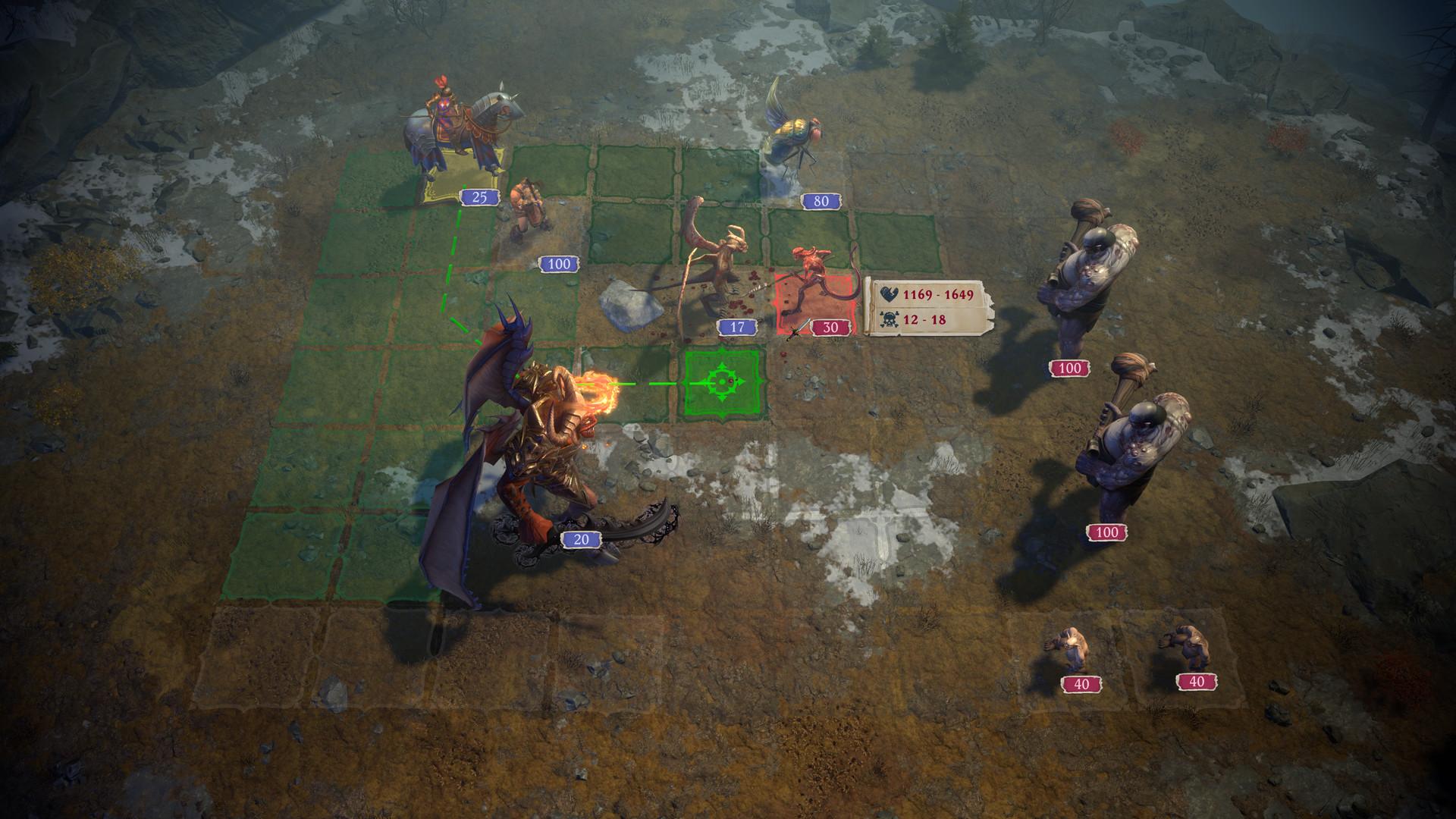
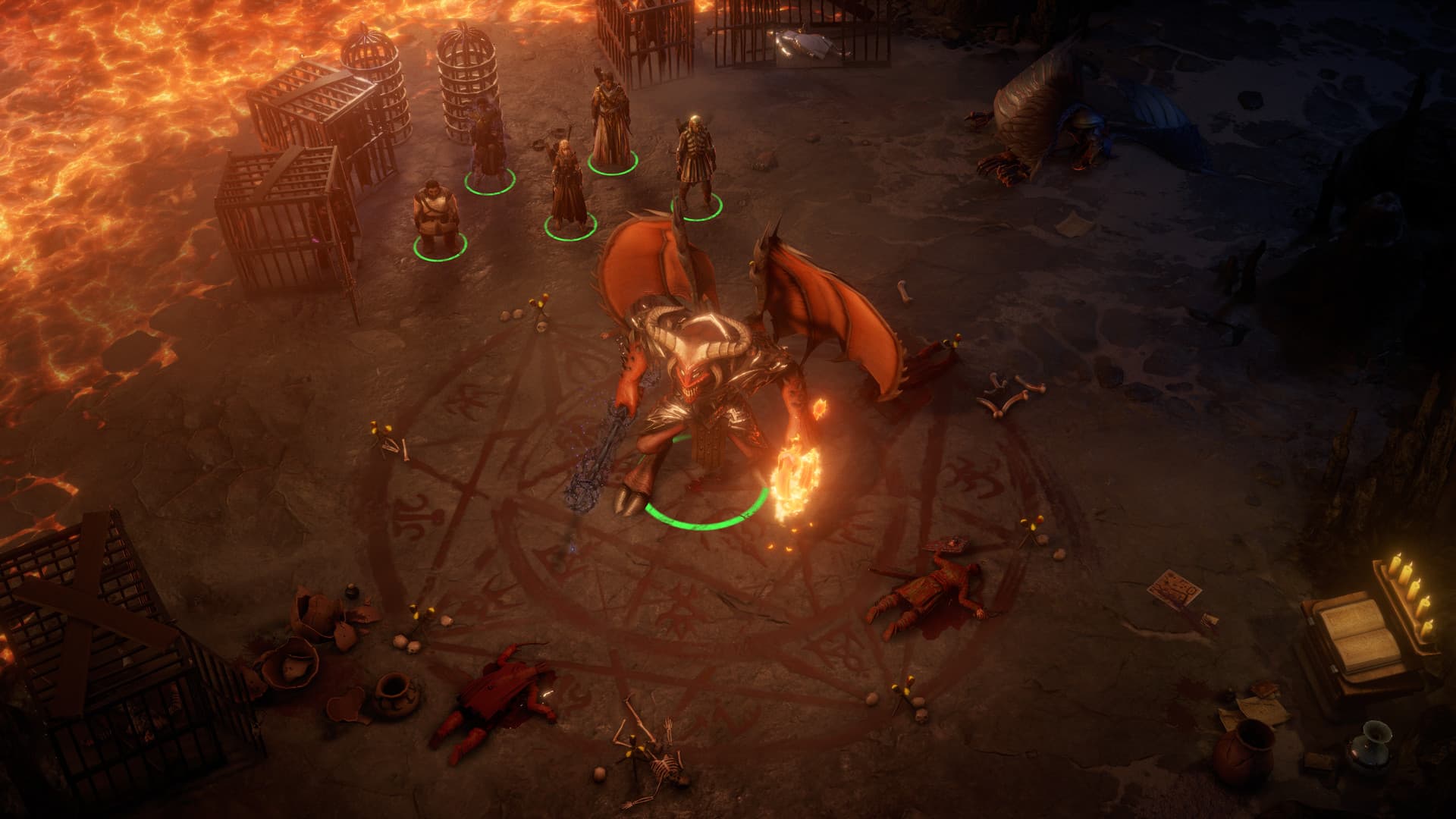
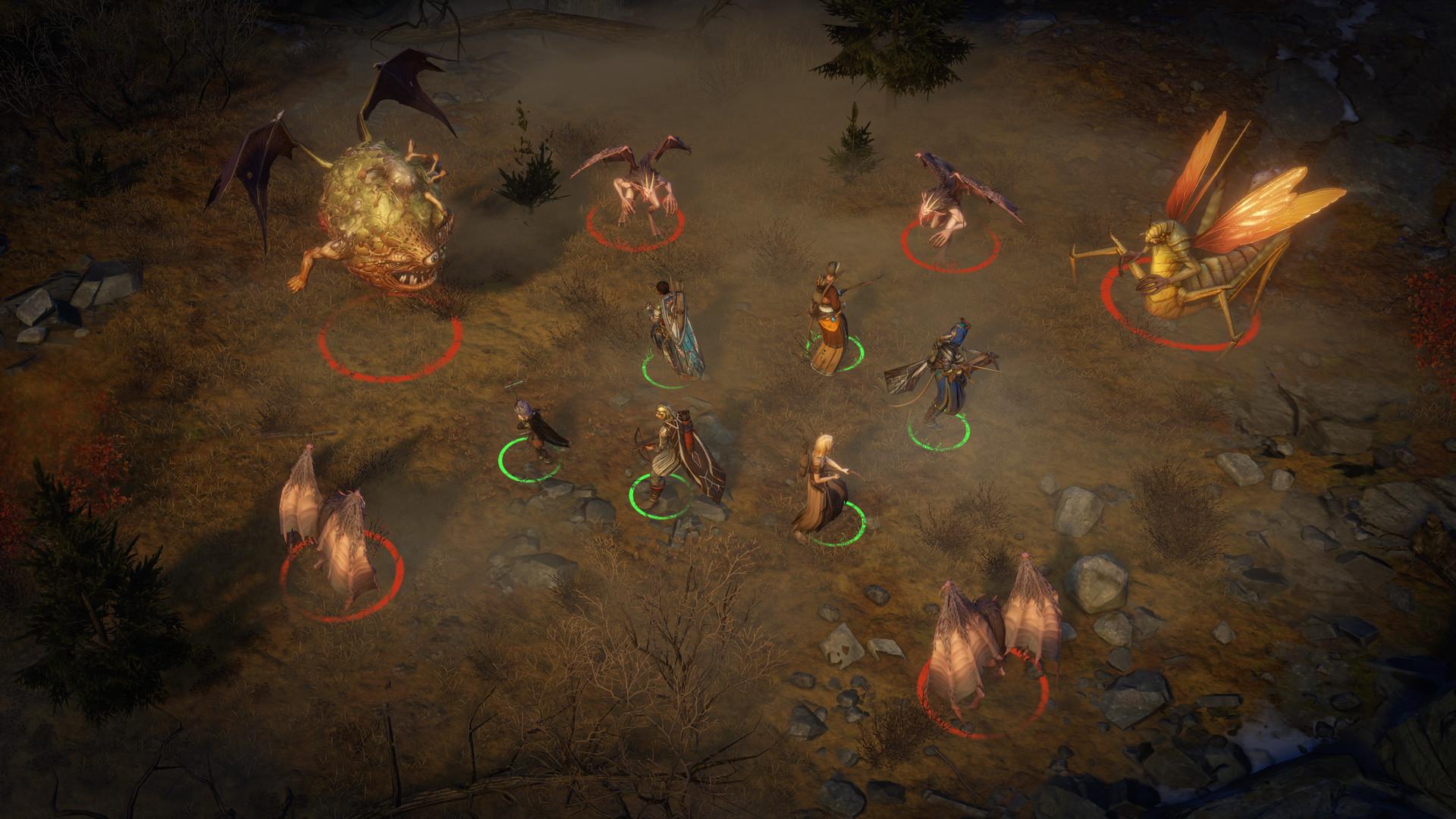
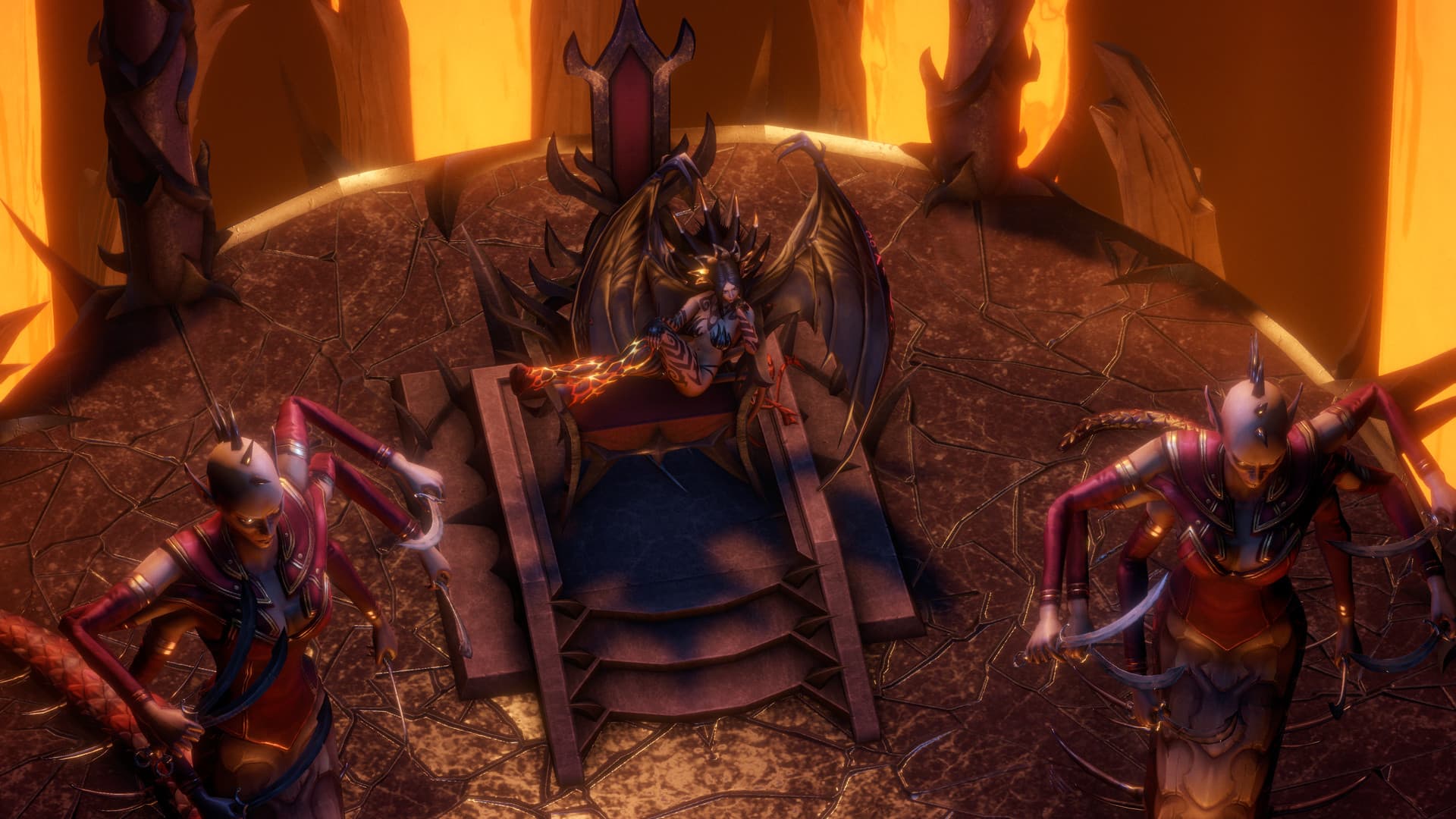
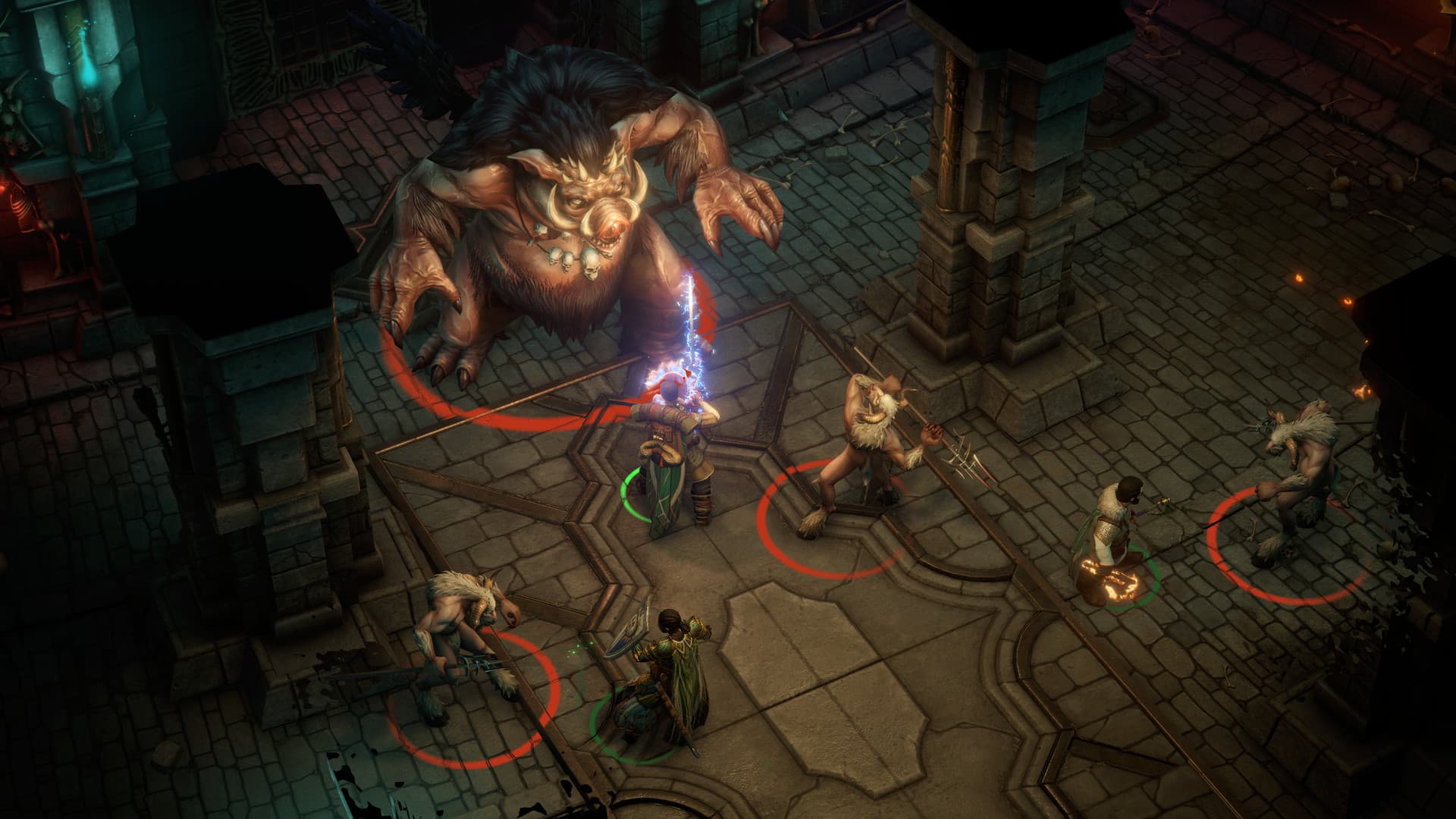
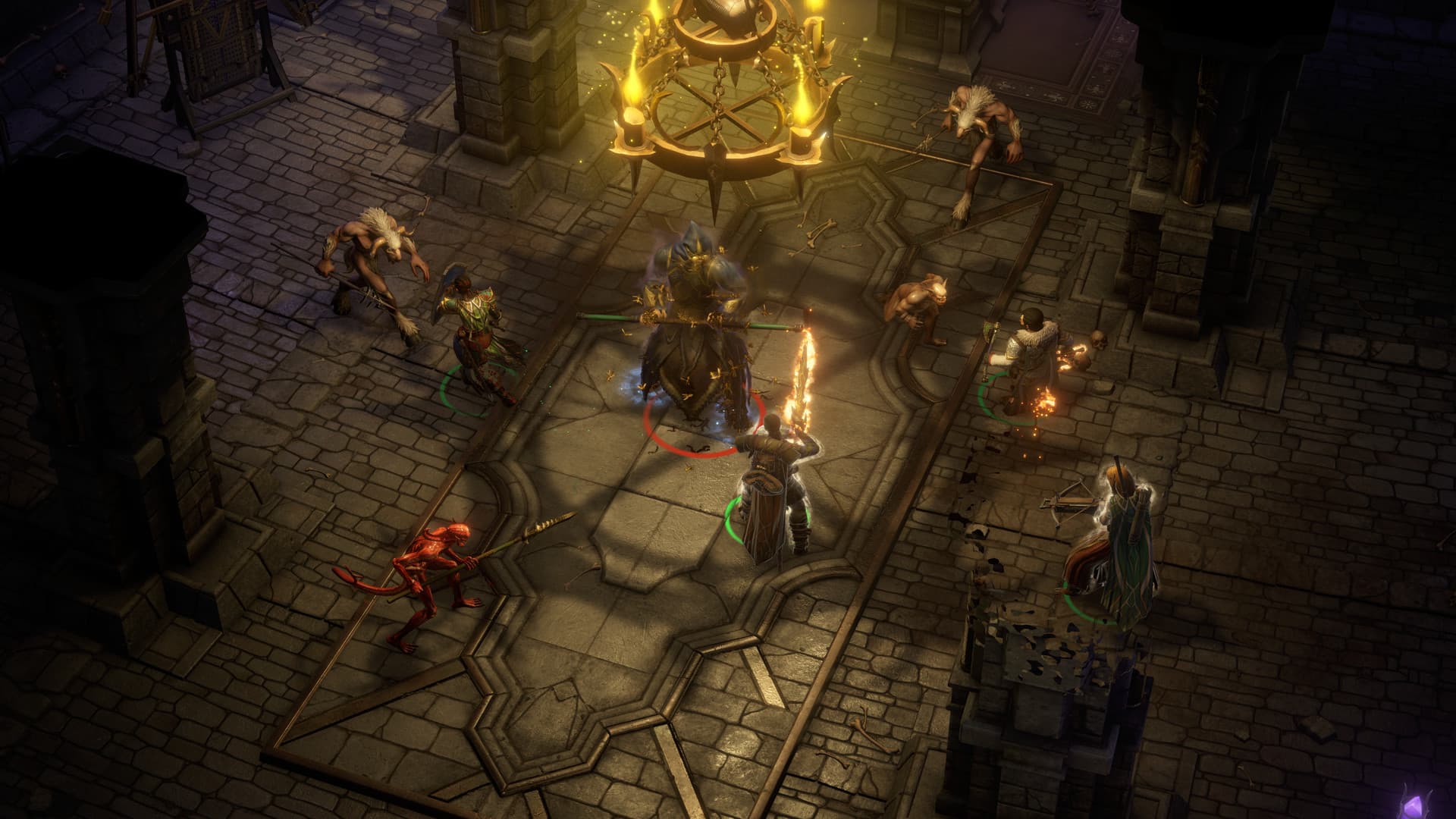
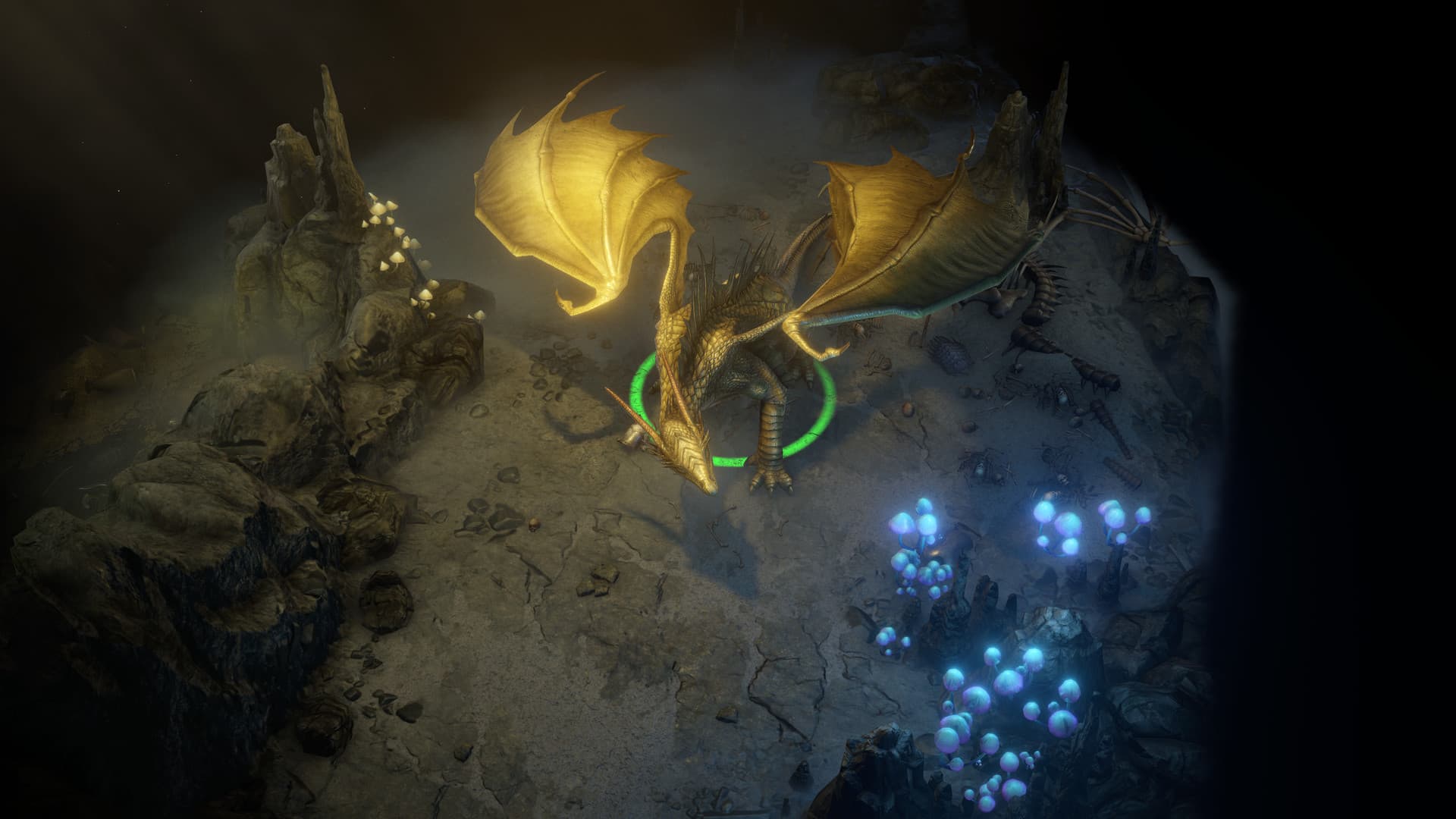
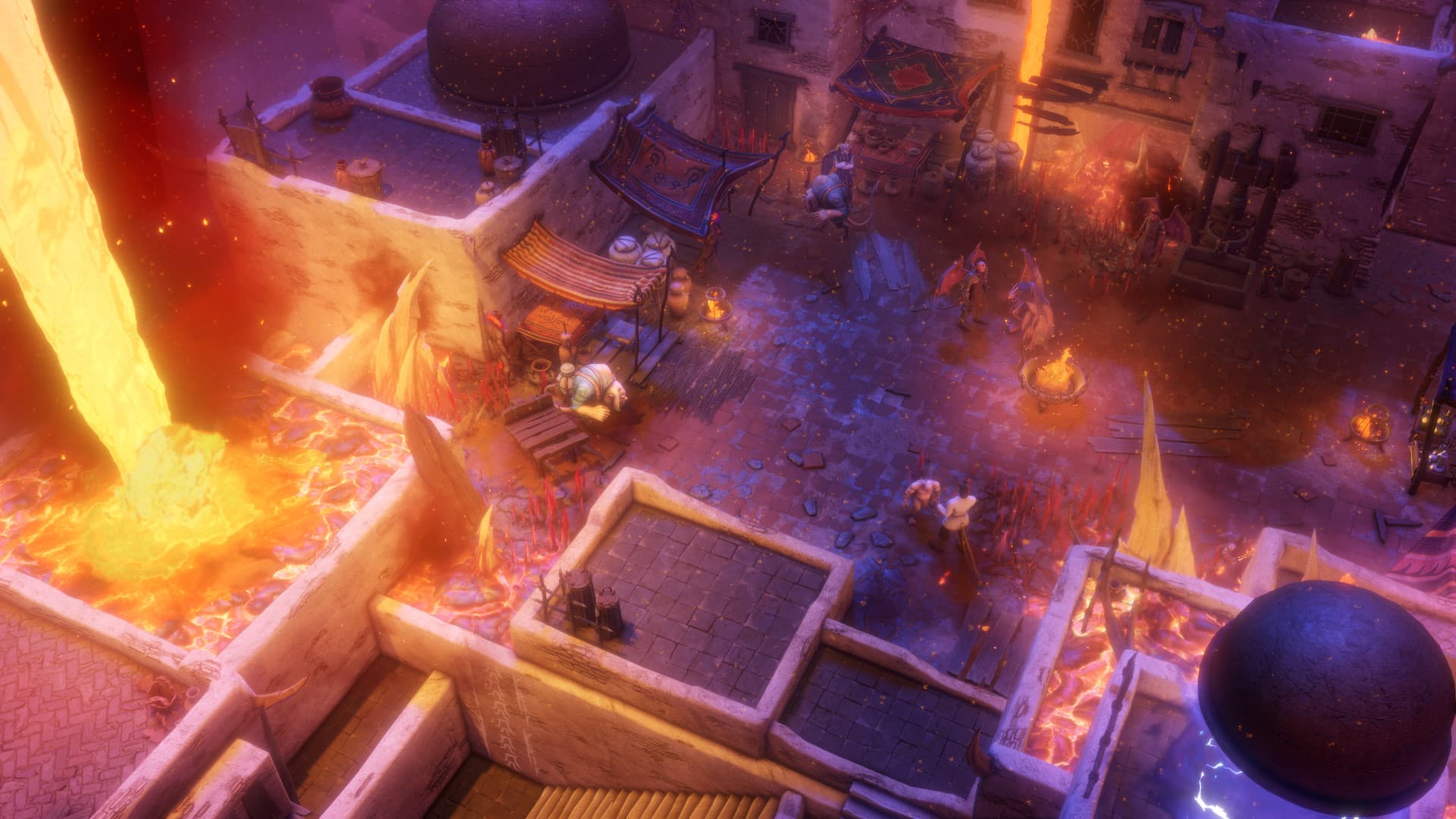
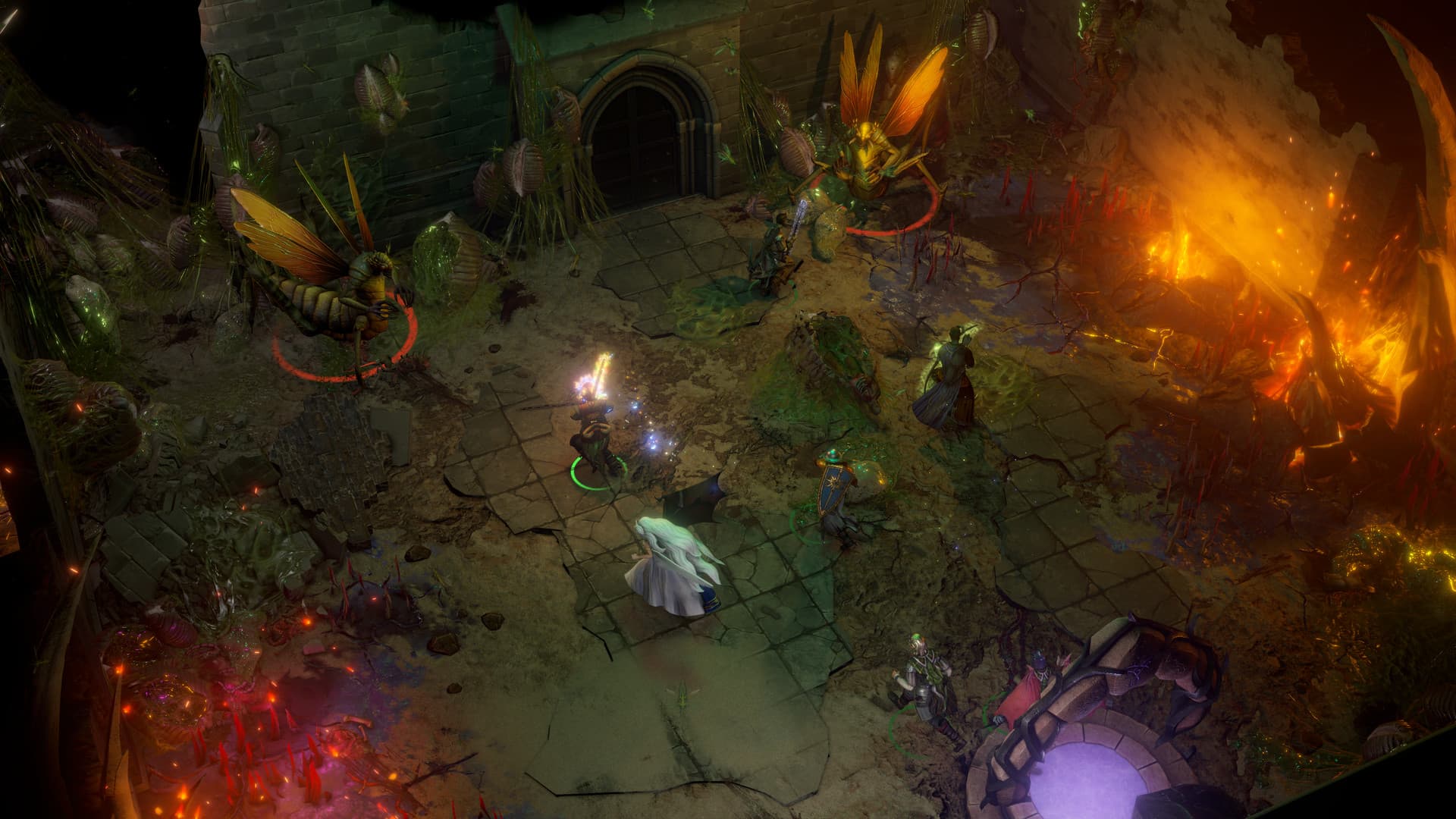
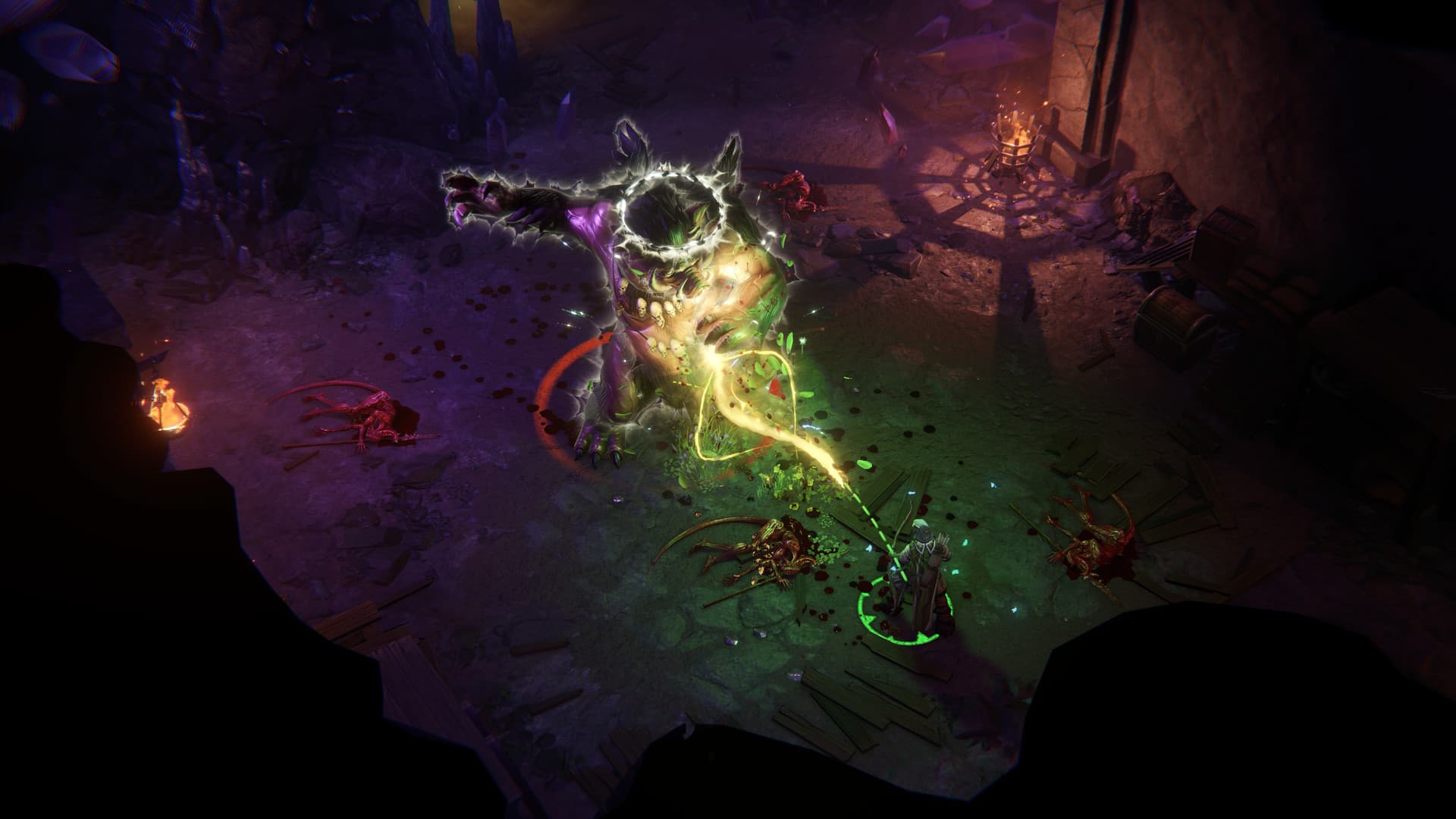
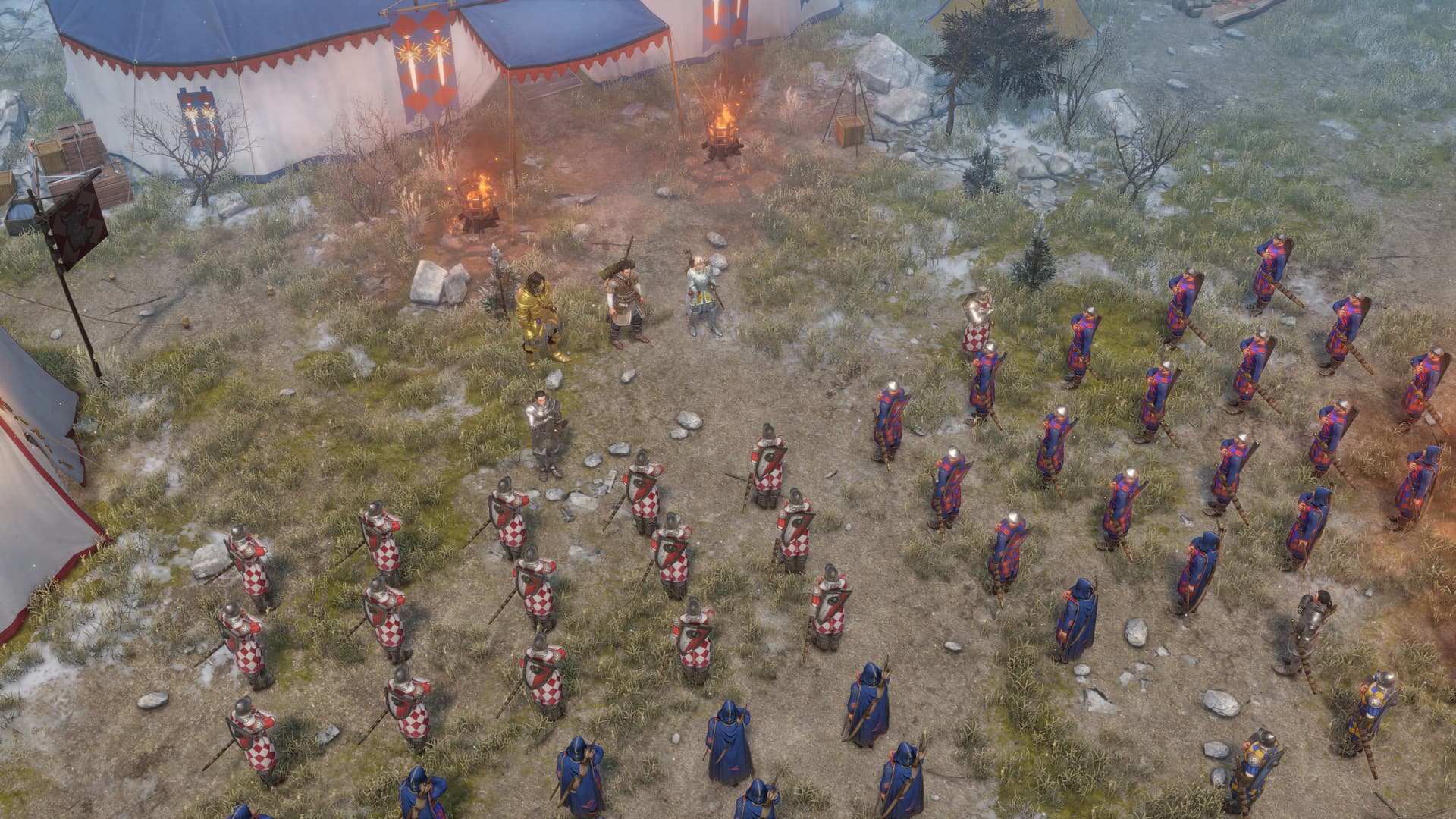
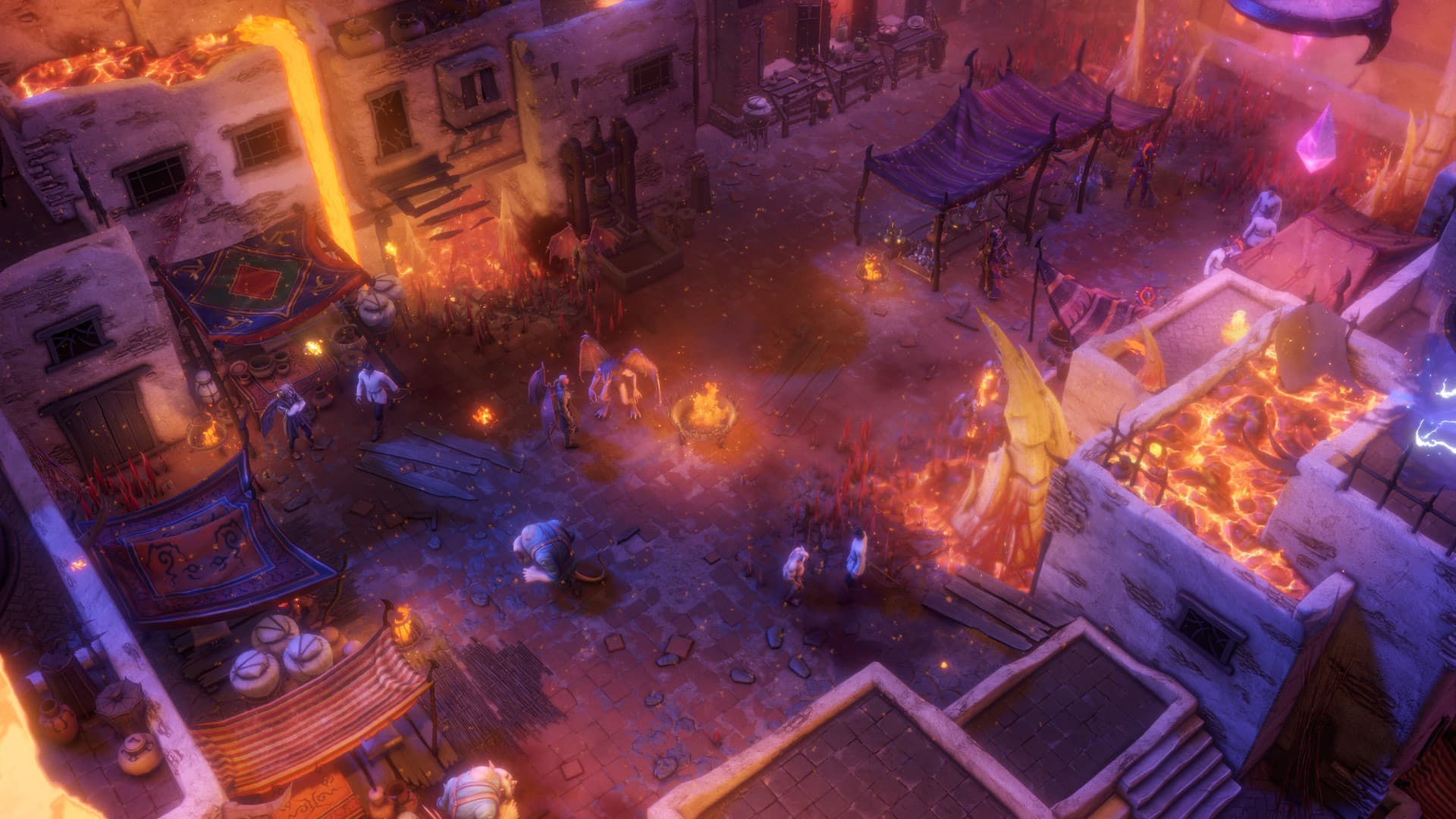
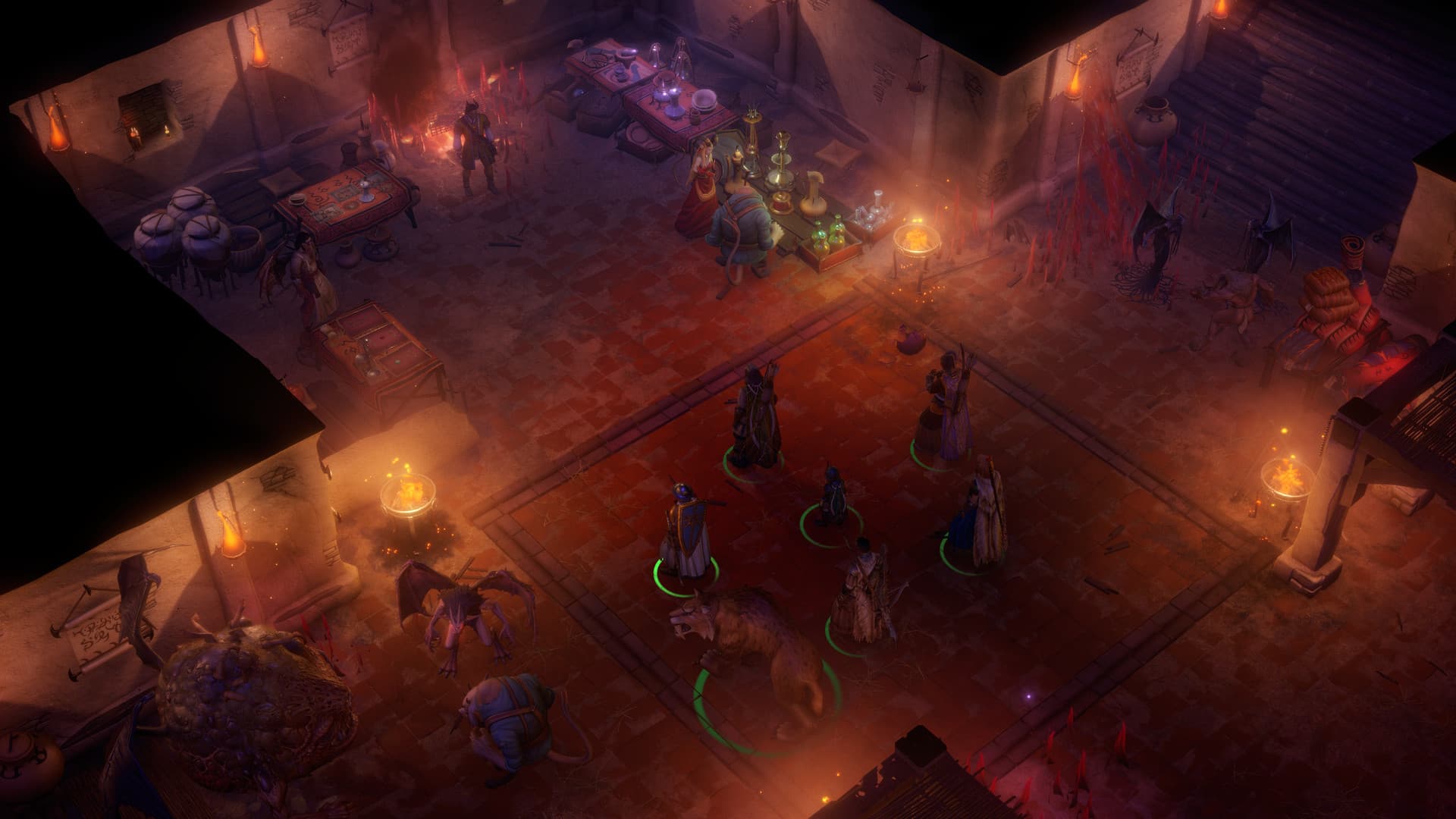
New additional campaign. Import your character from the main campaign to the moment of their greatest triumph — their victory over the Worldwound. Answer a plea from a powerful entity and leave Golarion behind to defend the space-time continuum against imminent collapse. Use your unparalleled mythic powers to do battle with truly invincible opponents. This additional campaign offers 7–8 hours of gameplay. ...
सिस्टम आवश्यकताएं
न्यूनतम
- Steam account is required for game activation and installation.
- This content requires the base game Pathfinder: Wrath of the Righteous - Enhanced Edition on Steam in order to play.
- Windows Requirements
- Requires a 64-bit processor and operating system
- ऑपरेटिंग सिस्टम
- Windows 7
- प्रोसेसर
- Intel(R) Core(TM) i3-2310M CPU @ 2.10GHz
- मेमोरी
- 6 GB RAM
- ग्राफ़िक्स
- Intel(R) Intel HD Graphics 620
- स्टोरेज
- 50 GB available space
सिफारिश की
- Requires a 64-bit processor and operating system
- ऑपरेटिंग सिस्टम
- Windows 10
- प्रोसेसर
- Intel Core i7 CPU 920 @ 2.67GHz
- मेमोरी
- 8 GB RAM
- ग्राफ़िक्स
- NVIDIA GeForce GTX 1050 Ti
- स्टोरेज
- 50 GB available space
- Mac OS Requirements
- न्यूनतम
- Requires a 64-bit processor and operating system
- ऑपरेटिंग सिस्टम
- OS X El Capitan
- प्रोसेसर
- Intel Core M-5Y51 @ 1.10GHz
- मेमोरी
- 6 GB RAM
- स्टोरेज
- 50 GB available space
आपको ये भी पसंद आ सकते हैं
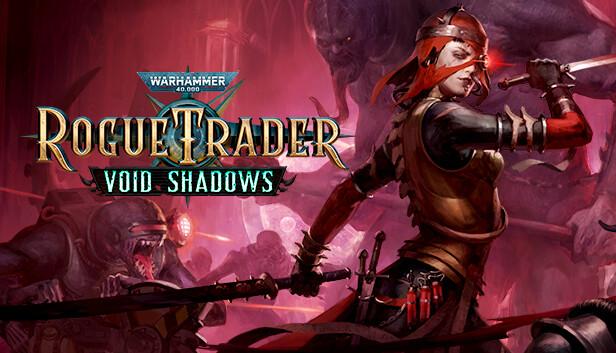
- Warhammer 40,000: Rogue Trader - Void Shadows
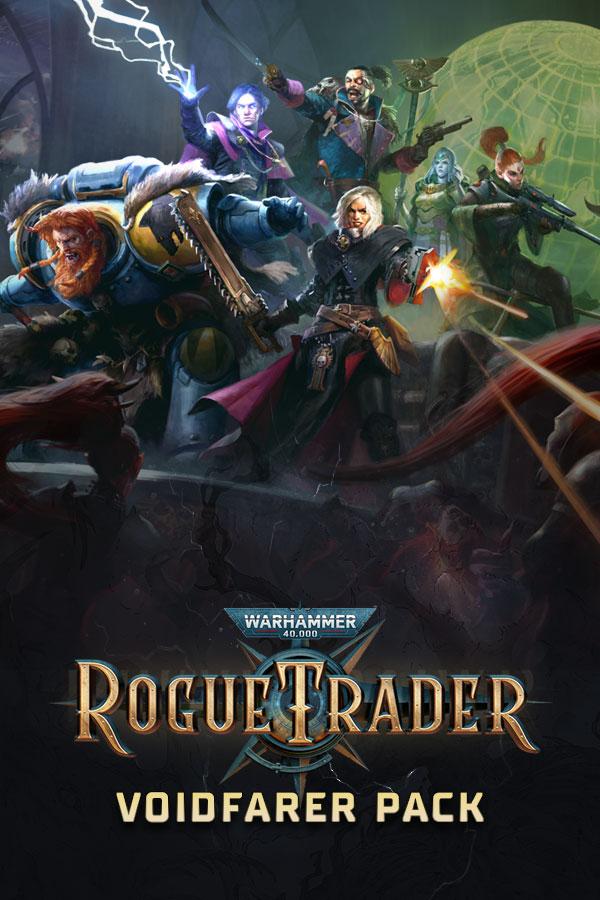
- Warhammer 40,000: Rogue Trader – Voidfarer Pack
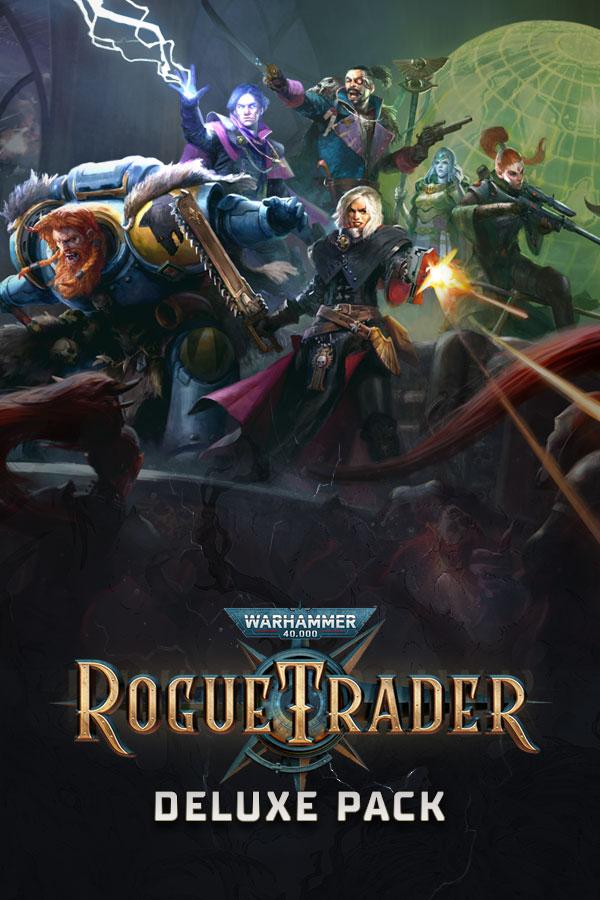
- Warhammer 40,000: Rogue Trader – Deluxe Pack
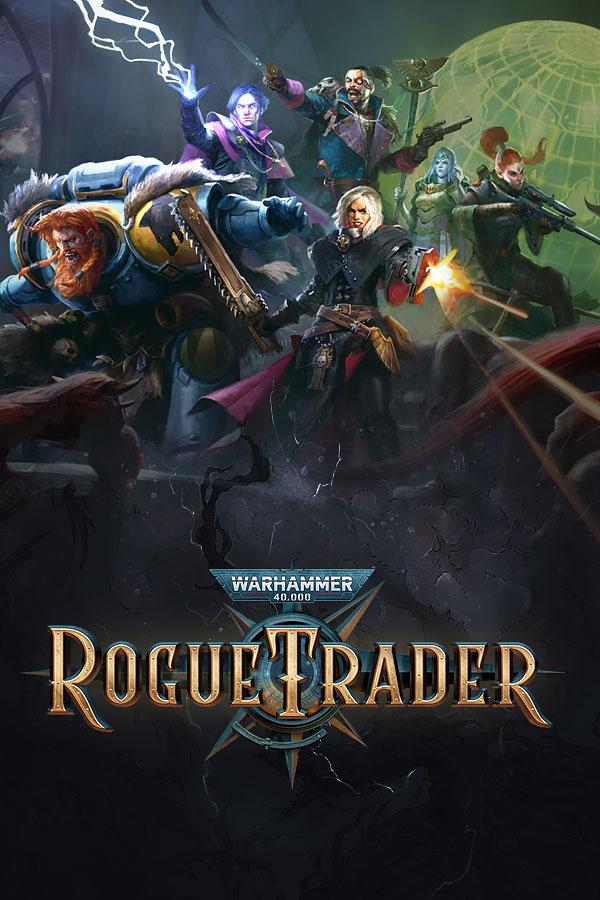
- Warhammer 40,000: Rogue Trader
- Warhammer 40,000: Rogue Trader – Season Pass
- God of War

- UNCHARTED™: Legacy of Thieves Collection

- Dying Light: Definitive 10th Anniversary Edition
