



कैसे सक्रिय करें
- Steam इंस्टॉल करें और अपने खाते में साइन इन करें (मुफ़्त खाता काफ़ी है)।
- ऊपर के मेनू में „Games” → „Activate a Product on Steam…” चुनें।
- कुंजी को ठीक वैसे ही दर्ज करें जैसे ऑर्डर में दिखाई गई है (डैश सहित) और पुष्टि करें। गेम आपकी लाइब्रेरी में दिखाई देगा।
गेम के बारे में
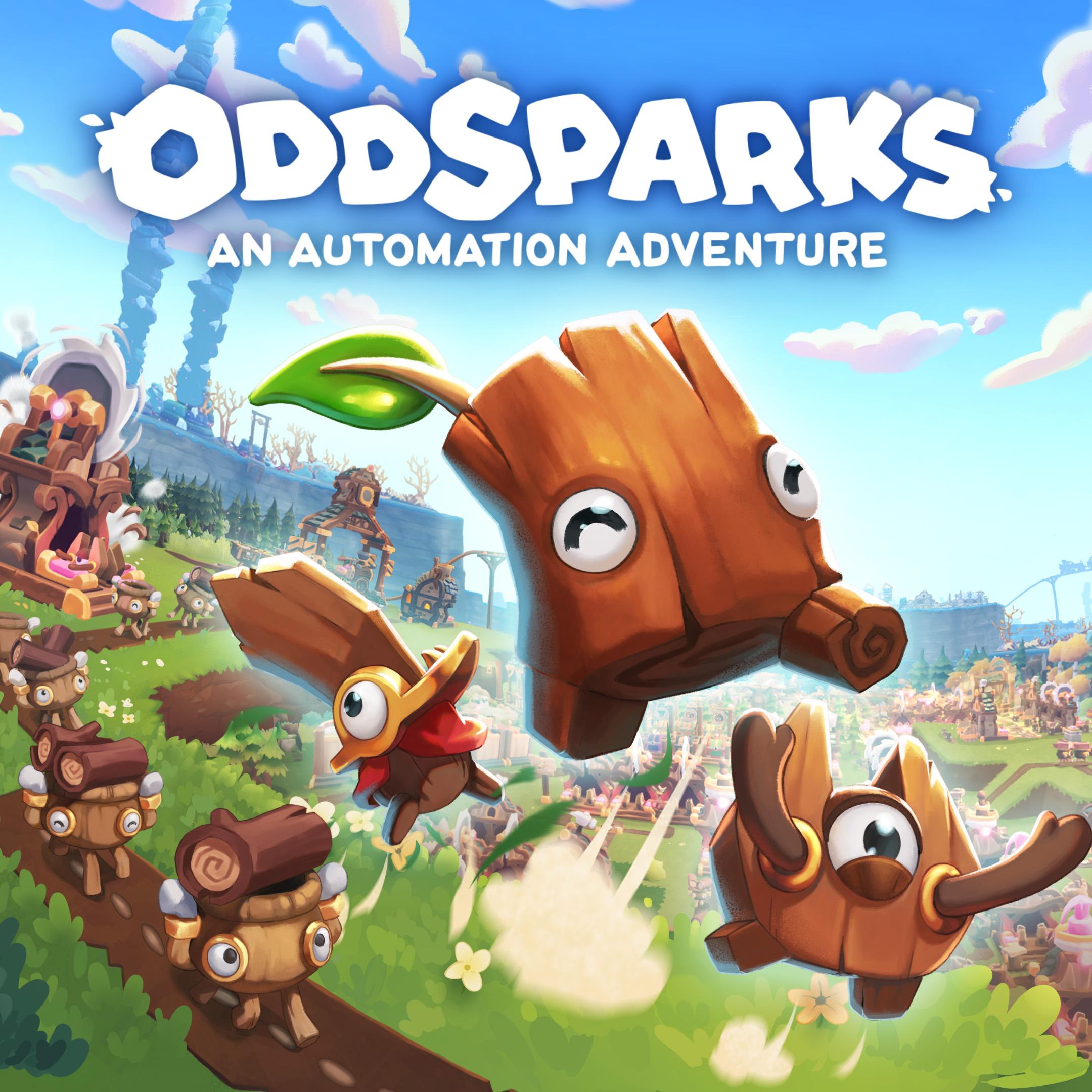
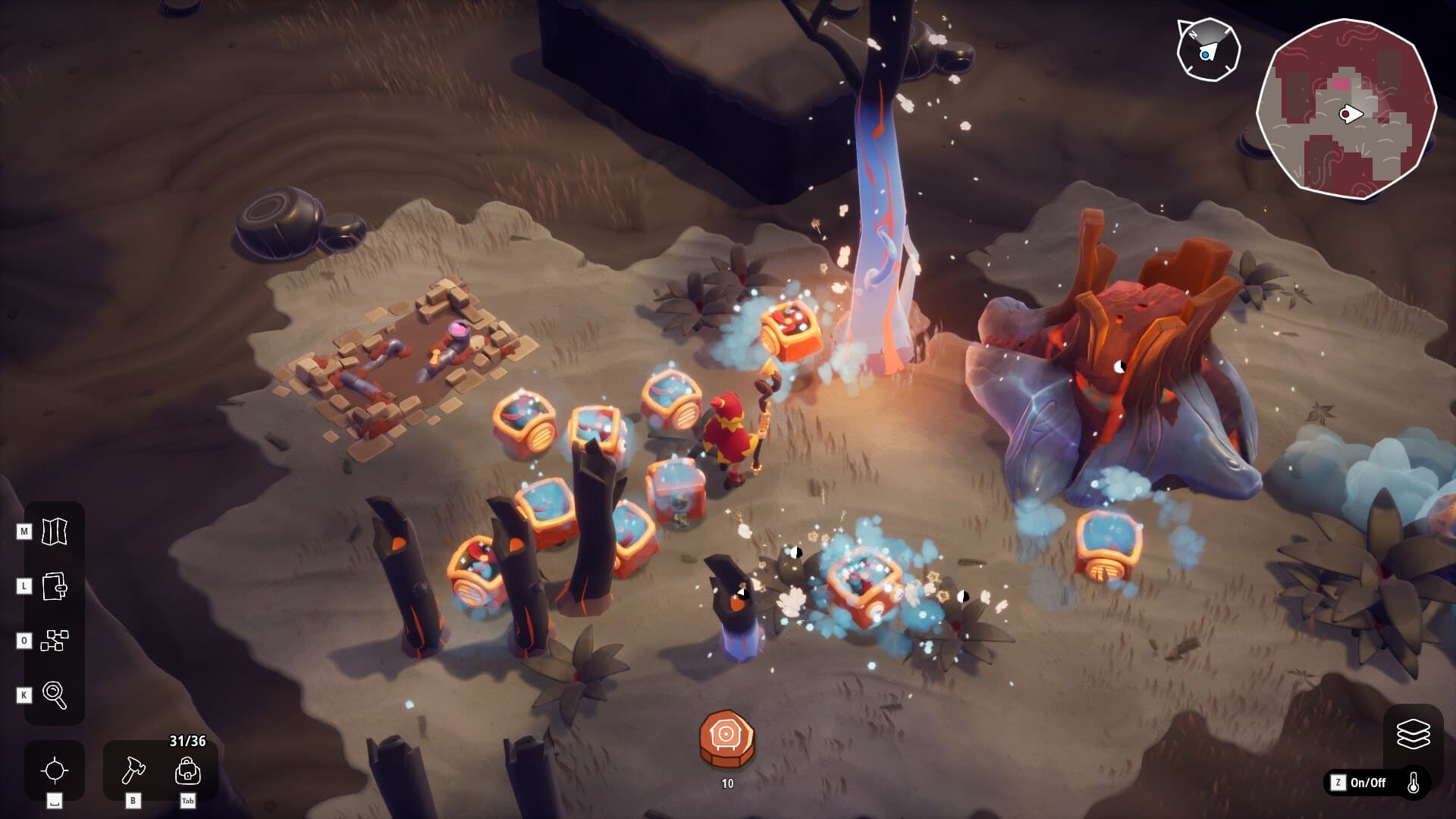
Explore a strange fantasy world, uncover the mysteries of the past, automate your workshops, and go on adventures with your odd and adorable Sparks!
Oddsparks: An Automation Adventure is a blend of Automation and Real Time Strategy for single-player and online co-op. We made it for both fans of the Automation genre and the Automation-curious!
DESIGN, DECORATE, BUILD, AUTOMATE! ...
सिस्टम आवश्यकताएं
न्यूनतम
- Windows
- Requires a 64-bit processor and operating system
- ऑपरेटिंग सिस्टम
- Windows 10 64bit
- प्रोसेसर
- Intel Core i5 / AMD FX-6300
- मेमोरी
- 8 GB RAM
- ग्राफ़िक्स
- GTX 970 4GB / Radeon RX580 4GB or better
- DirectX
- Version 11
- स्टोरेज
- 6 GB available space
सिफारिश की
- Windows
- Requires a 64-bit processor and operating system
- ऑपरेटिंग सिस्टम
- Windows 10 64bit
- प्रोसेसर
- Intel i7 / AMD Ryzen 7
- मेमोरी
- 8 GB RAM
- ग्राफ़िक्स
- GTX 1070 4GB / Radeon RX 5700-XT 4GB or better
- DirectX
- Version 11
- स्टोरेज
- 6 GB available space