कैसे सक्रिय करें
- Steam इंस्टॉल करें और अपने खाते में साइन इन करें (मुफ़्त खाता काफ़ी है)।
- ऊपर के मेनू में „Games” → „Activate a Product on Steam…” चुनें।
- कुंजी को ठीक वैसे ही दर्ज करें जैसे ऑर्डर में दिखाई गई है (डैश सहित) और पुष्टि करें। गेम आपकी लाइब्रेरी में दिखाई देगा।
गेम के बारे में
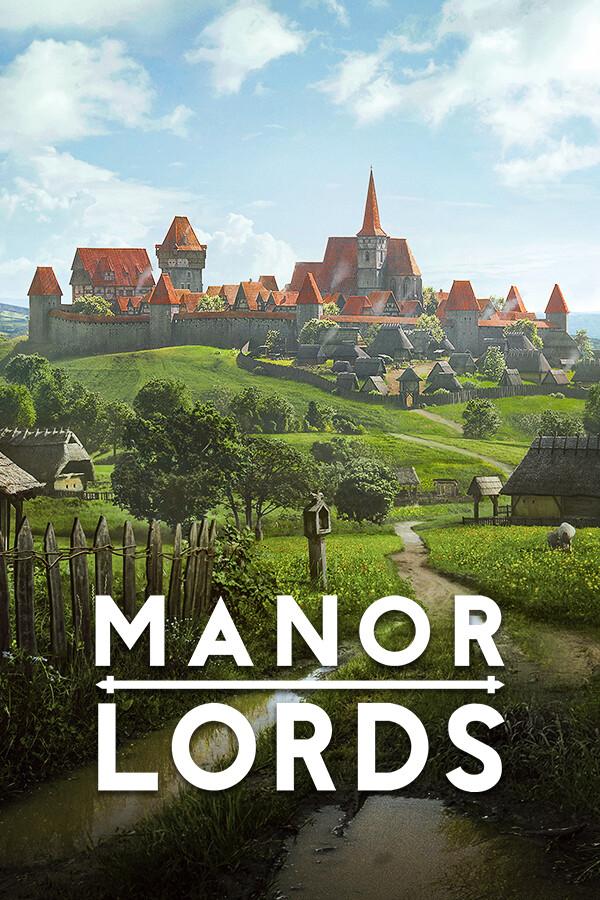
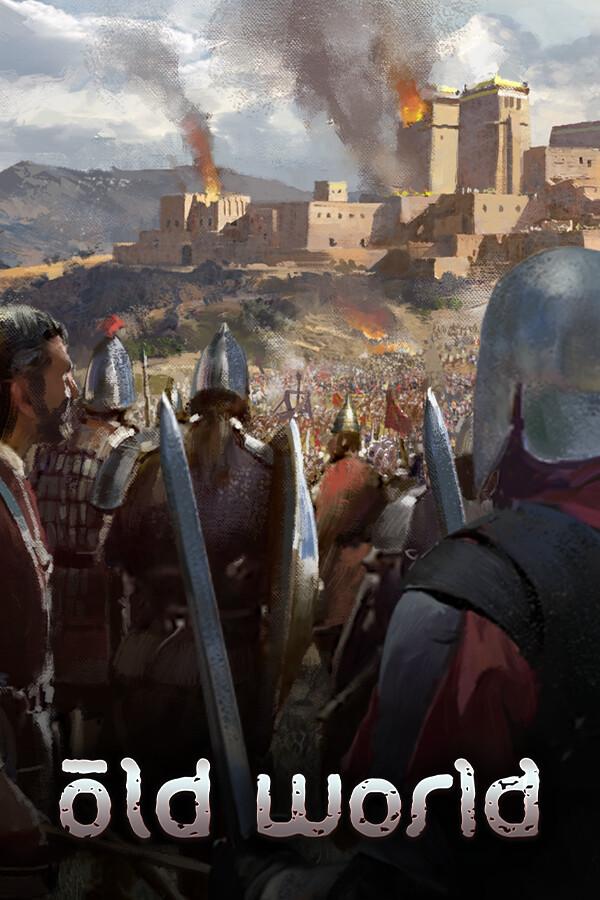
The Empire has fallen, leaving in its place multiple successor kingdoms. The lords and ladies of these petty kingdoms squabble for control and influence – whether with cloak and dagger or sword and shield, families feud amongst themselves and against each other as greater threats cast a shadow across the land. Famines wreak havoc on the lives of the peasantry, warfare and disunity threaten the social order, noble families fall to decadence and hedonism, and beyond the borders of the old Empire, great armies of pillage and destruction form under the banners of invader-kings. ...
सिस्टम आवश्यकताएं
न्यूनतम
- Requires a 64-bit processor and operating system
- ऑपरेटिंग सिस्टम
- Windows® 10 (64-bit)
- प्रोसेसर
- Intel® Core™ i5-4570T (dual-core) / AMD® FX-Series™ FX-9590 (quad-core)
- मेमोरी
- 4 GB RAM
- ग्राफ़िक्स
- NVIDIA® GeForce® GTX 550 Ti (1 GB) / AMD® Radeon™ R9 270X (2 GB)
- DirectX
- Version 10
- स्टोरेज
- 1 GB available space"
सिफारिश की
- Requires a 64-bit processor and operating system
- ऑपरेटिंग सिस्टम
- Windows® 10 (64-bit)
- प्रोसेसर
- Intel® Core™ i5-4670 (quad-core) / AMD® Ryzen™ 3 2200G (quad-core)
- मेमोरी
- 8 GB RAM
- ग्राफ़िक्स
- NVIDIA® GeForce® GTX 550 Ti (1 GB) / AMD® Radeon™ R9 270X (2 GB)
- DirectX
- Version 12
- स्टोरेज
- 1 GB available space"
कानूनी जानकारी
Trademarks, tradenames, and copyrights are property of their respective owners, Long Jaunt (2024) and Hooded Horse Inc.™ (2024). All Rights Reserved.