



कैसे सक्रिय करें
- Steam इंस्टॉल करें और अपने खाते में साइन इन करें (मुफ़्त खाता काफ़ी है)।
- ऊपर के मेनू में „Games” → „Activate a Product on Steam…” चुनें।
- कुंजी को ठीक वैसे ही दर्ज करें जैसे ऑर्डर में दिखाई गई है (डैश सहित) और पुष्टि करें। गेम आपकी लाइब्रेरी में दिखाई देगा।
गेम के बारे में
Feature List
About the Game
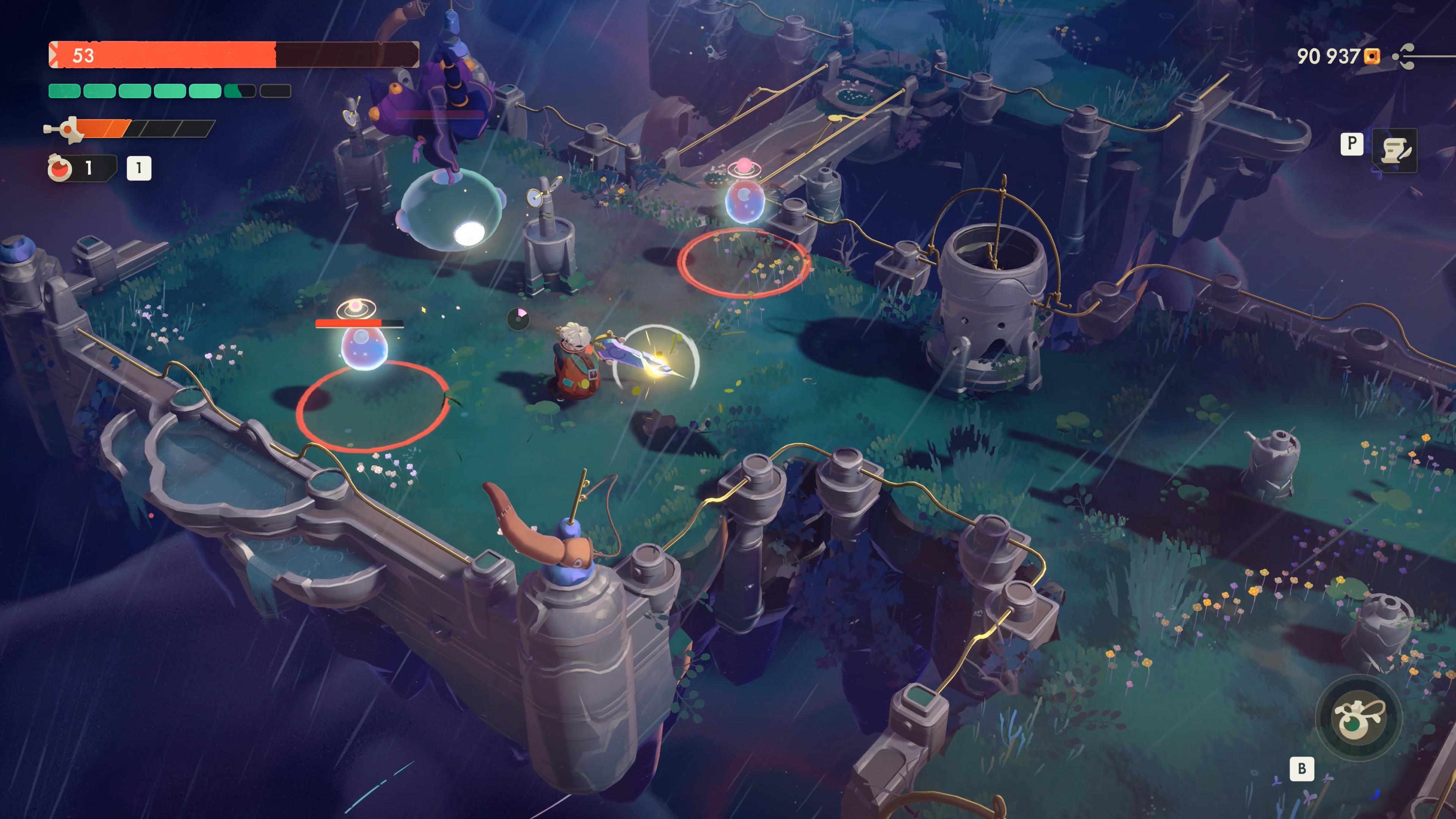
Dive deep into Action-RPG with roguelike elements and a tale about new beginnings. With no coin to your name, you and the other townsfolk find yourselves stranded in the distant village of Tresna. Now, it’s up to you to get back on your feet and turn your humble shop into the beating heart of the village’s wealth. Explore dangerous dungeons, gather relics, sell them, and reinvest in your friends’ establishments. Unlock new weapons, armor, shop decorations, and—more importantly—restore hope that things can one day turn around. ...
सिस्टम आवश्यकताएं
- Windows
- ऑपरेटिंग सिस्टम
- Windows 10 64-bit
- प्रोसेसर
- AMD Ryzen 5 1600 or Intel Core i5-8400
- मेमोरी
- 16 GB RAM
- ग्राफ़िक्स
- Radeon RX580 (8GB) or Nvidia GTX 1660 (6GB)
- DirectX
- Version 12
- अतिरिक्त जानकारी
- SSD. Please be aware that listed system requirements are temporal and may change before the release of the game.
- Windows
- ऑपरेटिंग सिस्टम
- Windows 10 64-bit
- प्रोसेसर
- AMD Ryzen 5 3600 or Intel i5-10400F
- मेमोरी
- 16 GB RAM
- ग्राफ़िक्स
- Radeon 6700xt (12GB) or Nvidia RTX 3060 TI (8GB)
- DirectX
- Version 12
- अतिरिक्त जानकारी
- SSD. Please be aware that listed system requirements are temporal and may change before the release of the game.
कानूनी जानकारी
©11 BIT STUDIOS S.A.. ALL RIGHTS RESERVED. 11 BIT STUDIOS is a registered trademark of 11 BIT STUDIOS S.A.. All other marks and trademarks are the property of their respective owners. All rights reserved.