


कैसे सक्रिय करें
- Steam इंस्टॉल करें और अपने खाते में साइन इन करें (मुफ़्त खाता काफ़ी है)।
- ऊपर के मेनू में „Games” → „Activate a Product on Steam…” चुनें।
- कुंजी को ठीक वैसे ही दर्ज करें जैसे ऑर्डर में दिखाई गई है (डैश सहित) और पुष्टि करें। गेम आपकी लाइब्रेरी में दिखाई देगा।
गेम के बारे में
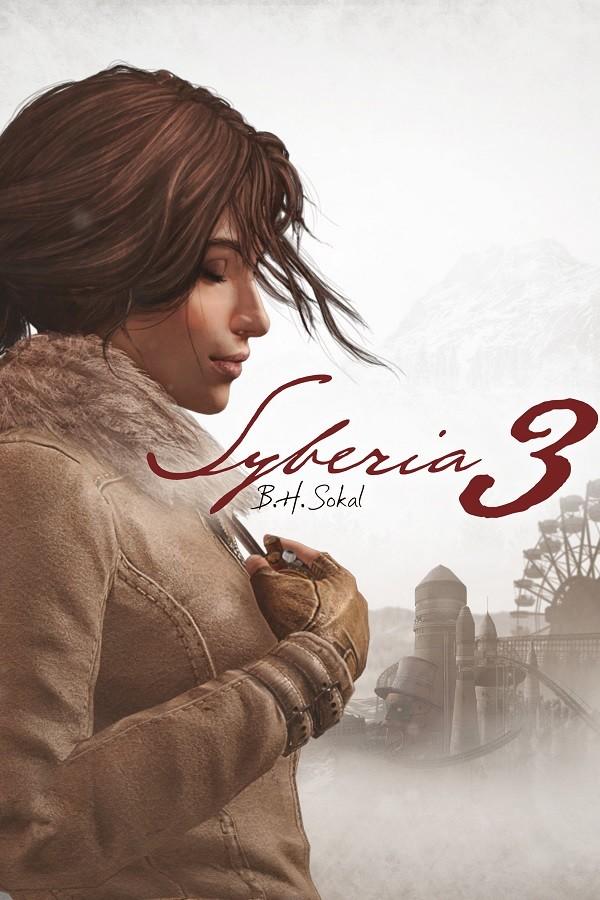
Jonathan Hunt is a journalist from New York. Solving the case of Yoomurjak’s ring earned him the reputation of an expert of mysteries in the past. This time he is asked by a nuclear physics institute to throw light upon a disappearance, but the mission turns into a hunt for a peculiar meteorite that fell on earth centuries ago. What is inside the devilish stone? There must be a good reason why certain persons have been trying to get hold of it at all costs.
Playing as the main character in third-person perspective, you will ...
सिस्टम आवश्यकताएं
न्यूनतम
- ऑपरेटिंग सिस्टम
- Windows XP, Vista, 7, 8, 10
- प्रोसेसर
- Intel Core2 Duo / AMD Athlon 64 x2
- मेमोरी
- 2 GB RAM
- ग्राफ़िक्स
- 512 MB
- स्टोरेज
- 7 GB available space
सिफारिश की
कानूनी जानकारी
©2018 Anuman Interactive SA. All rights reserved. Published by Anuman Interactive SA. Microïds Indie is a trademark of Anuman Interactive SA. All rights reserved. Developed by Private Moon Studios.