




कैसे सक्रिय करें
- Steam इंस्टॉल करें और अपने खाते में साइन इन करें (मुफ़्त खाता काफ़ी है)।
- ऊपर के मेनू में „Games” → „Activate a Product on Steam…” चुनें।
- कुंजी को ठीक वैसे ही दर्ज करें जैसे ऑर्डर में दिखाई गई है (डैश सहित) और पुष्टि करें। गेम आपकी लाइब्रेरी में दिखाई देगा।
गेम के बारे में
Awaken. Rebuild. Explore.
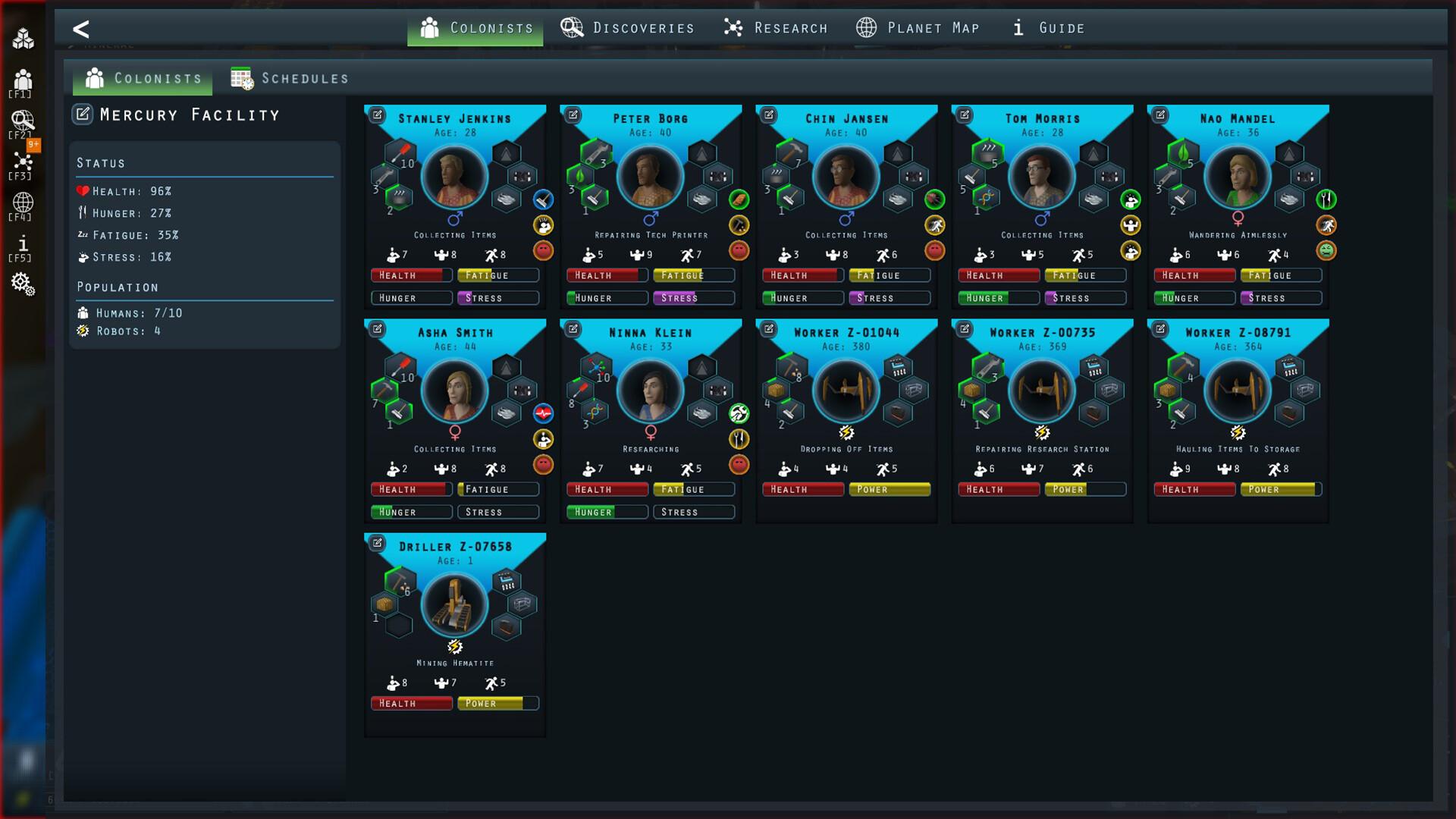
After a long journey to a distant planet, your colonists were supposed to wake up and begin building their new home. But something went wrong. Their stasis capsules malfunctioned, and when they finally awakened, the underground facility they were meant to inhabit has fallen into ruin.
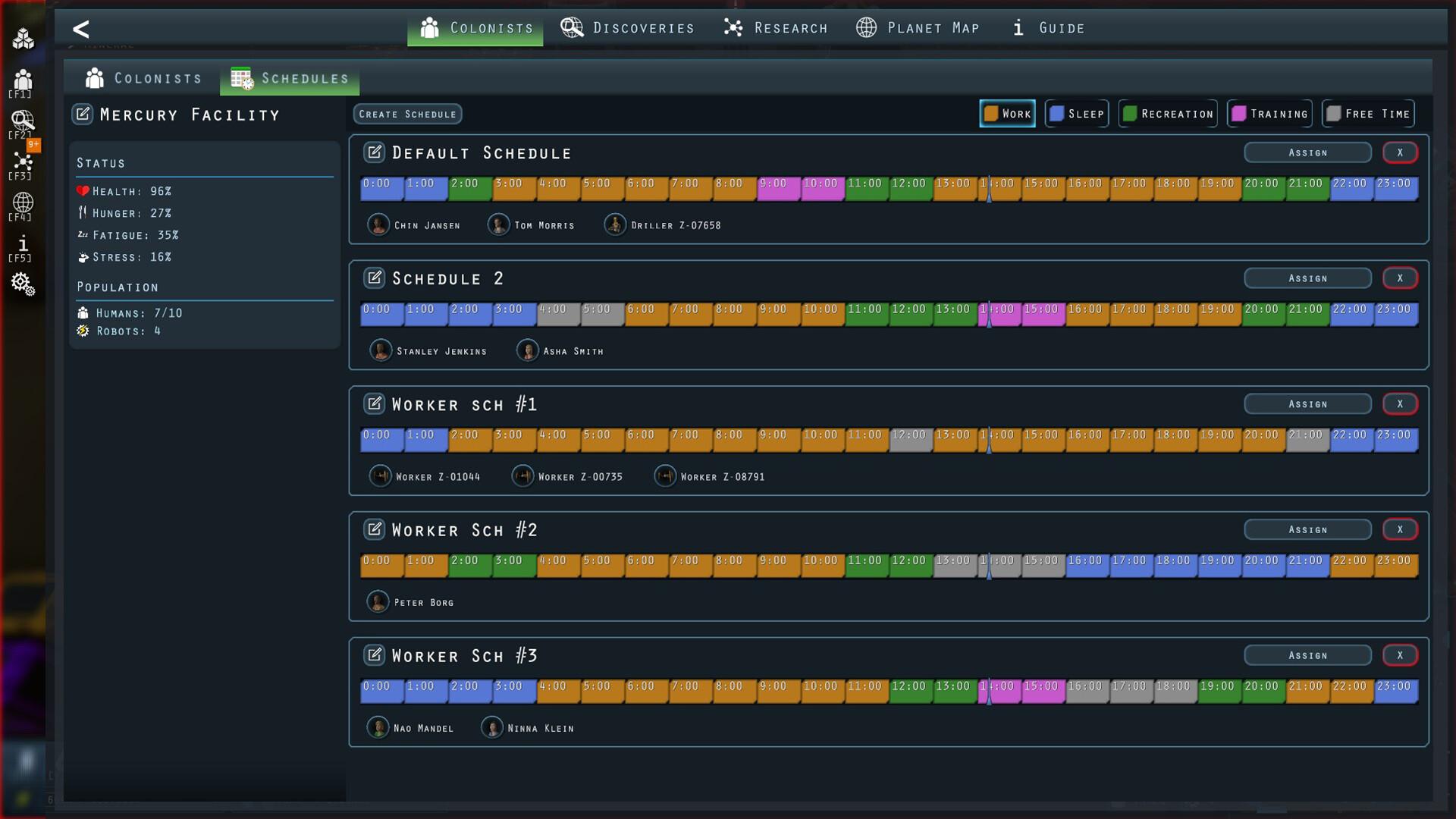
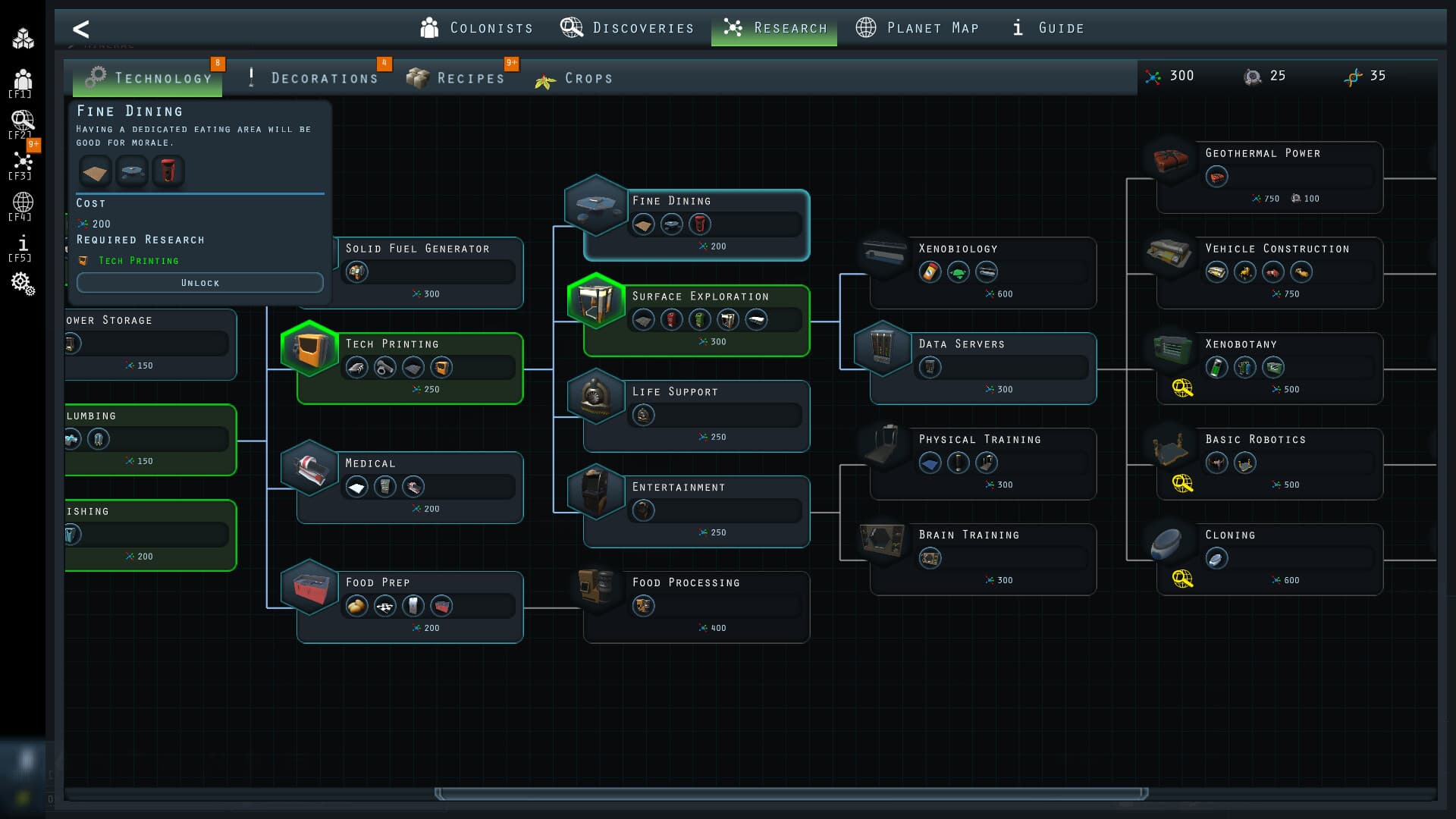
Now, it's up to you to restore the base, manage resources, and expand across the planet’s surface—all while uncovering the secrets of this alien world and ensuring your colony thrives. ...
सिस्टम आवश्यकताएं
न्यूनतम
- Windows
- Requires a 64-bit processor and operating system
- ऑपरेटिंग सिस्टम
- Windows 10+
- प्रोसेसर
- 2.4 GHz Dual Core
- मेमोरी
- 4 GB RAM
- ग्राफ़िक्स
- DirectX 11 compatible card (shader model 3)
- DirectX
- Version 11
- स्टोरेज
- 500 MB available space
- macOS
- ऑपरेटिंग सिस्टम
- OS X 10.9+
- प्रोसेसर
- 2.4 Ghz Intel Core i5
- मेमोरी
- 4 GB RAM
- ग्राफ़िक्स
- Intel HD 4600 (AMD or NVIDIA equivalent)
- स्टोरेज
- 300 MB available space
- अतिरिक्त जानकारी
- 64-bit CPU and OS
सिफारिश की