





कैसे सक्रिय करें
- Steam इंस्टॉल करें और अपने खाते में साइन इन करें (मुफ़्त खाता काफ़ी है)।
- ऊपर के मेनू में „Games” → „Activate a Product on Steam…” चुनें।
- कुंजी को ठीक वैसे ही दर्ज करें जैसे ऑर्डर में दिखाई गई है (डैश सहित) और पुष्टि करें। गेम आपकी लाइब्रेरी में दिखाई देगा।
गेम के बारे में
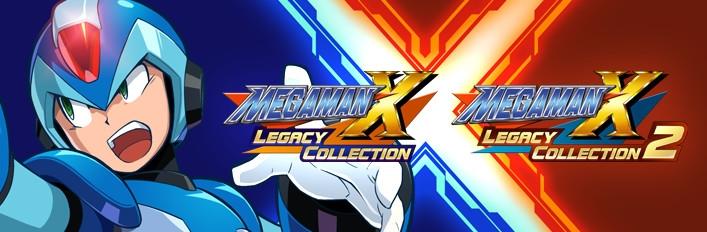
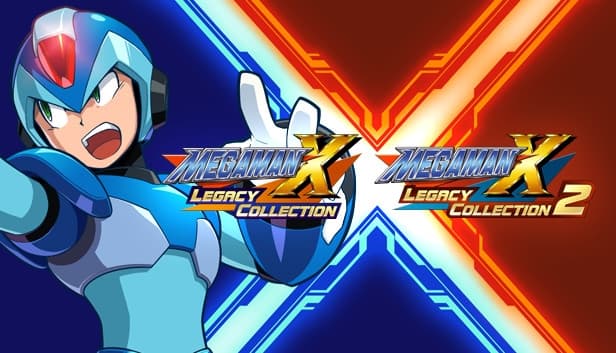
Own all eight titles in the epic, action-packed Mega Man X saga! Test your skills in the new X Challenge mode, which pits players against two deadly bosses at once. Explore a huge museum filled with rare production art, catalogs of classic merchandise, nostalgic commercials, and more.
Includes individual downloads for Mega Man X Legacy Collection and Mega Man X Legacy Collection 2.
सिस्टम आवश्यकताएं
न्यूनतम
- Requires a 64-bit processor and operating system
- ऑपरेटिंग सिस्टम
- WINDOWS® 7 (64bit)
- प्रोसेसर
- Intel® Core™ i3 550 3.2GHz or AMD equivalent or better
- मेमोरी
- 2 GB RAM
- ग्राफ़िक्स
- NVIDIA® GeForce® GTX 660 or ATI Radeon™ HD 7850
- DirectX
- Version 10
- स्टोरेज
- 7 GB available space
- साउंड कार्ड
- DirectSound (DirectX® 10.0c or better)
- अतिरिक्त जानकारी
- *Recommended Controller Xbox 360 Controller (Windows®7/8/8.1) Xbox One Wireless Controller (Windows®10) *Internet connection required for game activation.
सिफारिश की
- Requires a 64-bit processor and operating system
- ऑपरेटिंग सिस्टम
- WINDOWS®10 (64bit)
- प्रोसेसर
- Intel® Core™ i5 3570 3.4GHz or AMD equivalent or better
- मेमोरी
- 4 GB RAM
- ग्राफ़िक्स
- NVIDIA® GeForce® GTX 760
- DirectX
- Version 11
- स्टोरेज
- 7 GB available space
- साउंड कार्ड
- DirectSound (DirectX® 10.0c or better)
- अतिरिक्त जानकारी
- *Recommended Controller Xbox 360 Controller (Windows®7/8/8.1) Xbox One Wireless Controller (Windows®10) *Internet connection required for game activation.