



कैसे सक्रिय करें
- Steam इंस्टॉल करें और अपने खाते में साइन इन करें (मुफ़्त खाता काफ़ी है)।
- ऊपर के मेनू में „Games” → „Activate a Product on Steam…” चुनें।
- कुंजी को ठीक वैसे ही दर्ज करें जैसे ऑर्डर में दिखाई गई है (डैश सहित) और पुष्टि करें। गेम आपकी लाइब्रेरी में दिखाई देगा।
गेम के बारे में
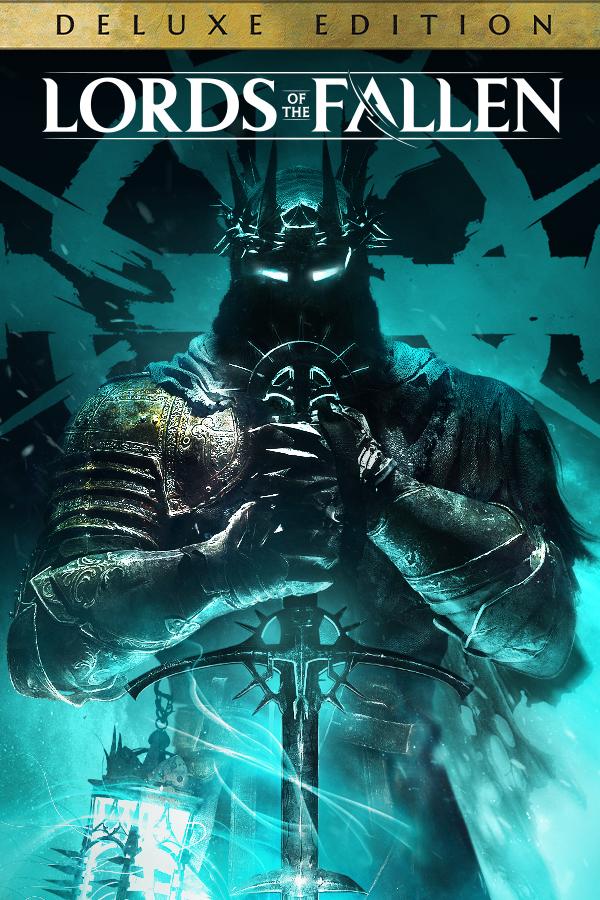
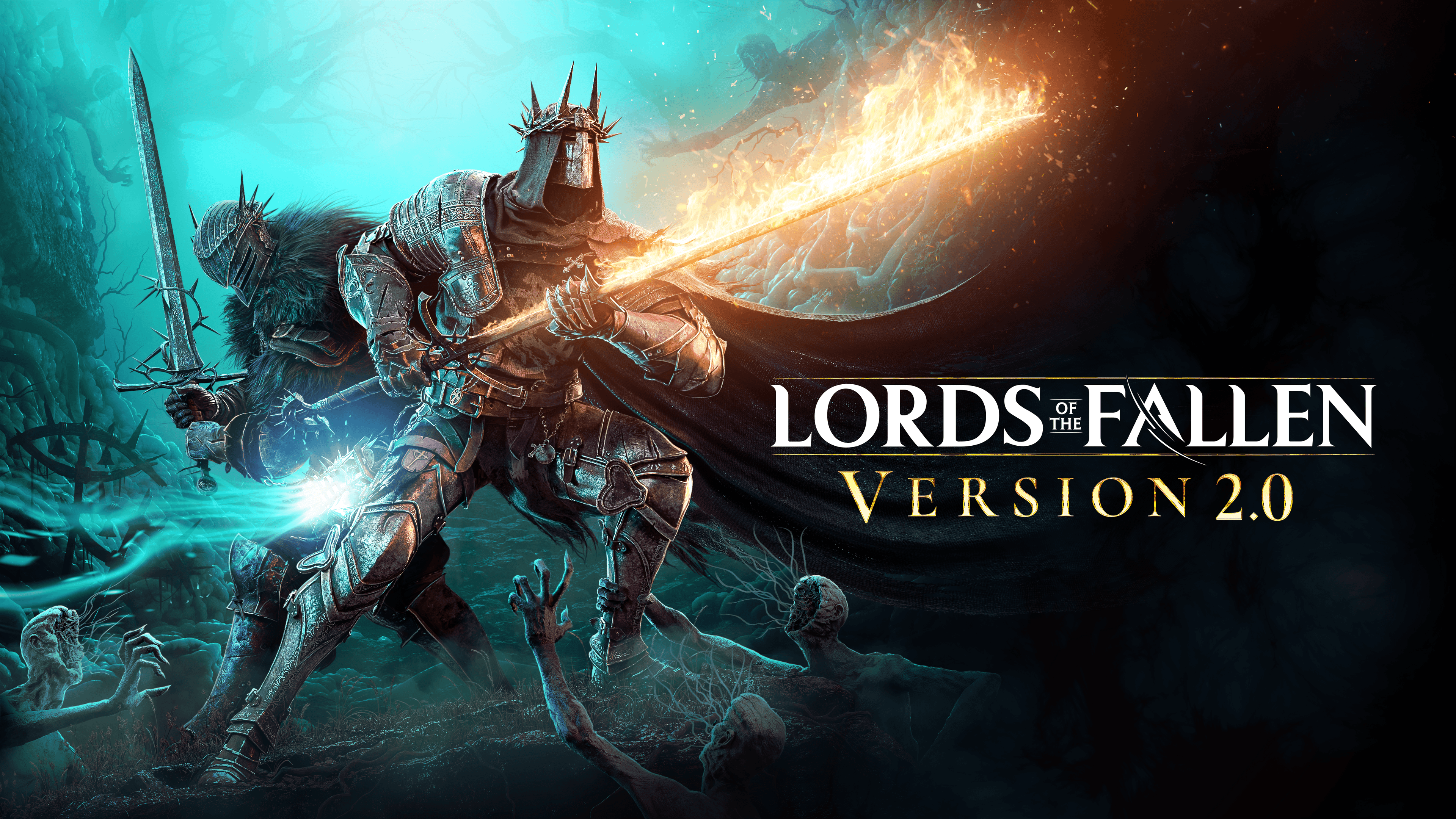
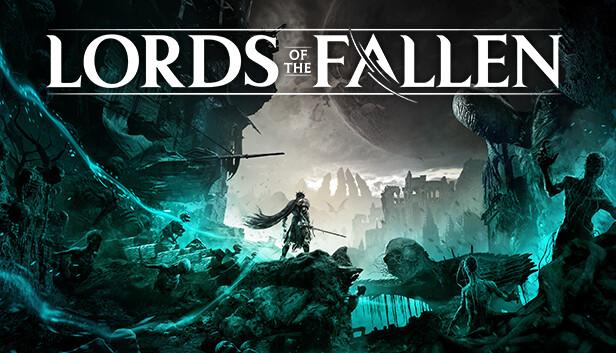
Lords of the Fallen introduces an all-new, epic RPG adventure in a vast, interconnected world more than five times larger than the original game.
After an age of the cruellest tyranny, the demon God, Adyr, was finally defeated. But Gods… do not fall forever. Now, aeons later, Adyr’s resurrection draws nigh. As one of the fabled Dark Crusaders, journey through both the realms of the living and the dead in this expansive RPG experience, featuring colossal boss battles, fast challenging combat, thrilling character encounters, and deep, immersive storytelling. Will your legend be one of light… or ...
सिस्टम आवश्यकताएं
- Windows
- ऑपरेटिंग सिस्टम
- Windows 10 64bit
- प्रोसेसर
- intel i5 8400 | AMD Ryzen 5 2600
- मेमोरी
- 8 GB RAM
- ग्राफ़िक्स
- 6GBs VRAM | NVIDIA GTX-1060 | AMD Radeon RX 590
- DirectX
- Version 11
- नेटवर्क
- Broadband Internet connection
- स्टोरेज
- 45 GB available space
- अतिरिक्त जानकारी
- 720p Low Quality Settings | SSD (Preferred) | HDD (Supported)
- Windows
- ऑपरेटिंग सिस्टम
- Windows 10 64bit
- प्रोसेसर
- intel i7 8700 | AMD Ryzen 5 3600
- मेमोरी
- 16 GB RAM
- ग्राफ़िक्स
- 8GBs VRAM | NVIDIA RTX-2080 | AMD Radeon RX 6700
- DirectX
- Version 12
- नेटवर्क
- Broadband Internet connection
- स्टोरेज
- 45 GB available space
- अतिरिक्त जानकारी
- 1080p High Quality Settings | SSD Required
कानूनी जानकारी
Lords of the Fallen is a trademark of CI Games SE All rights reserved. CI Games is a registered trademark of CI Games SE All rights reserved. ©2023 CI Games SE All rights reserved.