




कैसे सक्रिय करें
- Steam इंस्टॉल करें और अपने खाते में साइन इन करें (मुफ़्त खाता काफ़ी है)।
- ऊपर के मेनू में „Games” → „Activate a Product on Steam…” चुनें।
- कुंजी को ठीक वैसे ही दर्ज करें जैसे ऑर्डर में दिखाई गई है (डैश सहित) और पुष्टि करें। गेम आपकी लाइब्रेरी में दिखाई देगा।
गेम के बारे में
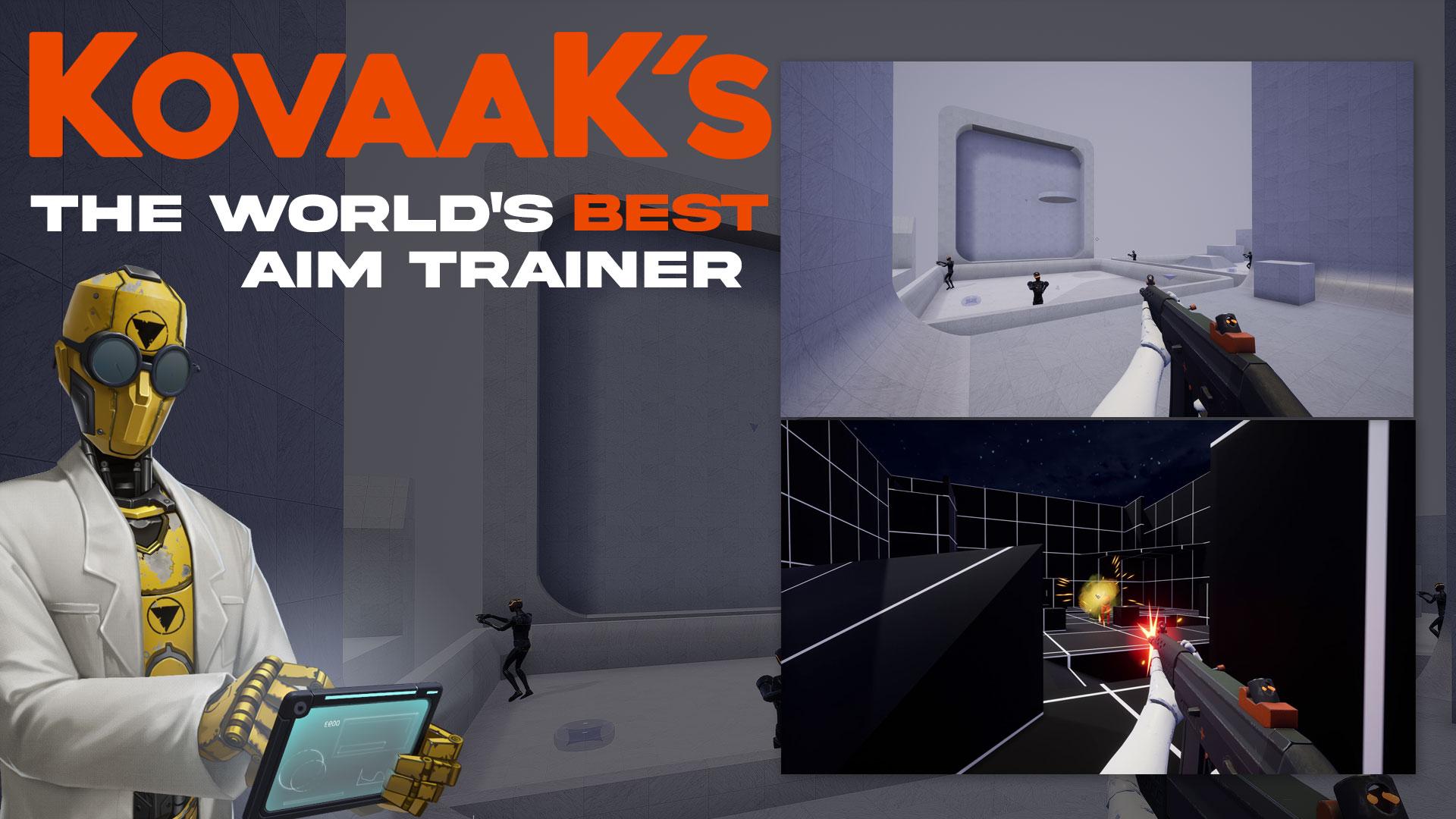
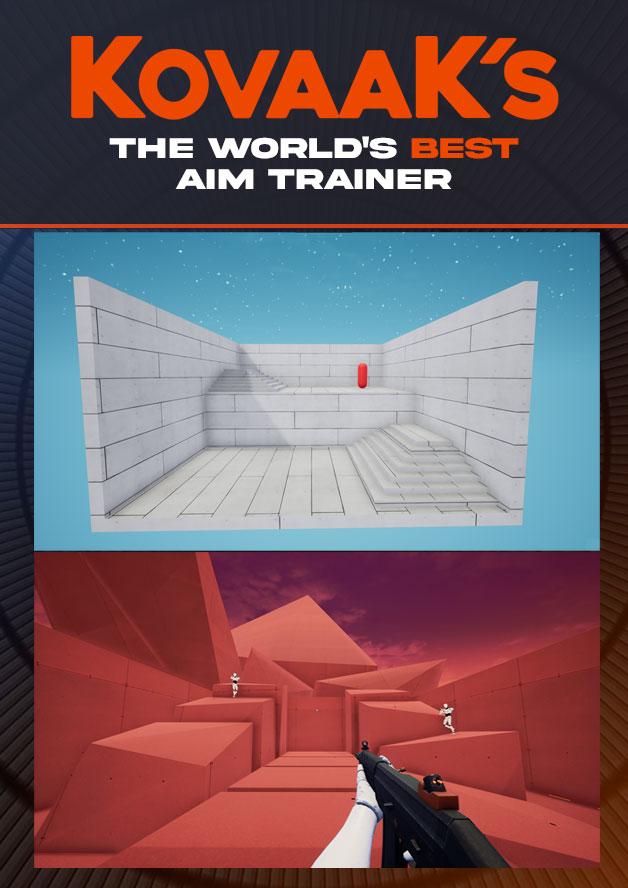
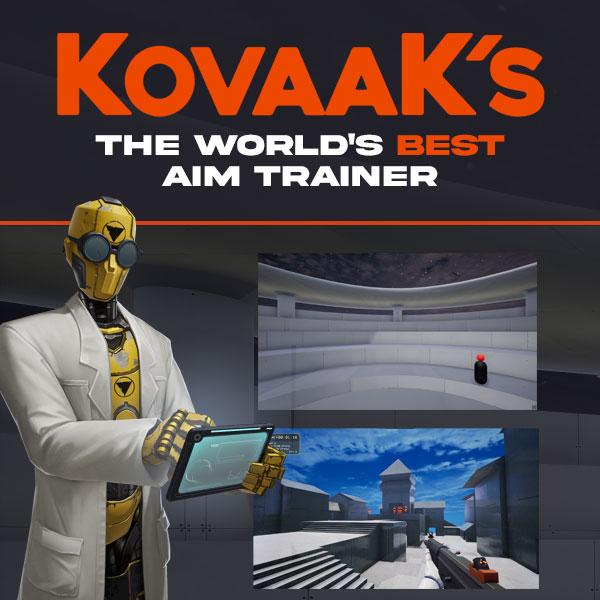
THE WORLD'S BEST AIM TRAINER
-
The highest-performance aim trainer, with the lowest input delay
-
Thousands of pros and streamers buy and use KovaaK’s to stay on top
-
Made by FPS pros and deeply partnered with NVIDIA
-
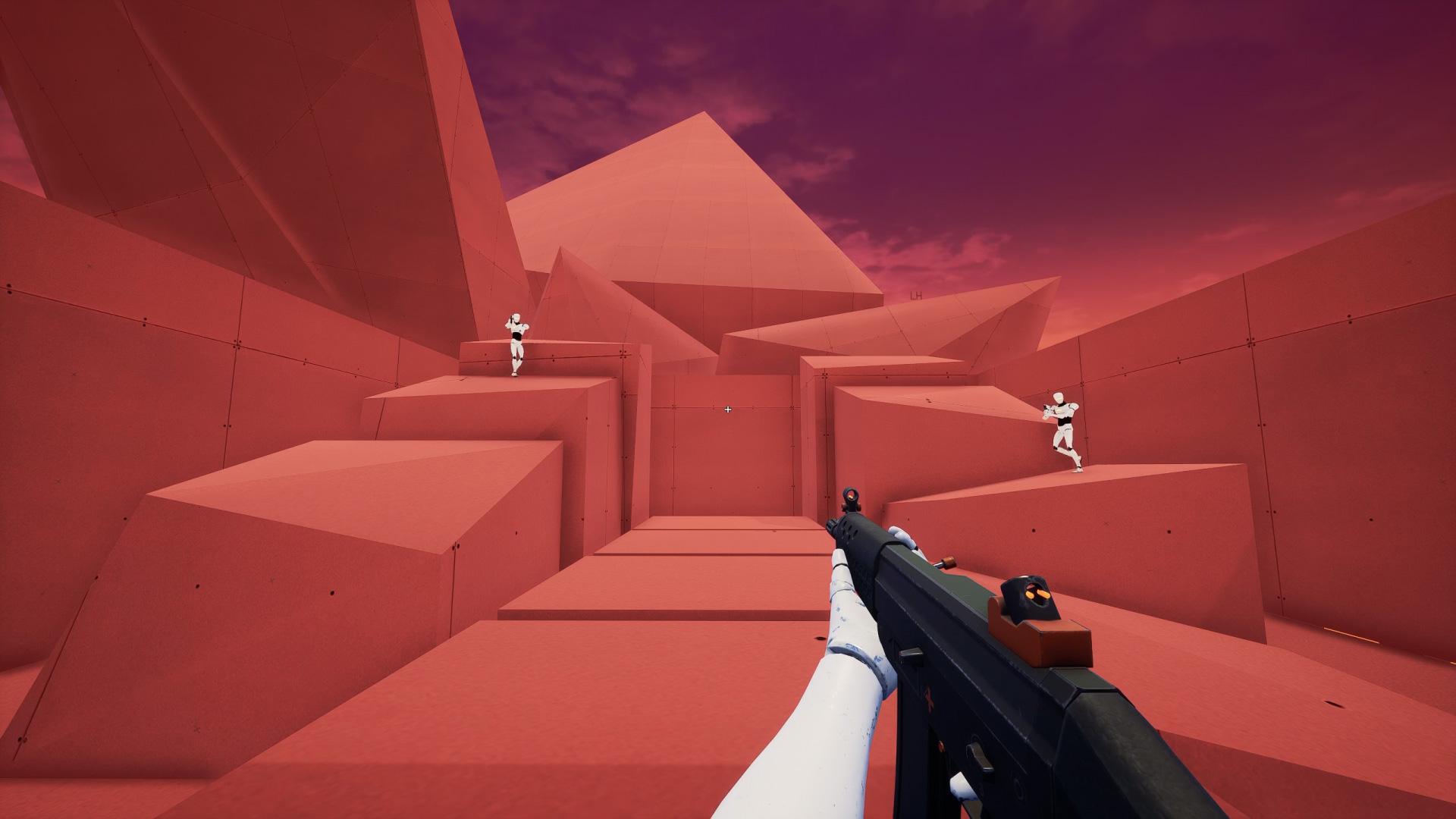
Over 26,000 training scenarios, with infinite customization supporting every FPS/TPS title and skill-level
-
Supportive community of aim experts and players just like you
-
We don’t turn you into data for sale to third-parties
THE KOVAAK ADVANTAGE
Over 1MM gamers have happily bought KovaaK's.
Here is why so many gamers trust KovaaK’s: ...
सिस्टम आवश्यकताएं
न्यूनतम
- Windows
- Requires a 64-bit processor and operating system
- ऑपरेटिंग सिस्टम
- Windows 10 64-bit (latest Service Pack)
- प्रोसेसर
- Intel Core i3 or AMD Phenom X3 865
- मेमोरी
- 4 GB RAM
- ग्राफ़िक्स
- Nvidia GeForce GTX 460, ATI Radeon HD 4850, or Intel HD Graphics 4400
- DirectX
- Version 11
- नेटवर्क
- Broadband Internet connection
- स्टोरेज
- 8 GB available space
सिफारिश की
- Windows
- Requires a 64-bit processor and operating system
- ऑपरेटिंग सिस्टम
- Windows 10 64-bit (latest Service Pack)
- प्रोसेसर
- Intel® Core™ i5 or AMD Phenom™ II X3 or better
- मेमोरी
- 16 GB RAM
- ग्राफ़िक्स
- NVIDIA® GeForce® GTX 660 or AMD Radeon™ HD 7950 or better
- DirectX
- Version 11
- नेटवर्क
- Broadband Internet connection
- स्टोरेज
- 8 GB available space