



कैसे सक्रिय करें
- Steam इंस्टॉल करें और अपने खाते में साइन इन करें (मुफ़्त खाता काफ़ी है)।
- ऊपर के मेनू में „Games” → „Activate a Product on Steam…” चुनें।
- कुंजी को ठीक वैसे ही दर्ज करें जैसे ऑर्डर में दिखाई गई है (डैश सहित) और पुष्टि करें। गेम आपकी लाइब्रेरी में दिखाई देगा।
गेम के बारे में
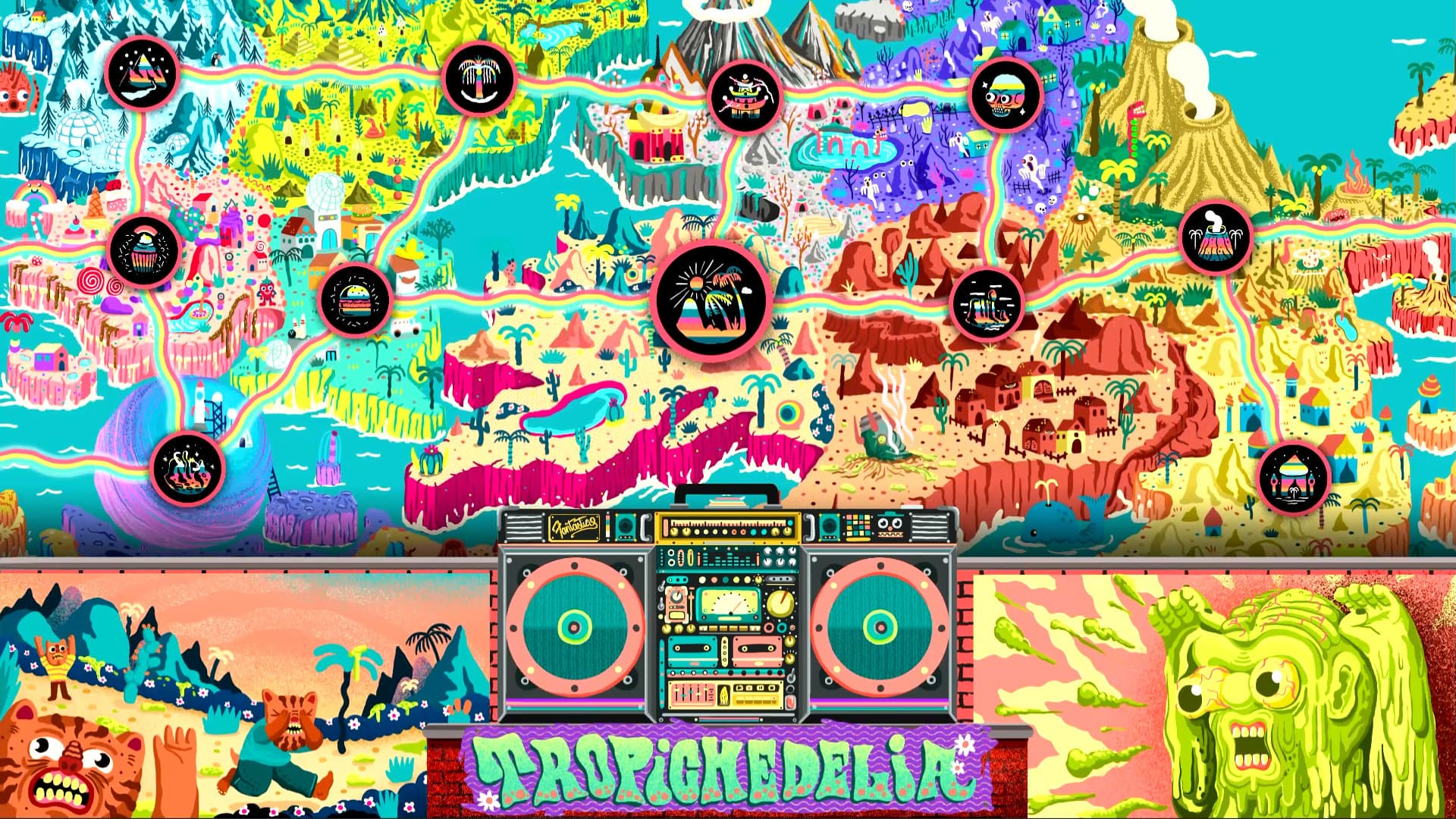
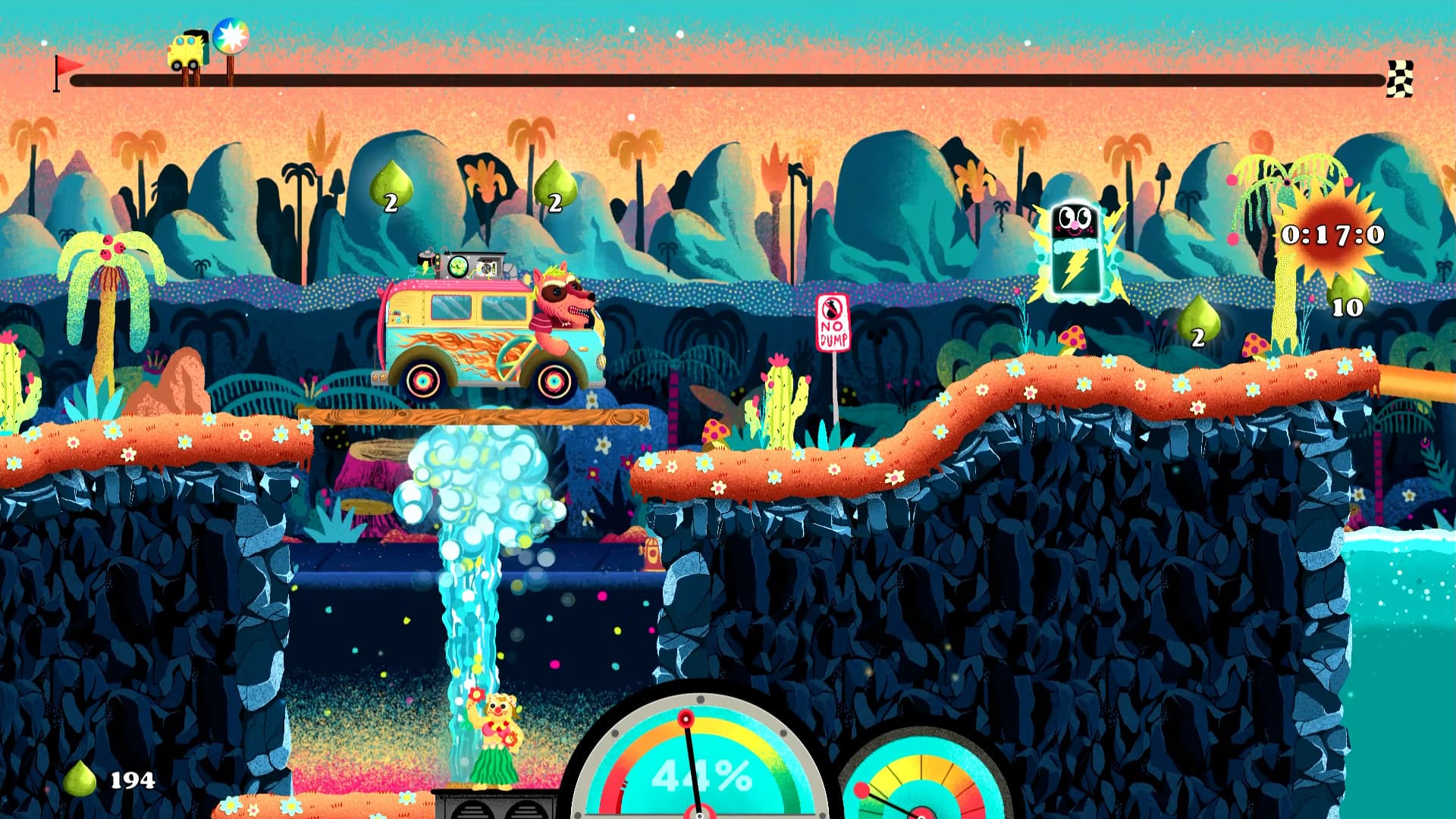
It's time to take a drive on the Furry Road! Funtasia is a side-scrolling, 2D racing game where the goal is simple: Drive as fast as possible to reach the finish line. Help save the beautiful, ecologically sustainable world of Funtasia and its furry inhabitants from certain death beneath tons of garbage dumped on it from space. ...
सिस्टम आवश्यकताएं
न्यूनतम
- Windows
- ऑपरेटिंग सिस्टम
- Windows 8 or newer
- प्रोसेसर
- Intel Core i3 M380
- मेमोरी
- 4 GB RAM
- ग्राफ़िक्स
- Intel HD 4000
- स्टोरेज
- 2 GB available space
- macOS
- ऑपरेटिंग सिस्टम
- Lion 10.7.5 32/64-bit
- प्रोसेसर
- Intel Core i3 M380
- मेमोरी
- 4 GB RAM
- ग्राफ़िक्स
- OpenGL 3.0+ (2.1 with ARB extensions acceptable)
- स्टोरेज
- 2 GB available space
सिफारिश की
- Windows
- ऑपरेटिंग सिस्टम
- Windows 8 or newer
- प्रोसेसर
- Intel Core i3 M380
- मेमोरी
- 4 GB RAM
- ग्राफ़िक्स
- Intel HD 4000
- स्टोरेज
- 2 GB available space
- macOS
- ऑपरेटिंग सिस्टम
- Lion 10.7.5 32/64-bit
- प्रोसेसर
- Intel Core i3 M380
- मेमोरी
- 4 GB RAM
- ग्राफ़िक्स
- OpenGL 3.0+ (2.1 with ARB extensions acceptable)
- स्टोरेज
- 2 GB available space