







कैसे सक्रिय करें
- Steam इंस्टॉल करें और अपने खाते में साइन इन करें (मुफ़्त खाता काफ़ी है)।
- ऊपर के मेनू में „Games” → „Activate a Product on Steam…” चुनें।
- कुंजी को ठीक वैसे ही दर्ज करें जैसे ऑर्डर में दिखाई गई है (डैश सहित) और पुष्टि करें। गेम आपकी लाइब्रेरी में दिखाई देगा।
गेम के बारे में
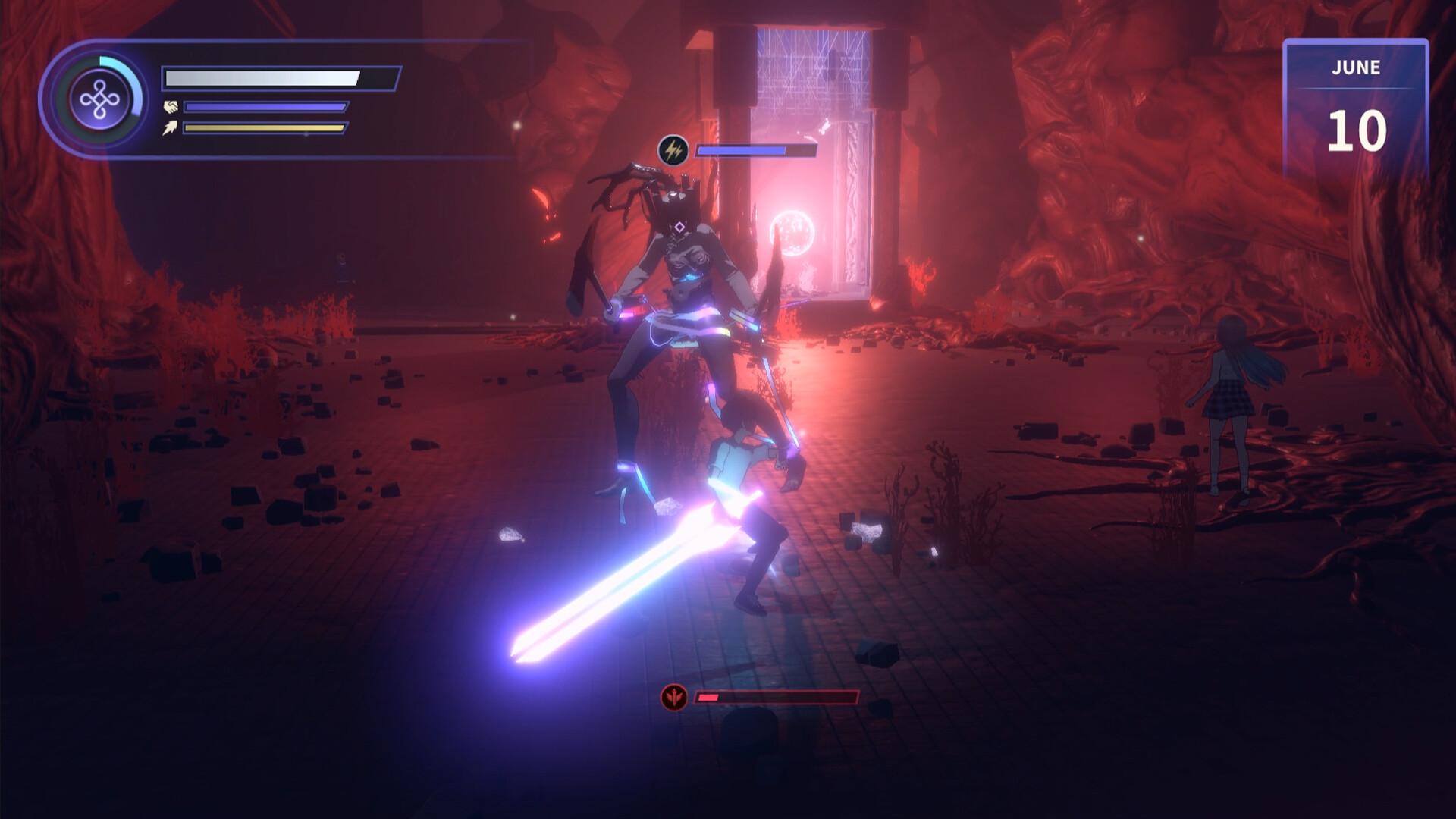
Eternights is a unique blend of dating and action where players can explore a post-apocalyptic world filled with danger, love, and adventure.
Save the world, and find love along the way.
Face the infected
One day, something, or someone, has turned humans into dangerous monsters. All that interests them now is violence and power. They are what stand between you, a cure, and the world you want. Most importantly? You’re fighting for more than just your own survival – you are fighting for those you love.
Find Love ...
सिस्टम आवश्यकताएं
न्यूनतम
- Requires a 64-bit processor and operating system
- ऑपरेटिंग सिस्टम
- Windows 10+
- प्रोसेसर
- Intel Core i5-6500 | AMD Ryzen 3 1200
- मेमोरी
- 8 GB RAM
- ग्राफ़िक्स
- NVIDIA Geforce GTX 1050m | AMD Radeon RX 560
- DirectX
- Version 12
- स्टोरेज
- 12 GB available space
सिफारिश की
- Requires a 64-bit processor and operating system
- ऑपरेटिंग सिस्टम
- Windows 10 +
- प्रोसेसर
- Intel Core i7-6700k | AMD Ryzen 7
- मेमोरी
- 16 GB RAM
- ग्राफ़िक्स
- NVIDIA Geforce GTX 1650
- DirectX
- Version 12
- स्टोरेज
- 12 GB available space


