

कैसे सक्रिय करें
- Steam इंस्टॉल करें और अपने खाते में साइन इन करें (मुफ़्त खाता काफ़ी है)।
- ऊपर के मेनू में „Games” → „Activate a Product on Steam…” चुनें।
- कुंजी को ठीक वैसे ही दर्ज करें जैसे ऑर्डर में दिखाई गई है (डैश सहित) और पुष्टि करें। गेम आपकी लाइब्रेरी में दिखाई देगा।
गेम के बारे में
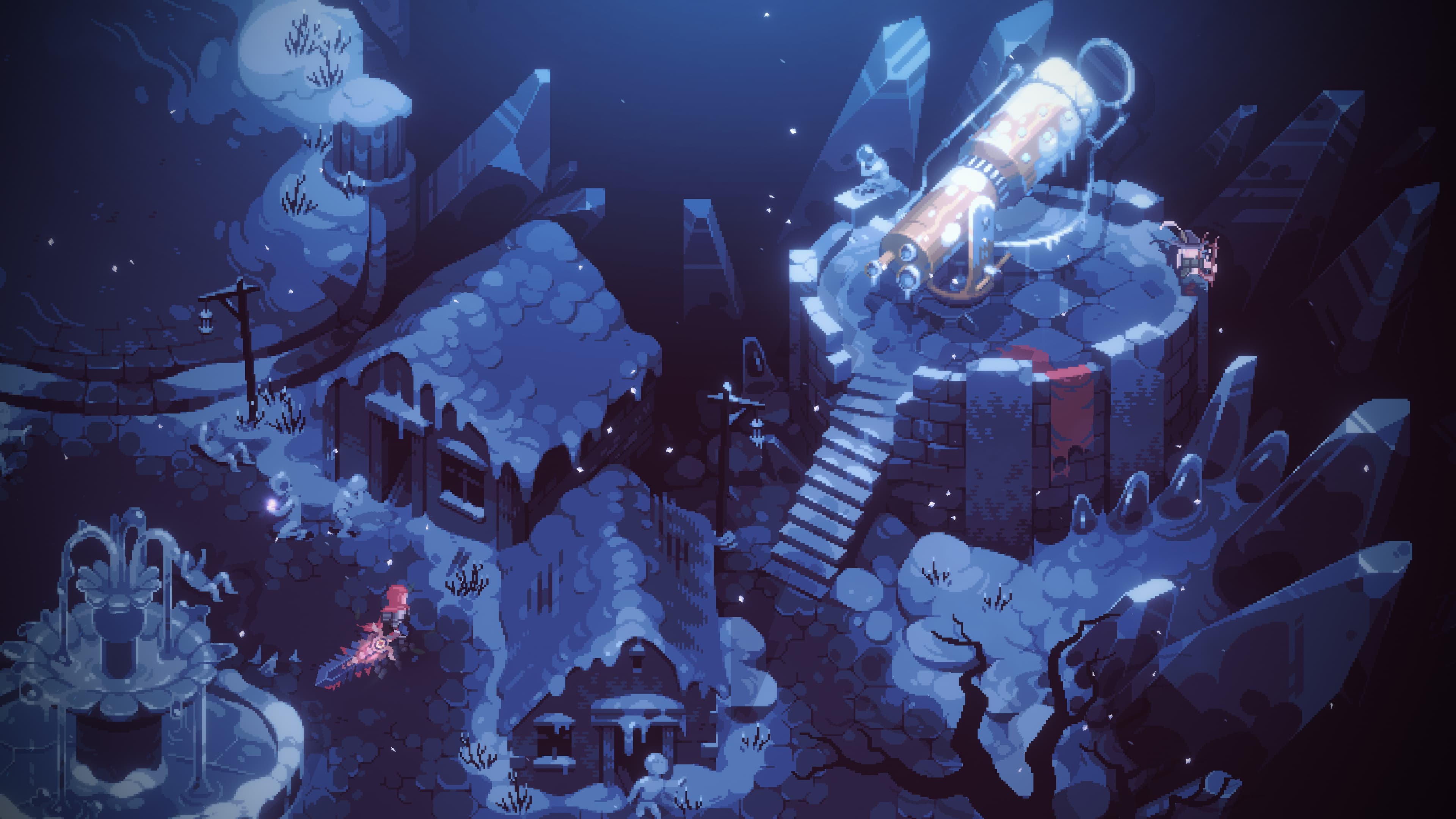
Eldest Souls now includes ‘Depths of the Forgotten’: a free, major expansion which introduces a new and perilous region, three new bosses, a selection of special weapons, a weapon customisation system, and an all-new, obliterating ability.
Entrenched within the very bowels of existence, far removed from the moon’s pale radiance, rots an ancient abyss: The Forgotten Depths. It is as these unfathomable reaches, that Eksyll caged those that no longer served his abysmal purpose; a general with naught to command; an heir of crippling malcontent; and a King, consumed with the elongation of his own ...
सिस्टम आवश्यकताएं
न्यूनतम
- ऑपरेटिंग सिस्टम
- Windows 10 64-bit
- प्रोसेसर
- Processor: 2.8 GHz Dual Core CPU
- मेमोरी
- 4 GB RAM
- ग्राफ़िक्स
- GeForce GTX 660 or equivalent with 2 GB of video RAM
- DirectX
- Version 11
- स्टोरेज
- 2 GB available space
सिफारिश की
- ऑपरेटिंग सिस्टम
- Windows 10 64-bit
- प्रोसेसर
- 3.2 GHz Quad Core Processor
- मेमोरी
- 8 GB RAM
- ग्राफ़िक्स
- GeForce 960 or equivalent with 4GB of video RAM
- DirectX
- Version 11
- स्टोरेज
- 2 GB available space