
कैसे सक्रिय करें
- Steam इंस्टॉल करें और अपने खाते में साइन इन करें (मुफ़्त खाता काफ़ी है)।
- ऊपर के मेनू में „Games” → „Activate a Product on Steam…” चुनें।
- कुंजी को ठीक वैसे ही दर्ज करें जैसे ऑर्डर में दिखाई गई है (डैश सहित) और पुष्टि करें। गेम आपकी लाइब्रेरी में दिखाई देगा।
गेम के बारे में
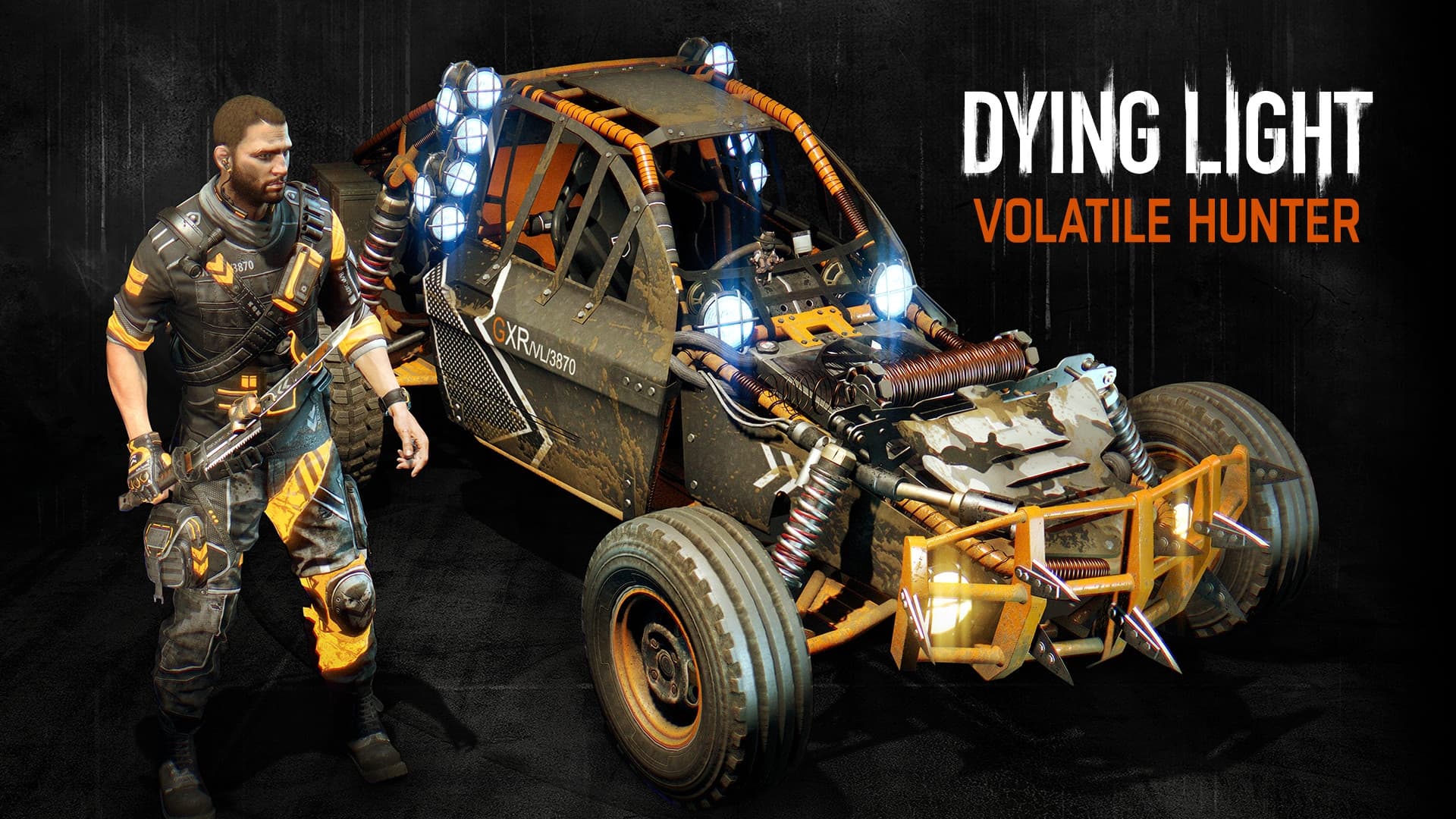
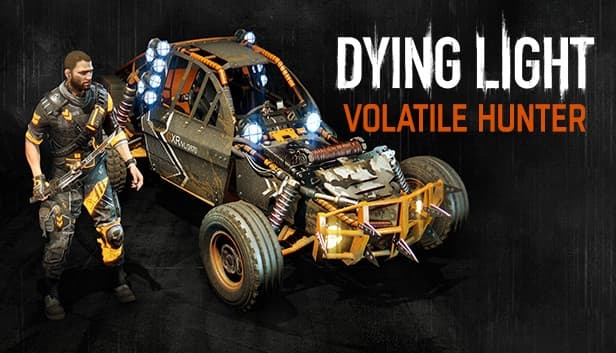
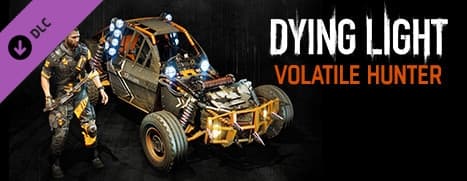
Spread terror among hordes of night zombies! Don your fluorescent outfit, equip special weapons, and get behind the wheel of the Volatile Hunter. Prove you were born in the dark, molded by it. The Volatile Hunter Bundle includes: a new buggy paint job, a new character outfit, blueprints for a new sword, baton, maul, and knife.
सिस्टम आवश्यकताएं
न्यूनतम
- ऑपरेटिंग सिस्टम
- Windows® 7 64-bit / Windows® 8 64-bit / Windows® 8.1 64-bit
- प्रोसेसर
- Intel® Core™ i5-2500 @3.3 GHz / AMD FX-8320 @3.5 GHz
- मेमोरी
- 4 GB RAM DDR3
- स्टोरेज
- 40 GB free space
- ग्राफ़िक्स
- NVIDIA® GeForce® GTX 560 / AMD Radeon™ HD 6870 (1GB VRAM)
- DirectX
- Version 11
- साउंड कार्ड
- DirectX® compatible
- अतिरिक्त जानकारी
- Laptop versions of graphics cards may work but are NOT officially supported.
- Windows-compatible keyboard, mouse, optional controller (Xbox 360 Controller for Windows recommended)
सिफारिश की
- ऑपरेटिंग सिस्टम
- Windows® 7 64-bit / Windows® 8 64-bit / Windows® 8.1 64-bit
- प्रोसेसर
- Intel® Core™ i5-4670K @3.4 GHz / AMD FX-8350 @4.0 GHz
- मेमोरी
- 8 GB RAM DDR3
- स्टोरेज
- 40 GB free space
- ग्राफ़िक्स
- NVIDIA® GeForce® GTX 780 / AMD Radeon™ R9 290 (2GB VRAM)
- DirectX
- Version 11
- साउंड कार्ड
- DirectX® compatible
- अतिरिक्त जानकारी
- Laptop versions of graphics cards may work but are NOT officially supported.
- Windows-compatible keyboard, mouse, optional controller (Xbox 360 Controller for Windows recommended)
कानूनी जानकारी
DYING LIGHT © Techland 2015. Published and Distributed by Warner Bros. Home Entertainment Inc. WB SHIELD: ™ & © Warner Bros. Entertainment Inc.