

कैसे सक्रिय करें
- Steam इंस्टॉल करें और अपने खाते में साइन इन करें (मुफ़्त खाता काफ़ी है)।
- ऊपर के मेनू में „Games” → „Activate a Product on Steam…” चुनें।
- कुंजी को ठीक वैसे ही दर्ज करें जैसे ऑर्डर में दिखाई गई है (डैश सहित) और पुष्टि करें। गेम आपकी लाइब्रेरी में दिखाई देगा।
गेम के बारे में
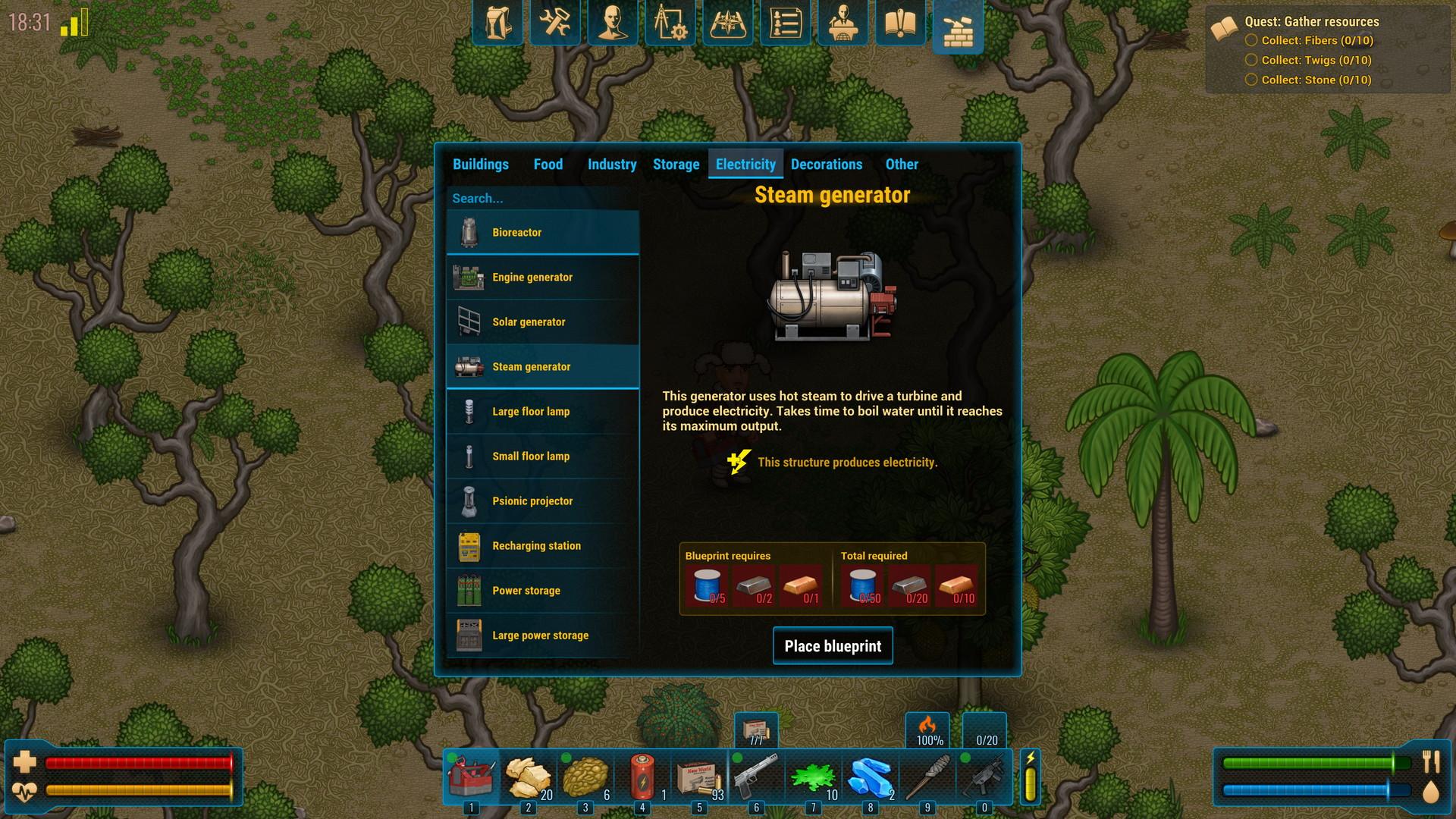
CryoFall is a sci-fi colony simulation survival game set on a forgotten planet in a distant future.
Join the vast world of CryoFall together with other survivors to rebuild your civilization from scratch. Start with primitive technology and simple tools and use them to progress towards modern industrial might and even beyond, eventually reaching space-age technology only seen in science fiction. ...
सिस्टम आवश्यकताएं
न्यूनतम
- Windows
- Requires a 64-bit processor and operating system
- ऑपरेटिंग सिस्टम
- Windows 7/8.1/10 (64-bit only)
- प्रोसेसर
- Dual Core 2.2 GHz or equivalent
- मेमोरी
- 3 GB RAM
- ग्राफ़िक्स
- 512 MB video memory, Shader Model 4.0+
- DirectX
- Version 10
- नेटवर्क
- Broadband Internet connection
- स्टोरेज
- 700 MB available space
- अतिरिक्त जानकारी
- 1280x720p resolution
सिफारिश की
- Windows
- Requires a 64-bit processor and operating system
- ऑपरेटिंग सिस्टम
- Windows 7/8.1/10 (64-bit only)
- प्रोसेसर
- Quad Core 1.8 GHz or equivalent
- मेमोरी
- 4 GB RAM
- ग्राफ़िक्स
- 2 GB video memory, Shader Model 4.0+
- DirectX
- Version 10
- नेटवर्क
- Broadband Internet connection
- स्टोरेज
- 700 MB available space
- अतिरिक्त जानकारी
- HiDPI/4K display is recommended to fully enjoy the ultra-high resolution art offered by the game
कानूनी जानकारी
© 2019 Daedalic Entertainment GmbH. The Daedalic logo is a trademark of Daedalic Entertainment GmbH, Germany. All rights reserved. CryoFall™, RENKEI™ Engine © by AtomicTorch Studio Pte. Ltd.