





कैसे सक्रिय करें
- Steam इंस्टॉल करें और अपने खाते में साइन इन करें (मुफ़्त खाता काफ़ी है)।
- ऊपर के मेनू में „Games” → „Activate a Product on Steam…” चुनें।
- कुंजी को ठीक वैसे ही दर्ज करें जैसे ऑर्डर में दिखाई गई है (डैश सहित) और पुष्टि करें। गेम आपकी लाइब्रेरी में दिखाई देगा।
गेम के बारे में
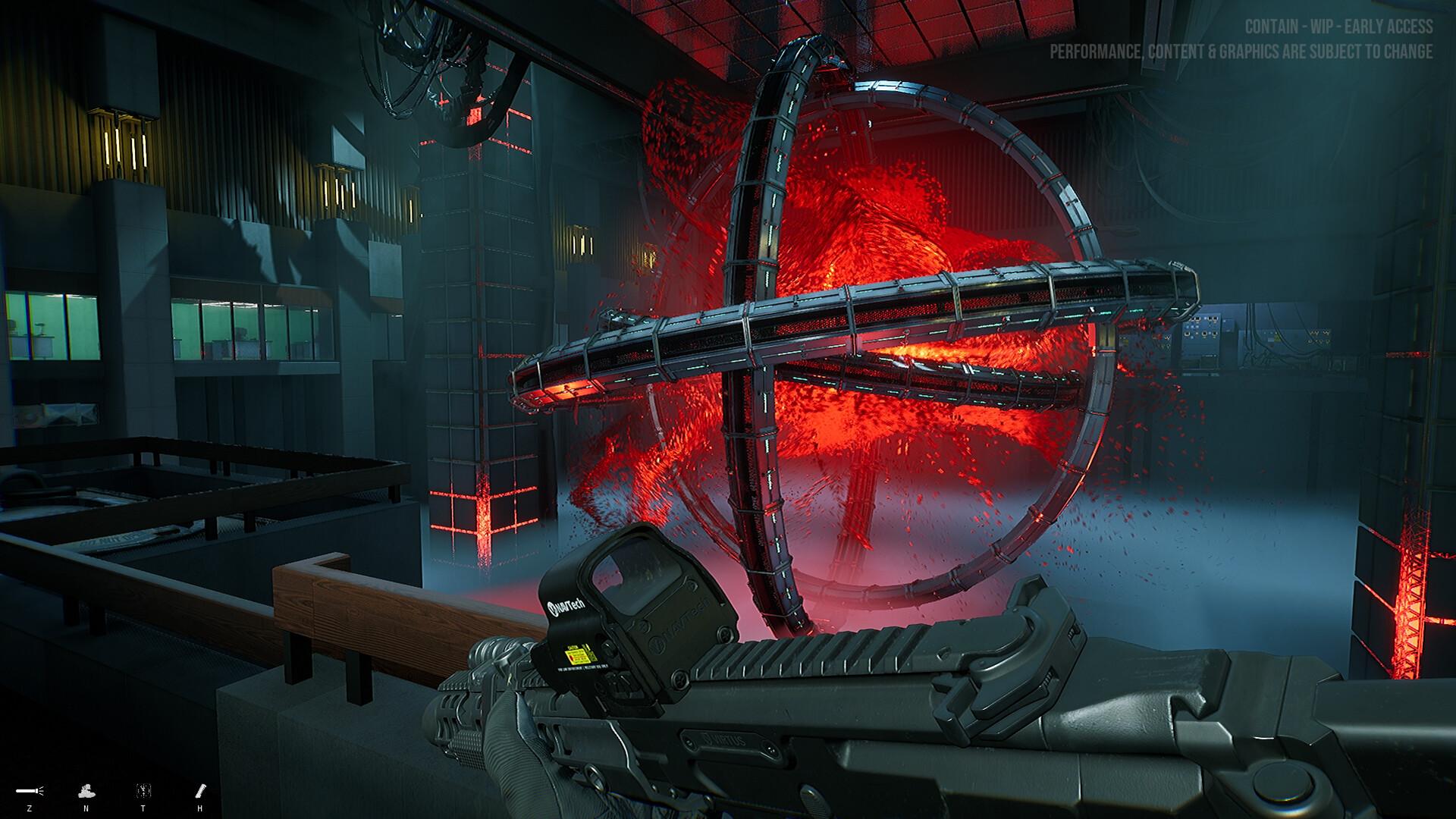
Contain is a first-person cooperative tactical shooter, but if you like you can play as a Lone Wolf. There is an organization that directs many task forces that are trying to control objects of supernatural origin that have fallen from space. The story centers on a special task force.
Fully customize your character from basic outfit and gear to in-depth customization, you decide on every pouch and attachment placement.
Like your outfit and gear, you can fully customize your guns with a gunsmith system. ...
सिस्टम आवश्यकताएं
न्यूनतम
- Windows
- ऑपरेटिंग सिस्टम
- 64-bit Windows 7, Windows 8.1, Windows 10
- प्रोसेसर
- Intel Core i5-6600K
- मेमोरी
- 16 GB RAM
- ग्राफ़िक्स
- GeForce GTX 1070
- DirectX
- Version 11
- नेटवर्क
- Broadband Internet connection
- स्टोरेज
- 55 GB available space
- साउंड कार्ड
- No recommendation
- अतिरिक्त जानकारी
- We recommend installing it on an SSD for better performance.
सिफारिश की
- Windows
- ऑपरेटिंग सिस्टम
- 64-bit Windows 7, Windows 8.1, Windows 10
- प्रोसेसर
- Intel Core i7-11700
- मेमोरी
- 16 GB RAM
- ग्राफ़िक्स
- NVIDIA GeForce RTX 3060
- DirectX
- Version 12
- नेटवर्क
- Broadband Internet connection
- स्टोरेज
- 55 GB available space
- साउंड कार्ड
- No recommendation
- अतिरिक्त जानकारी
- We recommend installing it on an SSD for better performance.


