




कैसे सक्रिय करें
- Steam इंस्टॉल करें और अपने खाते में साइन इन करें (मुफ़्त खाता काफ़ी है)।
- ऊपर के मेनू में „Games” → „Activate a Product on Steam…” चुनें।
- कुंजी को ठीक वैसे ही दर्ज करें जैसे ऑर्डर में दिखाई गई है (डैश सहित) और पुष्टि करें। गेम आपकी लाइब्रेरी में दिखाई देगा।
गेम के बारे में
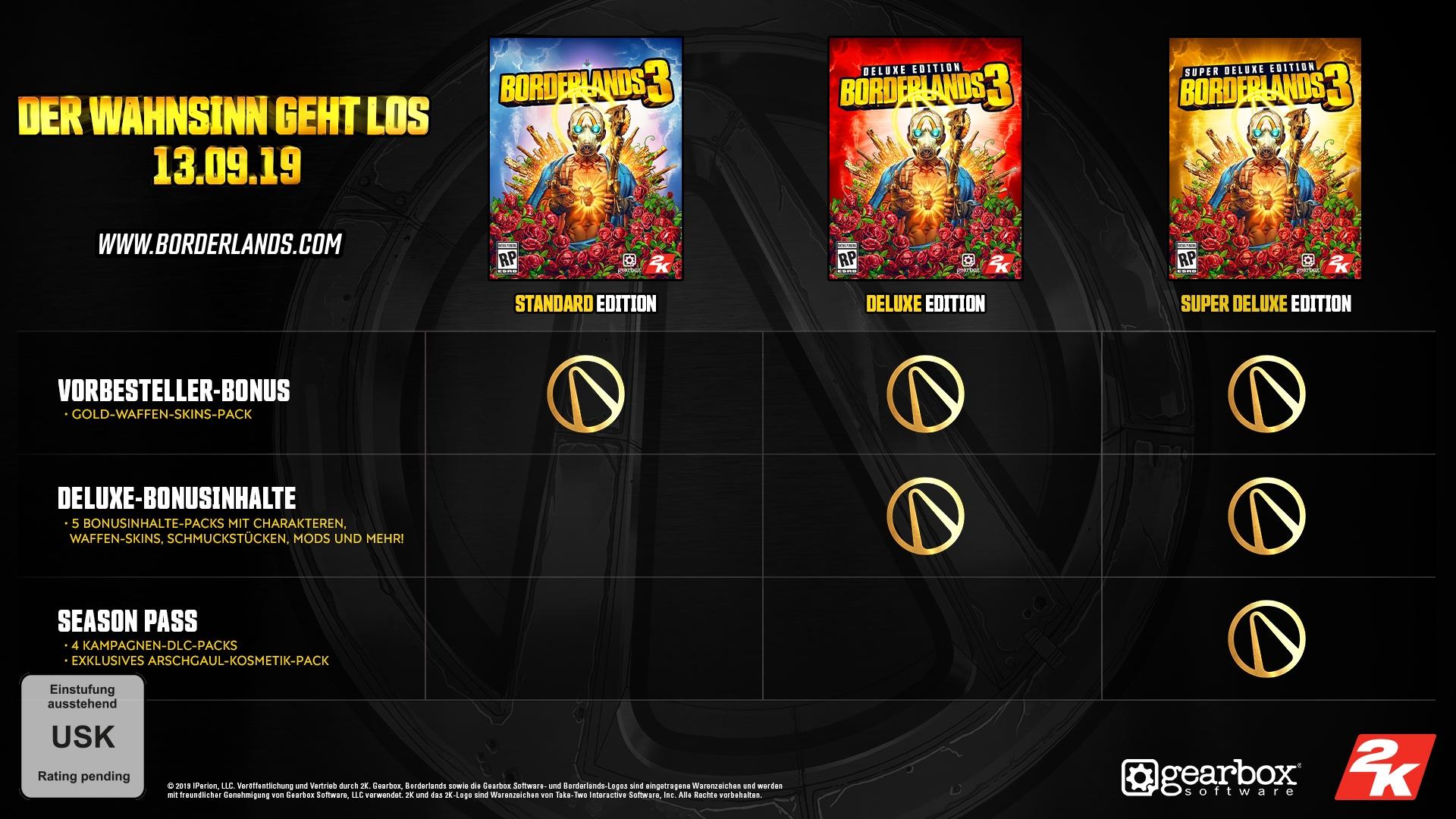
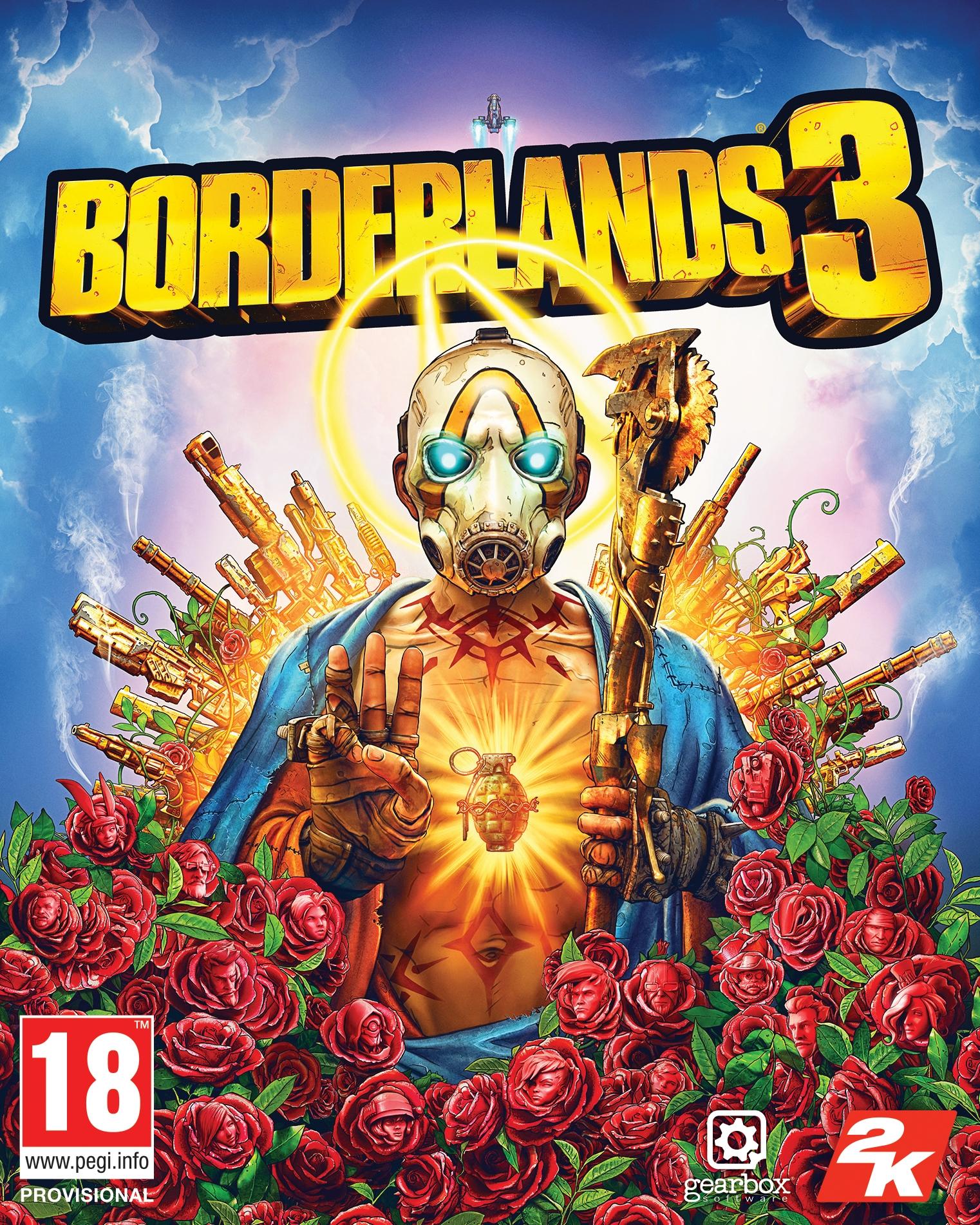
The original shooter-looter returns, packing bazillions of guns and an all-new mayhem-fueled adventure! Blast through new worlds and enemies as one of four brand new Vault Hunters – the ultimate treasure-seeking badasses of the Borderlands, each with deep skill trees, abilities and customization. Play solo or join with friends to take on insane enemies, score loads of loot and save your home from the most ruthless cult leaders in the galaxy.
सिस्टम आवश्यकताएं
- *Windows*
- MINIMUM SPECS 1080p
- GamingOS – Windows 7/10 (latest service pack)
- Processor – AMD FX-8350 (Intel i5-3570)
- Memory – 6GB RAM
- Graphics card – AMD Radeon™ HD 7970 (NVIDIA GeForce GTX 680 2GB)
- HDD – 75 GB
- *MAC*
- ऑपरेटिंग सिस्टम
- 10.12.6
- प्रोसेसर
- Intel Core i7 @ 4.2 GHZ (4 core)
- RAM 8GB
- ग्राफ़िक्स
- AMD Radeon Pro 580 – 8GB VRAM
- स्टोरेज
- 75 GB
- RECOMMENDED SPECS 1440P
- GamingOS – Windows 7/10 (latest service pack)
- Processor – AMD Ryzen™ 5 2600 (Intel i7-4770)
- Memory – 16GB RAM
- Graphics card – AMD Radeon™ RX 590 (NVIDIA GeForce GTX 1060 6GB)
- HDD – 75 GB
कानूनी जानकारी
© 2019 IPerion, LLC. Publicado e distribuído por 2K. Gearbox e Borderlands, e os logotipos da Gearbox Software e de Borderlands, são marcas registradas usadas com autorização da Gearbox Software, LLC. 2K e o logotipo da 2K são marcas comerciais da Take-Two Interactive Software, Inc. Todos os direitos reservados. O uso deste produto requer o aceite do seguinte termo de licença de usuário final de terceiros: http://www.take2games.com/eula/