





कैसे सक्रिय करें
- Steam इंस्टॉल करें और अपने खाते में साइन इन करें (मुफ़्त खाता काफ़ी है)।
- ऊपर के मेनू में „Games” → „Activate a Product on Steam…” चुनें।
- कुंजी को ठीक वैसे ही दर्ज करें जैसे ऑर्डर में दिखाई गई है (डैश सहित) और पुष्टि करें। गेम आपकी लाइब्रेरी में दिखाई देगा।
गेम के बारे में
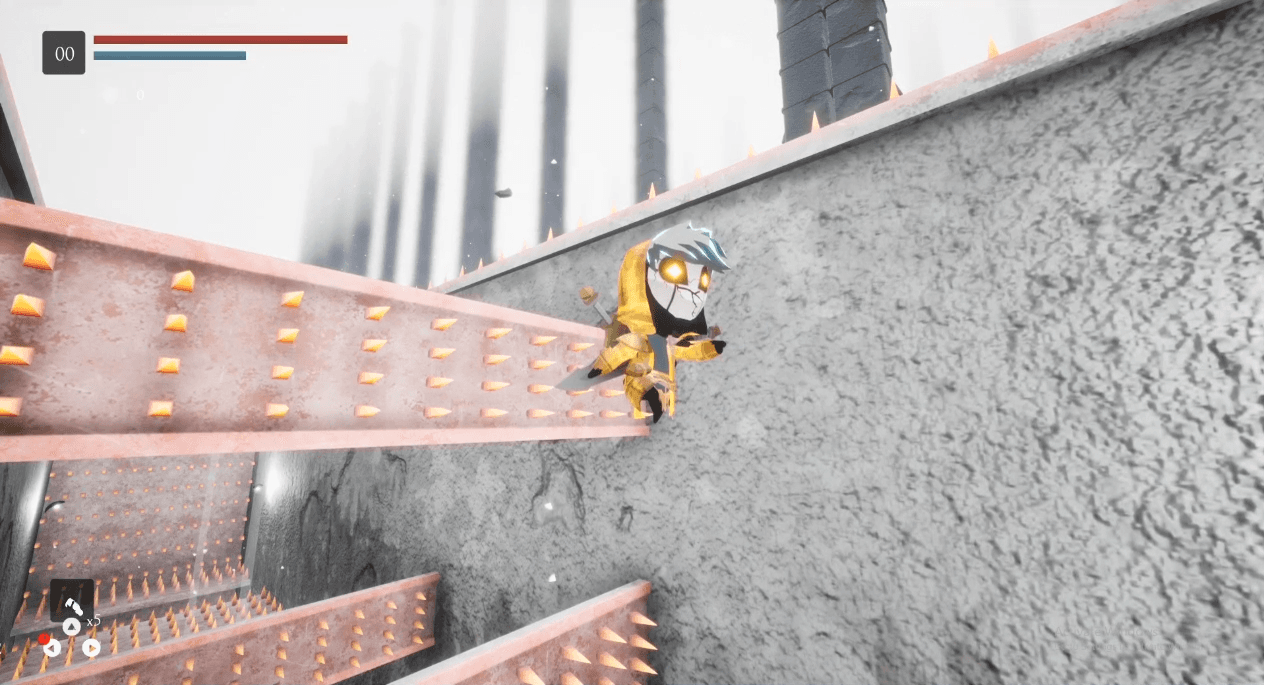
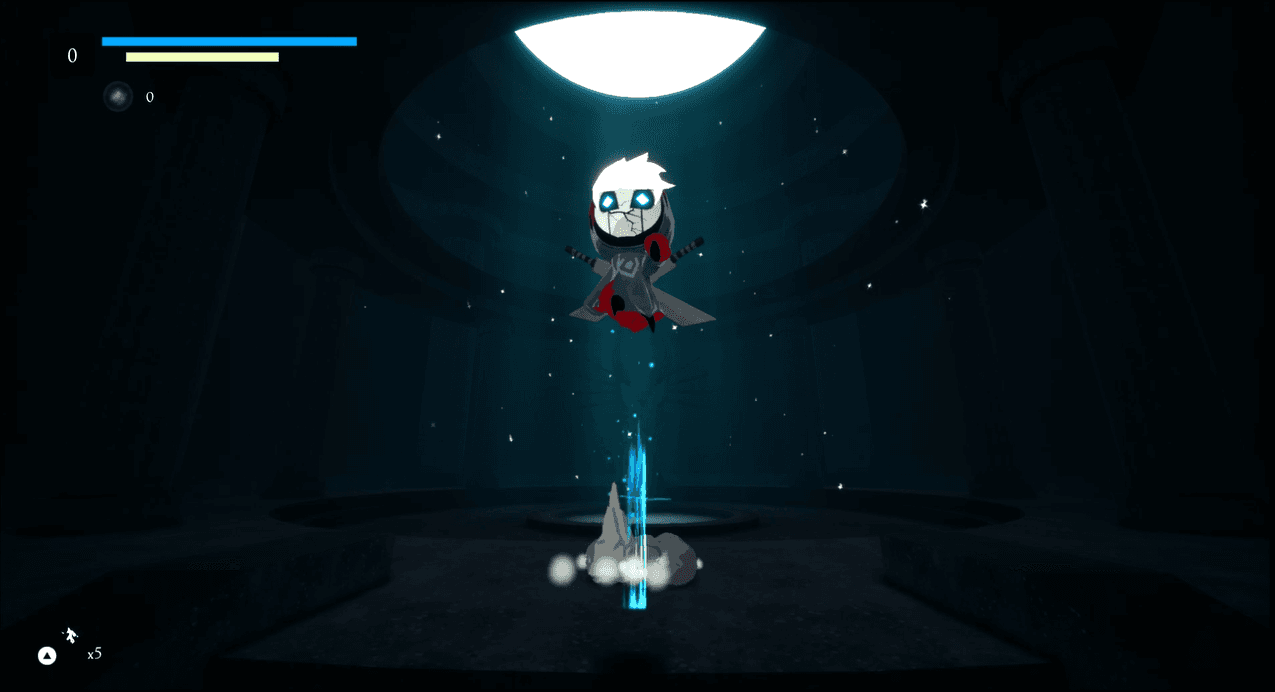
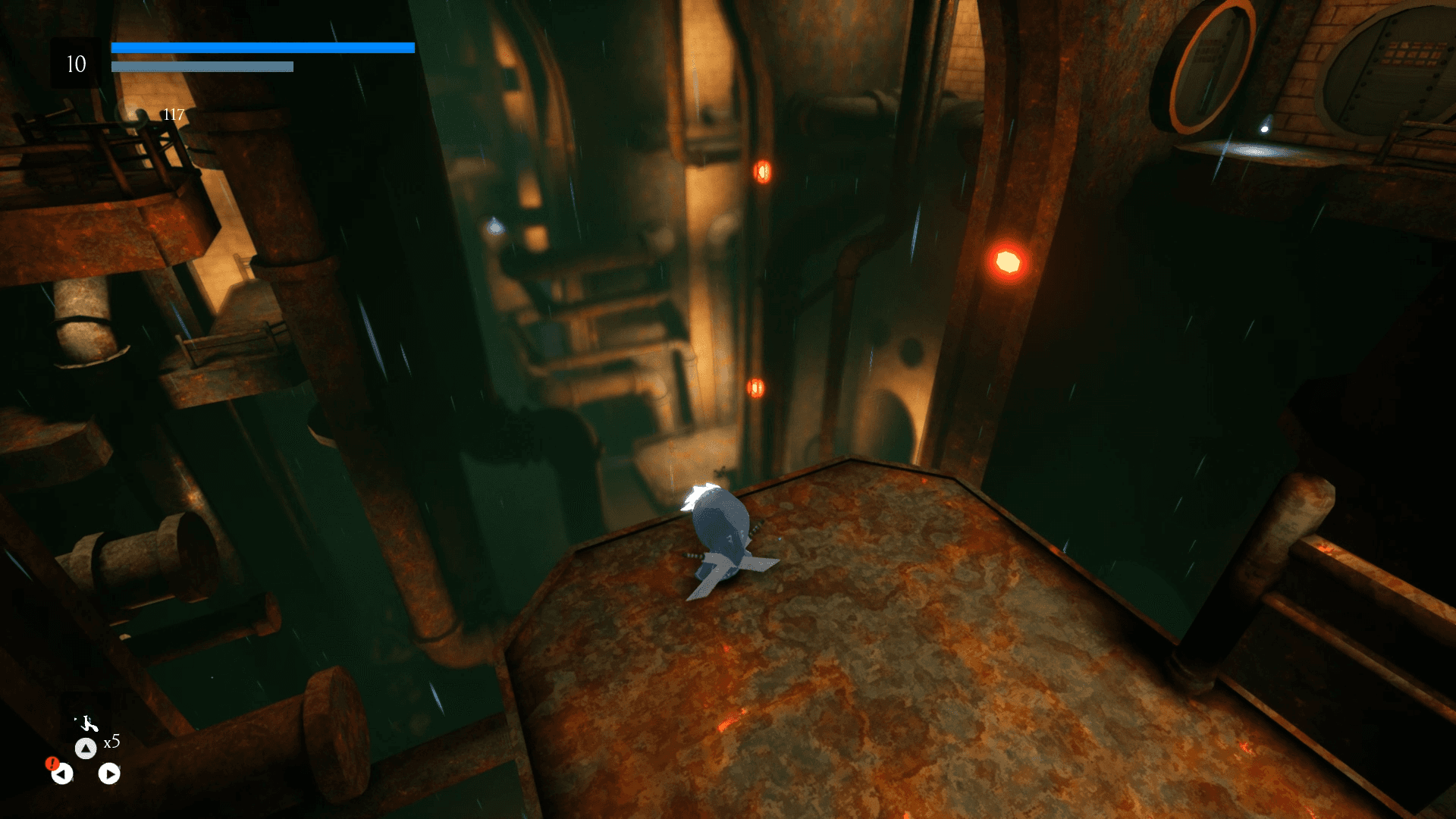
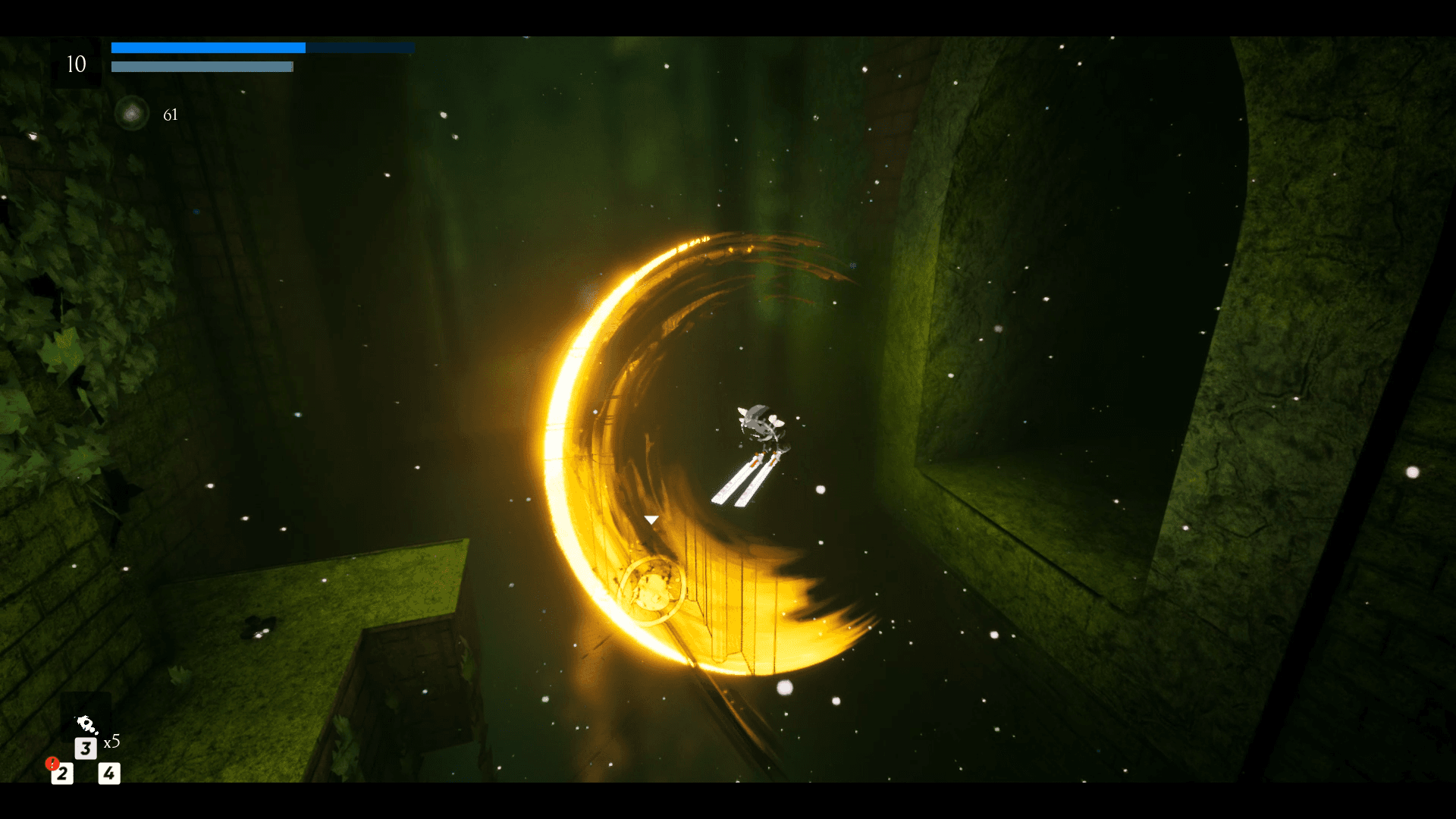
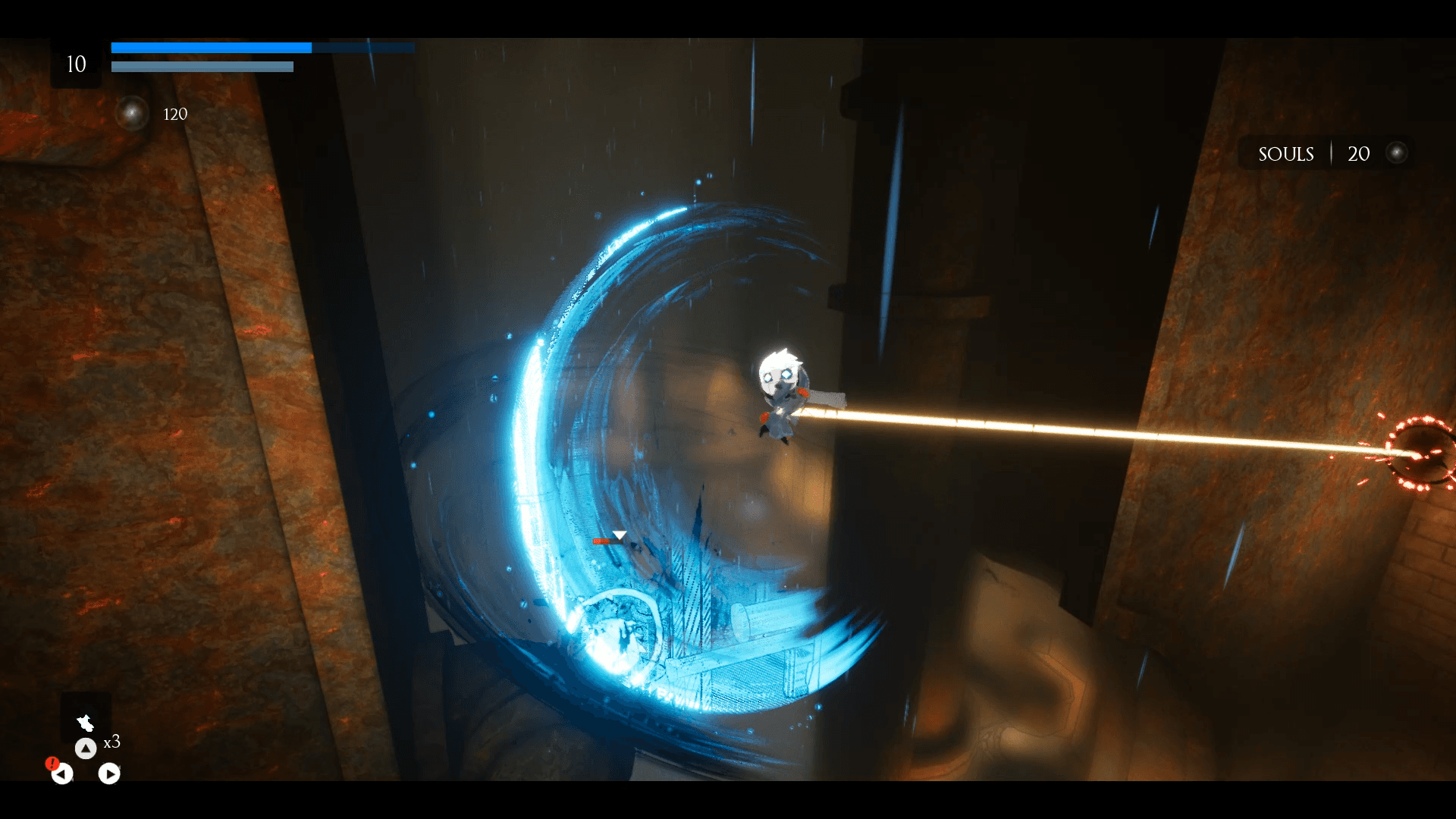
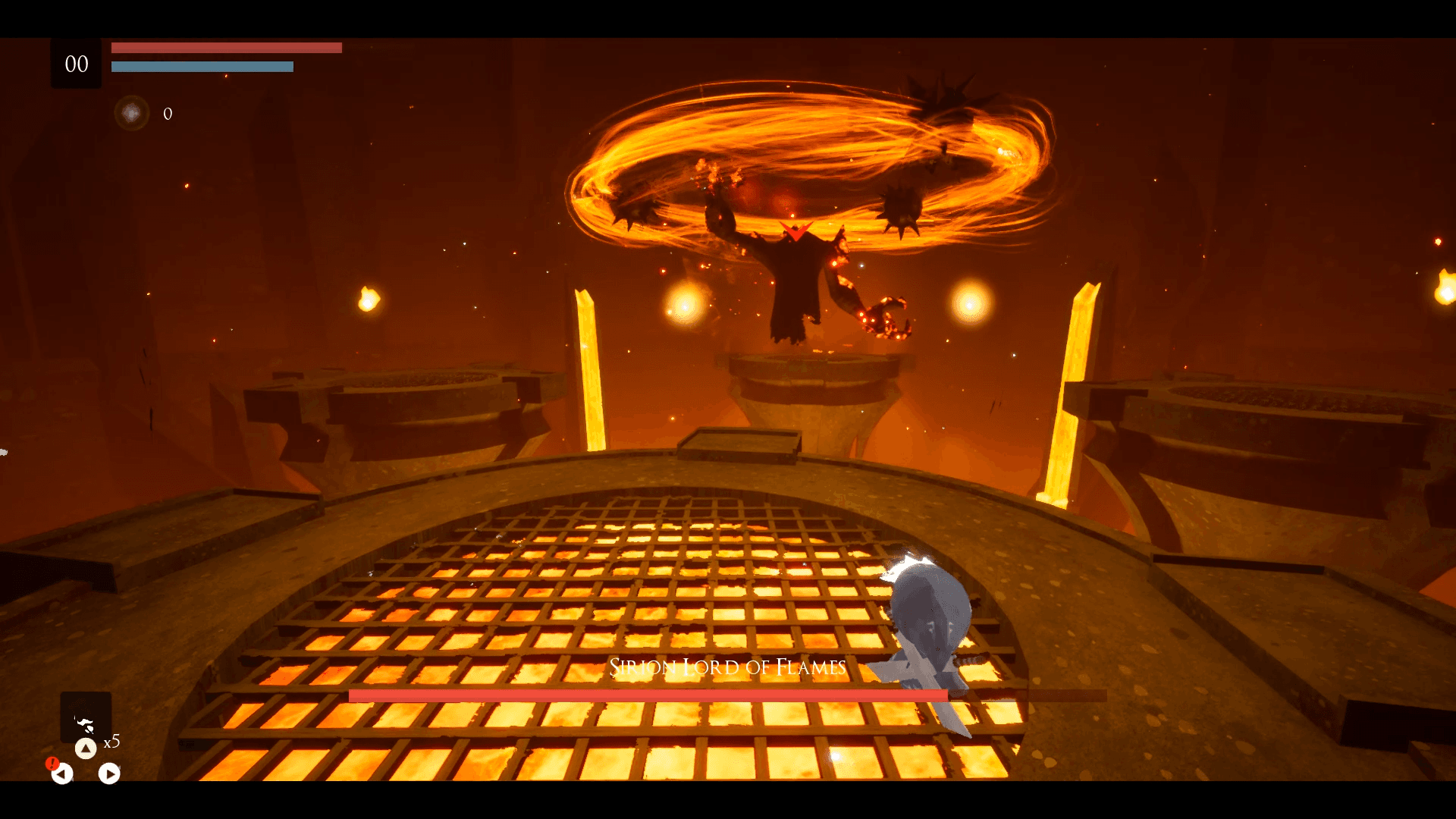
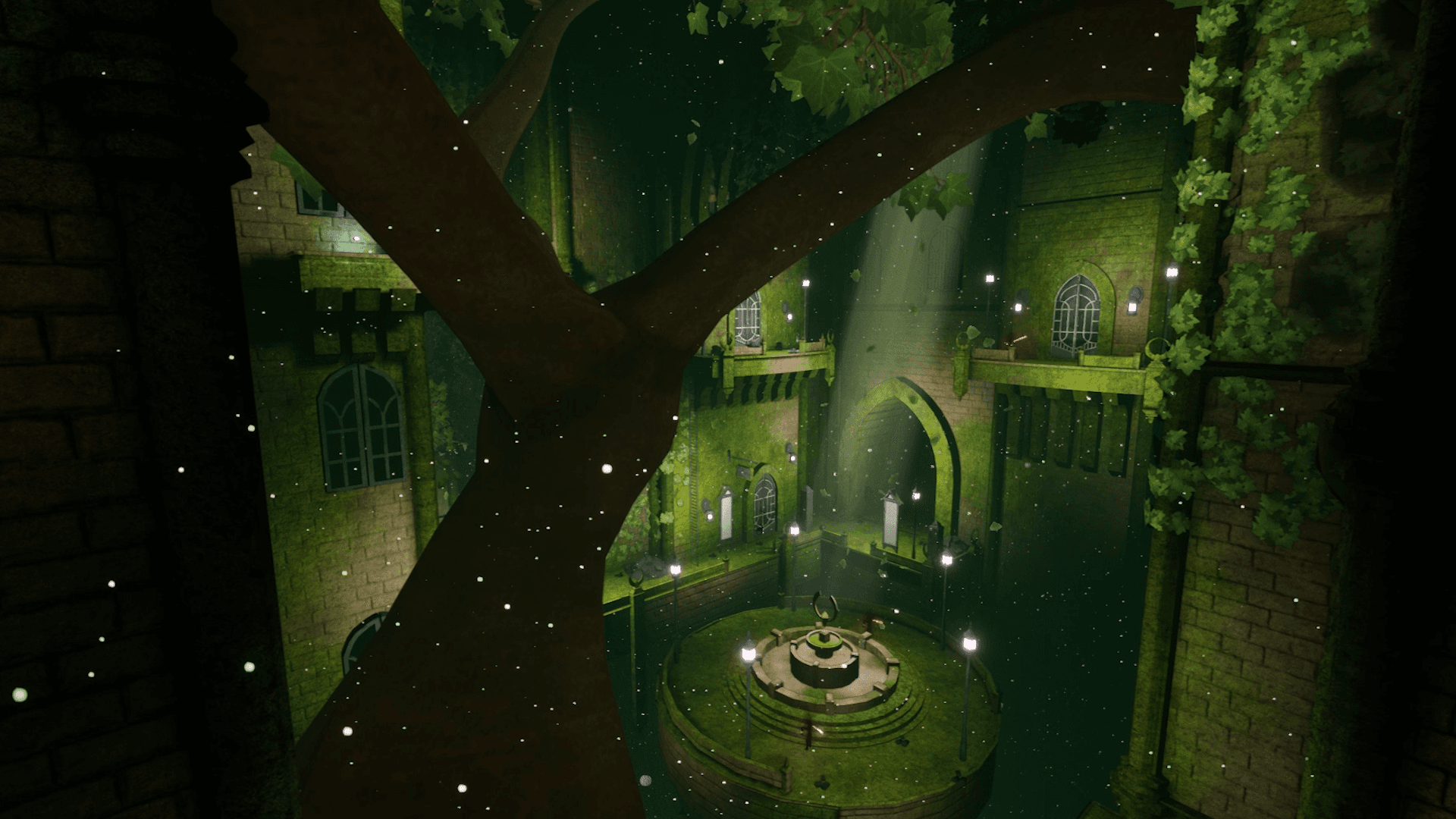
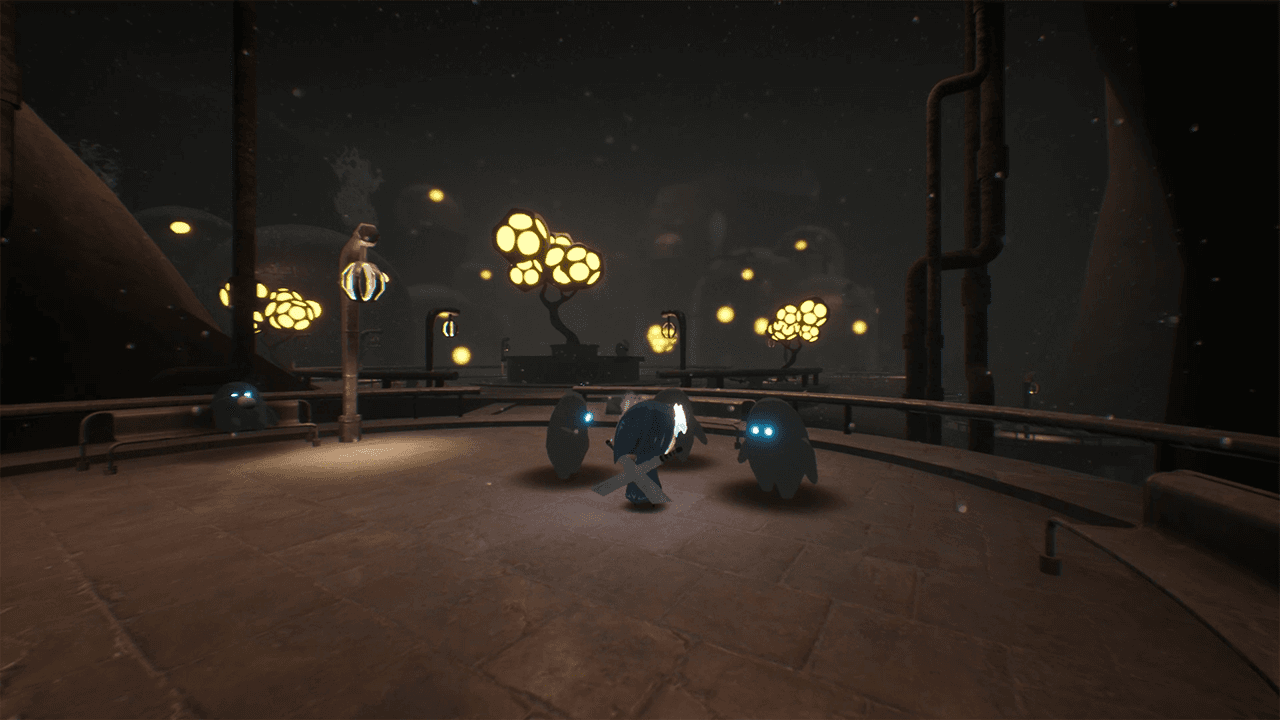
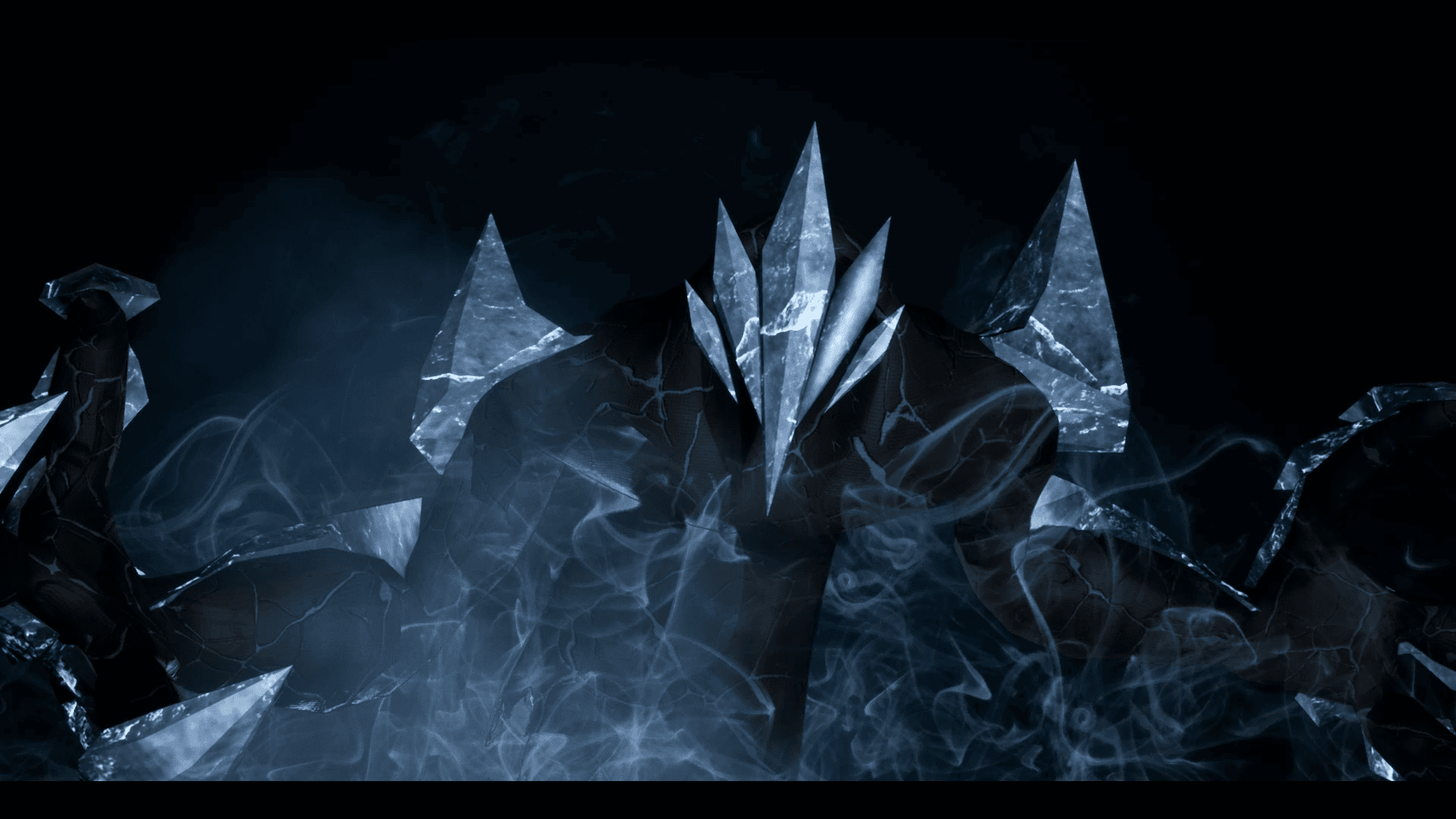
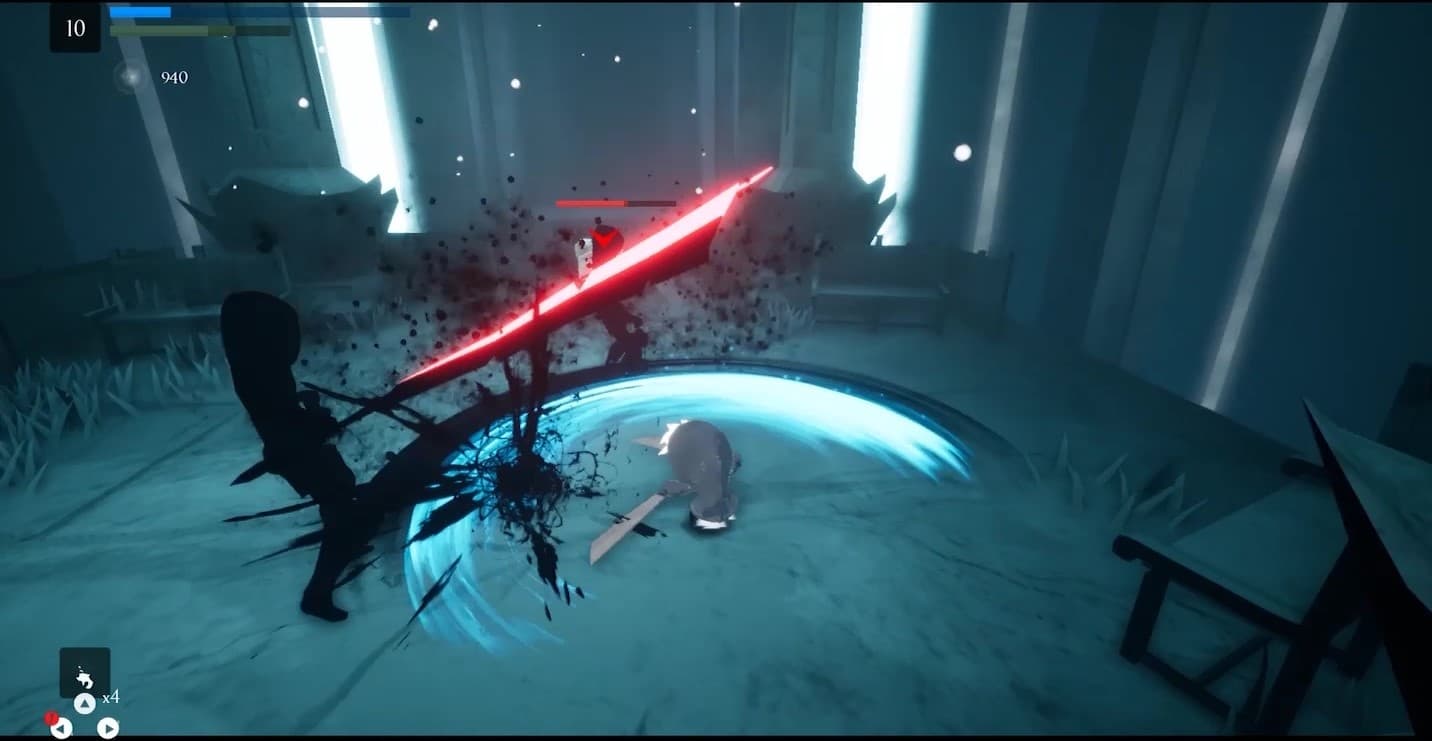
Embark on an extraordinary adventure through the perished world of Penumbra to explore unique temples filled with increasingly difficult 3D platforming challenges, diverse enemies, quests, collectibles, and more. Slash daunting adversaries, leap through deadly traps and master the art of movement.
सिस्टम आवश्यकताएं
न्यूनतम
- ऑपरेटिंग सिस्टम
- Windows 7
- प्रोसेसर
- Requires a 64-bit 3.0GHz processor and operating system
- मेमोरी
- 4 GB RAM
- ग्राफ़िक्स
- DirectX End-User Runtimes (June 2010)
- स्टोरेज
- 6 GB available space
सिफारिश की
- ऑपरेटिंग सिस्टम
- Windows 10 64-bit
- प्रोसेसर
- Quad-core Intel or AMD, 2.5 GHz or faster
- मेमोरी
- 8 GB RAM
- ग्राफ़िक्स
- DirectX 11 or DirectX 12 compatible graphics card
- DirectX
- Version 11
- स्टोरेज
- 6 GB available space