





कैसे सक्रिय करें
- Steam इंस्टॉल करें और अपने खाते में साइन इन करें (मुफ़्त खाता काफ़ी है)।
- ऊपर के मेनू में „Games” → „Activate a Product on Steam…” चुनें।
- कुंजी को ठीक वैसे ही दर्ज करें जैसे ऑर्डर में दिखाई गई है (डैश सहित) और पुष्टि करें। गेम आपकी लाइब्रेरी में दिखाई देगा।
गेम के बारे में
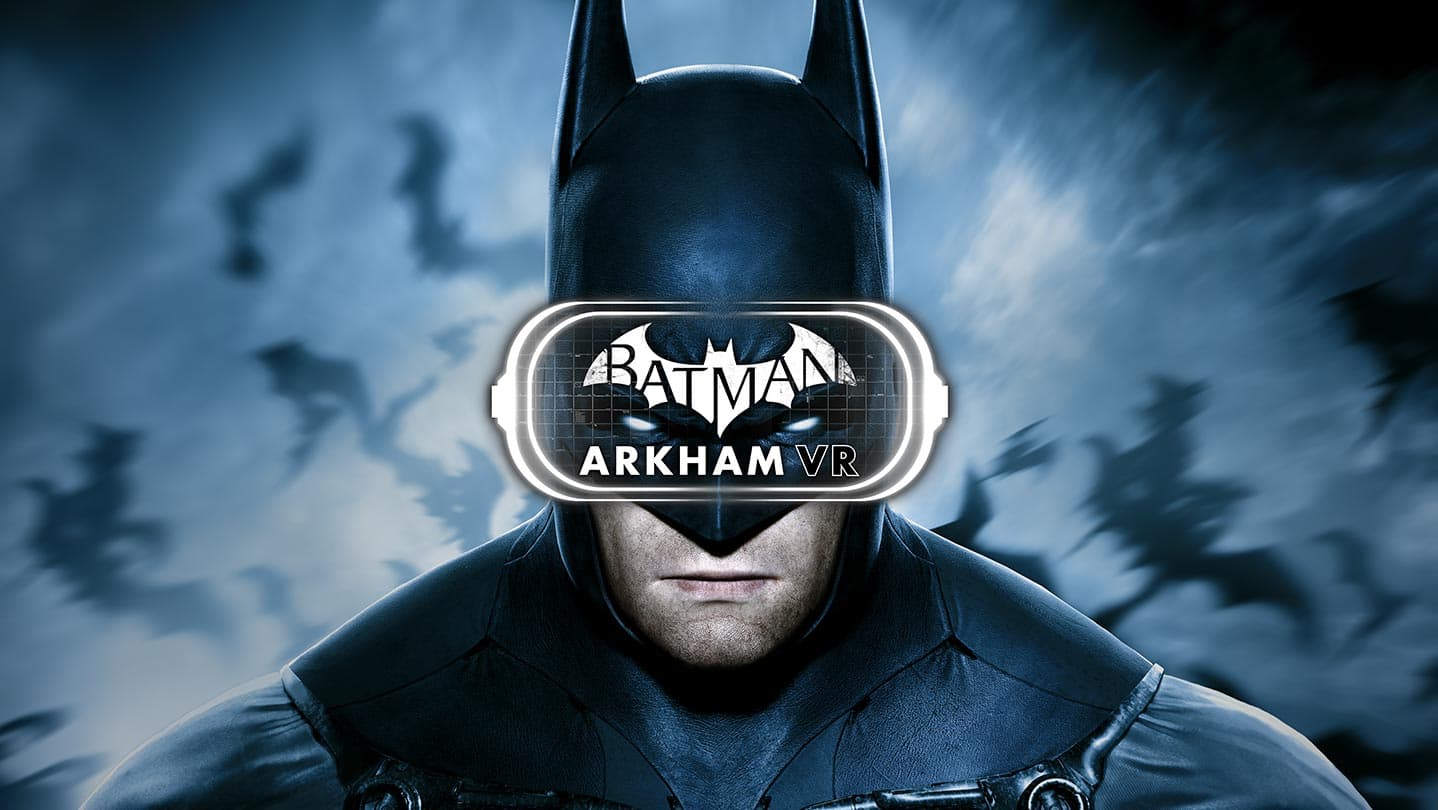
Batman™: Arkham VR immerses you in the Dark Knight's Universe and redefines what it means to be the Batman.
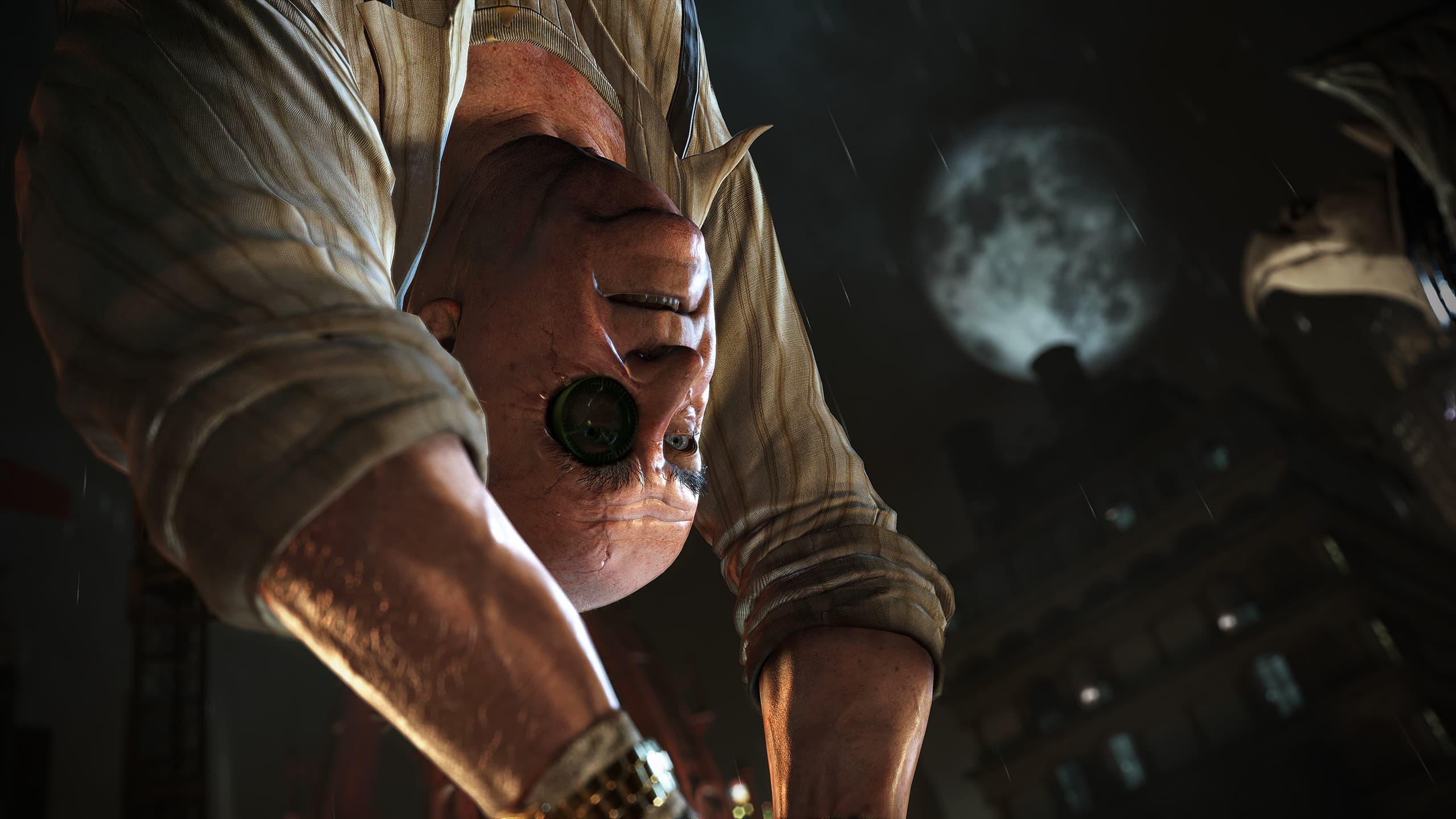
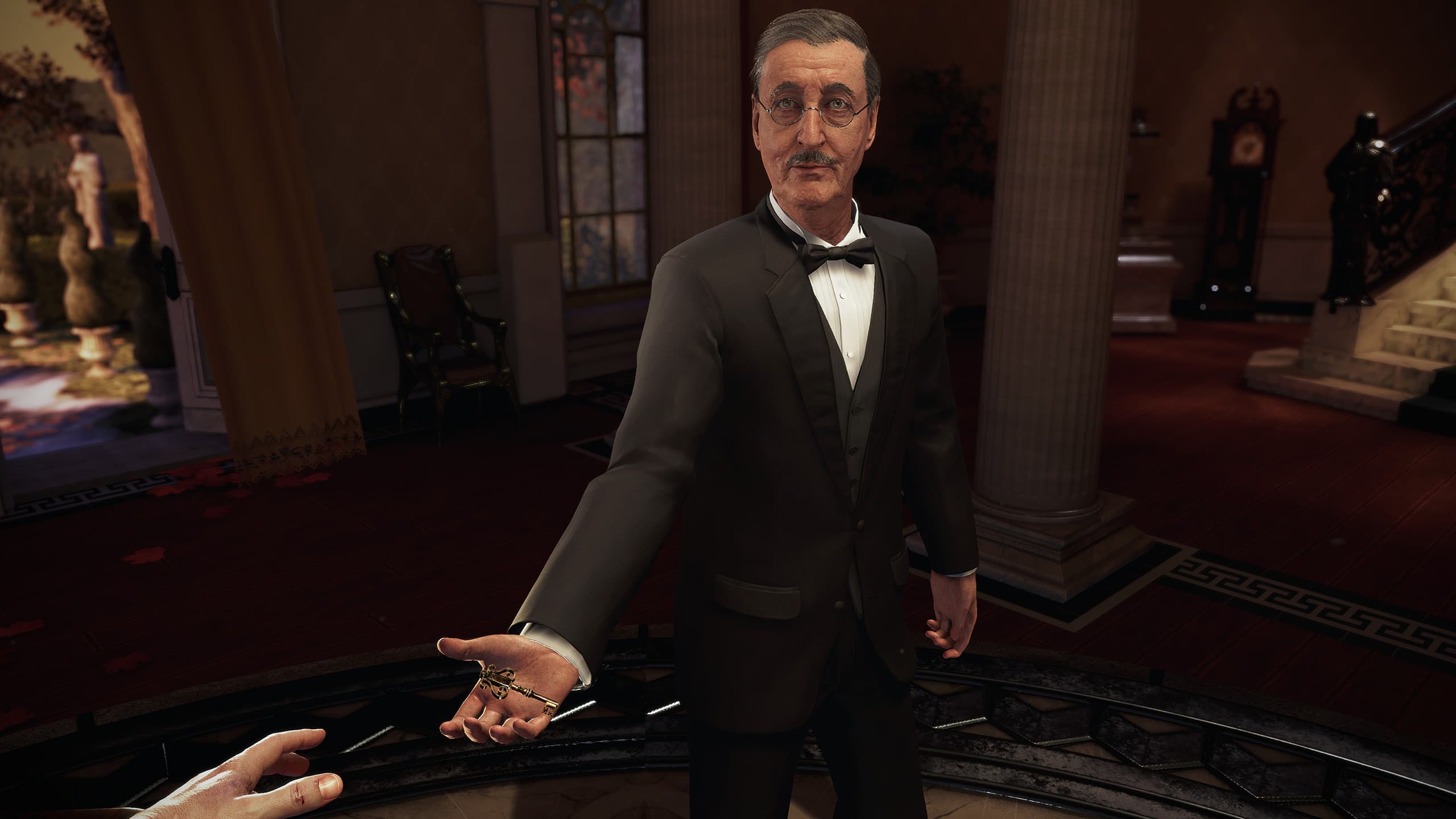
Experience Gotham City through the eyes of the World's Greatest Detective in an all new Arkham mystery.
Think like Batman. Utilize his legendary gadgets in Virtual Reality to unravel a plot that threatens the lives of Batman's closest allies.
सिस्टम आवश्यकताएं
न्यूनतम
- Requires a 64-bit processor and operating system
- ऑपरेटिंग सिस्टम
- 64-bit Windows™ 7 SP1, Windows™ 8.1 or later, or Windows™ 10
- प्रोसेसर
- Intel™ Core™ i5-4590 equivalent or greater
- मेमोरी
- 8 GB RAM
- ग्राफ़िक्स
- NVIDIA GeForce™ GTX 1060 / GTX 970 or AMD Radeon™ RX 480
- DirectX
- Version 11
- स्टोरेज
- 10 GB available space
सिफारिश की
- Requires a 64-bit processor and operating system
कानूनी जानकारी
BATMAN: ARKHAM VR software © 2017 Warner Bros. Entertainment Inc. Developed by Rocksteady Studios.
BATMAN and all characters, their distinctive likenesses, and related elements are trademarks of DC Comics © 2017. All Rights Reserved. WB GAMES LOGO, WB SHIELD: ™ & © Warner Bros. Entertainment Inc. (s22)