

कैसे सक्रिय करें
- Steam इंस्टॉल करें और अपने खाते में साइन इन करें (मुफ़्त खाता काफ़ी है)।
- ऊपर के मेनू में „Games” → „Activate a Product on Steam…” चुनें।
- कुंजी को ठीक वैसे ही दर्ज करें जैसे ऑर्डर में दिखाई गई है (डैश सहित) और पुष्टि करें। गेम आपकी लाइब्रेरी में दिखाई देगा।
गेम के बारे में
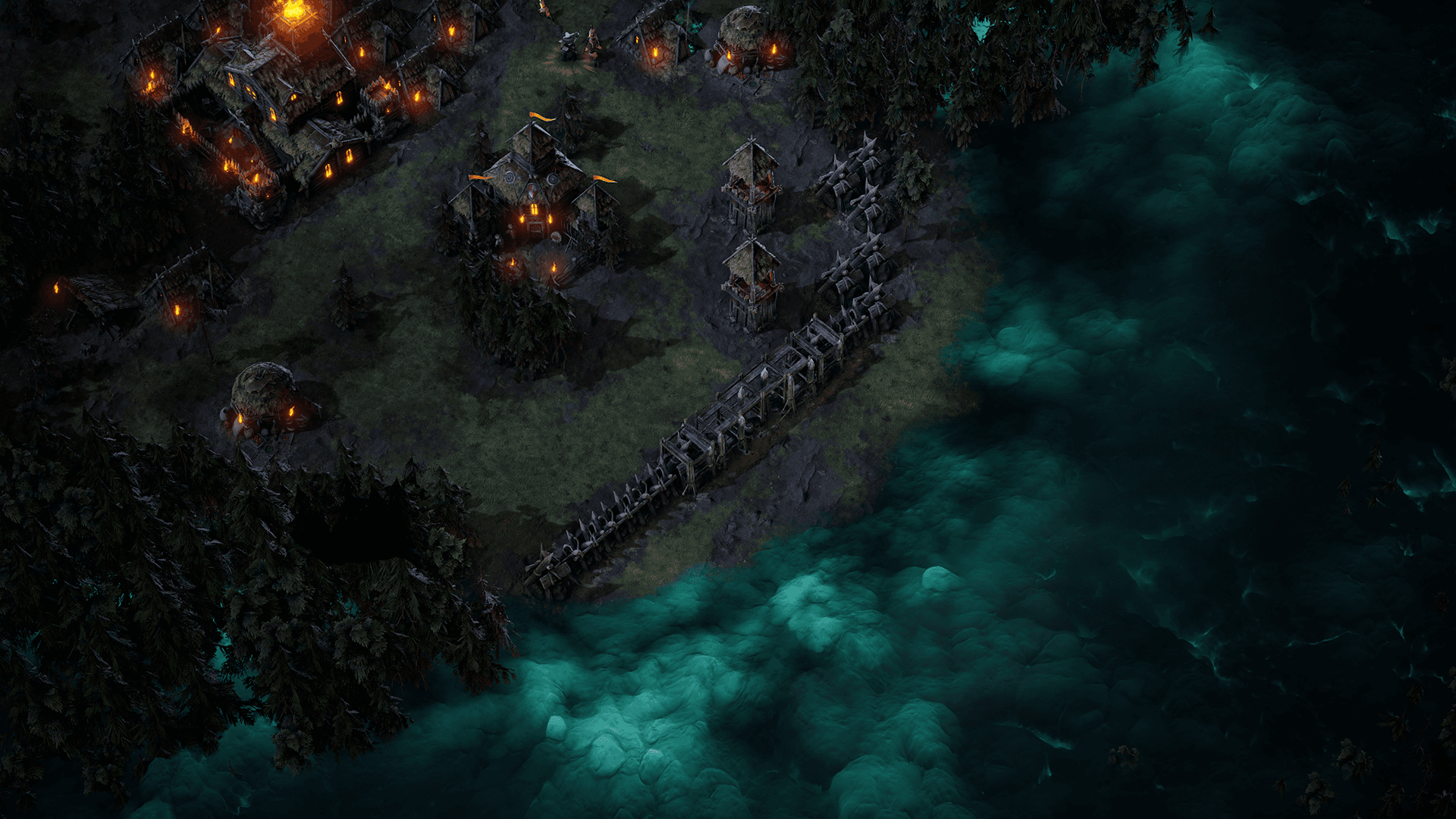
Age of Darkness: Final Stand is a dark fantasy survival RTS where you must illuminate, build and defend humanity’s last bastion against hordes of Nightmares. Set in the remnants of a kingdom consumed by a deadly fog, you decide. Will you hide in the light? Or take back your world.
Build, Gather and Fight in a Desperate Last Stand Against an Onslaught of Never Ending Evil! ...
सिस्टम आवश्यकताएं
न्यूनतम
- Requires a 64-bit processor and operating system
- ऑपरेटिंग सिस्टम
- Windows 10 Home
- प्रोसेसर
- Intel i5 Processor (8th Gen)
- मेमोरी
- 8 GB RAM
- ग्राफ़िक्स
- NVIDIA GeForce GTX 970
- स्टोरेज
- 5 GB available spacev
सिफारिश की
- Requires a 64-bit processor and operating system
- ऑपरेटिंग सिस्टम
- Windows 10 Home
- प्रोसेसर
- Intel i7 Processor (9th Gen)
- मेमोरी
- 8 GB RAM
- ग्राफ़िक्स
- NVIDIA GeForce GTX 1060
- स्टोरेज
- 5 GB available space