






कैसे सक्रिय करें
- Steam इंस्टॉल करें और अपने खाते में साइन इन करें (मुफ़्त खाता काफ़ी है)।
- ऊपर के मेनू में „Games” → „Activate a Product on Steam…” चुनें।
- कुंजी को ठीक वैसे ही दर्ज करें जैसे ऑर्डर में दिखाई गई है (डैश सहित) और पुष्टि करें। गेम आपकी लाइब्रेरी में दिखाई देगा।
गेम के बारे में
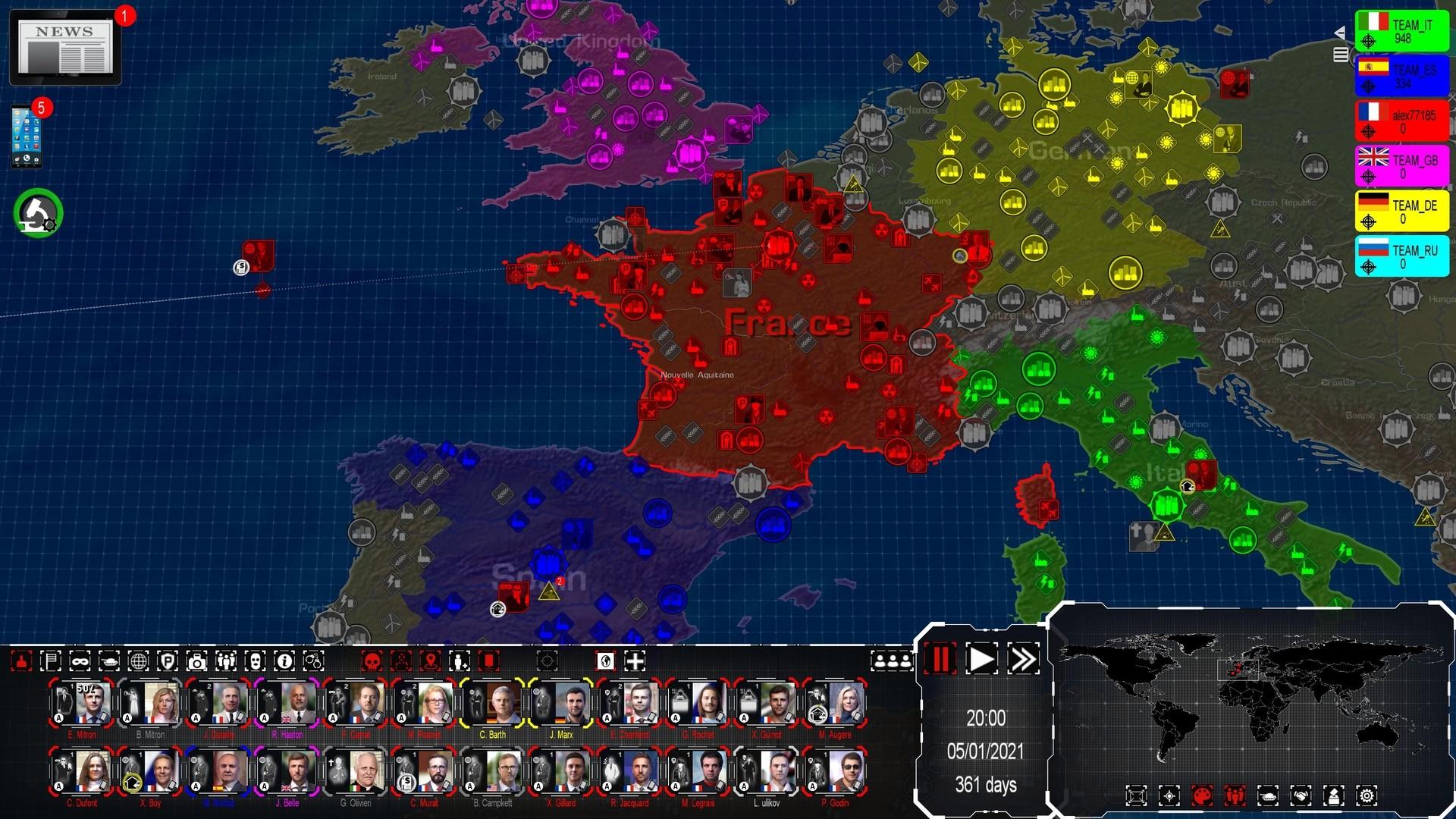
Being a Head of State in the 21st century implies many responsibilities, and making strategic choices in complex geopolitical situations. However, the most impactful decisions are neither the most visible nor the most ethical.
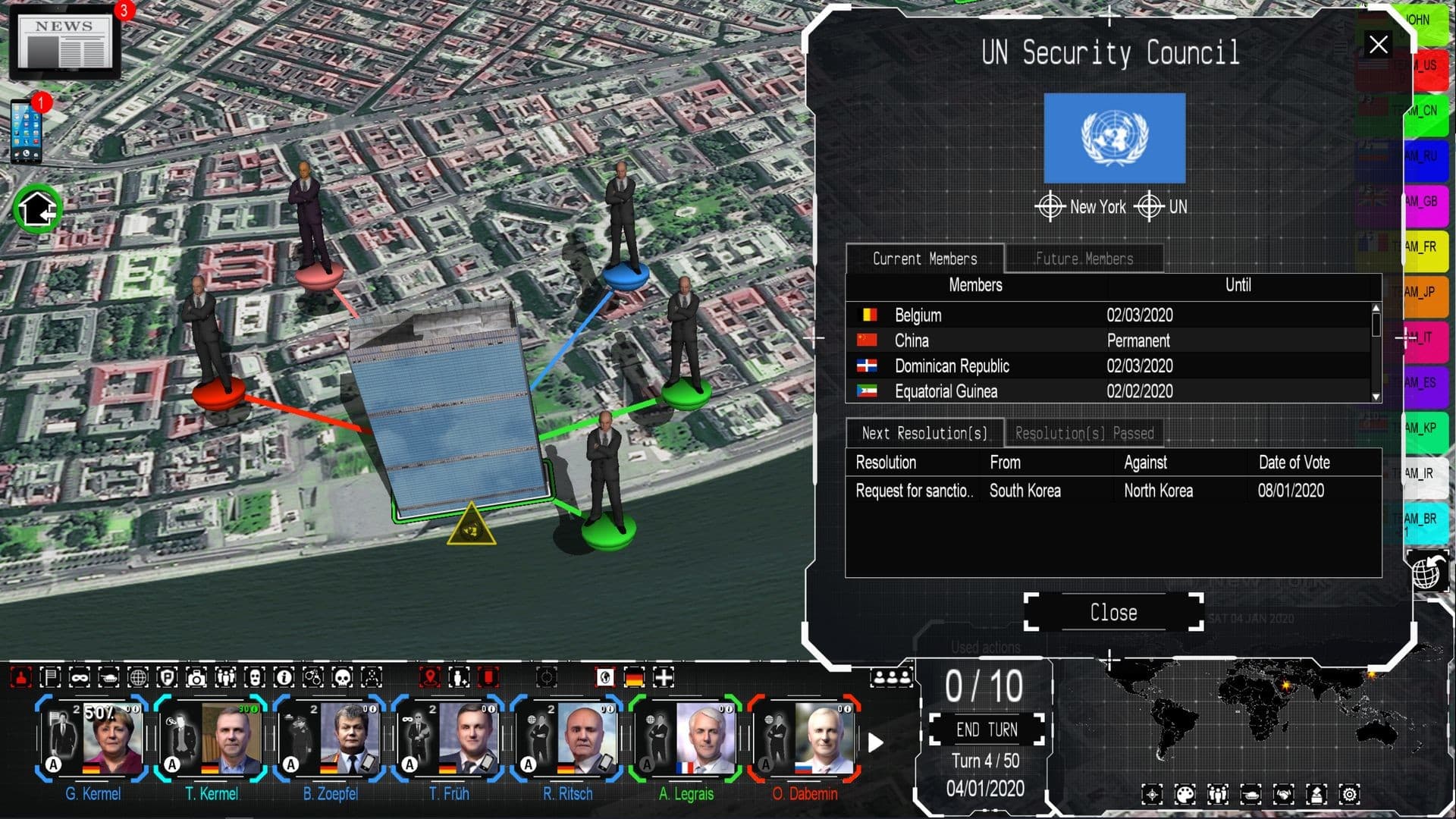
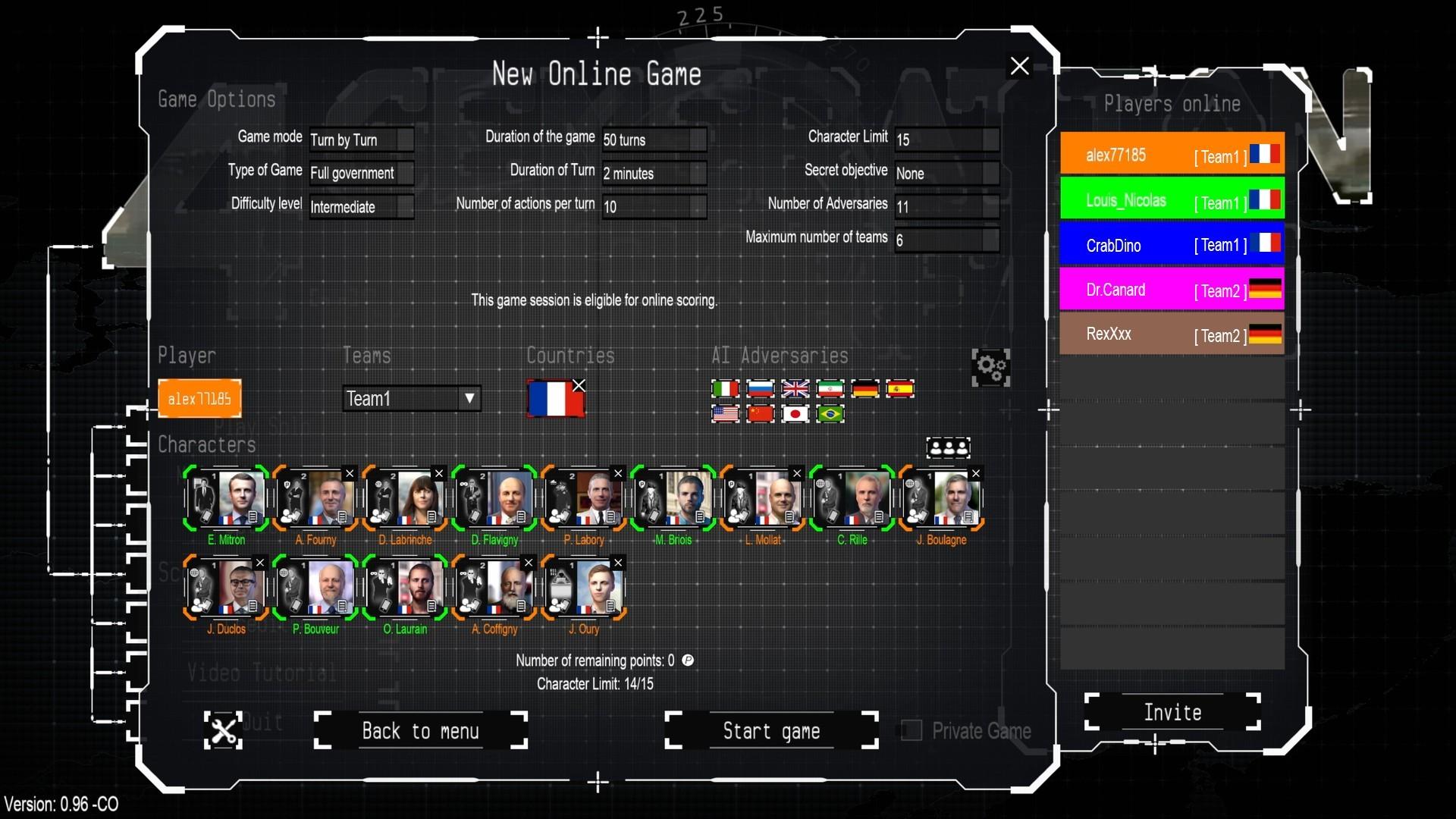
4th Generation Warfare offers a unique combination of strategy and RPG games, set in the depths of 21st century asymmetric warfare where sneak moves are a must. ...
सिस्टम आवश्यकताएं
न्यूनतम
- Requires a 64-bit processor and operating system
- ऑपरेटिंग सिस्टम
- Windows 11, 10, 8
- प्रोसेसर
- 1.6 GHZ
- मेमोरी
- 4 GB RAM
- स्टोरेज
- 4 GB available space
सिफारिश की
- Requires a 64-bit processor and operating system
- ऑपरेटिंग सिस्टम
- Windows 11, 10, 8
- प्रोसेसर
- 2 Ghz , multi-core processor
- मेमोरी
- 8 GB RAM
- ग्राफ़िक्स
- 3D Video card with 1 Gb or more of dedicated VRAM
- स्टोरेज
- 8 GB available space
आपको ये भी पसंद आ सकते हैं
- Power and Revolution 2023 Edition

- Modding Tool Add-on - Power & Revolution 2022 Edition

- Geo-Political Simulator 5

- Modding Tool Add-on - Power & Revolution 2023 Edition

- God'n Spy Add-on - Power & Revolution 2023 Edition

- Deep Network Analyser - 4th Generation Warfare

- “Modding Tool” add-on for Geo-political Simulator 2026 Edition

- Geo-Political Simulator 2026 Edition
