Office 2021
Office 2021 Key – Lifetime License, Editions and Activation
Office 2021 at Softflix
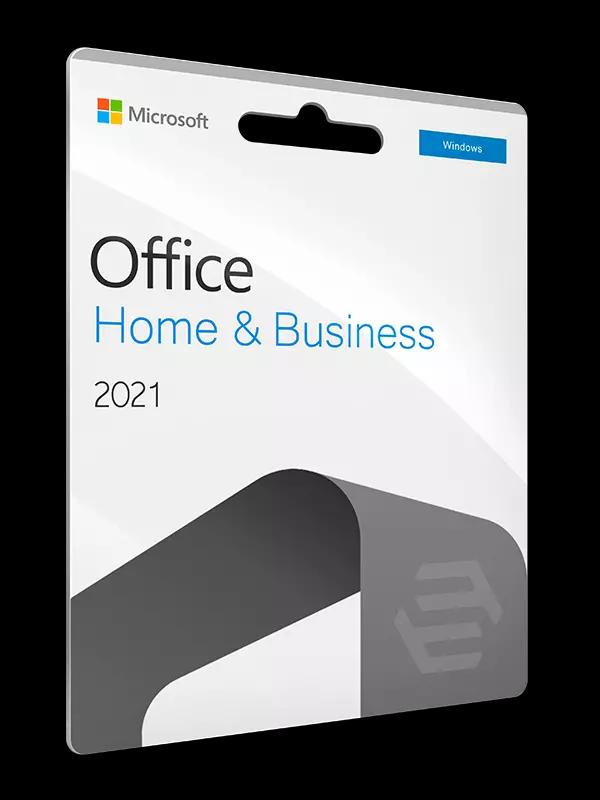
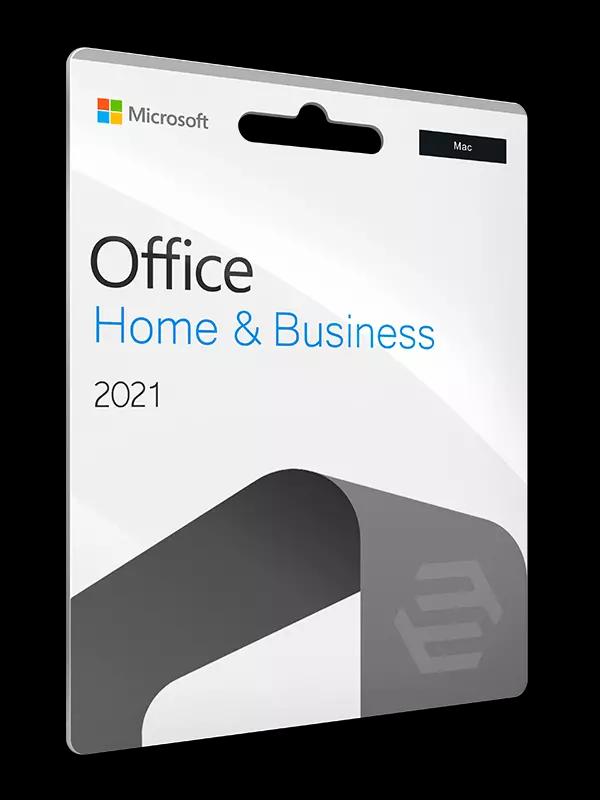
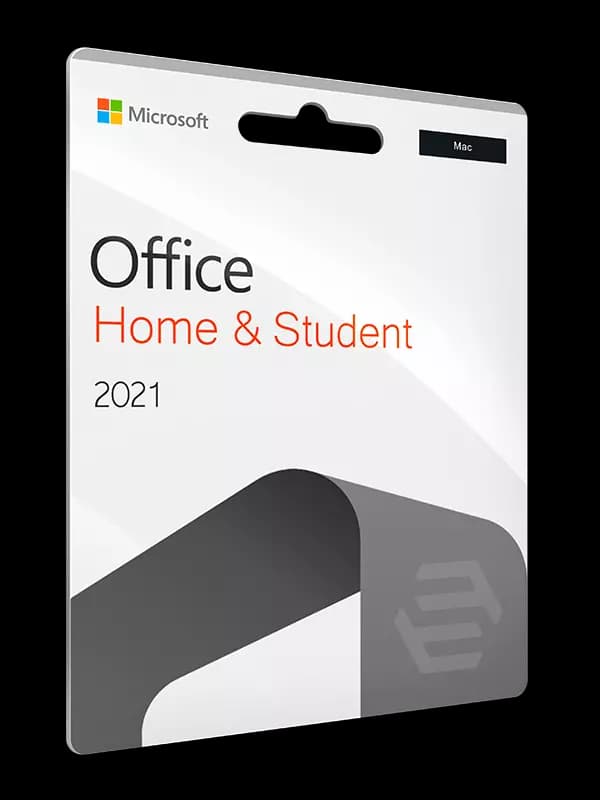
Editions for Windows and Mac. The included apps are listed on each product page.

What "lifetime license" really means
In shops, "lifetime" means a perpetual licence: you pay once, there are no recurring fees and the licence has no expiry date. That differs from Microsoft 365, which is a subscription and needs continued payment.
A perpetual licence is not a security guarantee, though. Every Microsoft product has a lifecycle. For Office 2021 (Home & Business, Home & Student, Professional, on Windows and Mac) it ran out in October 2026. The suite still starts, but it no longer gets new security fixes.
For one-time purchase versus subscription, read our Microsoft 365 vs Office suite comparison.
Office 2021 editions we list
Edition names follow our catalogue. The apps included in each edition are listed on the product page.
| Edition | System | Where to check contents |
|---|---|---|
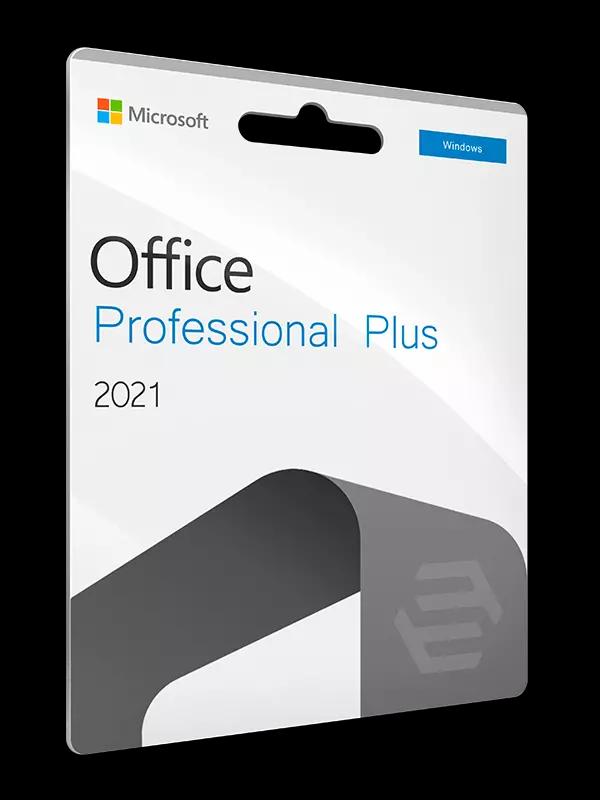
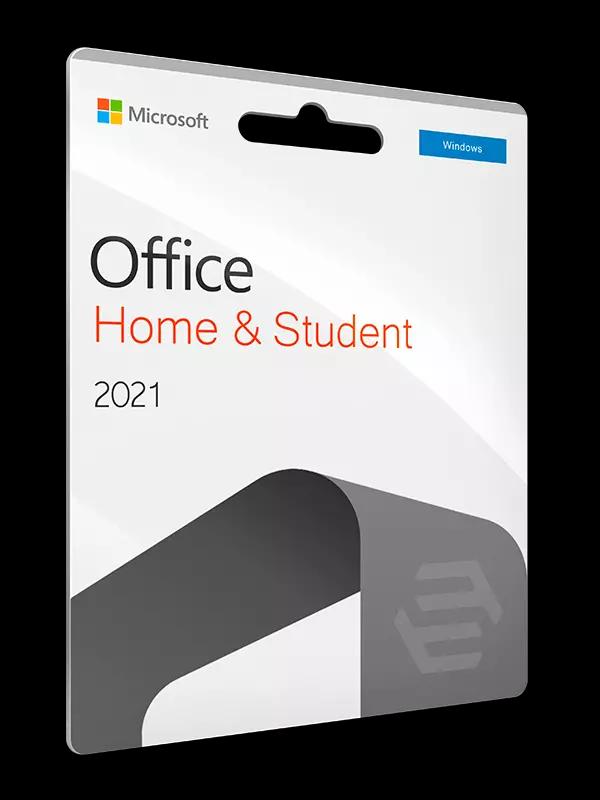
| Office 2021 Home & Student | Windows | Product page |
| Office 2021 Home & Business | Windows | Product page |
| Office 2021 Professional | Windows | Product page |
| Office 2021 Standard | Windows | Product page |
| Office 2021 Home & Student | Mac | Product page |
| Office 2021 Home & Business | Mac | Product page |
We do not list the licence type (OEM, Retail, Volume) per product — if it matters to you, ask us.
Licence types: OEM, Retail and Volume
Microsoft software reaches customers through several channels. Retail licences are sold stand-alone, OEM is tied to a device and Volume is for organisations under a volume licensing agreement. This is a general description, not a statement about a specific product we list. Microsoft documents Office LTSC, for example, as a product for organisations available through volume licensing.
Read more in our guide to OEM, Retail and Volume licences. We do not list the licence type (OEM, Retail, Volume) per product — if it matters to you, ask us.
How to activate an Office key at office.com/setup
An Office key needs a Microsoft account. Redeeming the key adds the licence to that account.
Go to the setup page
Open www.office.com/setup in your browser.
Sign in with a Microsoft account
Sign in, or create a Microsoft account if you do not have one.
Enter the key
Type the product key without hyphens.
Download the suite
Once the key is attached to the account, download and install Office from your Microsoft account.
Open an app
Open any Office app and sign in with the same account to finish activation.
Office 2024 as the newer alternative
Office 2024 (Home and Home & Business, on Windows and Mac) is supported until 9 October 2029. We do not currently offer it. The differences between 2021 and 2024 are in our Office 2021 vs 2024 comparison, and what is new in 2024 is covered in the Office 2024 article.
Frequently asked questions
Short answers to the questions we hear most often.
Does a lifetime Office 2021 licence expire?
No, a perpetual licence has no expiry date. Microsoft support has ended, though: Office 2021 went out of support in October 2026, so it no longer receives new security updates.
How is Office 2021 different from Microsoft 365?
Office 2021 is bought once, while Microsoft 365 is a subscription. See the Microsoft 365 vs Office suite comparison.
Where do I enter an Office key?
At www.office.com/setup, after signing in with a Microsoft account. Enter the key without hyphens.
What does "product key has already been used" mean?
The key was redeemed before. Sign in at account.microsoft.com with the account that used it and install Office from there.
Do you offer Office 2024?
Not at the moment. Office 2024 is supported until 9 October 2029. See Office 2021 vs 2024 for the differences.
What licence type is an Office 2021 key from Softflix?
We do not list the licence type (OEM, Retail, Volume) per product — if it matters to you, ask us. The licence types guide explains the differences.
Legal basis and sources
We checked licensing rules and support dates against official documents. Links open the publishers’ pages.
- Office 2021 lifecycleMicrosoft Learn · learn.microsoft.com
- Office LTSC 2021 lifecycleMicrosoft Learn · learn.microsoft.com
- Office 2024 lifecycleMicrosoft Learn · learn.microsoft.com
- Office LTSC 2024 overviewMicrosoft Learn · learn.microsoft.com
- where to enter your Office product keyMicrosoft Support · support.microsoft.com
- Office 2024 and Office LTSC 2024 FAQMicrosoft Support · support.microsoft.com
Licences for your company?
Business account, quotes on request and invoices in your customer panel.