Windows 10 Pro
Windows 10 Pro Key – License and Support after 2025
Windows 10 editions at Softflix
Windows 10 Pro, other Windows 10 editions and Windows 11 Pro for PCs that meet its requirements.
Support dates and options after 2025
| Option | Until | Notes |
|---|---|---|
| Standard support for Windows 10 Home, Pro, Enterprise, Education | Ended 14 October 2025 | No regular security updates |
| Consumer ESU | Enrolment until 12 October 2027 | Free or paid enrolment options; needs Windows 10 22H2 Home, Pro, Pro Education or Pro for Workstations |
| Commercial ESU | Up to 3 years after end of support | Paid yearly programme; each year requires the earlier years |
| Windows 10 Enterprise LTSC 2019 | Until 9 January 2029 | Separate lifecycle from Windows 10 Home and Pro |
| Windows 11 | Currently supported | Free upgrade for PCs on Windows 10 22H2 that meet the requirements |
Consumer ESU does not cover devices that are domain or Entra joined or managed through MDM.
What this means for a Windows 10 Pro key
A Windows 10 Pro licence does not expire when support ends. Activation works as before and the system boots. What changes is that Microsoft no longer ships regular security fixes, which is a real risk for a PC connected to the internet.
There are three sensible options: enrol in extended security updates (ESU), move to Windows 11 if your PC meets the requirements, or use an LTSC release with a longer lifecycle. If you choose Windows 10, do it deliberately, for example to run older software on a PC that cannot run Windows 11.
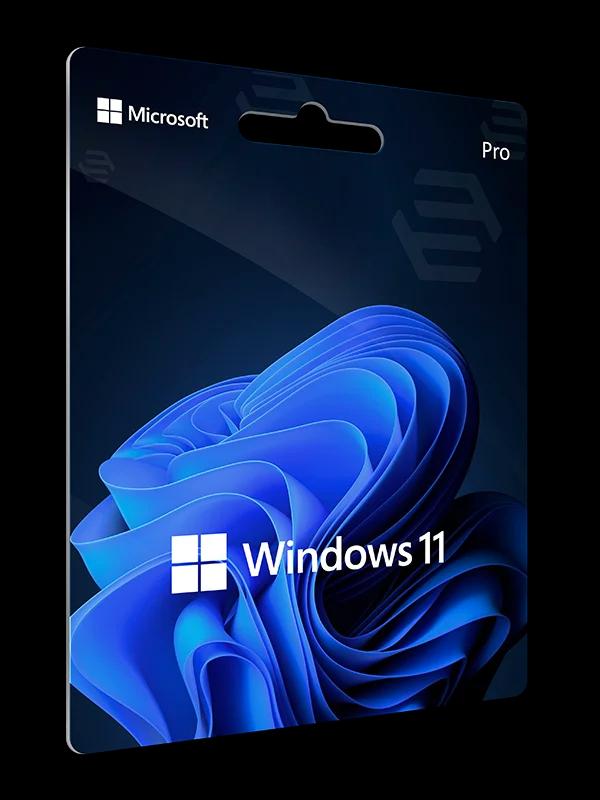
The free upgrade to Windows 11 applies only to PCs running Windows 10 version 22H2 that meet the minimum hardware: TPM 2.0, Secure Boot, 4 GB of RAM, 64 GB of storage and a dual-core 64-bit processor. See Windows 11 Pro for details and Windows 11 Home vs Pro for the edition differences.
Windows 10 editions we list
We describe only what Microsoft's documentation supports. The product page lists what each edition includes.
| Edition | Intended for | Notes |
|---|---|---|
| Windows 10 Home | Home users | The basic edition |
| Windows 10 Pro | Individuals and small businesses | Eligible for consumer ESU |
| Windows 10 Pro for Workstations | More demanding workstations | A Pro variant; listed among editions eligible for consumer ESU |
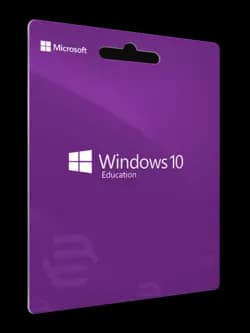
| Windows 10 Education | Schools and universities | Edition for educational institutions |
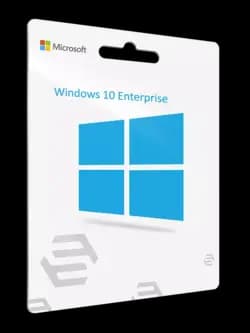
| Windows 10 Enterprise | Organisations | Edition for organisations |
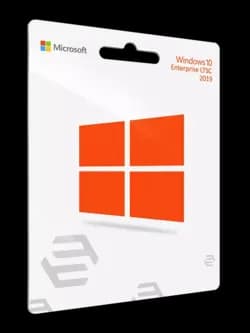
| Windows 10 Enterprise LTSC 2019 | Organisations that need a long-term servicing channel | Supported until 9 January 2029 |
We do not list the licence type (OEM, Retail, Volume) per product — if it matters to you, ask us.
Licence types: OEM, Retail and Volume
Windows 10 and 11 are sold through OEM, Retail and Volume channels. OEM is tied to the device it is installed on. Retail is a stand-alone licence. Volume licences are for organisations and fall under their volume licensing agreement, and Enterprise editions normally reach customers that way.
The differences and what they mean for transferring a licence are covered in our guide to OEM, Retail and Volume licences.
How to activate Windows 10 with a key
Open settings
Go to Settings, then Update & Security, then Activation.
Choose to change the key
Select Change product key.
Enter the key
Type the 25-character key and select Next.
Check the result
After a moment the Activation page should say that Windows is activated.
Frequently asked questions
Short answers to the questions we hear most often.
Does Windows 10 still work after 14 October 2025?
Yes, it runs and can be activated, but it no longer gets standard security updates. Security coverage comes only from ESU or by moving to Windows 11.
How long can I use consumer ESU?
You can enrol until 12 October 2027. Microsoft offers free and paid ways to enrol, and the PC must run Windows 10 22H2 Home, Pro, Pro Education or Pro for Workstations.
How long does commercial ESU last?
The paid programme for organisations runs for a maximum of three years after end of support, and the years are bought in sequence.
Until when is Windows 10 Enterprise LTSC 2019 supported?
Its extended support runs until 9 January 2029.
Can I upgrade to Windows 11 for free?
Yes, if the PC runs Windows 10 version 22H2 and meets the Windows 11 hardware requirements, which we list on the Windows 11 Pro page.
How do I activate a Windows key?
Open Settings, Update & Security, Activation, choose Change product key and enter the 25-character key. More detail is in the activation guide.
Legal basis and sources
We checked licensing rules and support dates against official documents. Links open the publishers’ pages.
- Windows 10 Home and Pro lifecycleMicrosoft Learn · learn.microsoft.com
- Windows 10 Enterprise and Education lifecycleMicrosoft Learn · learn.microsoft.com
- Windows 10 Enterprise LTSC 2019 lifecycleMicrosoft Learn · learn.microsoft.com
- Windows 10 support ends on October 14, 2025Microsoft Support · support.microsoft.com
- Extended Security Updates for Windows 10Microsoft · microsoft.com
- Extended Security Updates for organisationsMicrosoft Learn · learn.microsoft.com
- Windows 11 specificationsMicrosoft · microsoft.com
- activate WindowsMicrosoft Support · support.microsoft.com
- Windows licensingMicrosoft Learn · learn.microsoft.com
Licences for your company?
Business account, quotes on request and invoices in your customer panel.