
How to activate
- Install Steam and sign in to your account (a free account is enough).
- In the top menu choose Games → Activate a Product on Steam…
- Enter your key exactly as shown in your order (with dashes) and confirm. The game appears in your library.
About
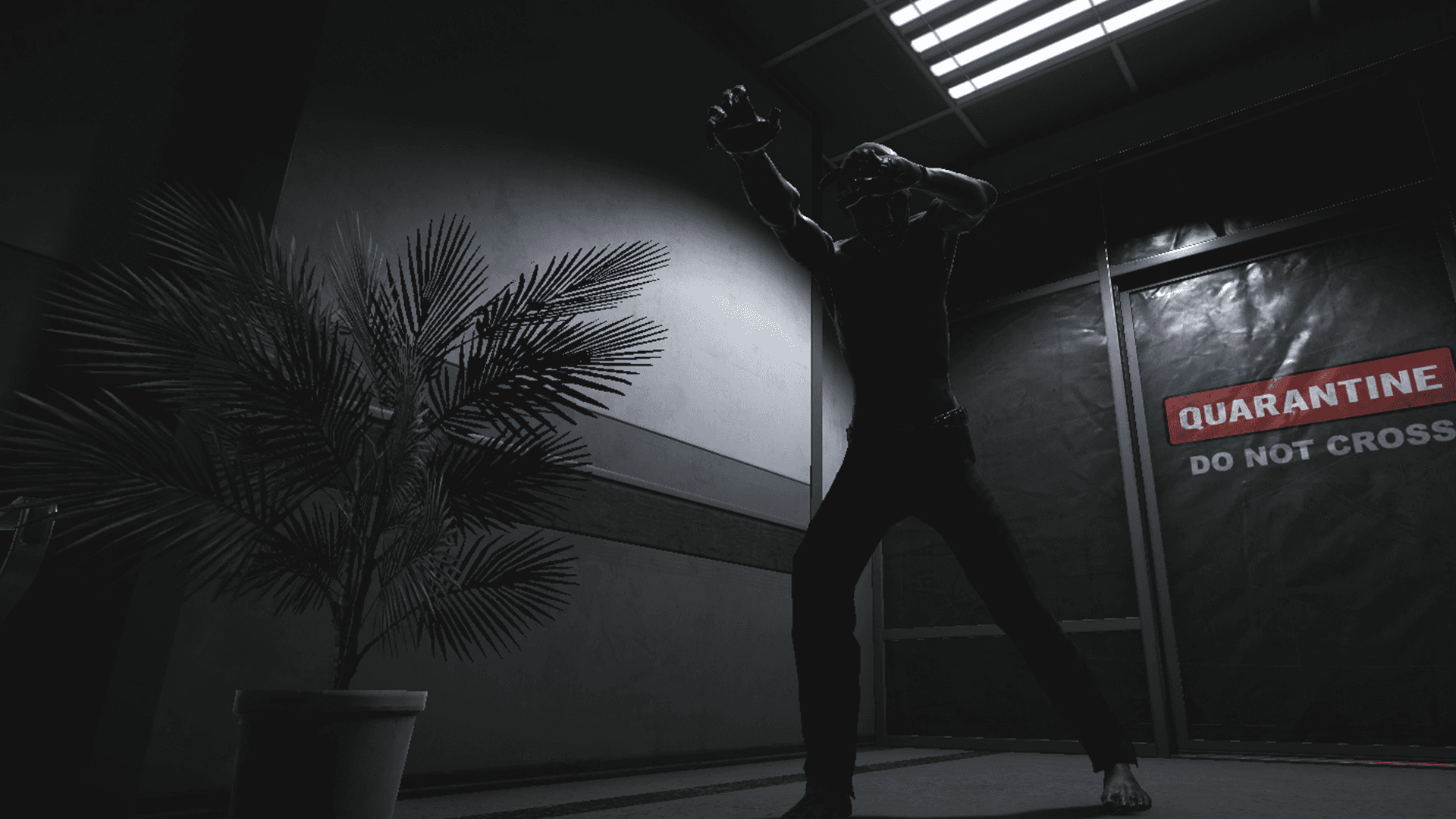
You are a night guard assigned to a long-abandoned psychiatric facility buried beneath the main asylum. For years, rumors have swirled: missing persons, unexplained noises, flickering lights, and the presence of something no one dares to name. Tonight, it’s your turn to keep watch.
Armed with nothing but a bank of static-filled security cameras, your job is to observe and report. But as the night drags on, things begin to shift, literally. Hallways change, figures appear where none should be, and the feeling of being watched becomes impossible to ignore.
Watch Carefully ...
System Requirements
Minimum
- Windows
- OS
- Windows 10
- Processor
- Ryzen 5 5600G
- Memory
- 4 GB RAM
- Graphics
- Nvidia 1660 VRAM 6GB
- Storage
- 2 GB available space
Recommended