How to activate
- Install Steam and sign in to your account (a free account is enough).
- In the top menu choose Games → Activate a Product on Steam…
- Enter your key exactly as shown in your order (with dashes) and confirm. The game appears in your library.
About
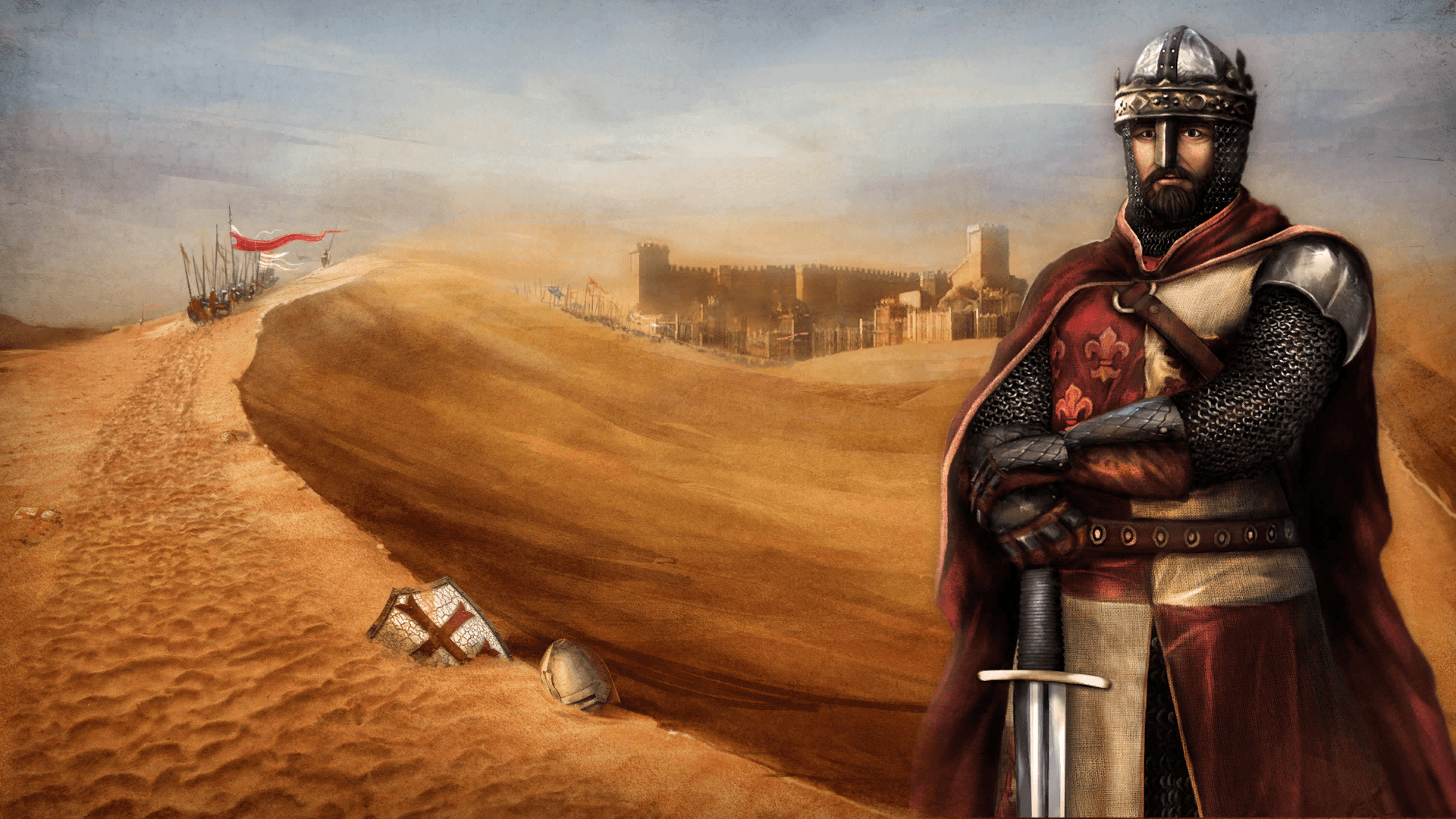
Renaissance was an era of science, arts, philosophy - and the art of war. Split between warring kingdoms, merchants, and religions, the Renaissance saw the rise of mercenary armies, waging war across Europe, Africa, and the Middle East for the highest bidder, with captains of these forces making or breaking nations. ...
System Requirements
- OS
- Windows 10
- Processor
- Intel Core i7 Processor or equivalent
- Memory
- 6 GB RAM
- Graphics
- NVIDIA GeForce GTX 960 / Radeon RX 480
- DirectX
- Version 11
- Storage
- 5 GB available space
- Sound Card
- DirectX Compatible
- OS
- Windows 10
- Memory
- 6 GB RAM
- Graphics
- NVIDIA GeForce GTX 980 / Radeon RX 490
- DirectX
- Version 11
- Storage
- 5 GB available space
- Sound Card
- DirectX Compatible
Legal information
© 2023-2024 Reverie World Studios, Inc. Reverie World Studios, Kingdom Wars, Freedom Games and their respective logos are trademarks of Reverie World Studios, Inc. The ratings icon is a trademark of the Entertainment Software Association. All other marks are property of their respective owners. The content of this videogame is fictional and is not intended to represent or depict an actual record of the events, persons, locations, or entities in the game’s setting. The makers and publishers of this videogame do not in any way endorse, condone or encourage engaging in any conduct depicted in this videogame.