




How to activate
- Install Steam and sign in to your account (a free account is enough).
- In the top menu choose Games → Activate a Product on Steam…
- Enter your key exactly as shown in your order (with dashes) and confirm. The game appears in your library.
About
Awaken. Rebuild. Explore.
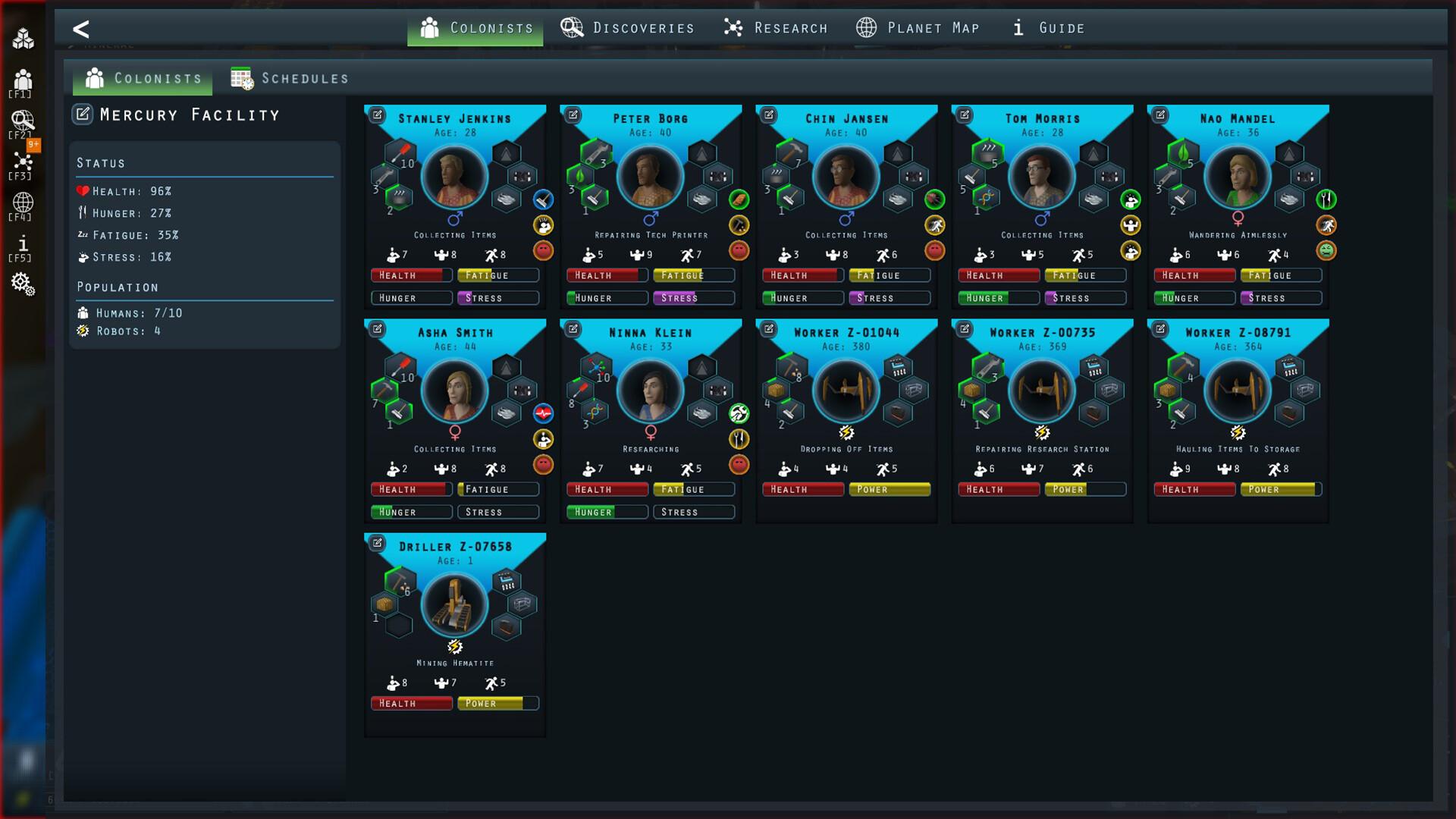
After a long journey to a distant planet, your colonists were supposed to wake up and begin building their new home. But something went wrong. Their stasis capsules malfunctioned, and when they finally awakened, the underground facility they were meant to inhabit has fallen into ruin.
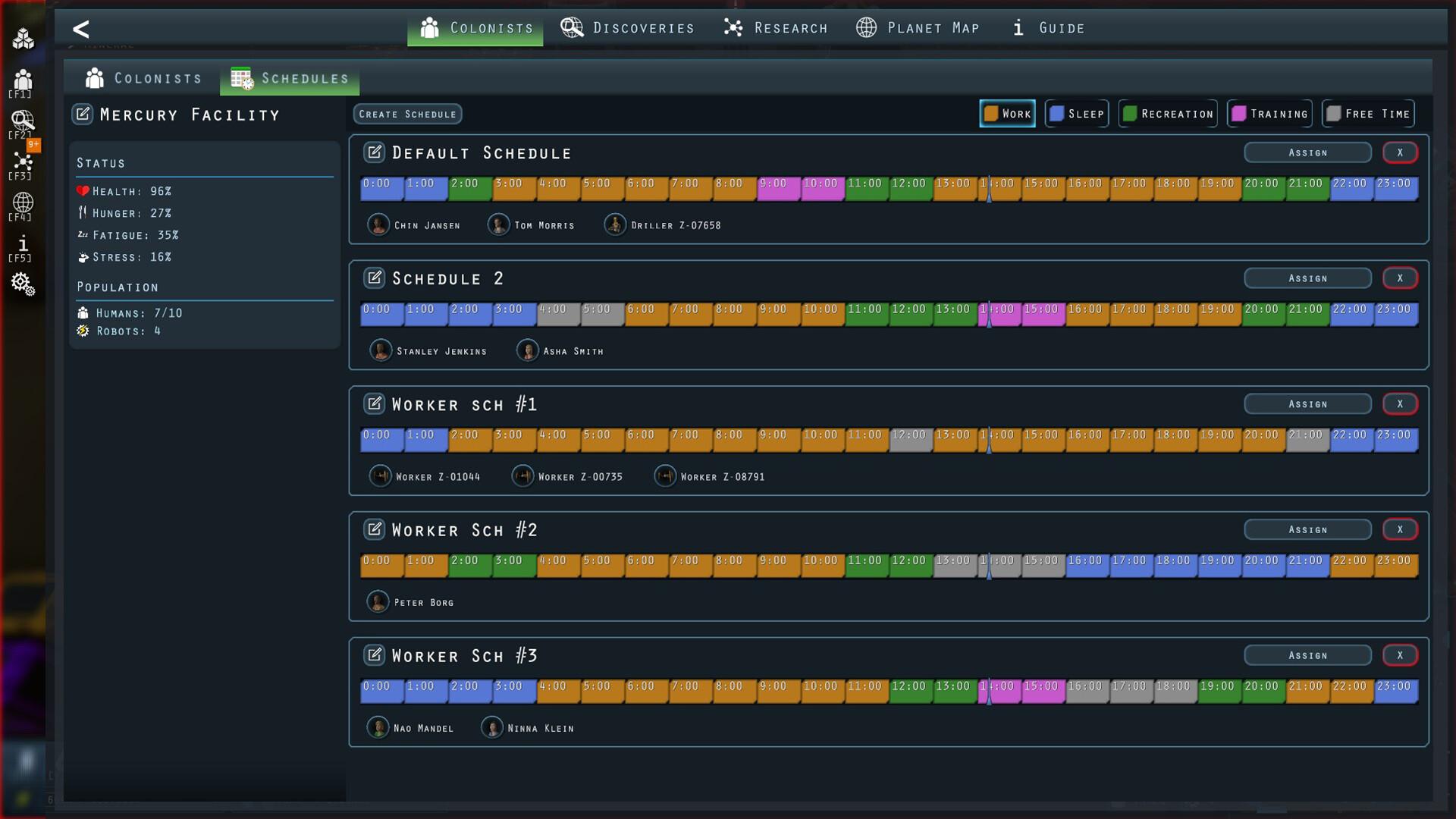
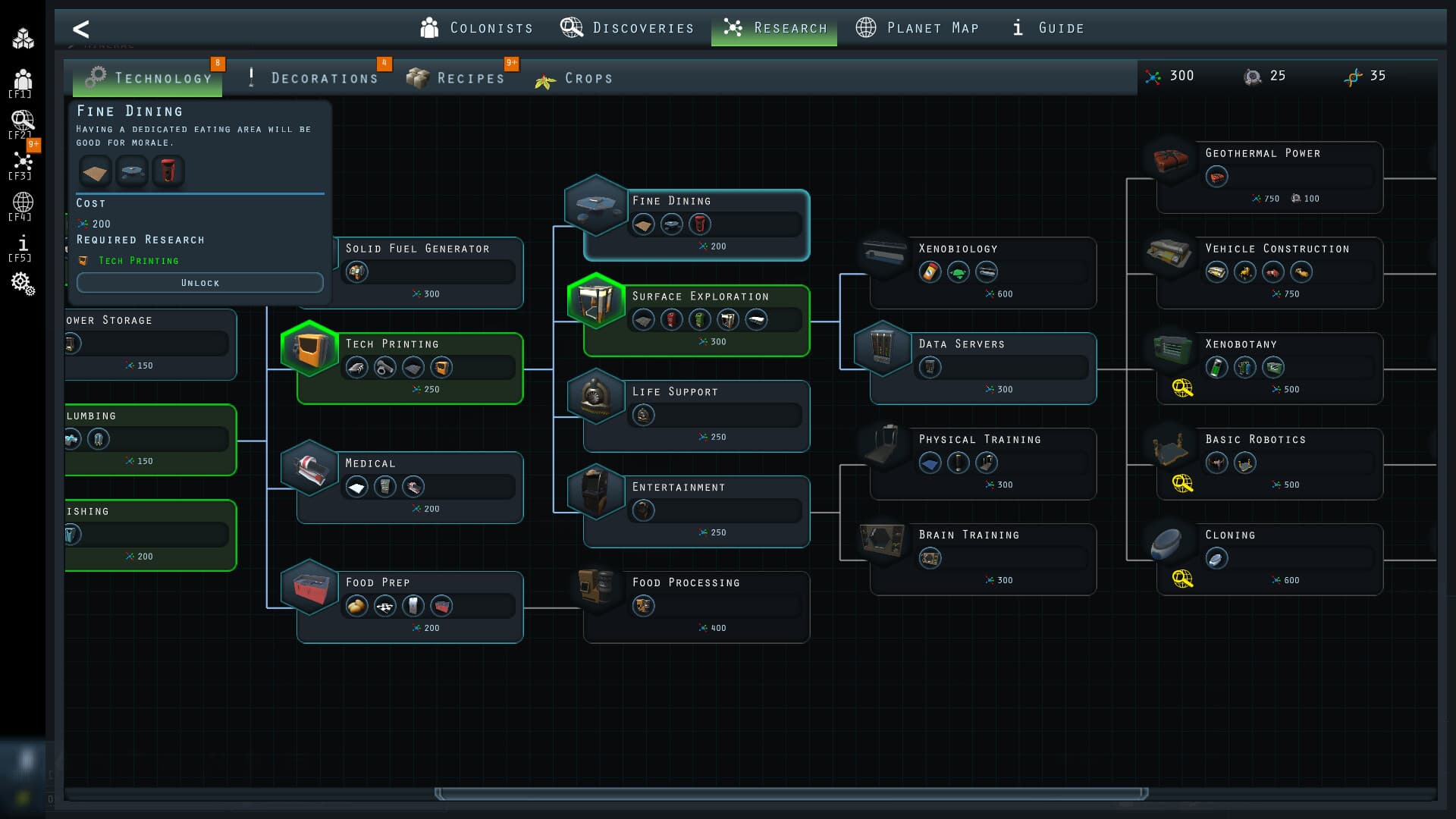
Now, it's up to you to restore the base, manage resources, and expand across the planet’s surface—all while uncovering the secrets of this alien world and ensuring your colony thrives. ...
System Requirements
Minimum
- Windows
- Requires a 64-bit processor and operating system
- OS
- Windows 10+
- Processor
- 2.4 GHz Dual Core
- Memory
- 4 GB RAM
- Graphics
- DirectX 11 compatible card (shader model 3)
- DirectX
- Version 11
- Storage
- 500 MB available space
- macOS
- OS
- OS X 10.9+
- Processor
- 2.4 Ghz Intel Core i5
- Memory
- 4 GB RAM
- Graphics
- Intel HD 4600 (AMD or NVIDIA equivalent)
- Storage
- 300 MB available space
- Additional Notes
- 64-bit CPU and OS
Recommended