


How to activate
- Install Steam and sign in to your account (a free account is enough).
- In the top menu choose Games → Activate a Product on Steam…
- Enter your key exactly as shown in your order (with dashes) and confirm. The game appears in your library.
About
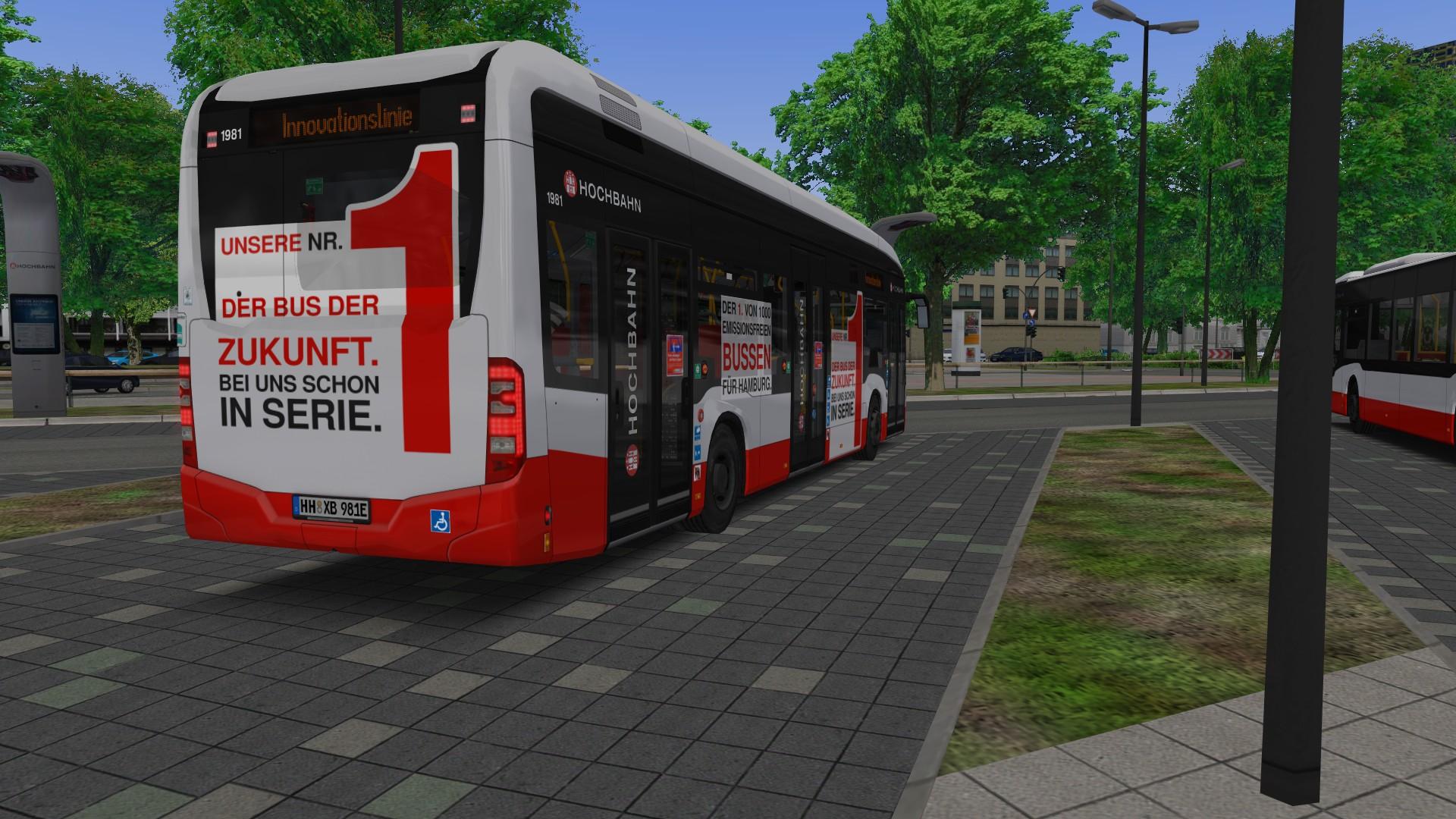
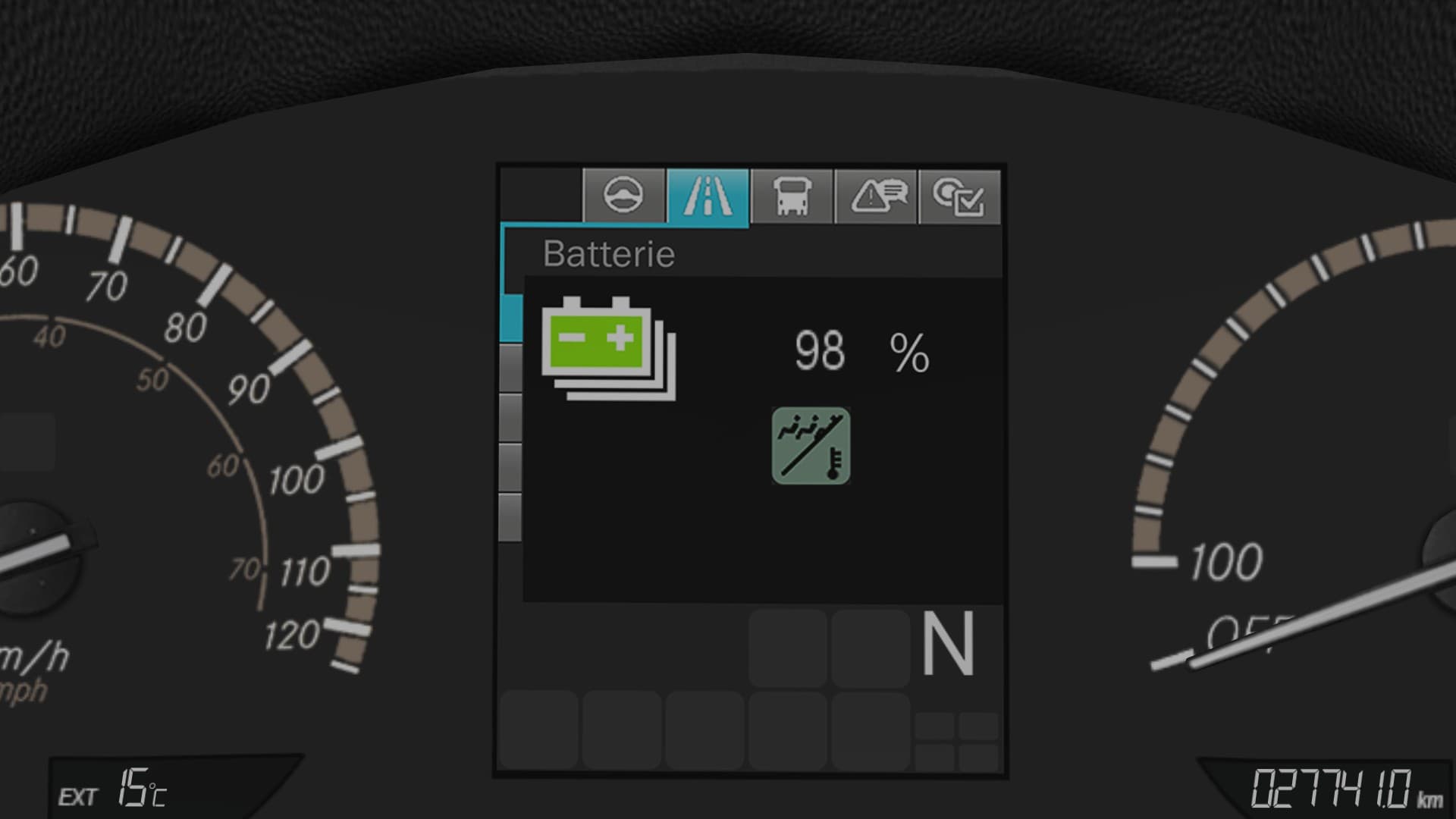
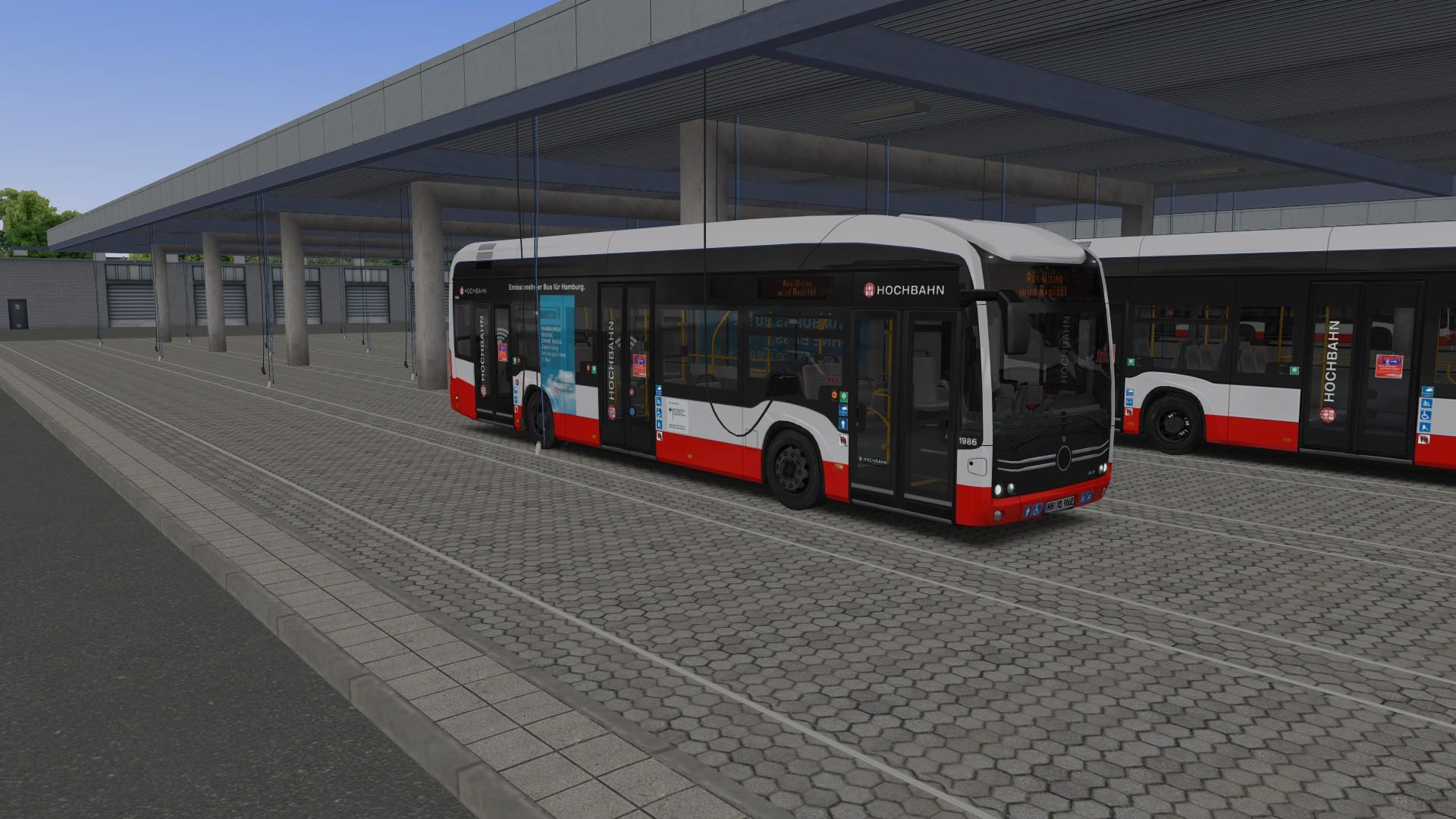
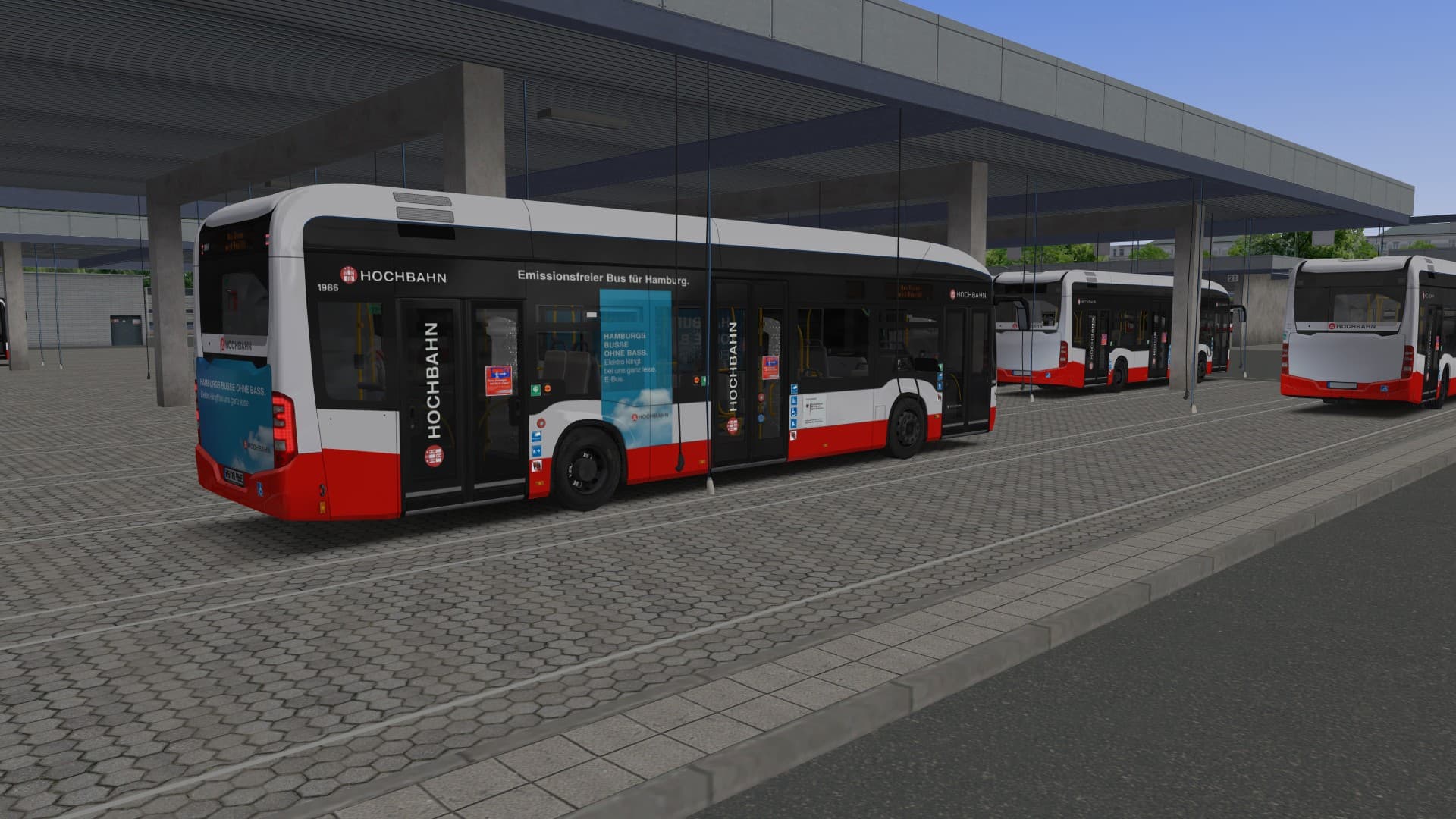
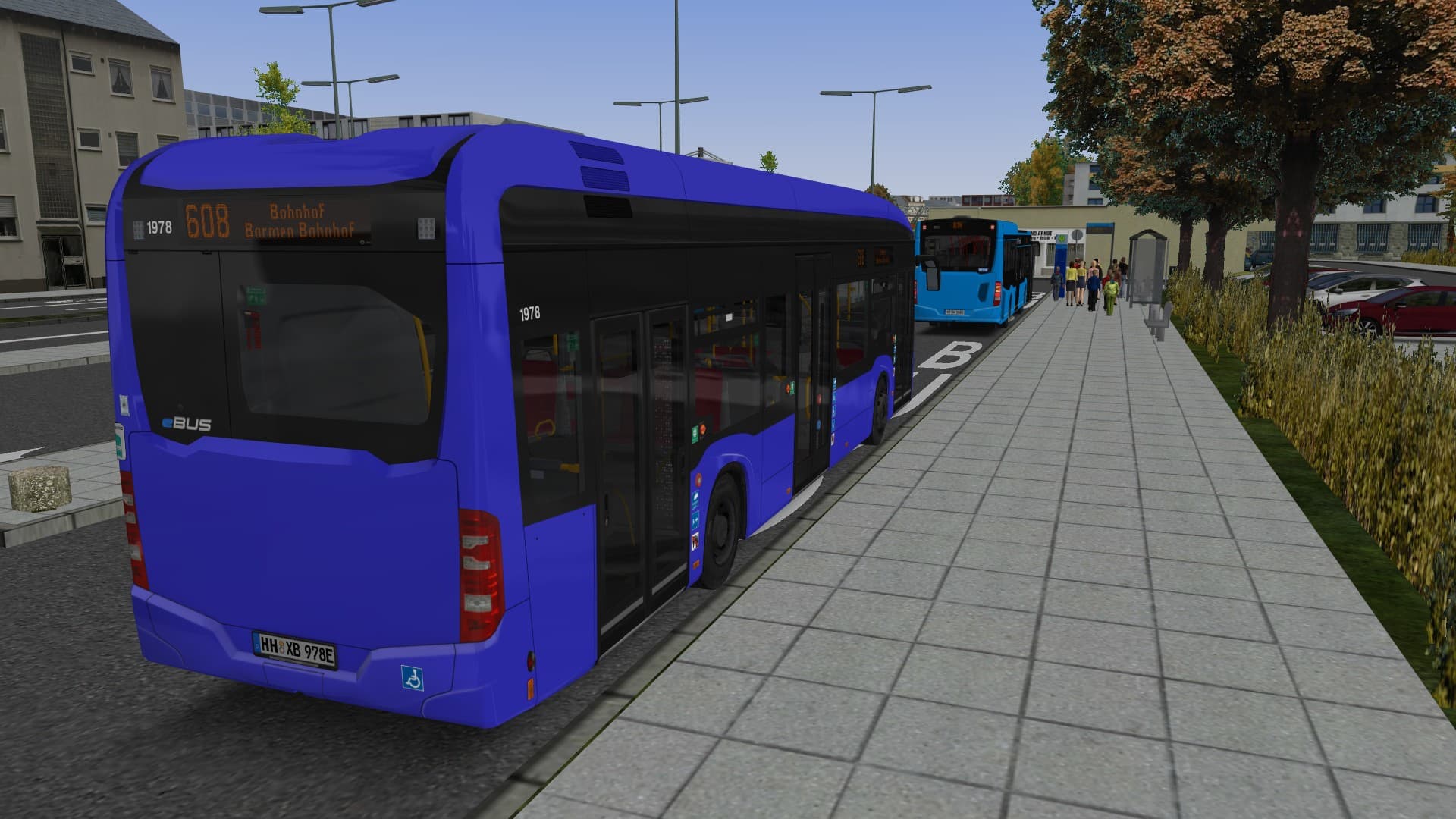
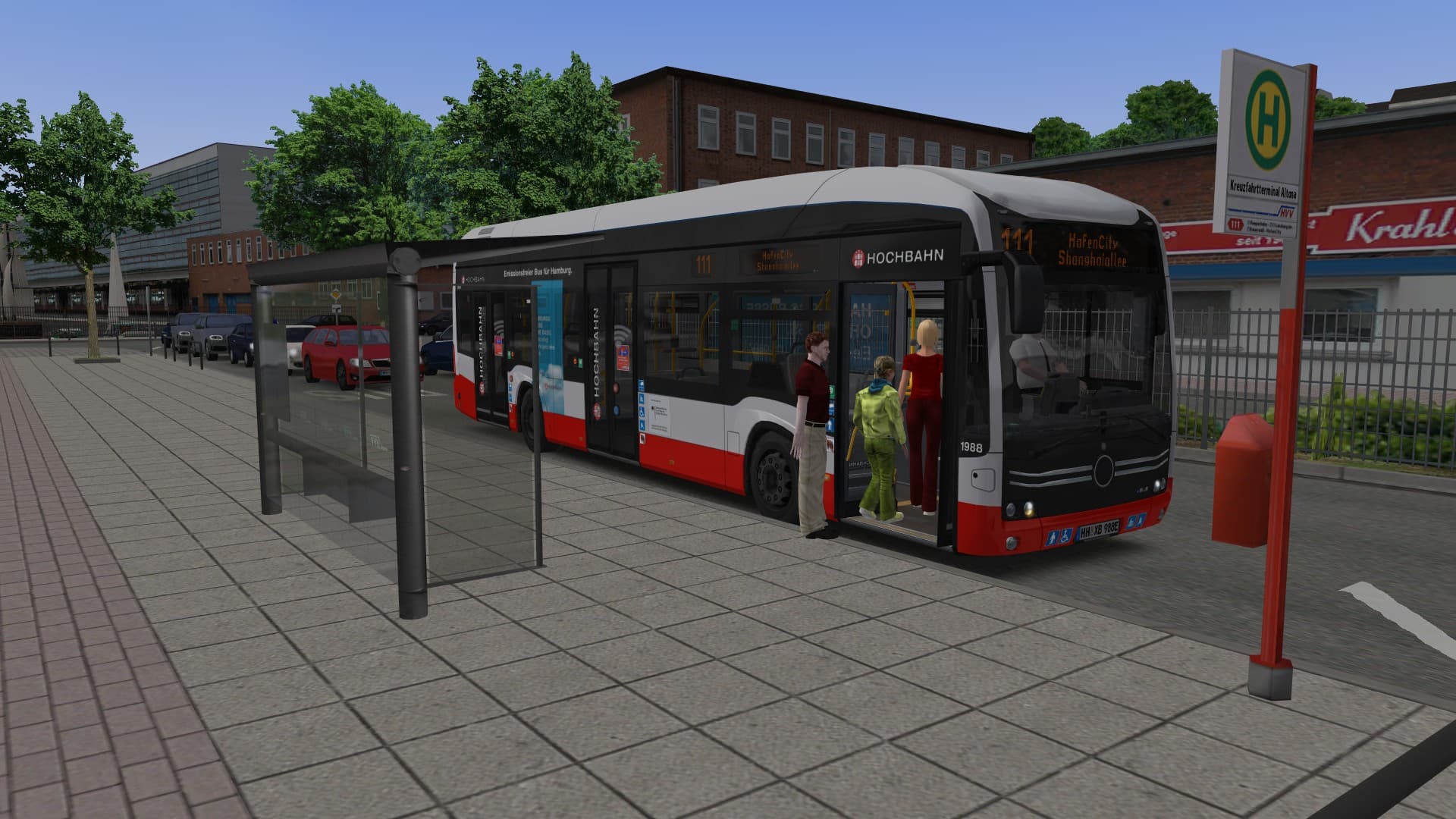
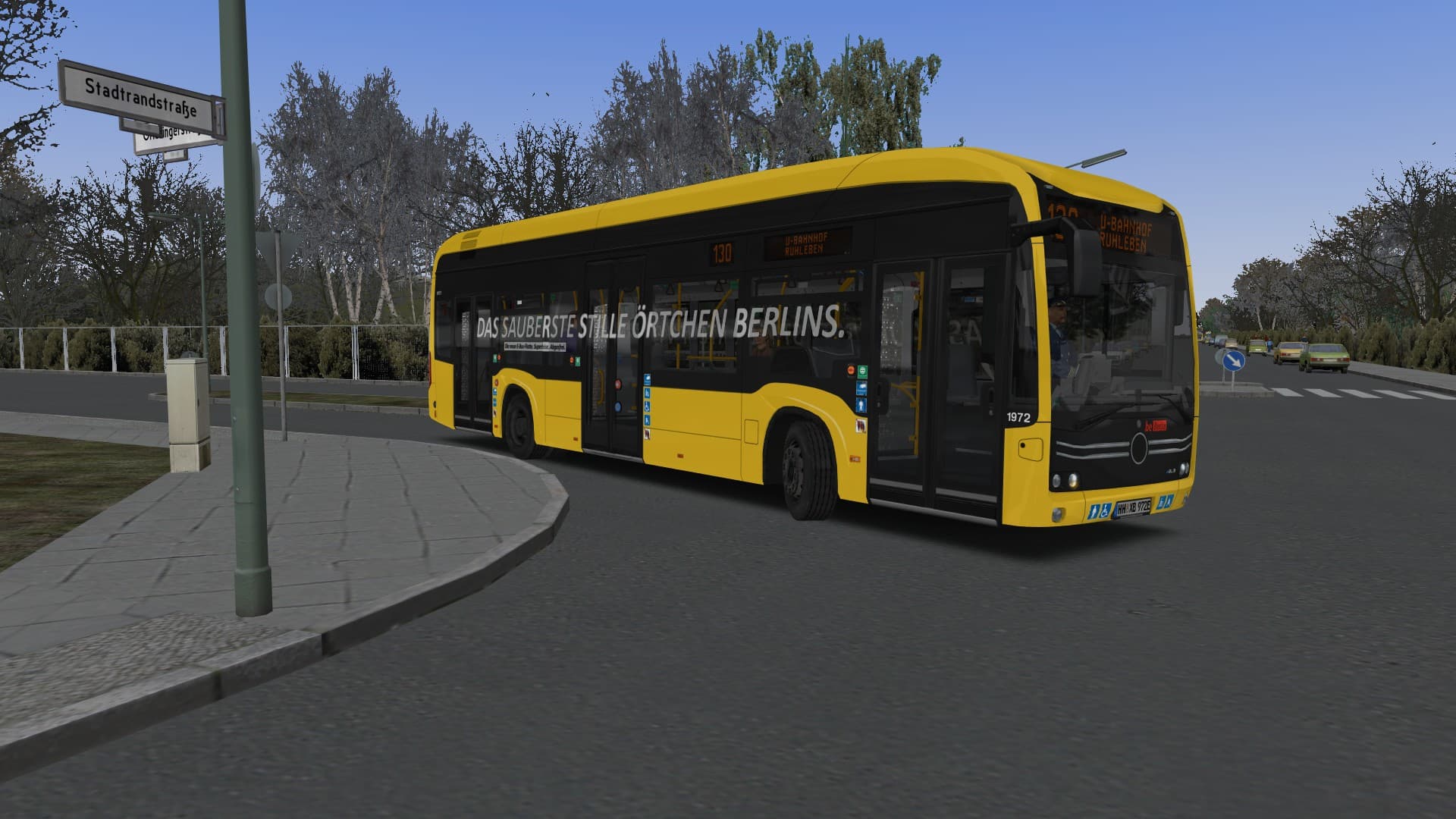
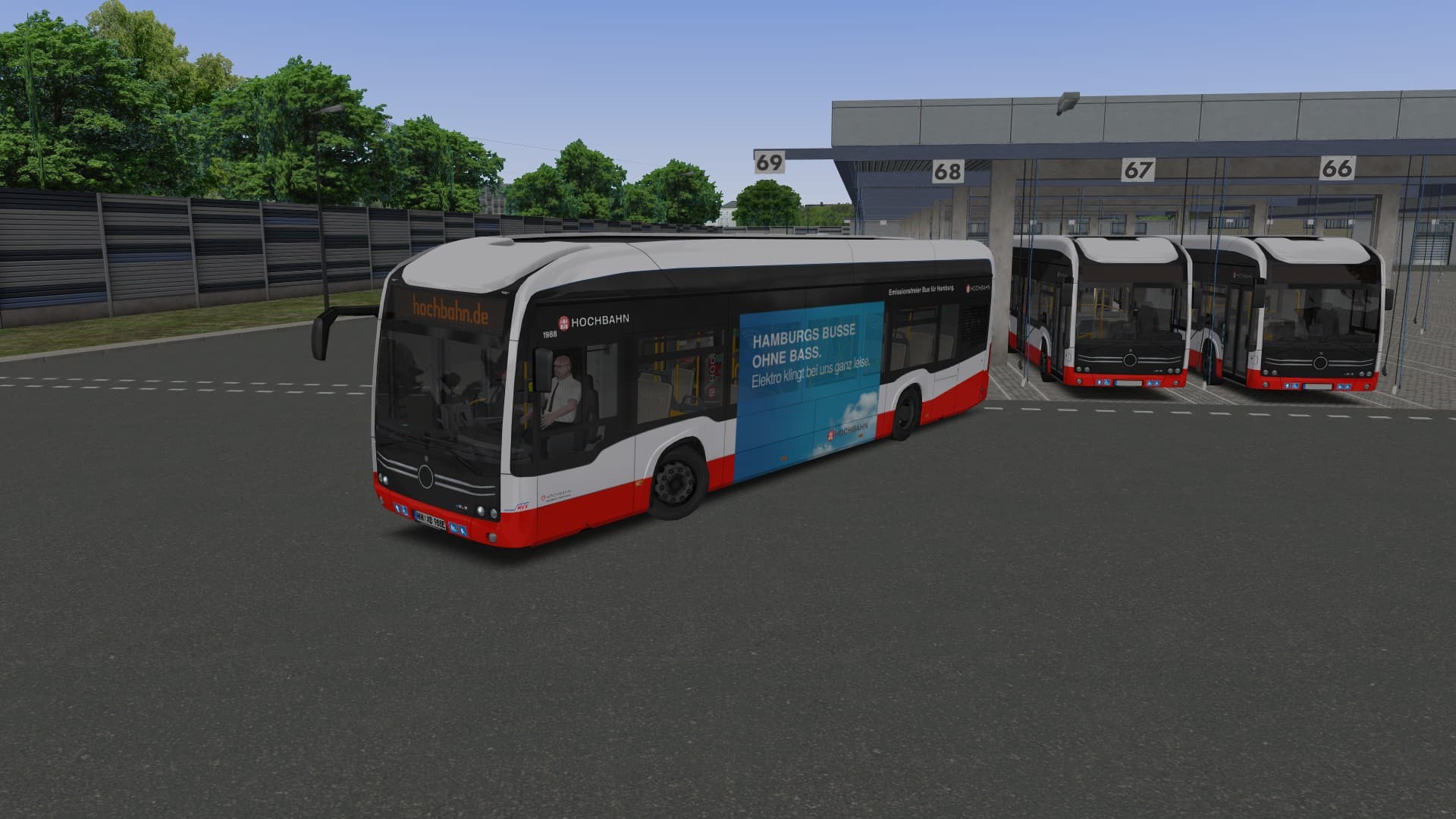
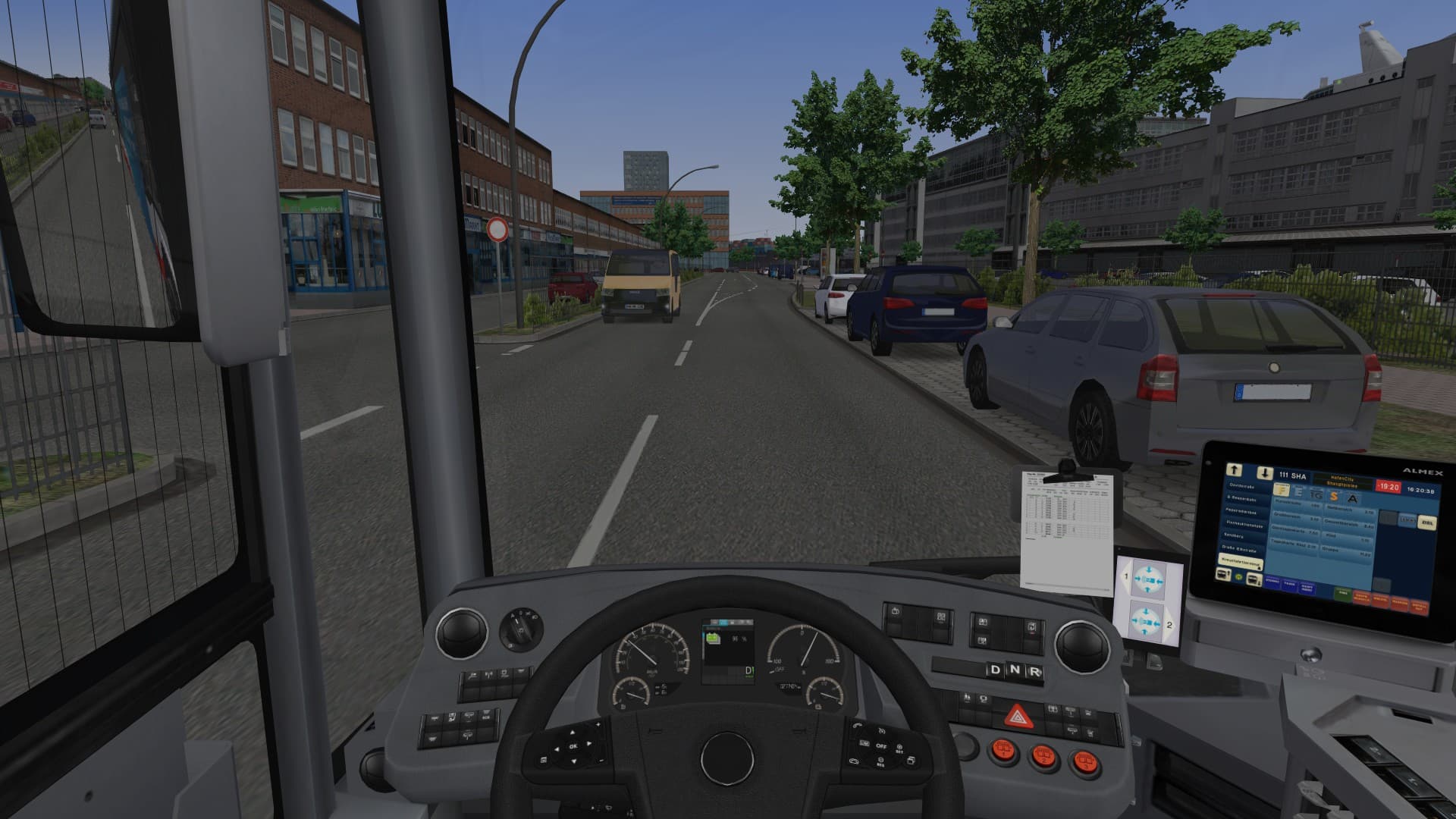
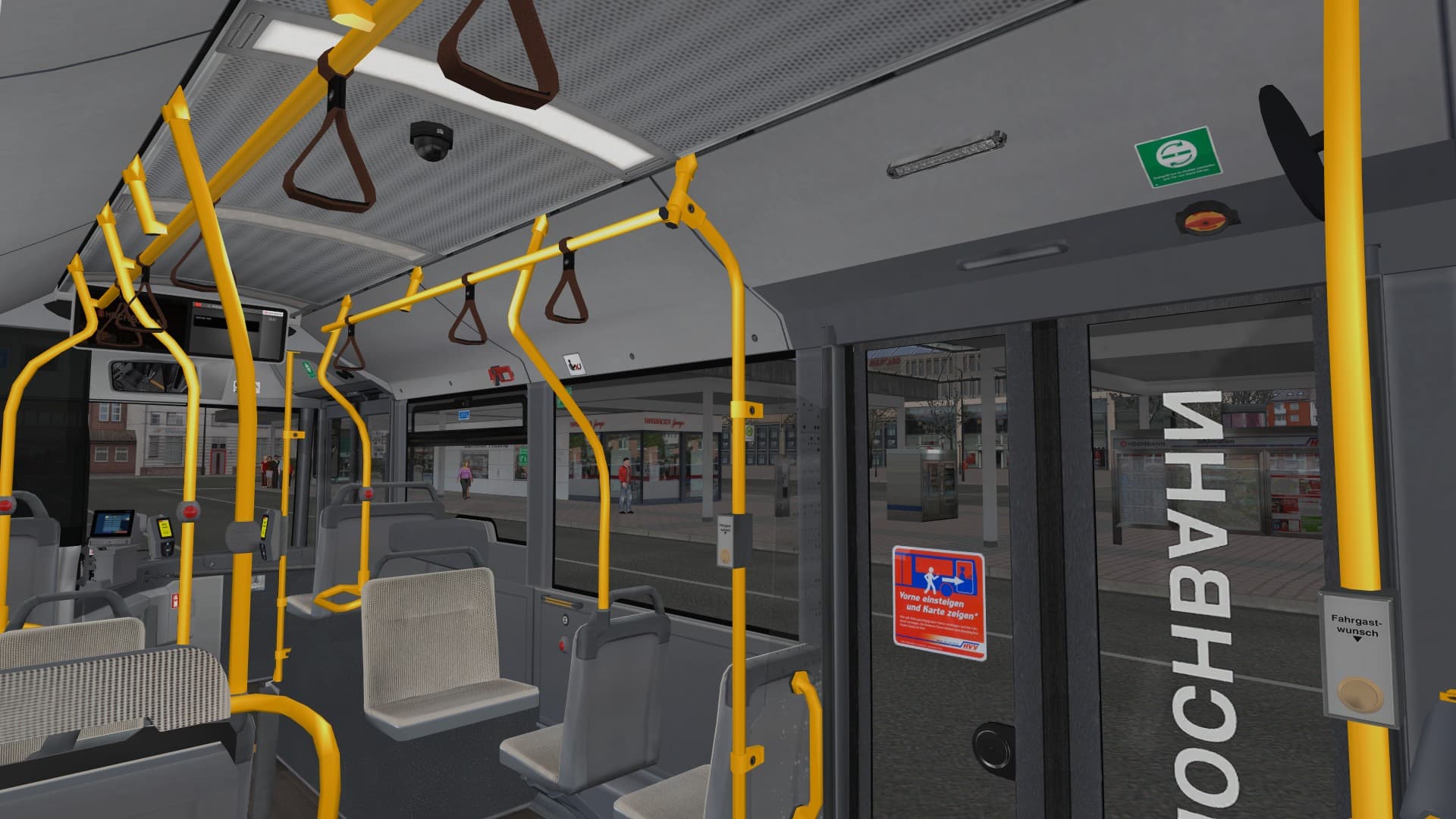
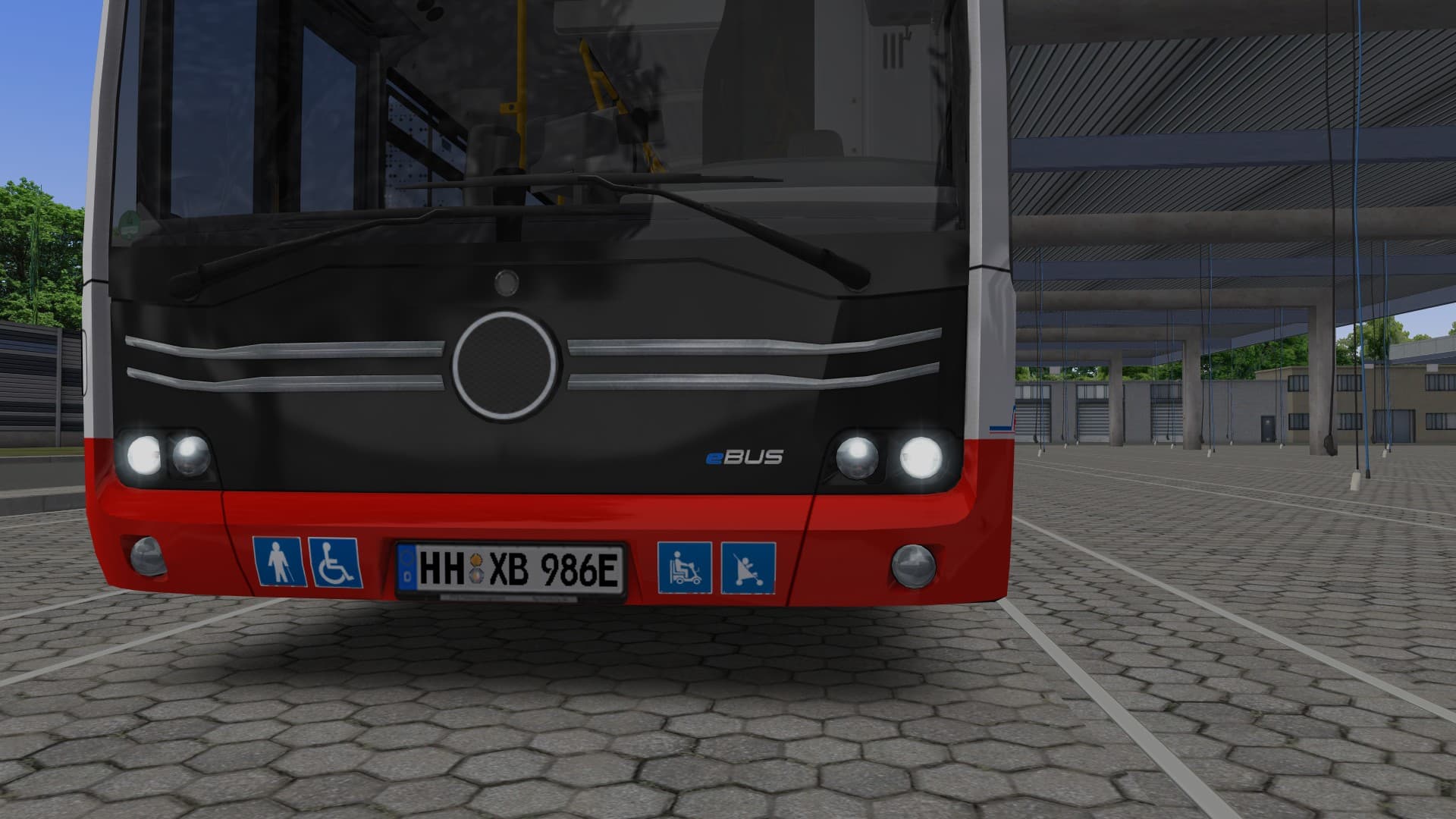
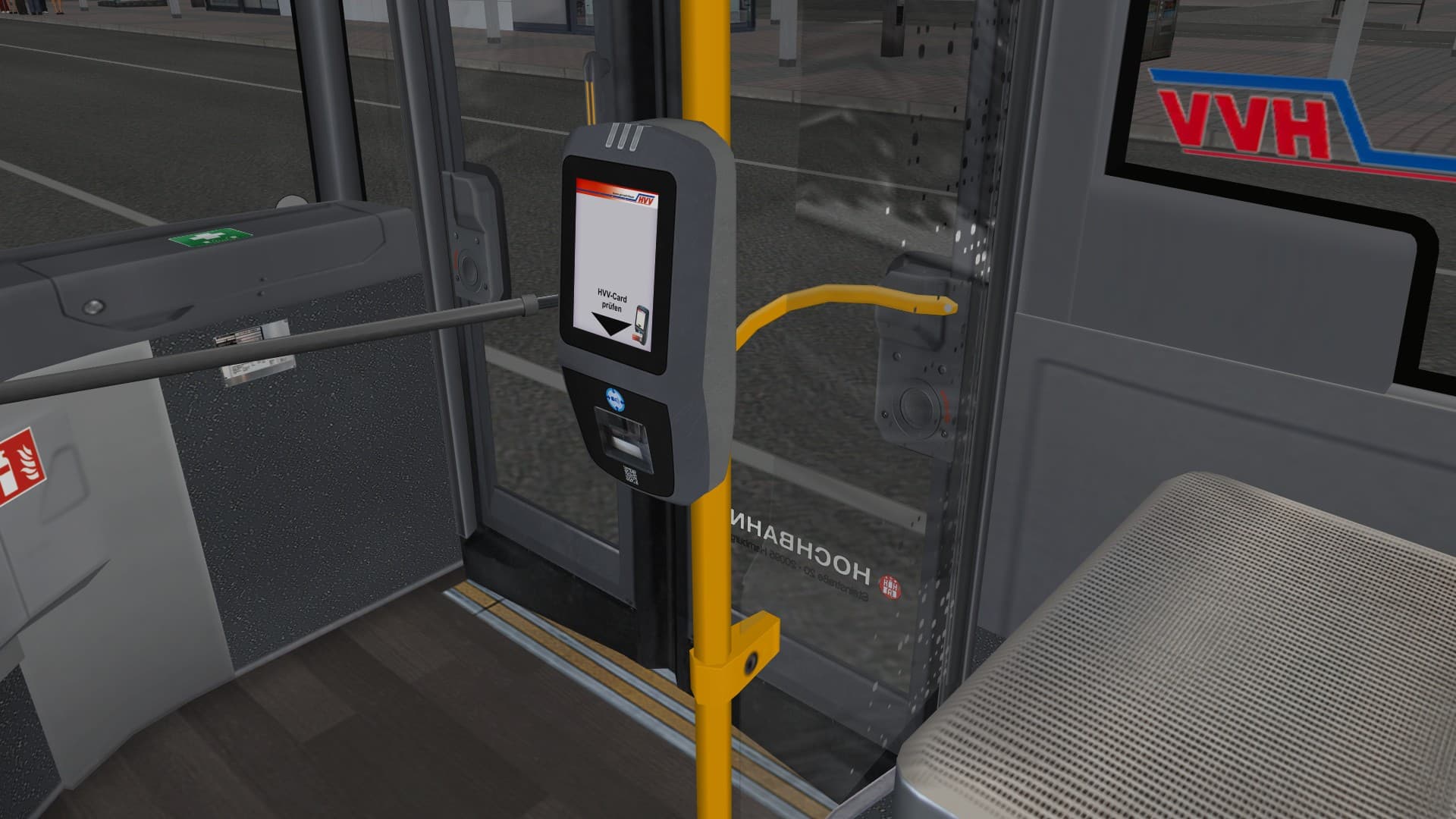
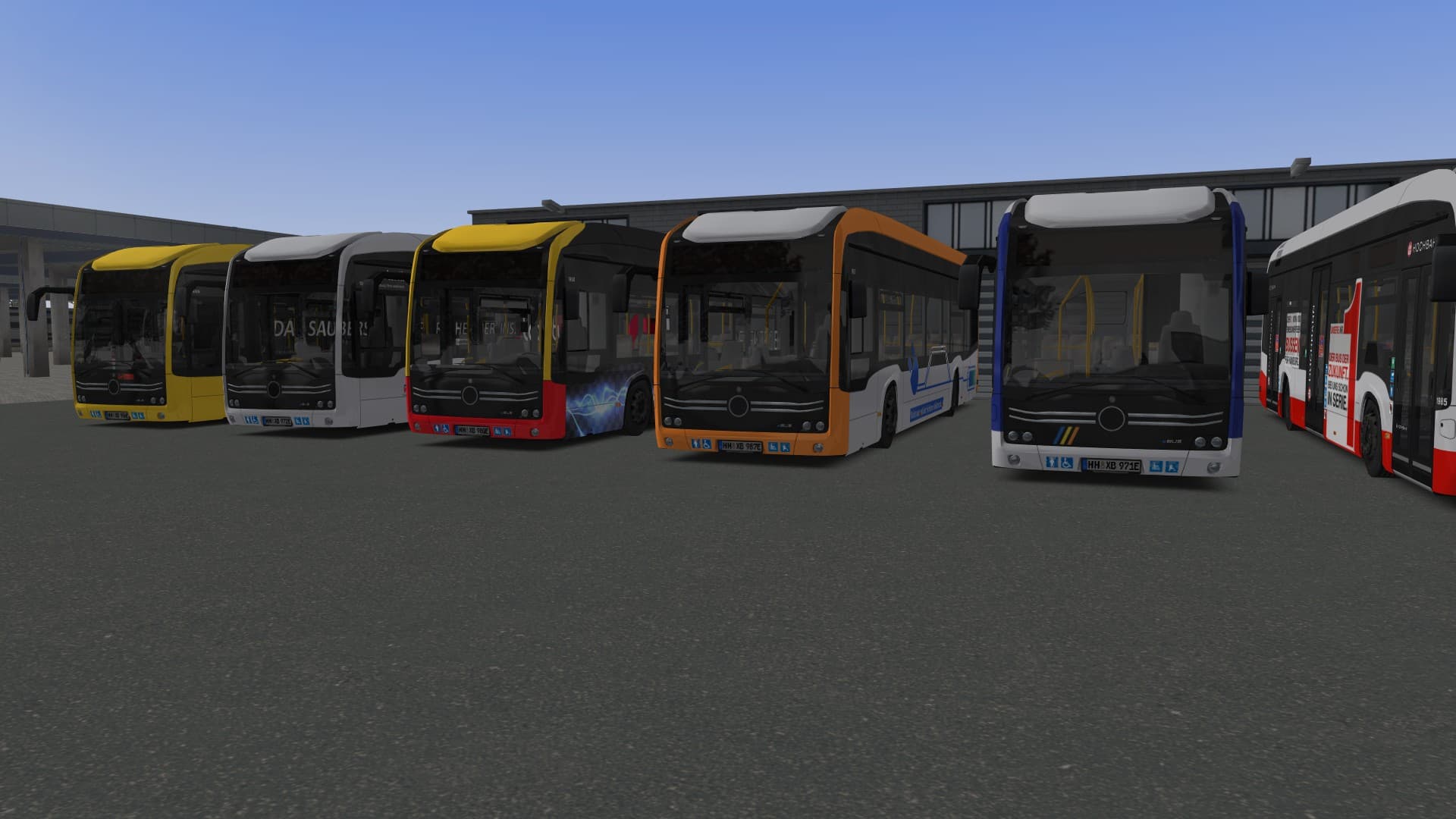
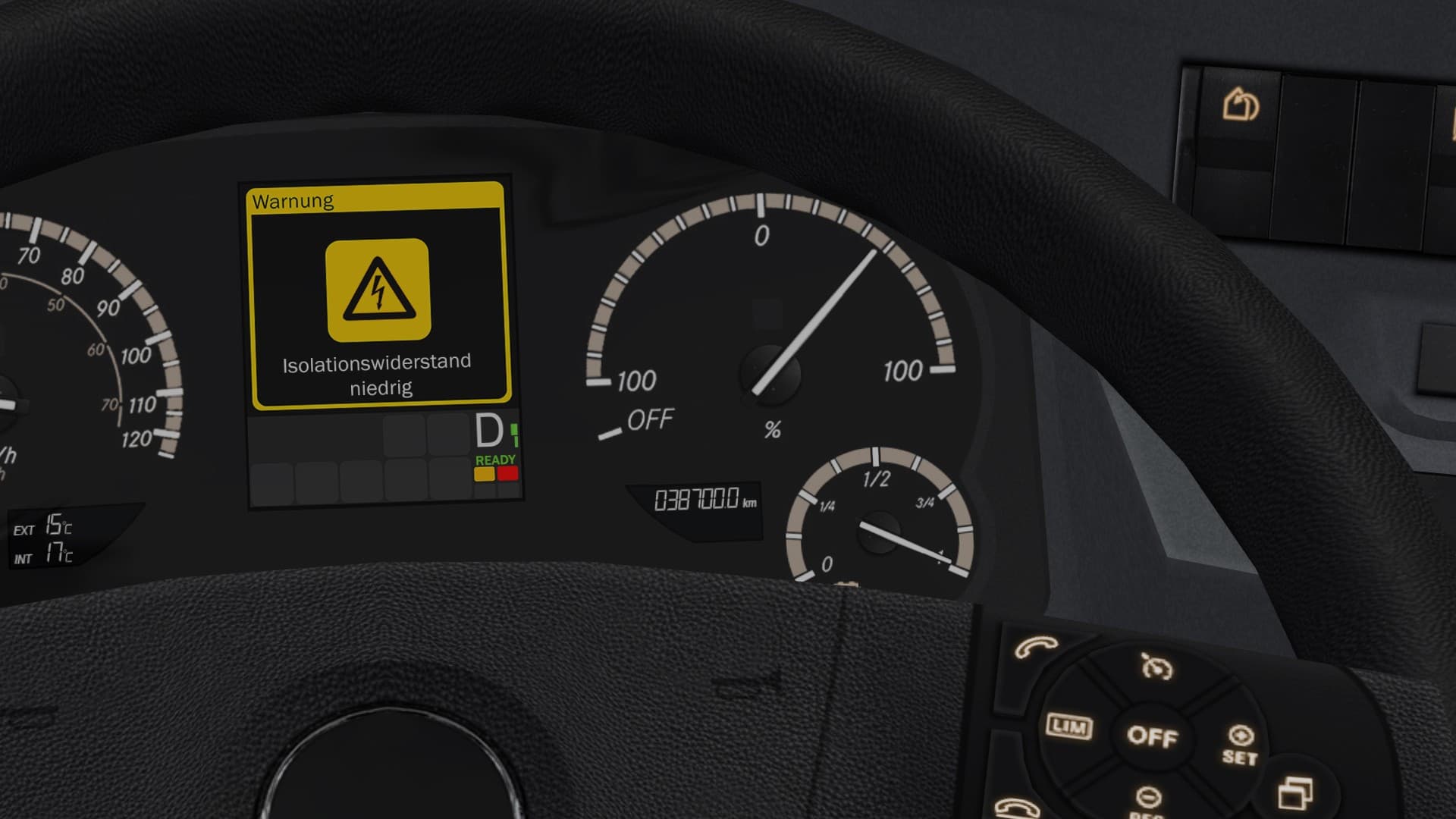
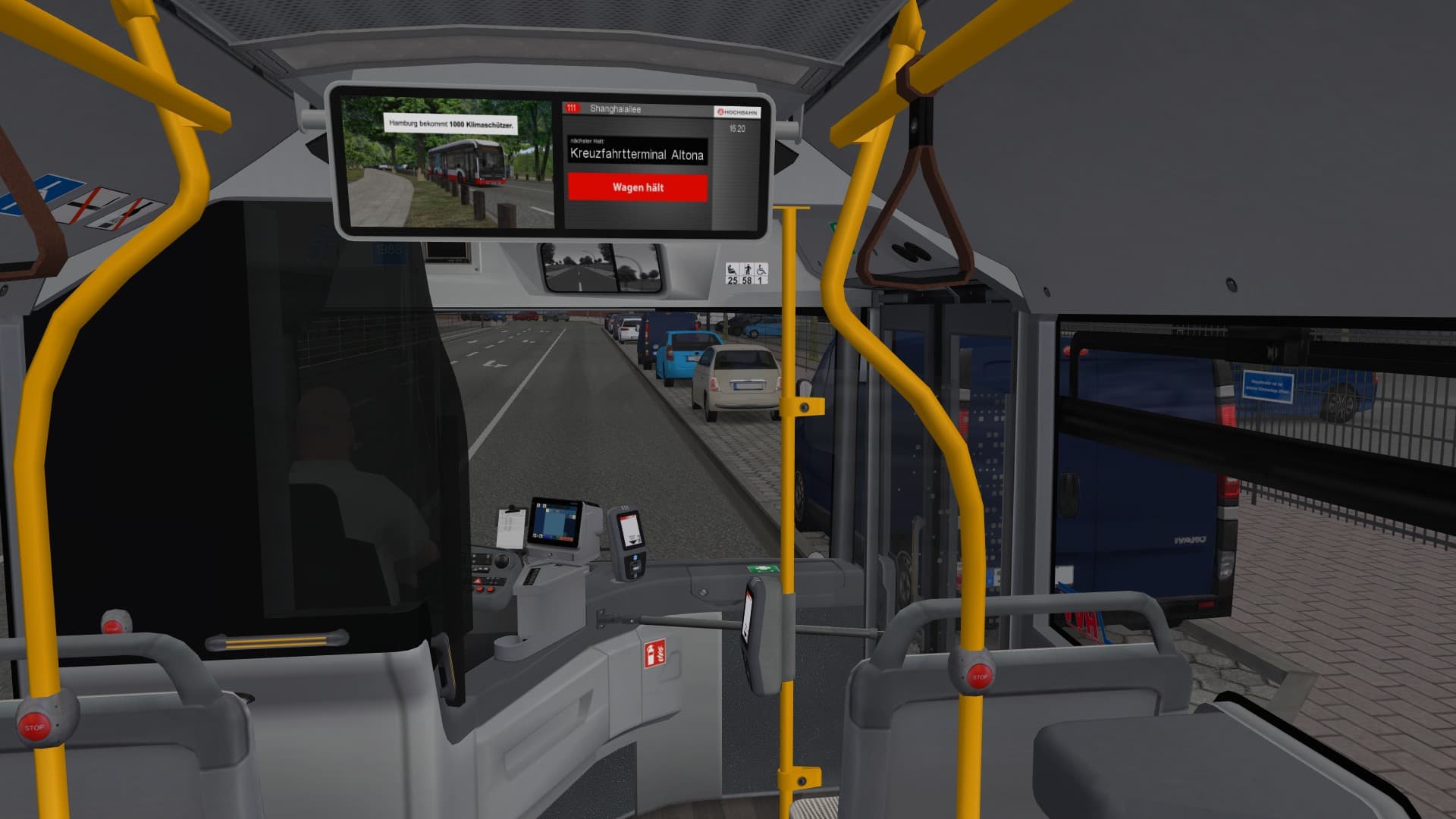
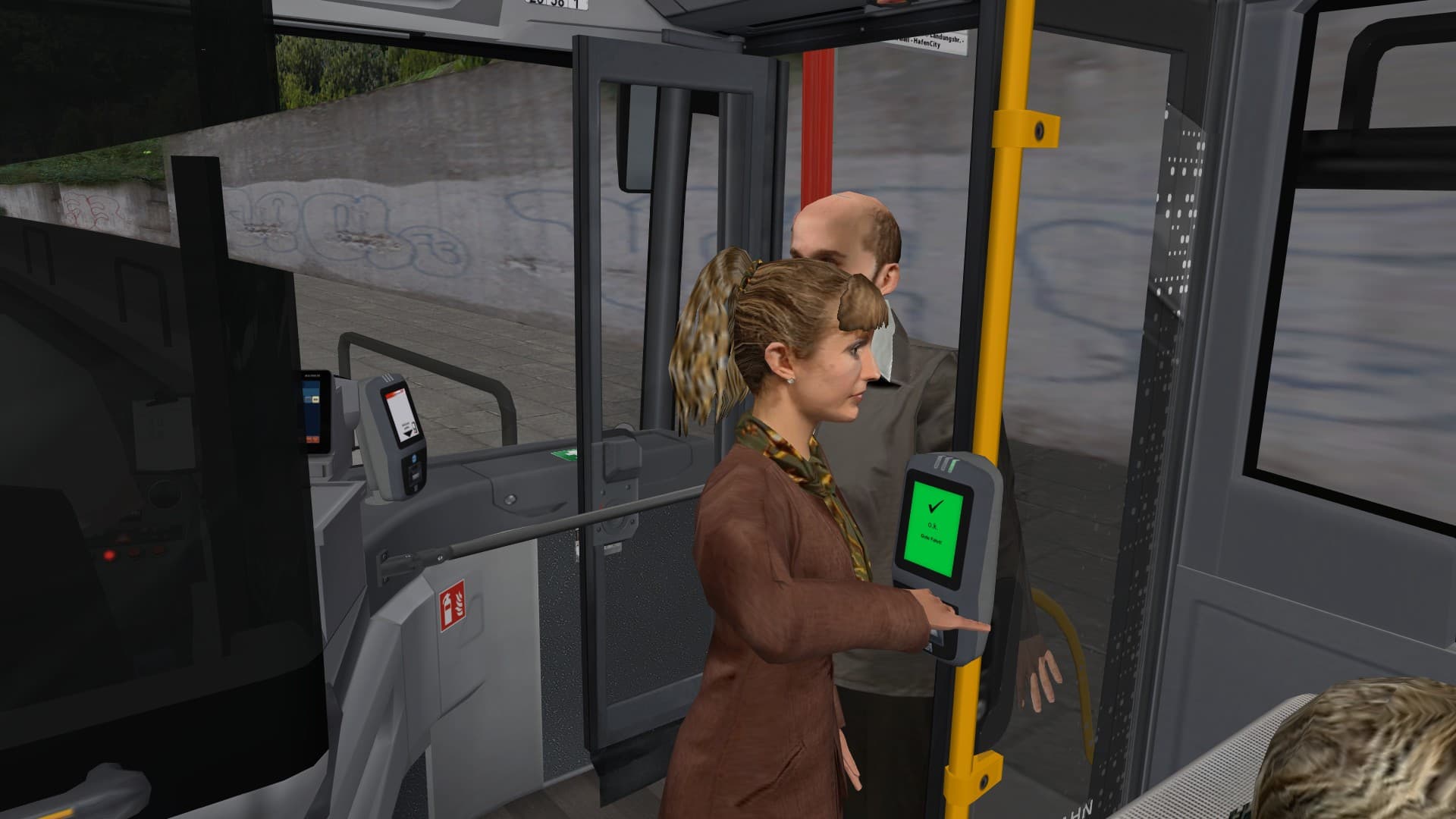
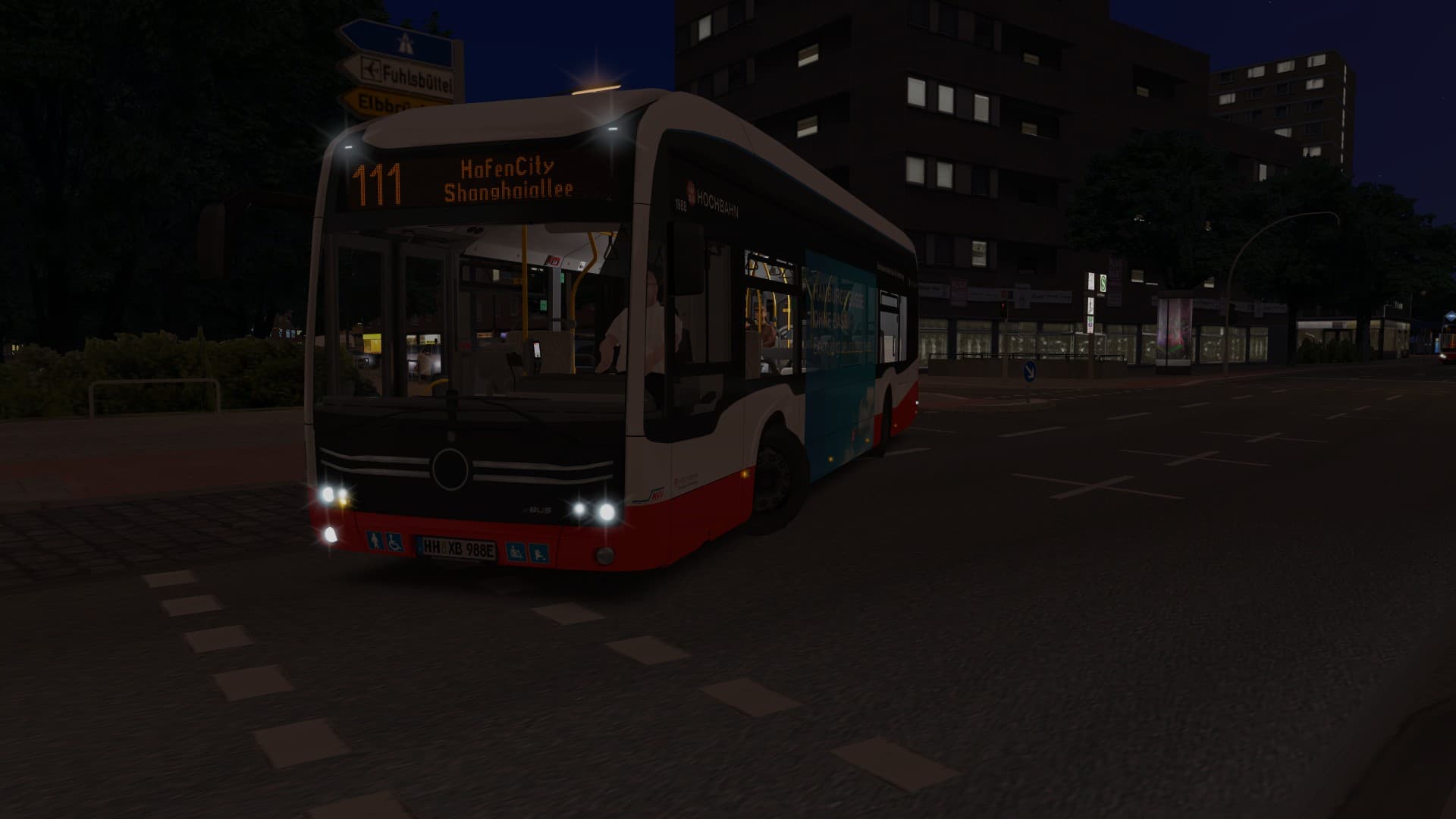
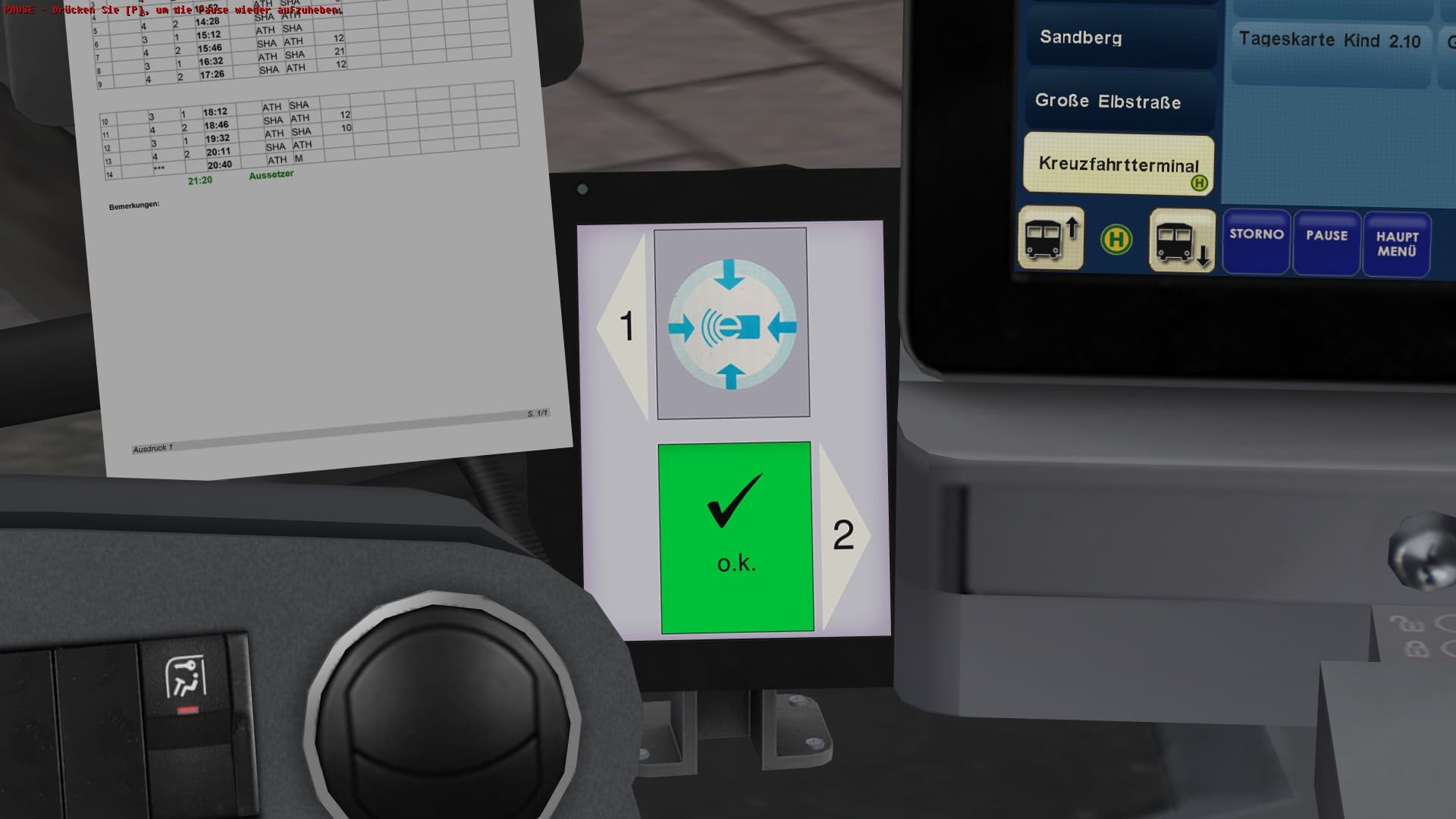
Vision becomes reality – after the first battery electric buses of the type eCitaro have been standardly put in operation in Hamburg in summer 2018, this modern city bus now finds its way into OMSI 2 as well.
Currently, there are already 20 vehicles of this type in use in Hamburg (state April 2020) and you can find them also in other German cities like Berlin. ...
System Requirements
Minimum
- Steam account is required for game activation and installation
- This content requires the base game OMSI 2: Steam Edition on Steam in order to play.
- PC System Requirements
- Minimum
- OS
- Microsoft Windows 8 / 10
- Processor
- CPU with 2.8 GHz
- Memory
- 4 GB RAM
- Graphics
- 1 GB VRAM
- DirectX
- Version 9.0c
Recommended
Legal information
Copyright © 2020 AEROSOFT. All rights reserved. All trademarks and brand names are trademarks or registered trademarks of the respective owners. Copyrights are serious stuff. If you find any pirated copies of this software please notify us. We will make sure reports of copyrights violation are rewarded.
Aerosoft GmbHLindberghring 12D-33142 Büren, Germany