

How to activate
- Install Steam and sign in to your account (a free account is enough).
- In the top menu choose Games → Activate a Product on Steam…
- Enter your key exactly as shown in your order (with dashes) and confirm. The game appears in your library.
About
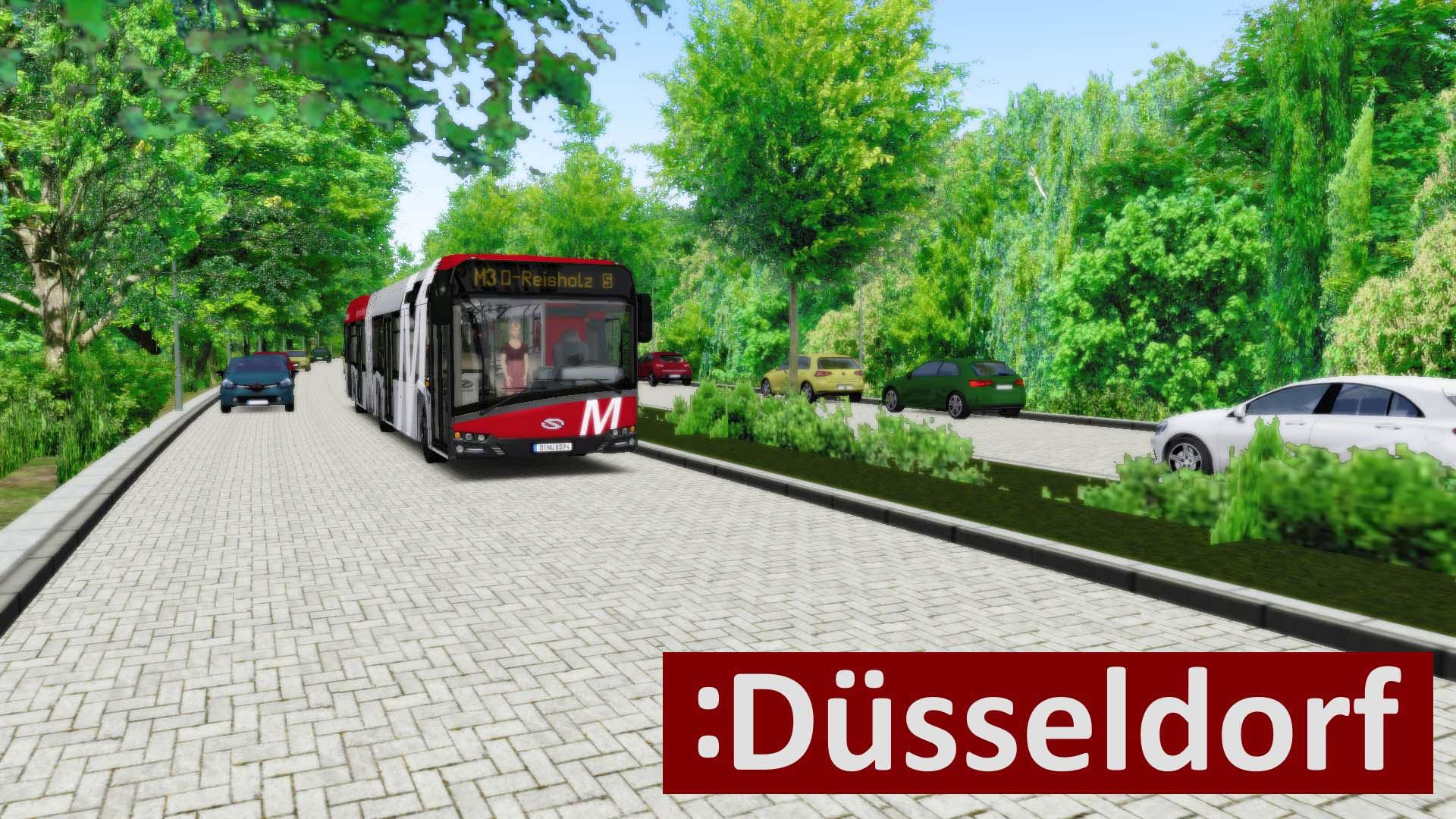
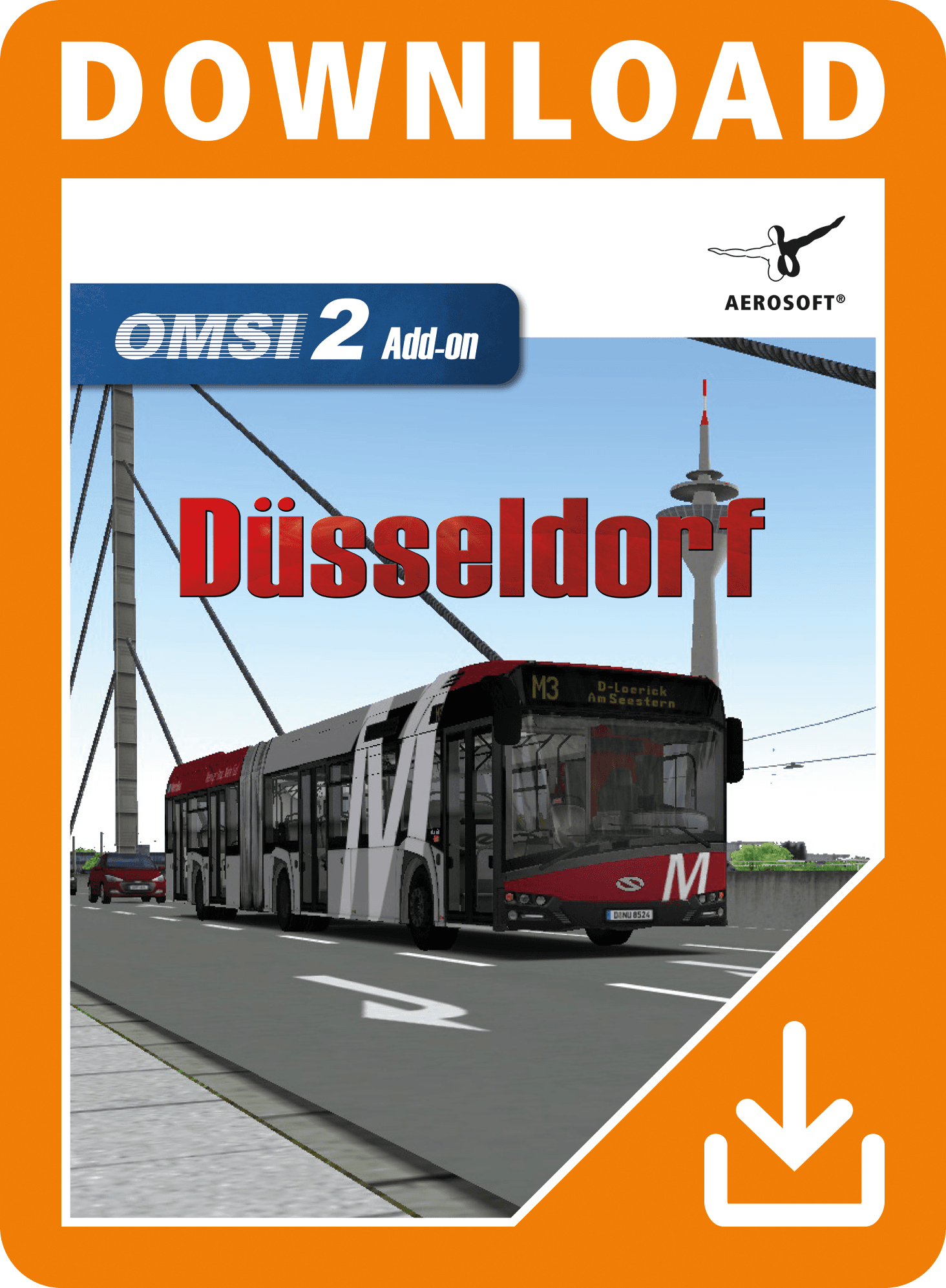
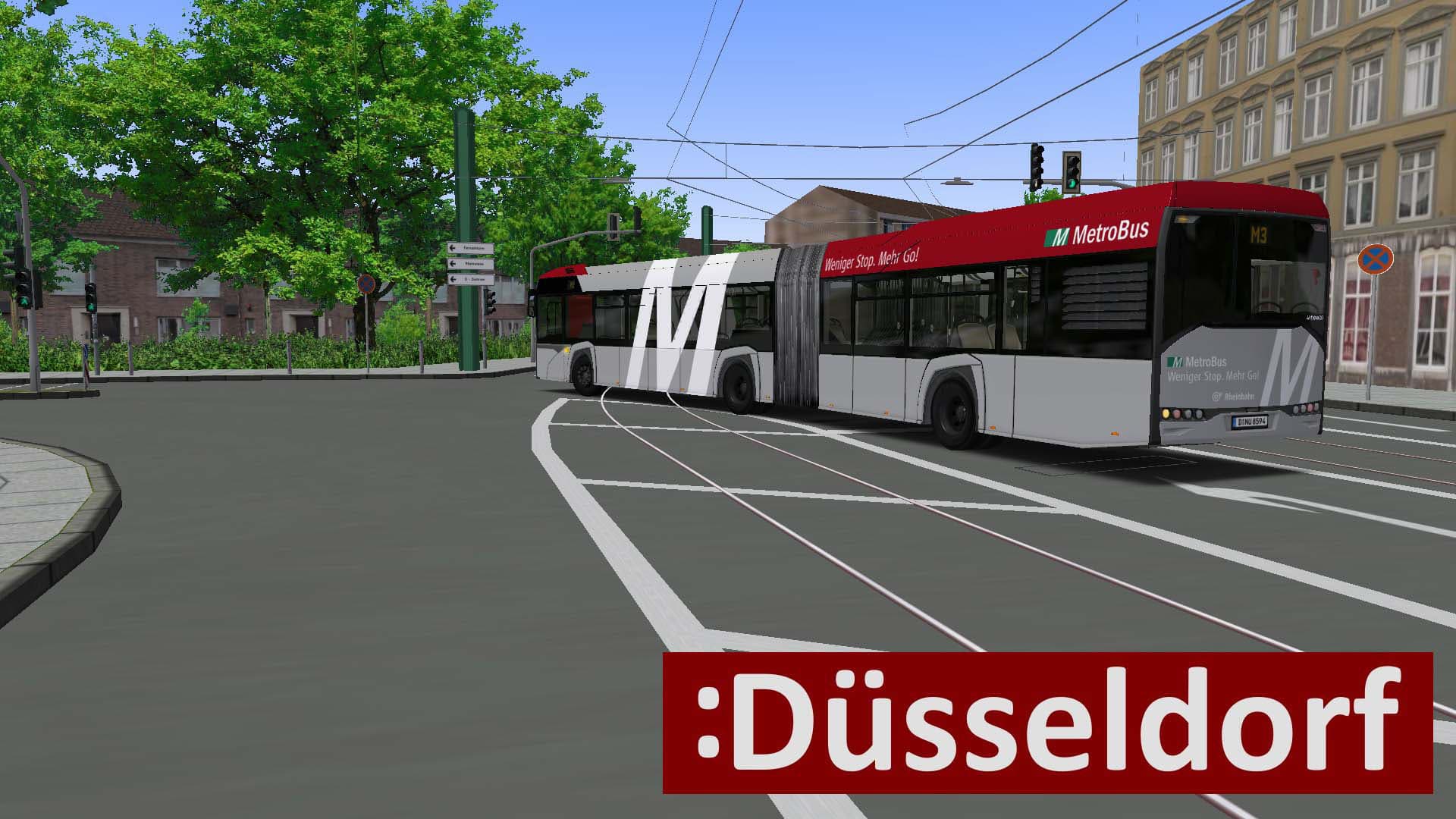
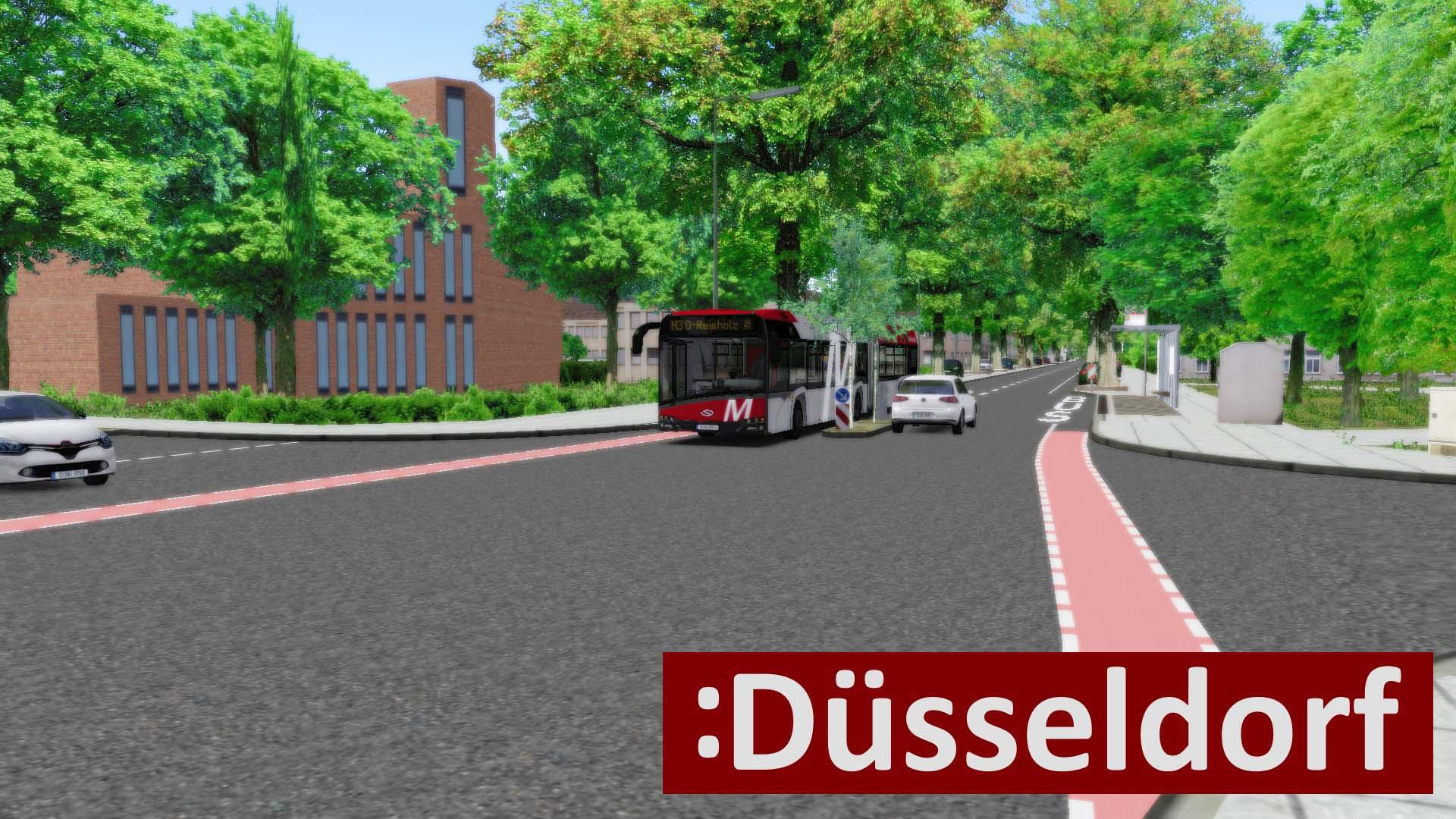
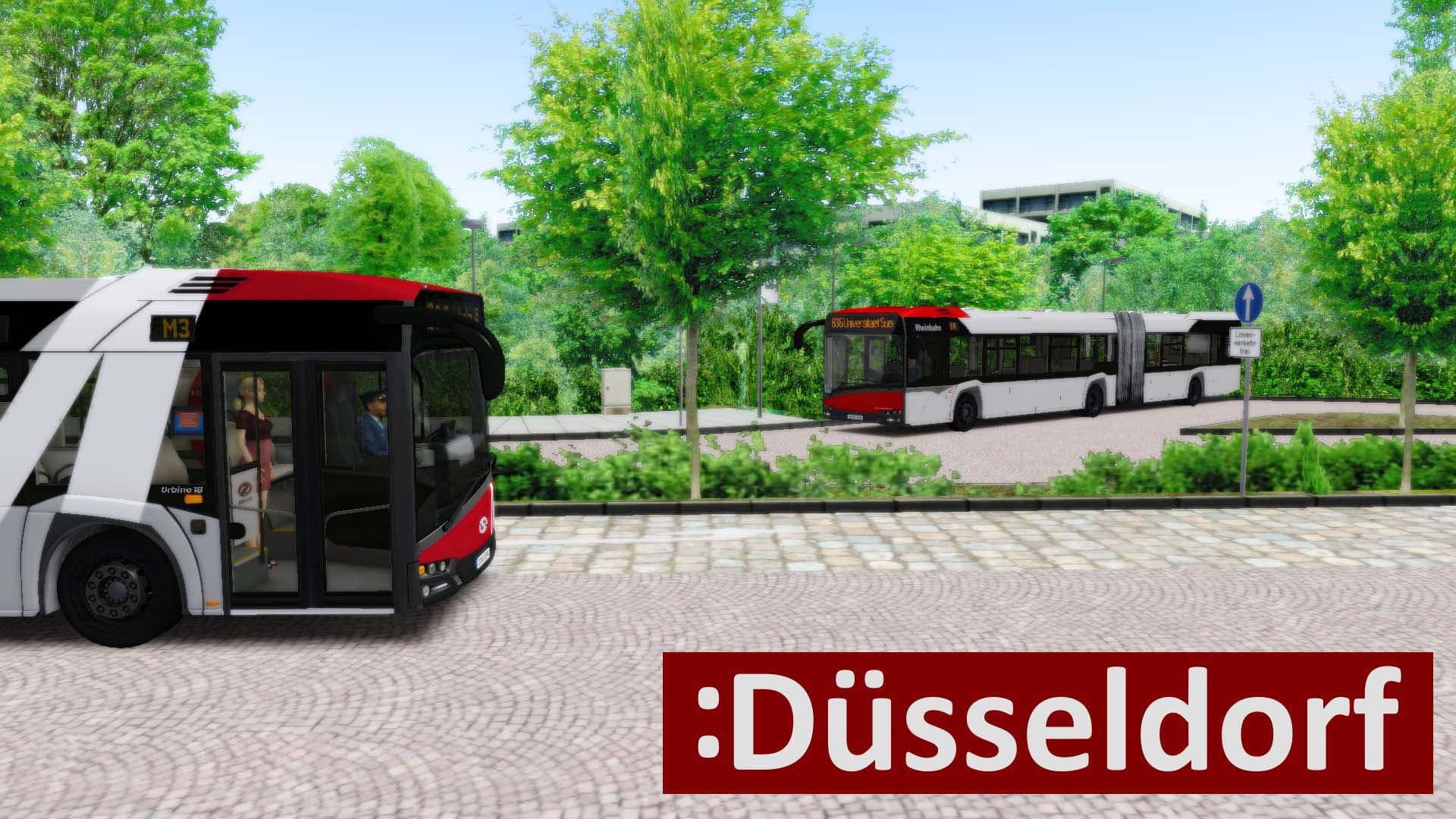
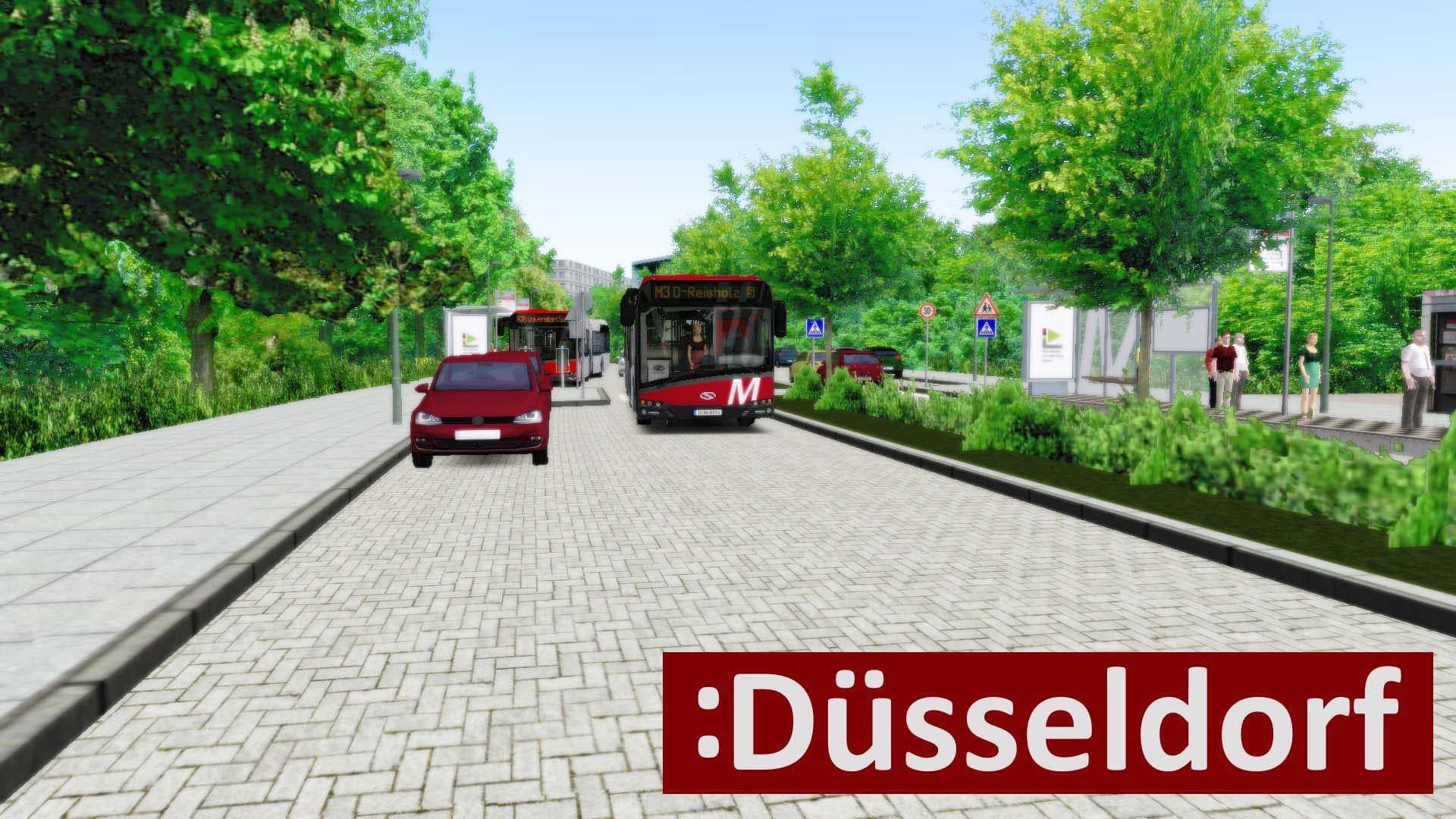
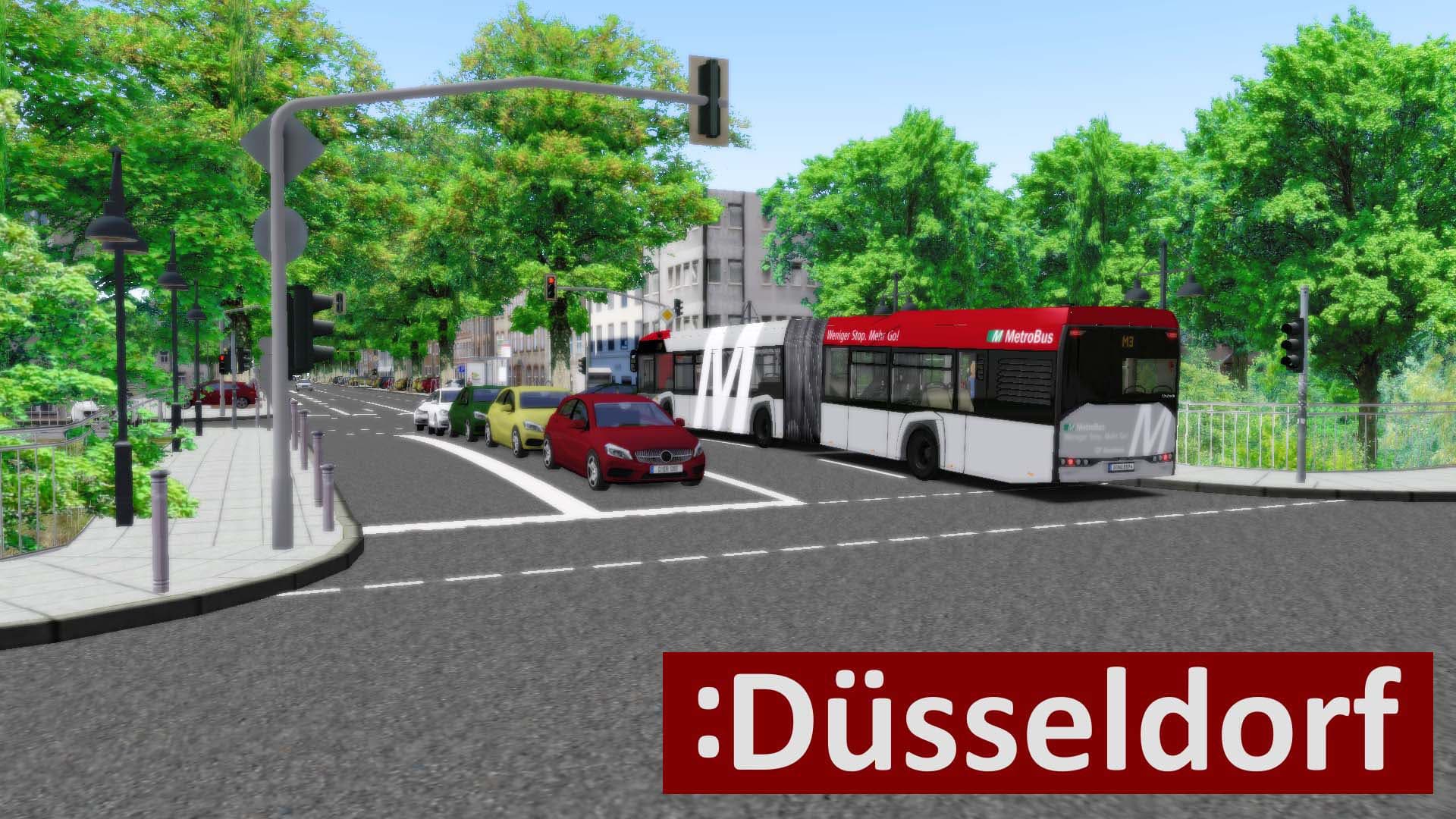
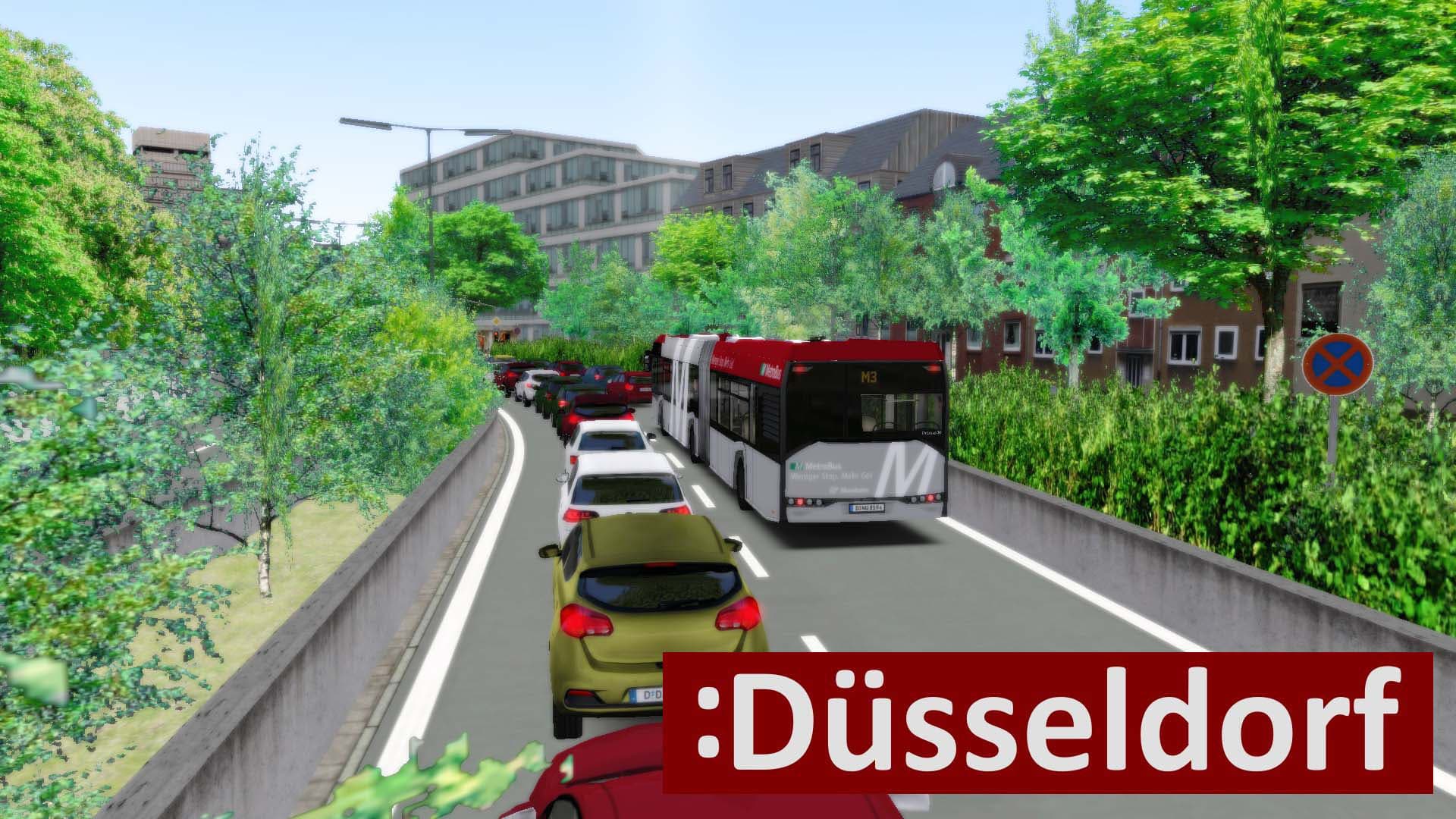
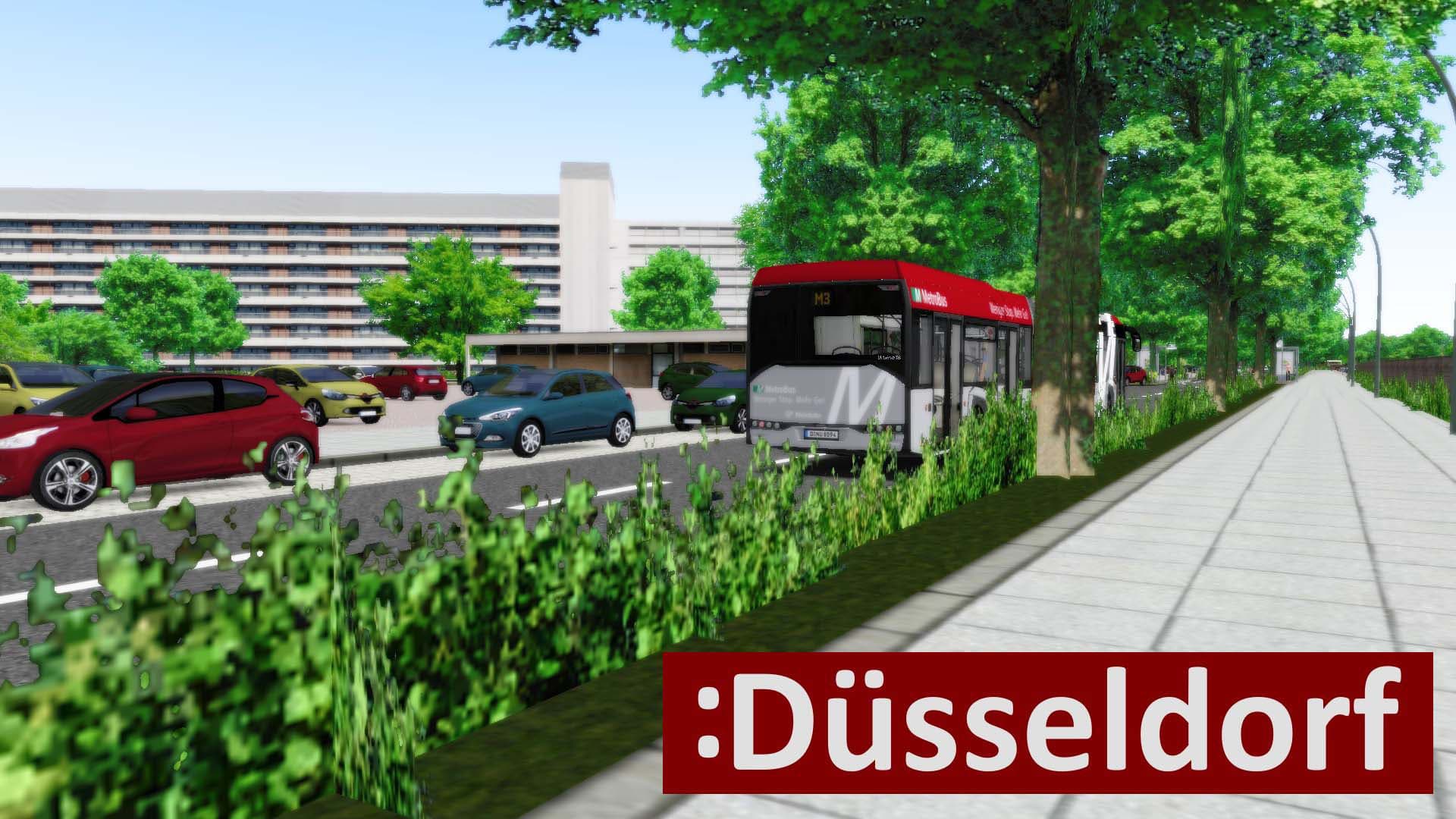
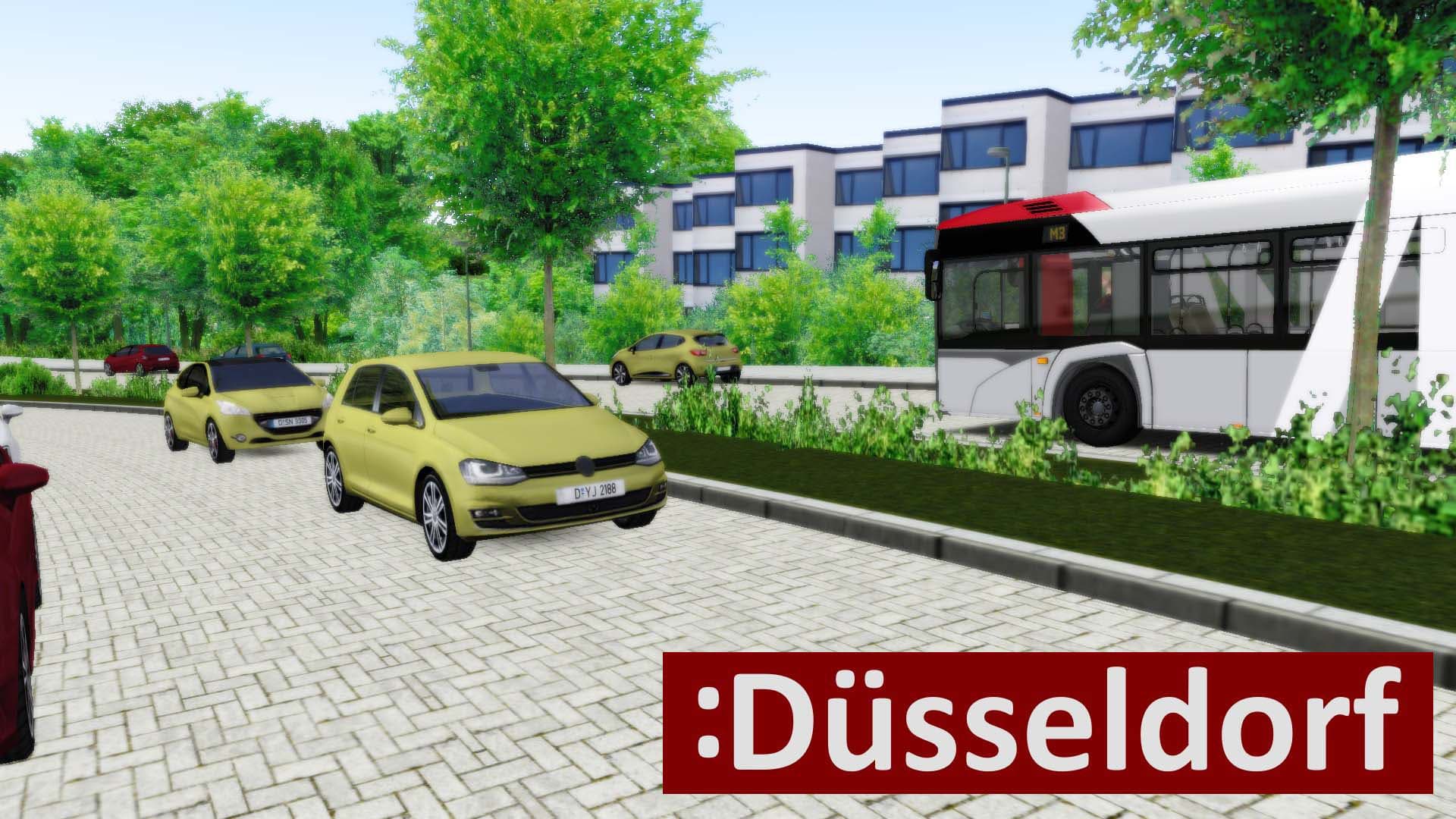
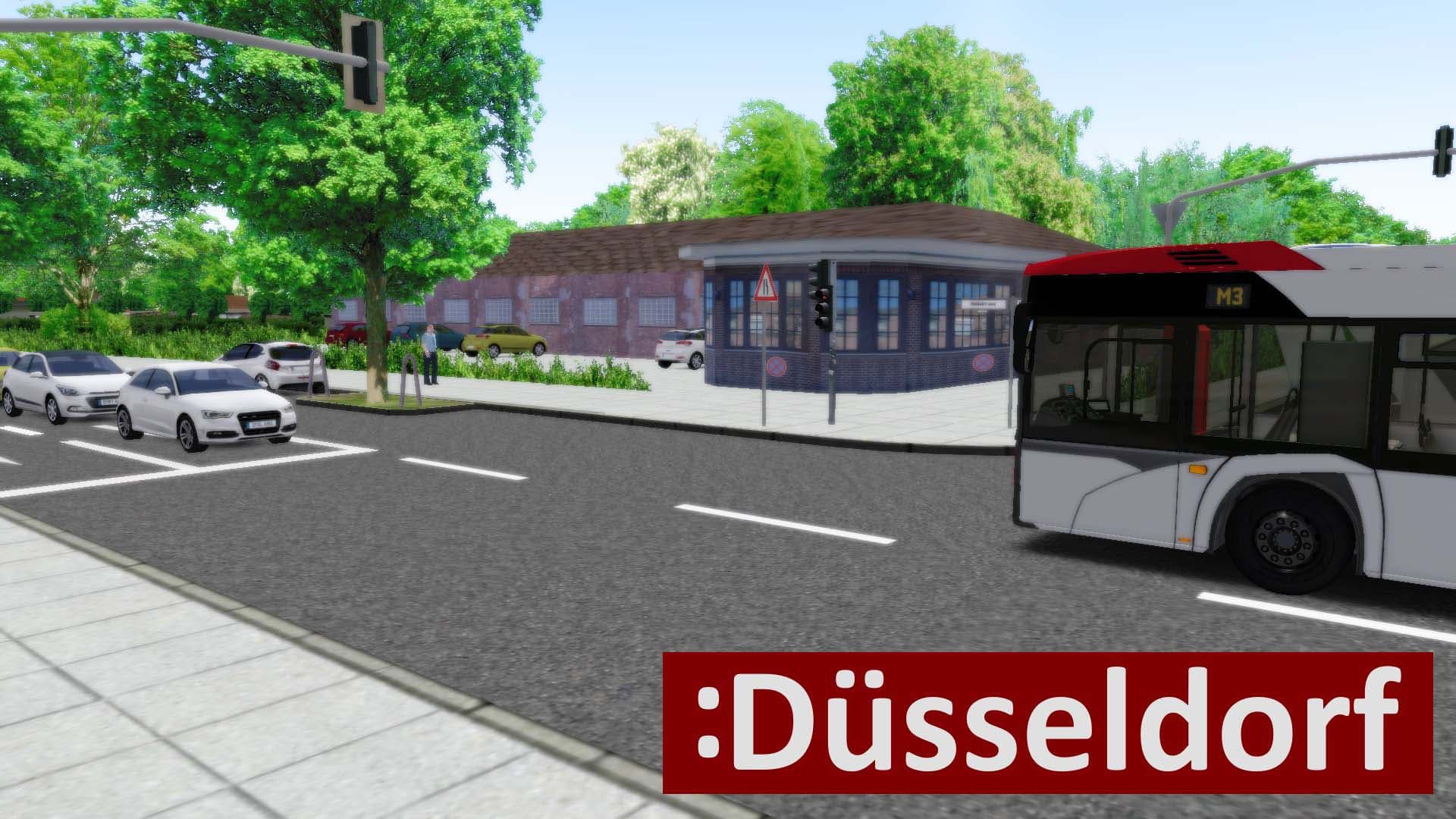
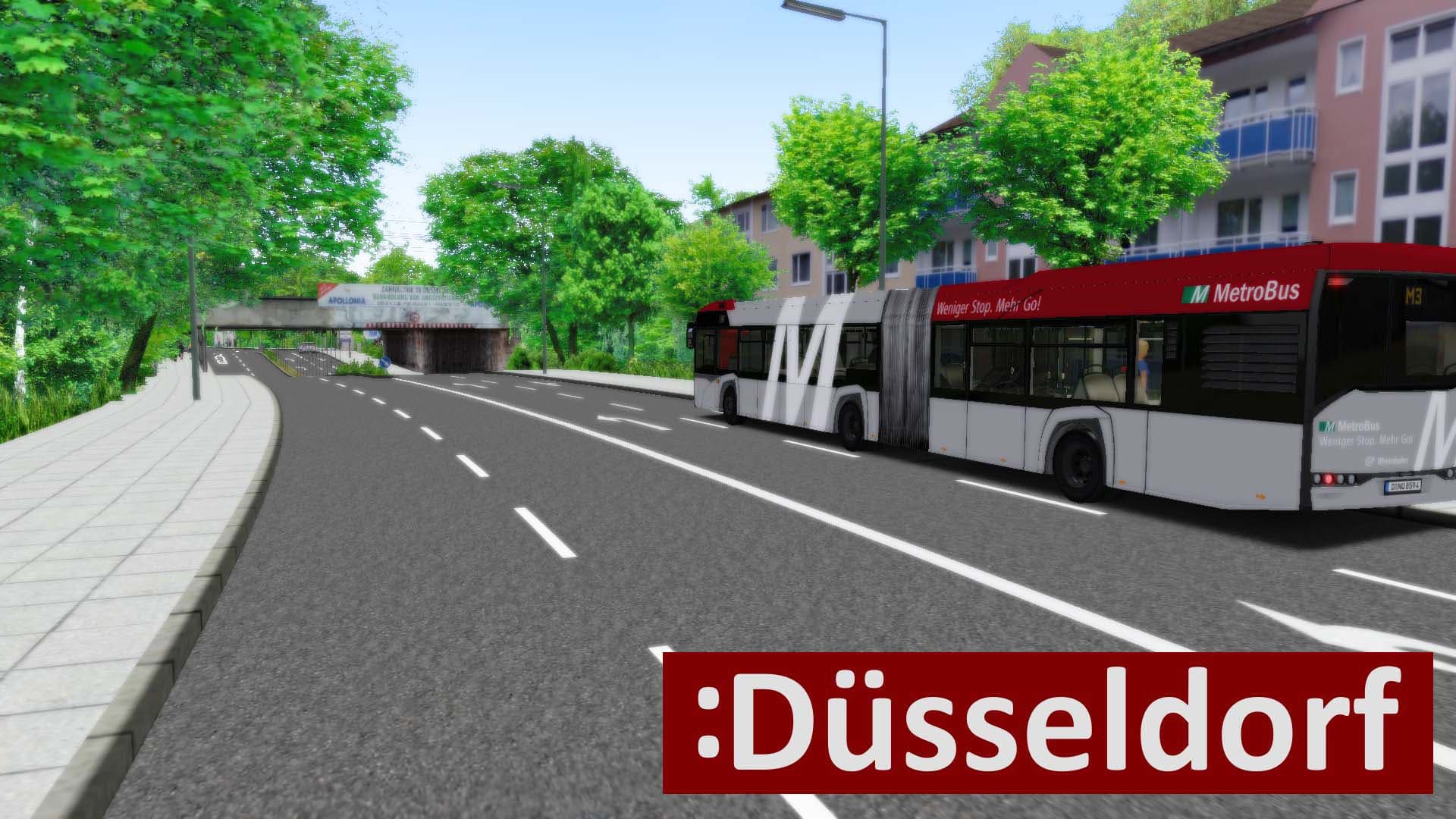
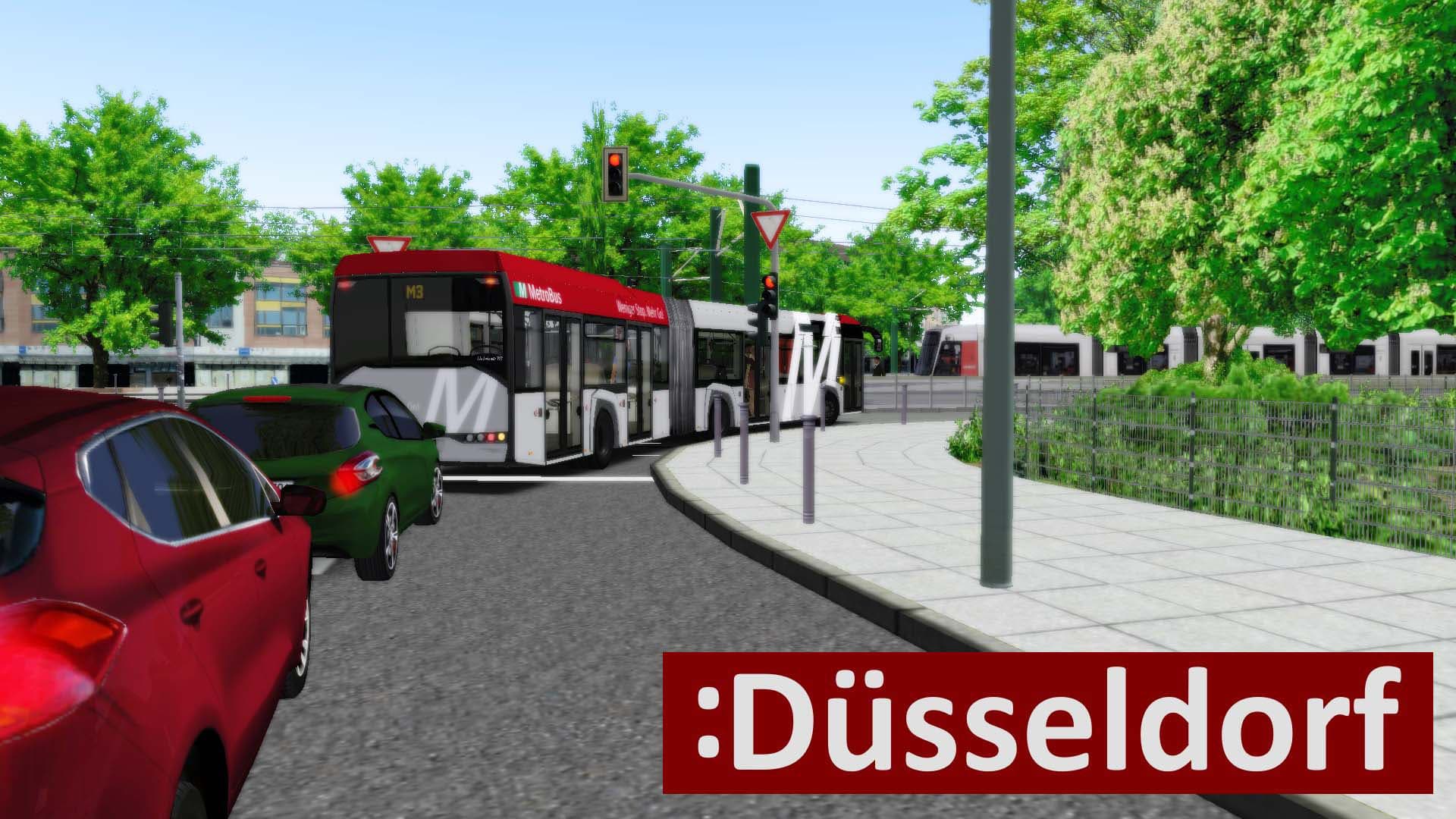
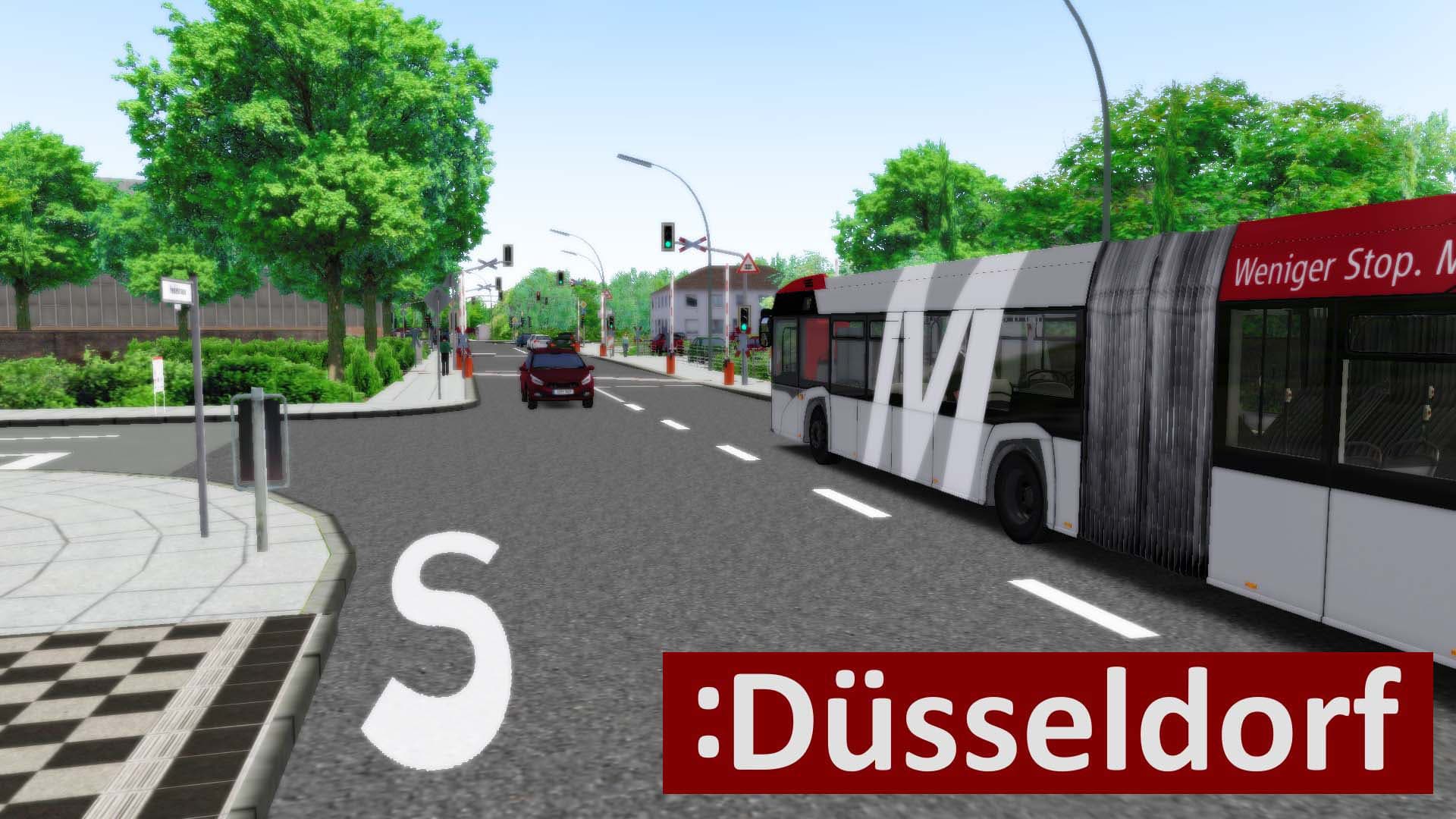
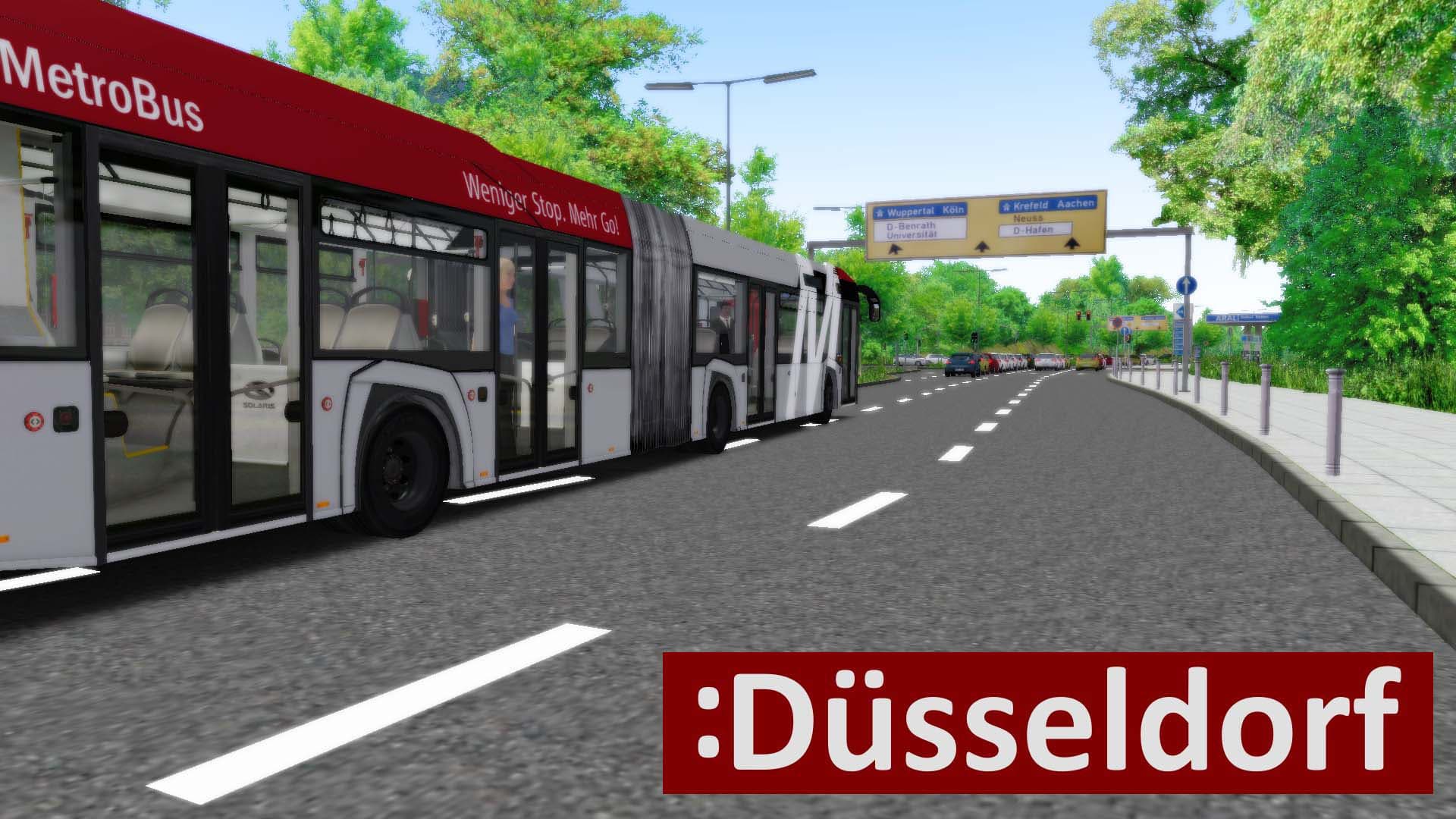
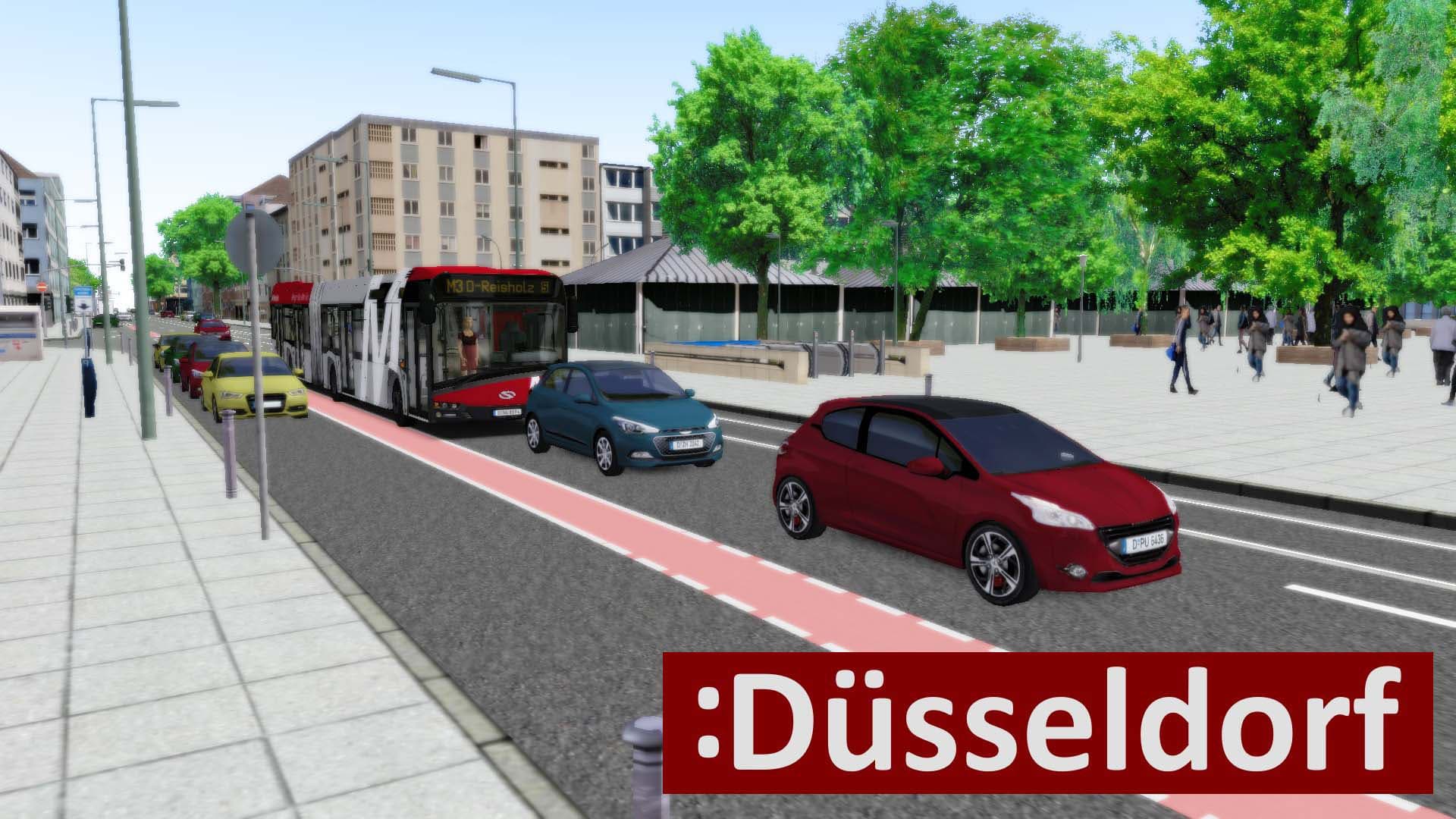
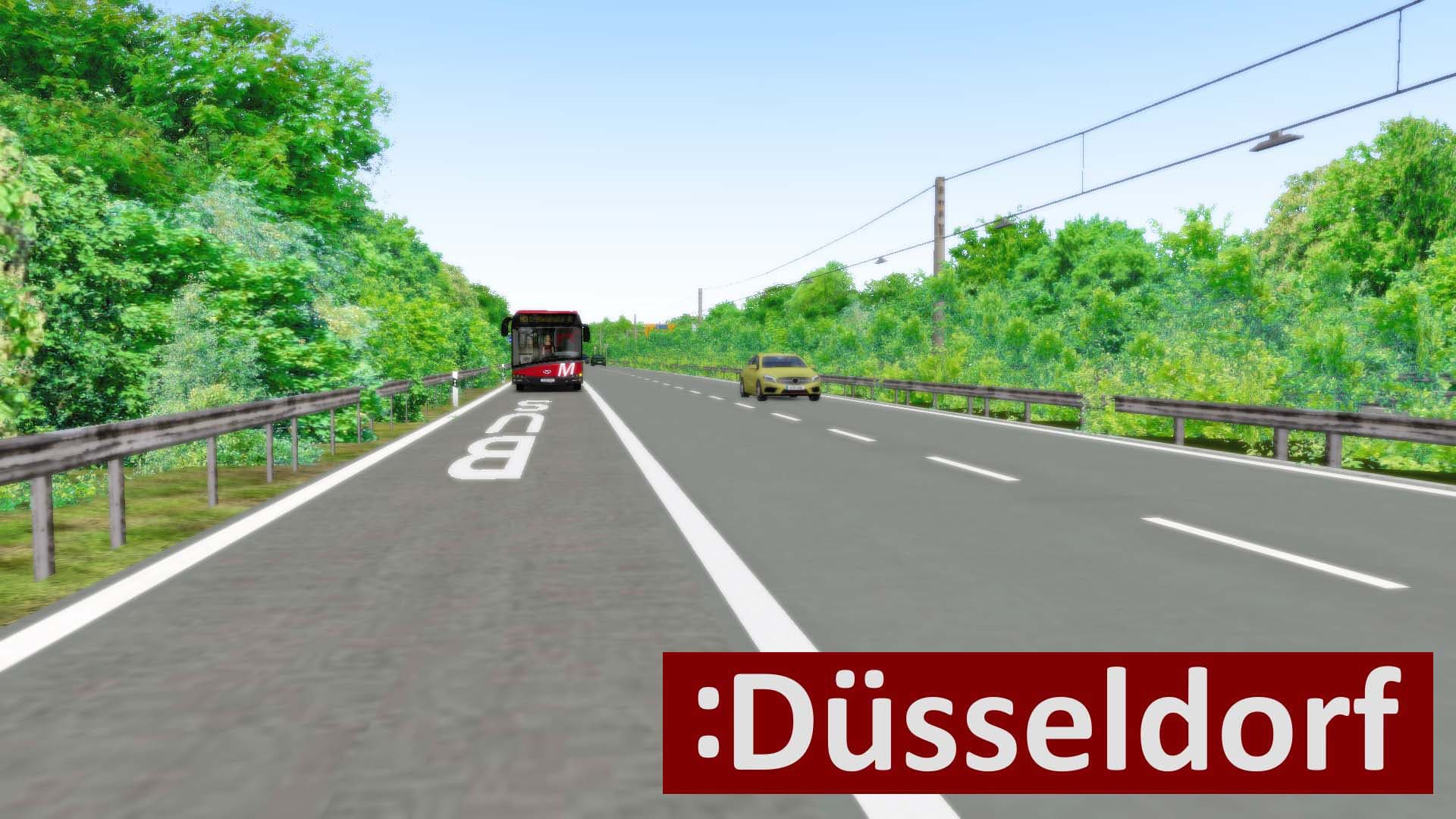
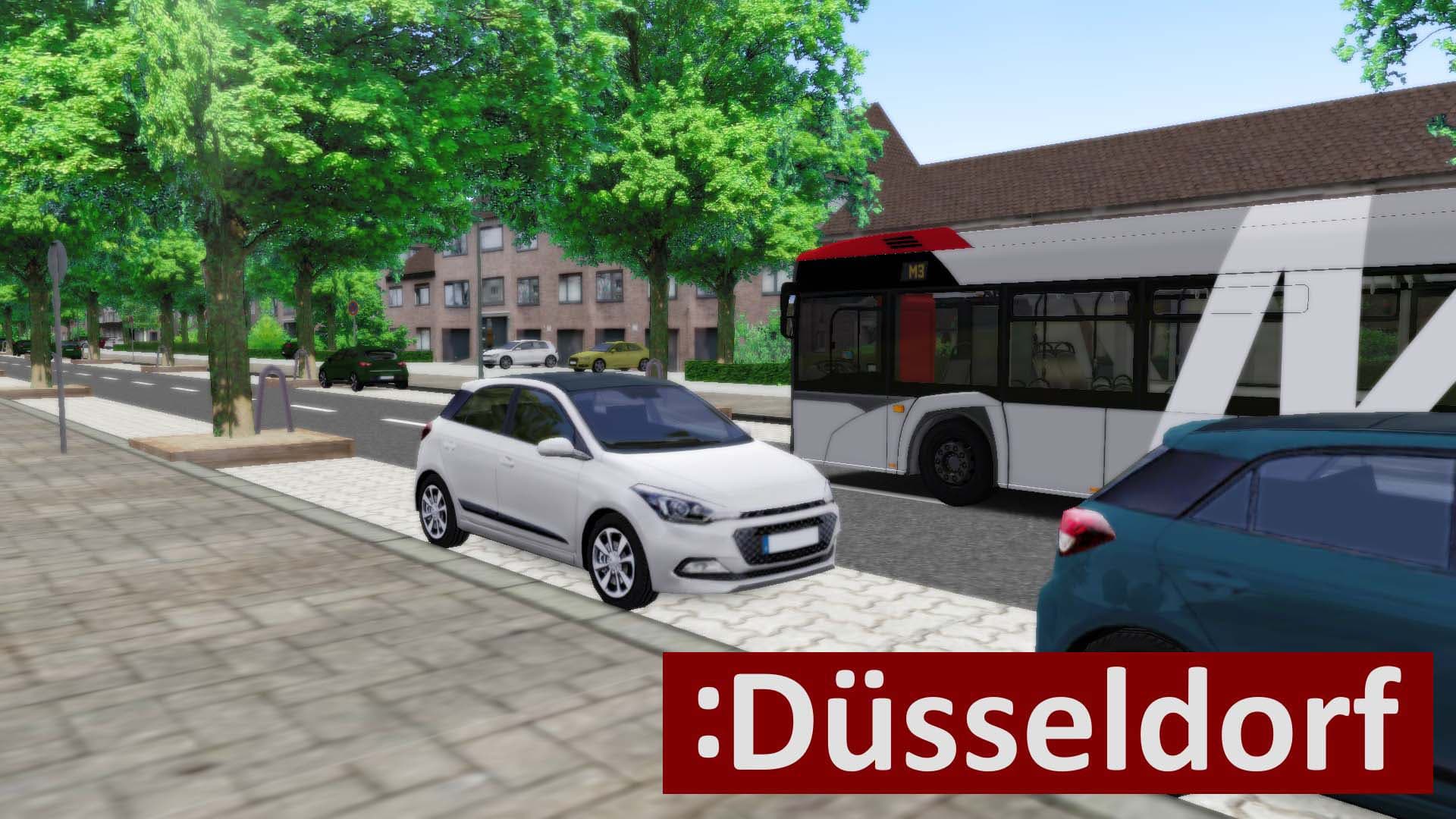
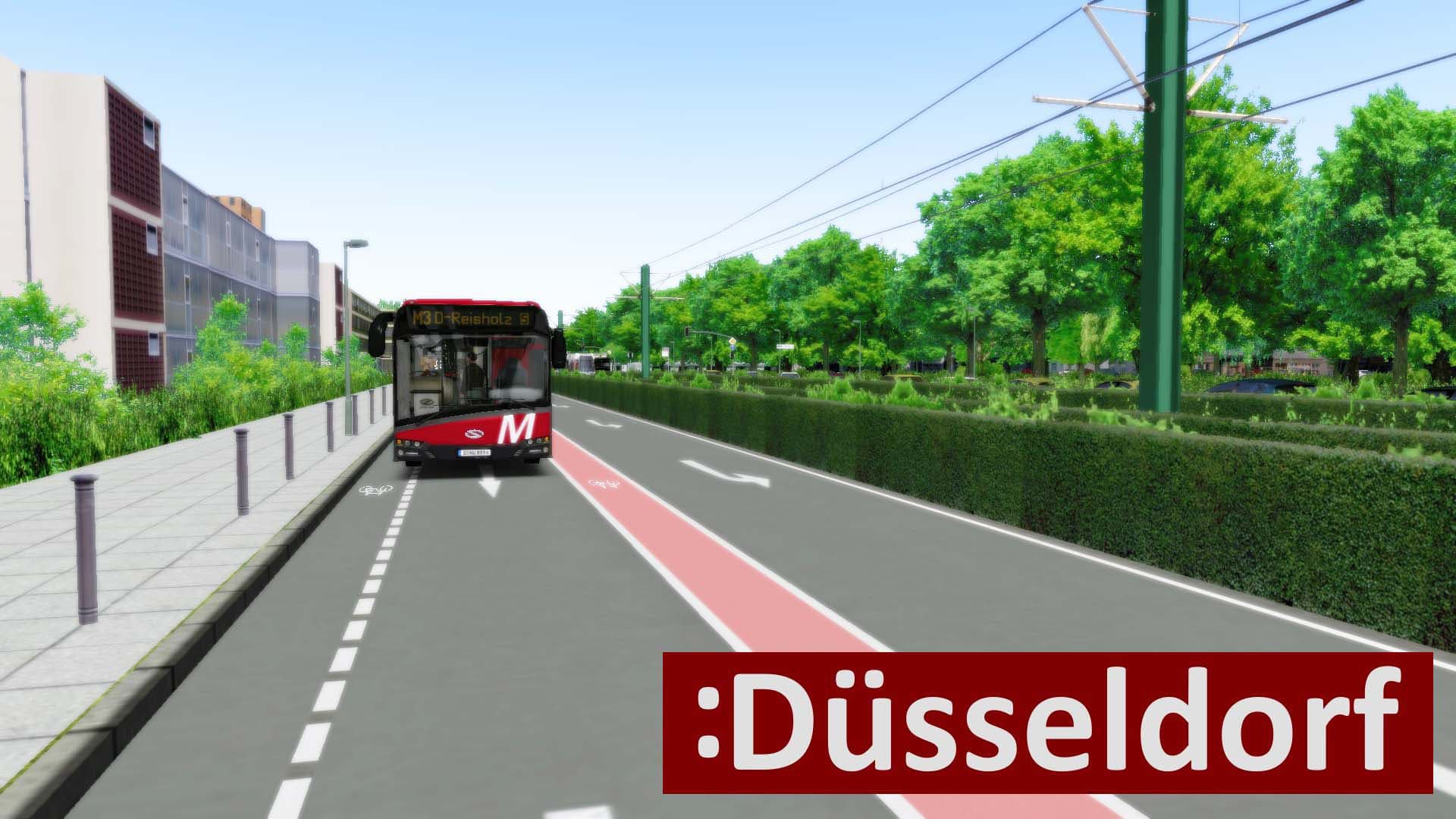
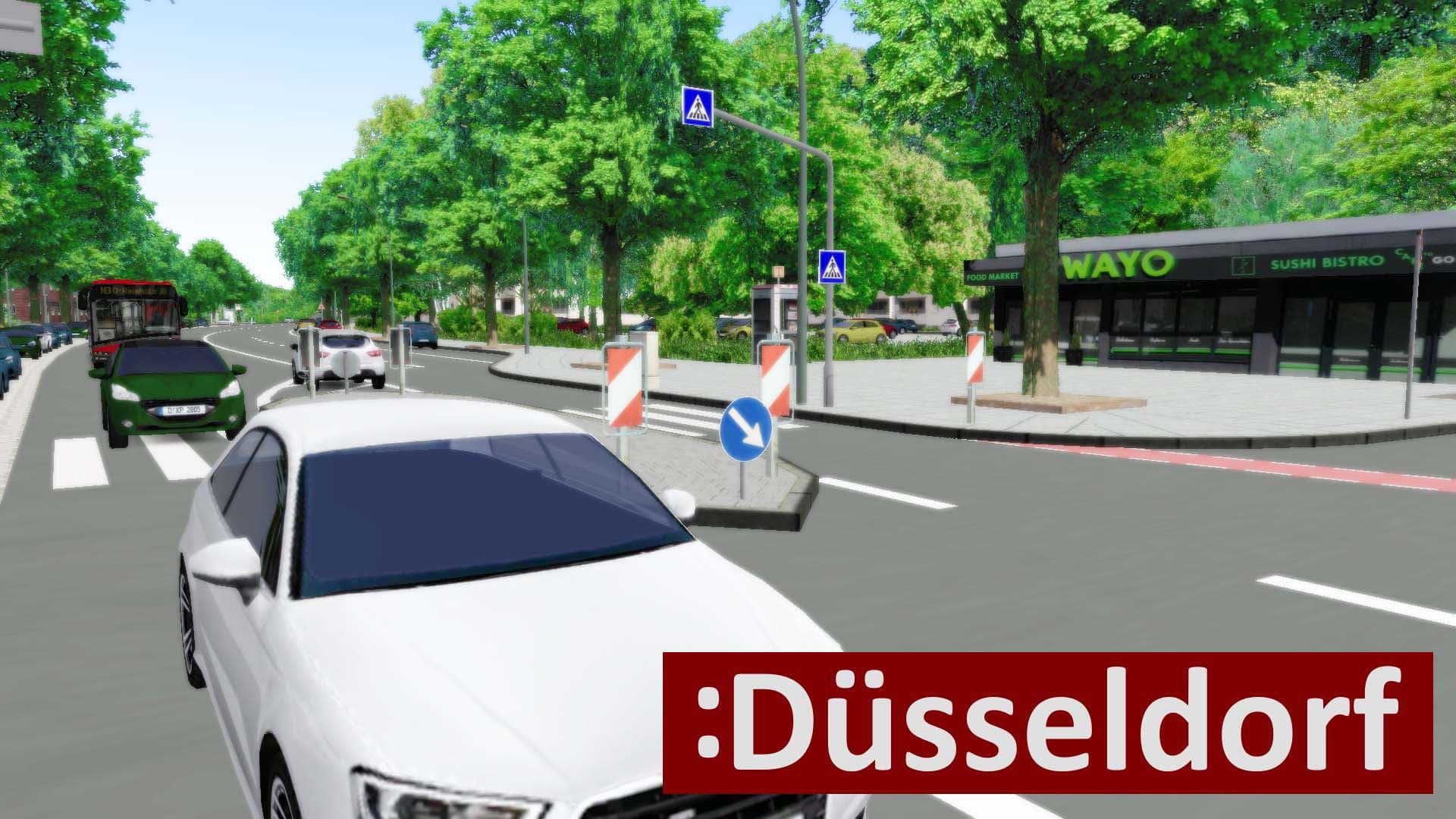
The new OMSI 2 add-on Düsseldorf gives you the opportunity to explore North Rhine-Westphalia’s regional capital with 5 bus lines. Over 500 real buildings and more than 200 detailed objects have been developed especially for this add-on to make Düsseldorf as realistic as possible.
Sights like the Rheinturm (Rhine Tower), the Stadttor (City gate), or the “Düsseldorf Arcaden” are recreated realistically. ...
System Requirements
- Steam account is required for game activation and installation
- This content requires the base game OMSI 2: Steam Edition on Steam in order to play.
- PC System Requirements
- Minimum
- OS
- Microsoft Windows 7 / 8 / 10
- Processor
- CPU with 2,8 GHz
- Memory
- 4 GB RAM
- Graphics
- at least 1 GB VRAM
- DirectX
- Version 9.0
- Storage
- 1 GB available space
- Additional Notes
- OMSI 2 – Der Omnibussimulator at least 2.3.001
Legal information
Copyright © 2020 AEROSOFT. All rights reserved. All trademarks and brand names are trademarks or registered trademarks of the respective owners. Copyrights are serious stuff. If you find any pirated copies of this software please notify us. We will make sure reports of copyrights violation are rewarded.
Aerosoft GmbHLindberghring 12D-33142 Büren, Germany