
How to activate
- Install Steam and sign in to your account (a free account is enough).
- In the top menu choose Games → Activate a Product on Steam…
- Enter your key exactly as shown in your order (with dashes) and confirm. The game appears in your library.
About
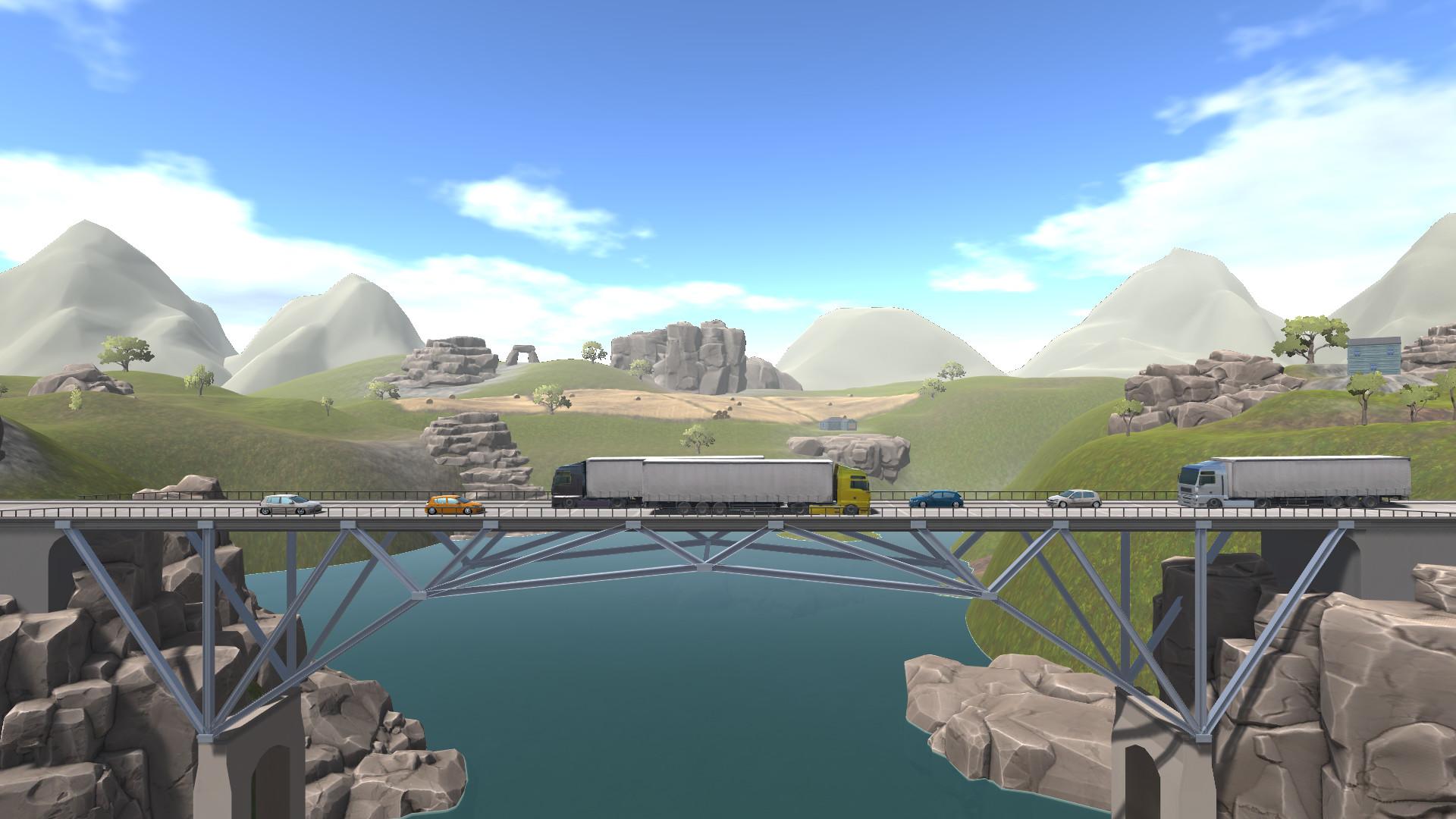
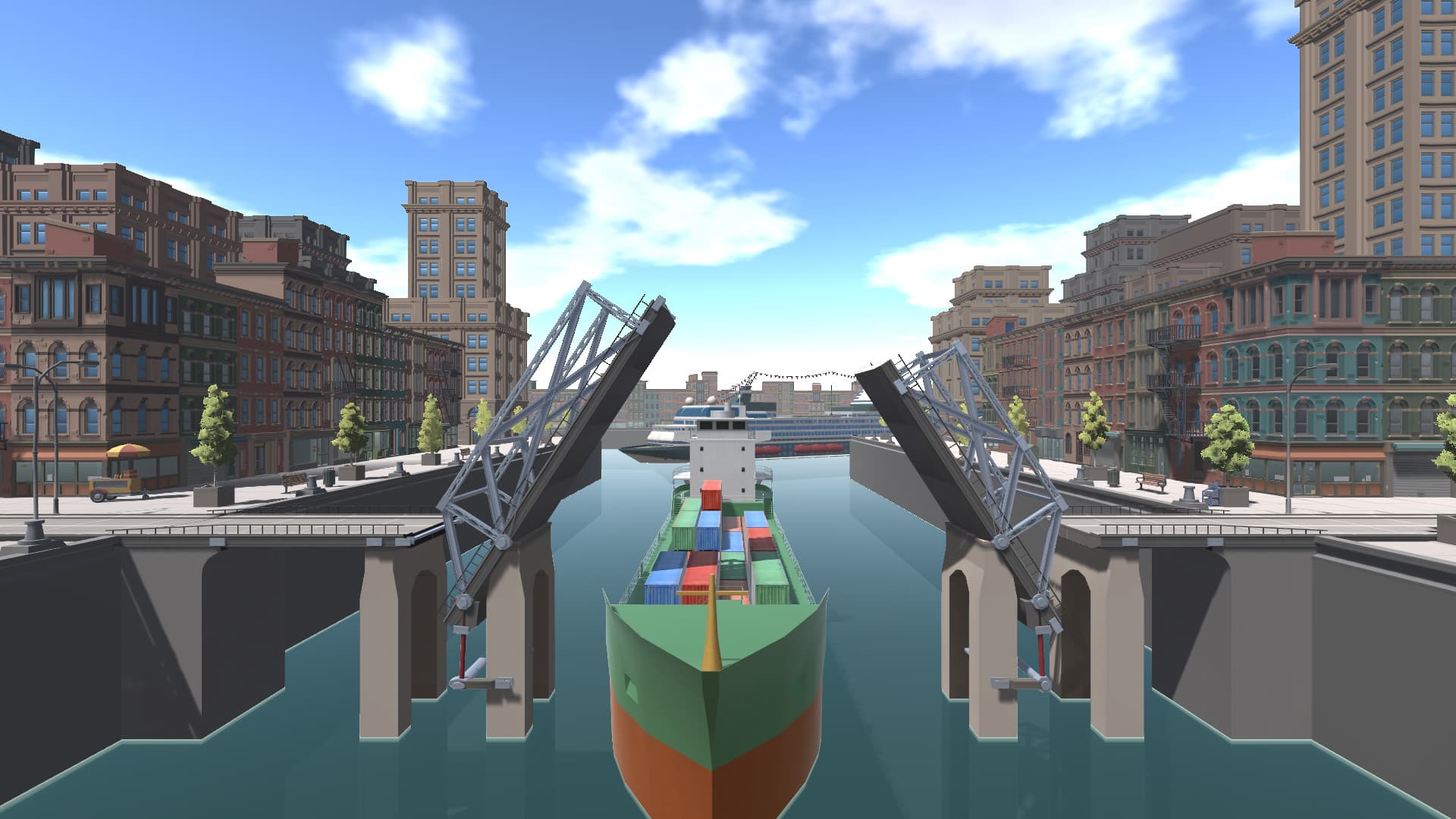
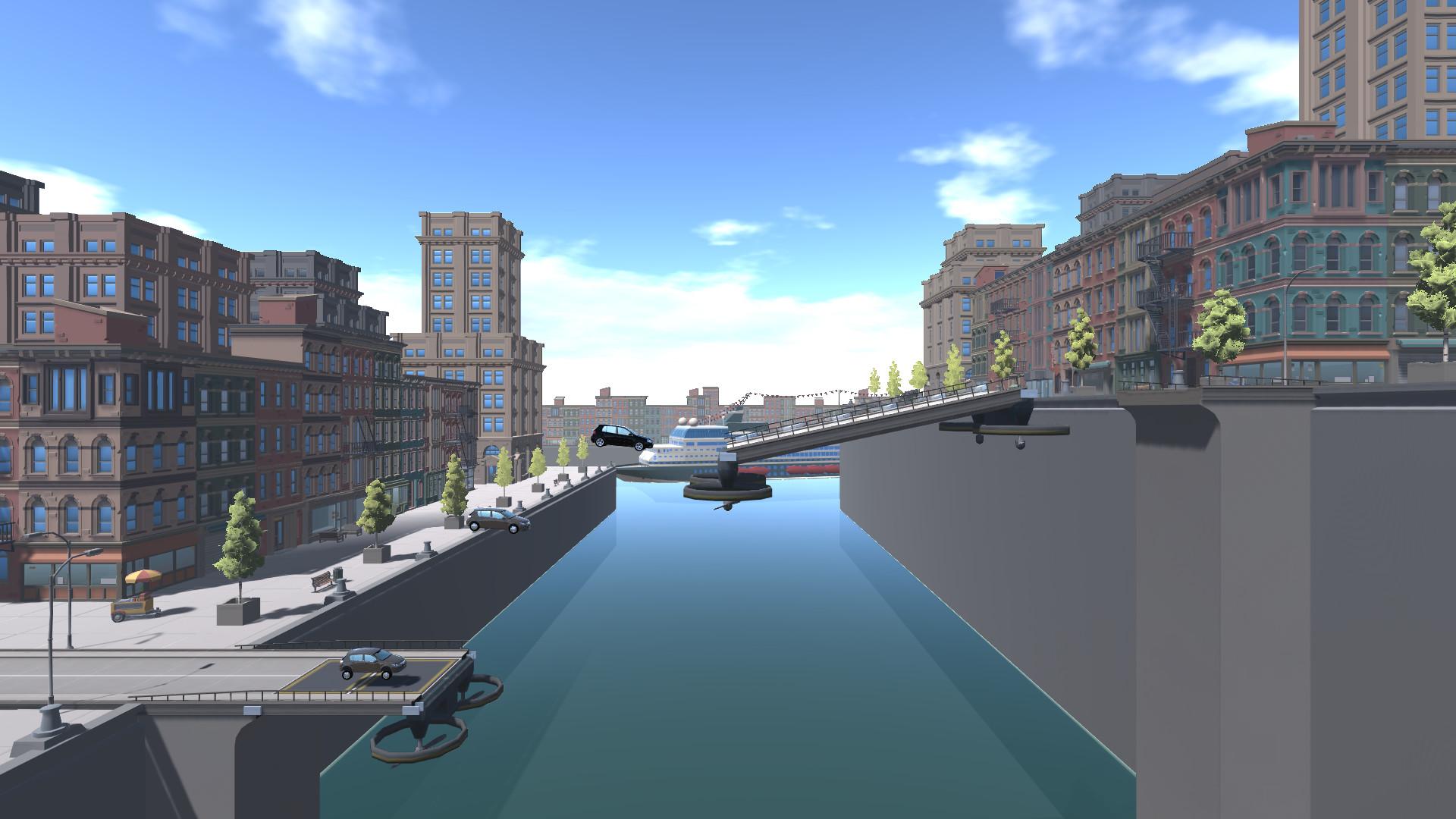
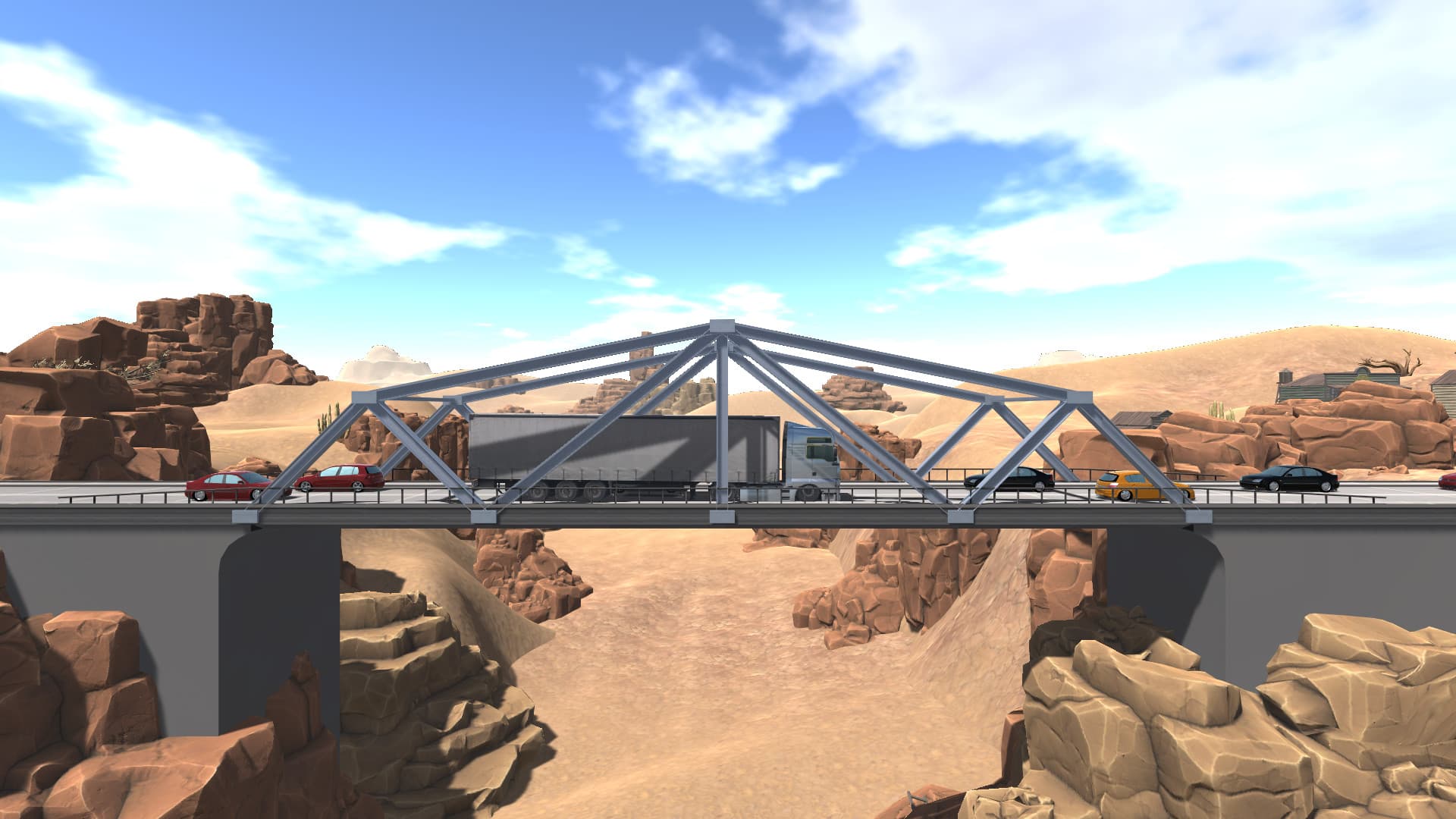
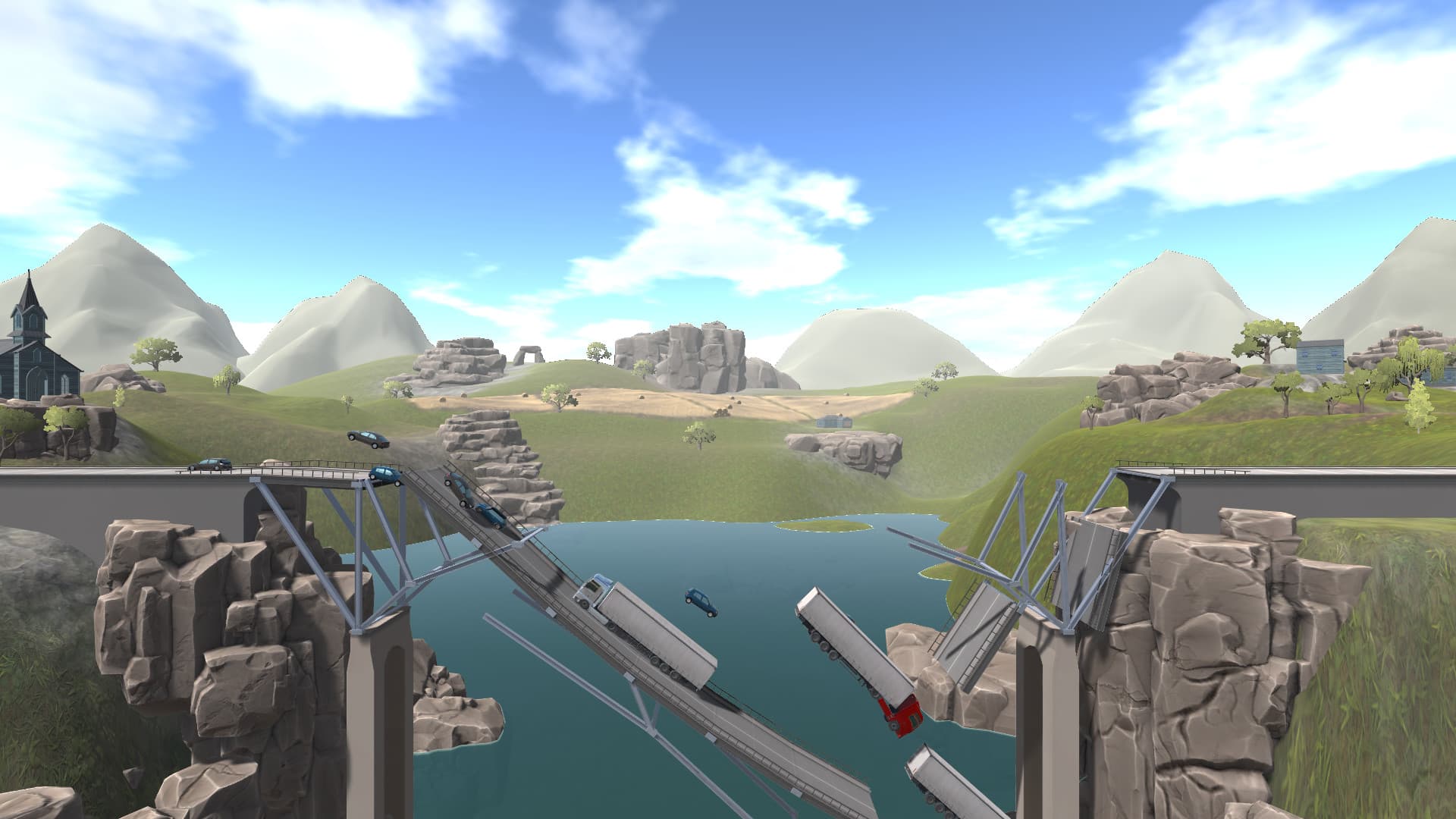
Let your creativity run as a bridge builder and take the challenge to prove yourself as a true master of bridge building! As a structural engineer and designer, you have the responsibility for a perfect static load capacity of the bridge. In Bridge! 3 you have the opportunity to build your bridges and their carrying capacity to the utmost!
You want to create your own level? No problem, because you can design the most complicated bridges the world has ever seen. Use all the new and exciting features that we have made available for you. ...
System Requirements
- Steam account is required for game activation and installation.
- Windows Requirements
- Requires a 64-bit processor and operating system
- OS
- Windows 7 SP1+ 64bit
- Processor
- Intel® Core™ 2 Duo / AMD® Athlon™ X2, min. 2.8 GHz
- Memory
- 8 MB RAM
- Graphics
- Nvidia® / AMD® with 2048 MB memory
- DirectX
- Version 10
- Storage
- 5 GB available space
- Sound Card
- DirectX compatible
- Requires a 64-bit processor and operating system
- OS
- Windows 7 SP1+ 64bit
- Processor
- Intel® Core™ 2 Quad / AMD® Phenom™ X4, min. 3,4 GHz
- Memory
- 16 MB RAM
- Graphics
- Nvidia® / AMD® with 4096 MB memory
- DirectX
- Version 10
- Storage
- 5 GB available space
- Sound Card
- DirectX compatible
Legal information
© 2019 AEROSOFT. All rights reserved. All trademarks and brand names are trademarks or registered trademarks of the respective owners. Copyrights are serious stuff. If you find any pirated copies of this software please notify us. We will make sure reports of copyrights violation are rewarded.
Aerosoft GmbH
Lindberghring 12
D-33142 Büren, Germany