

How to activate
- Install Steam and sign in to your account (a free account is enough).
- In the top menu choose Games → Activate a Product on Steam…
- Enter your key exactly as shown in your order (with dashes) and confirm. The game appears in your library.
About
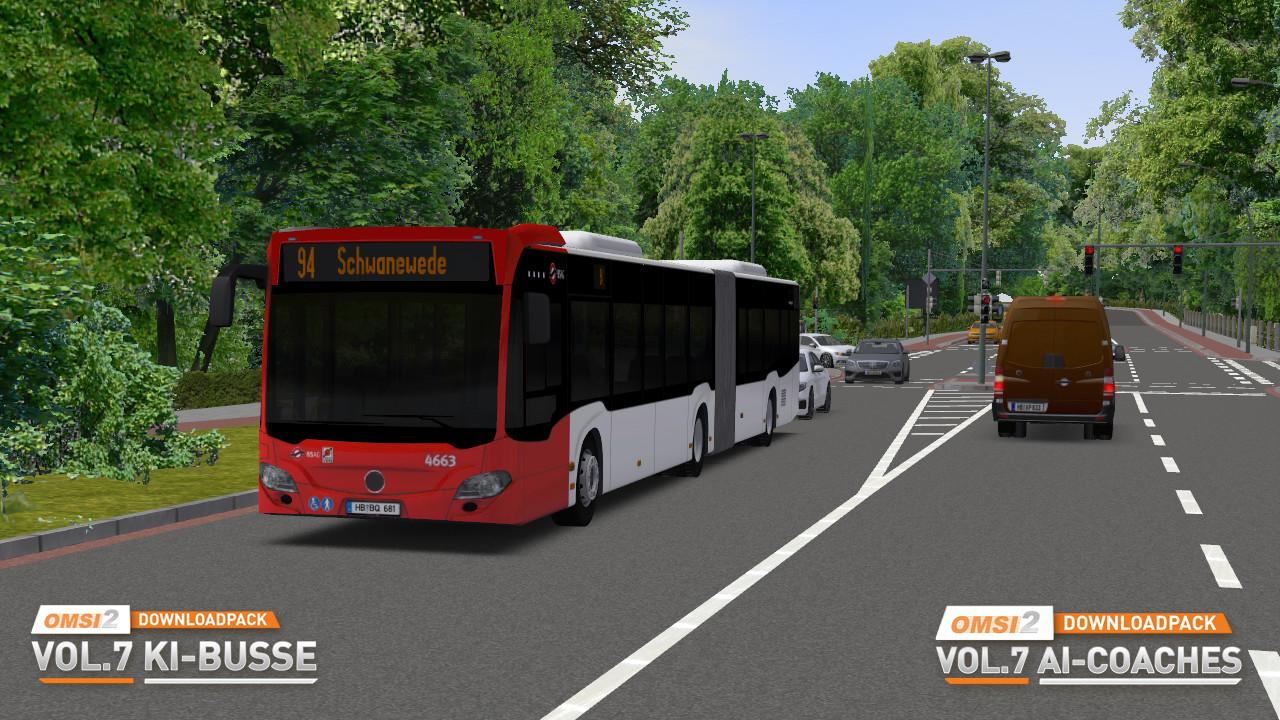
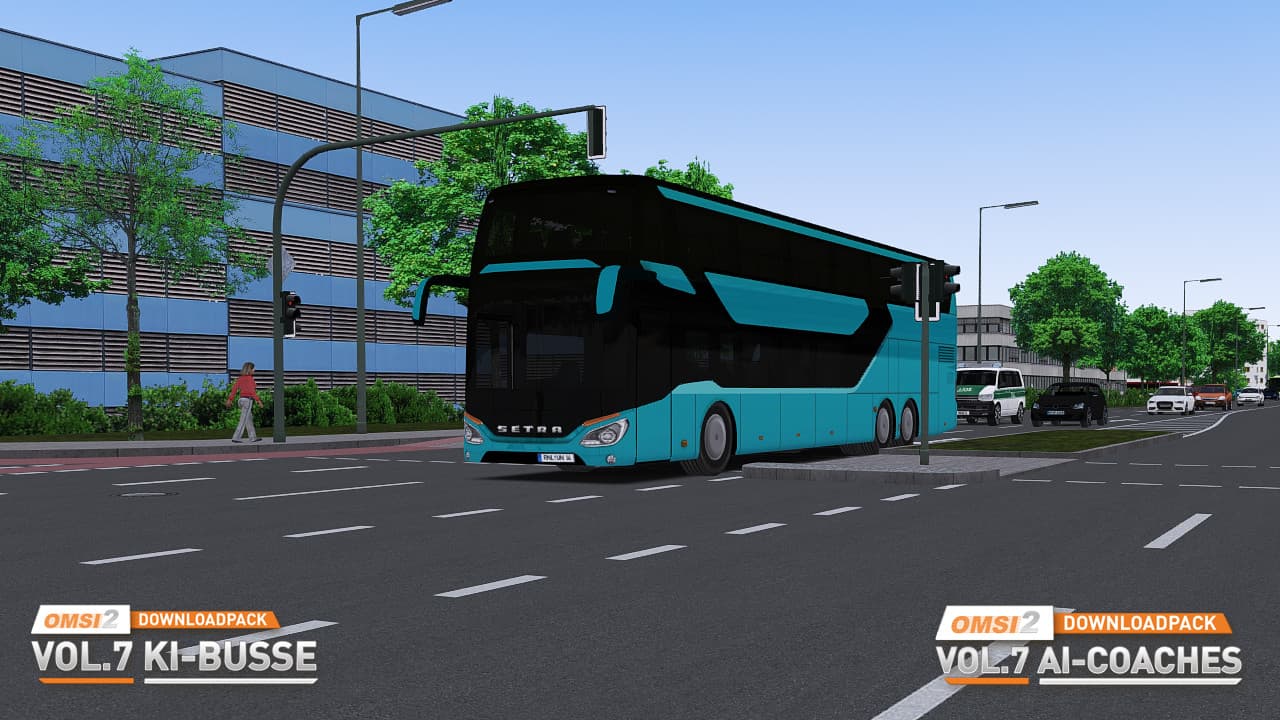
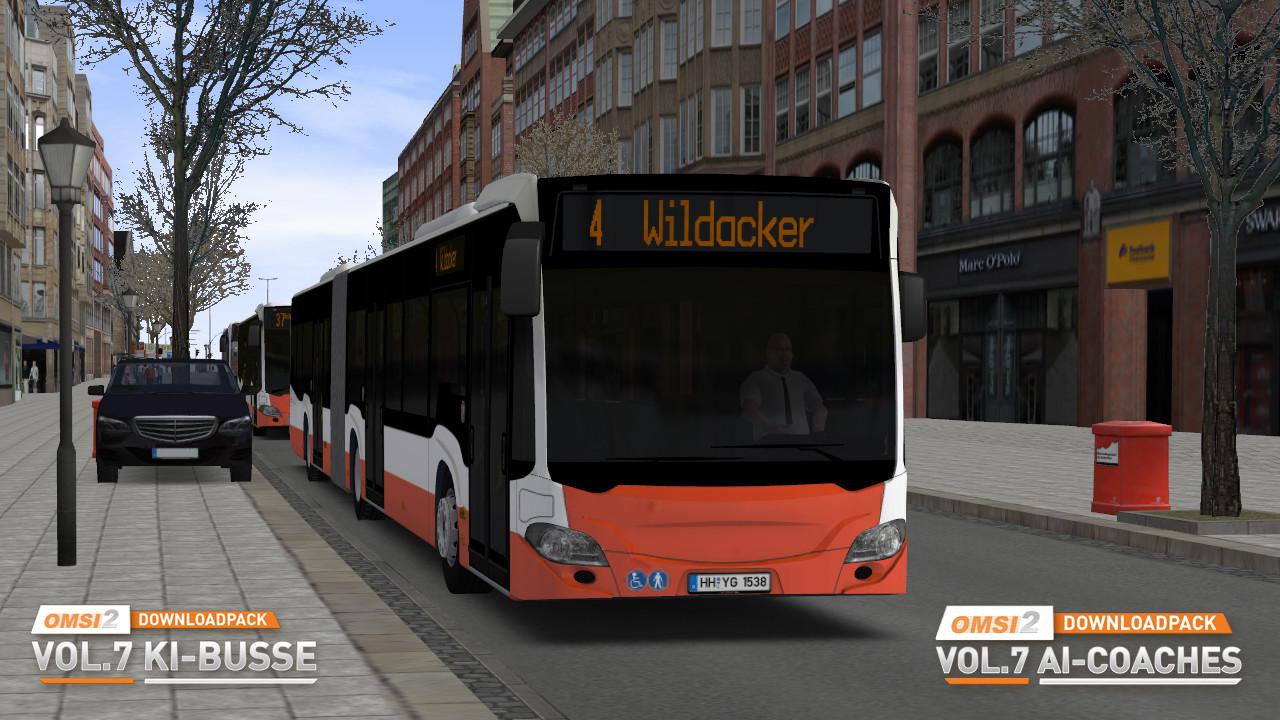
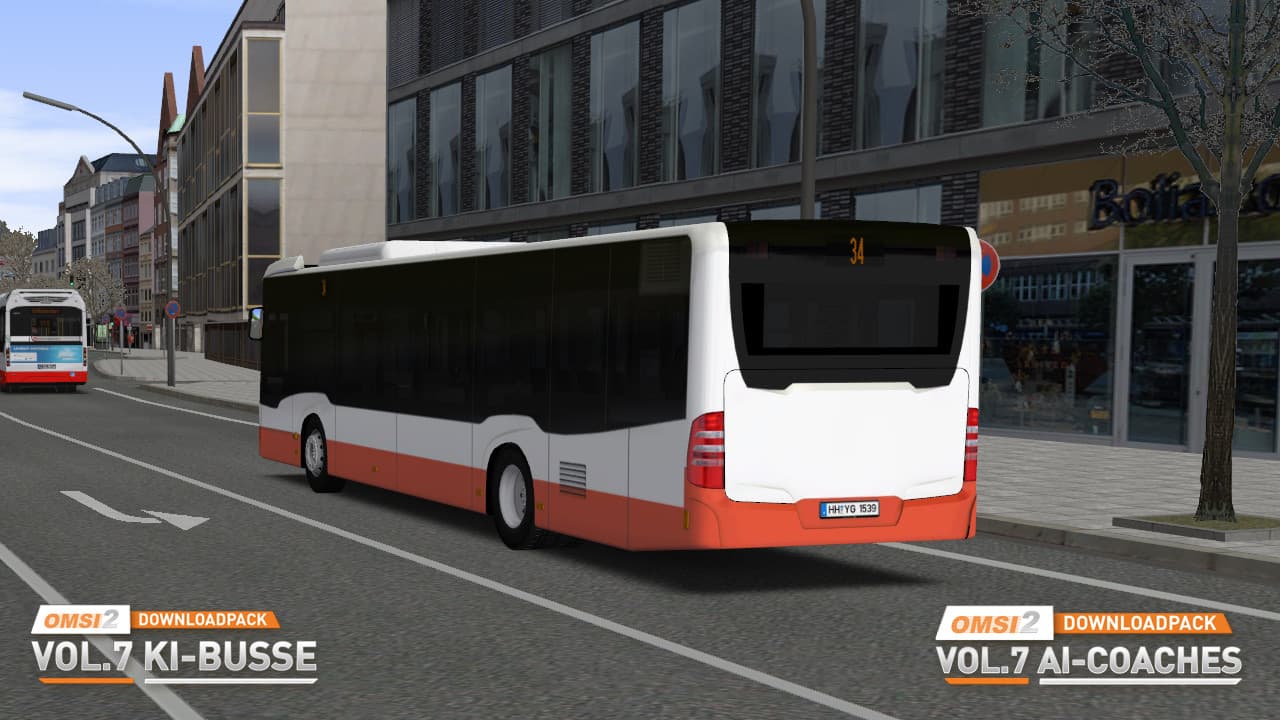
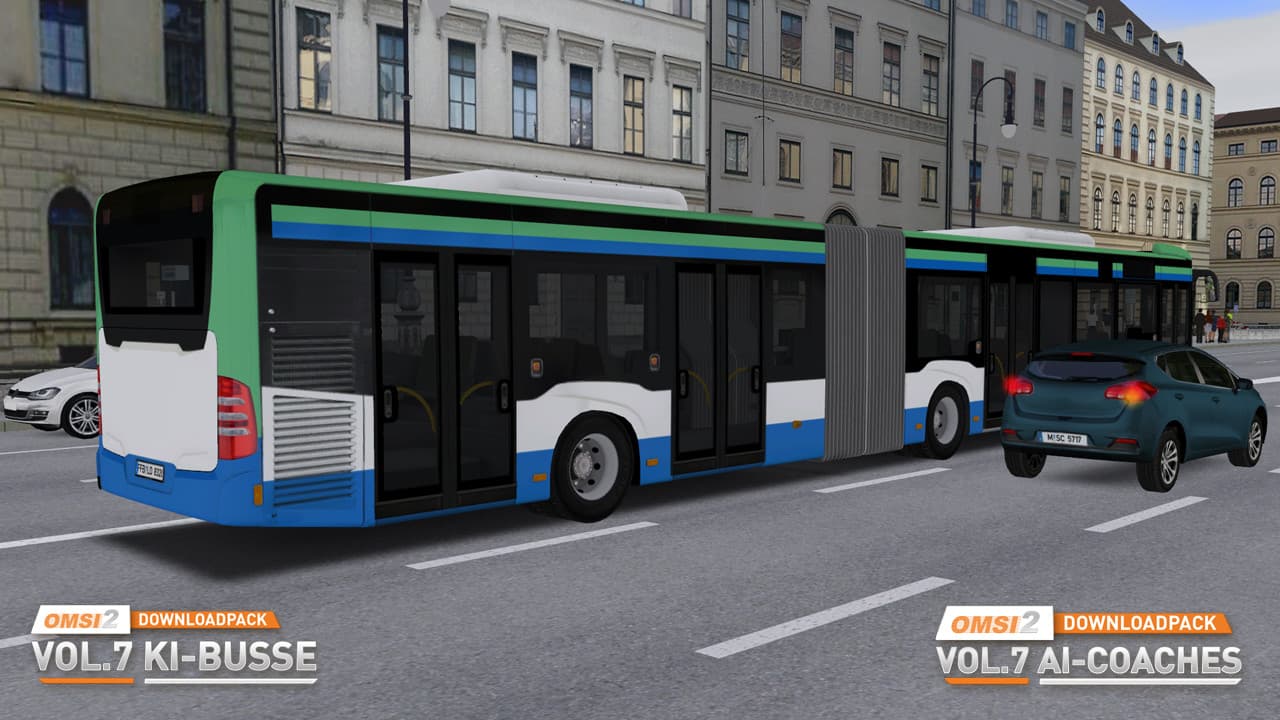
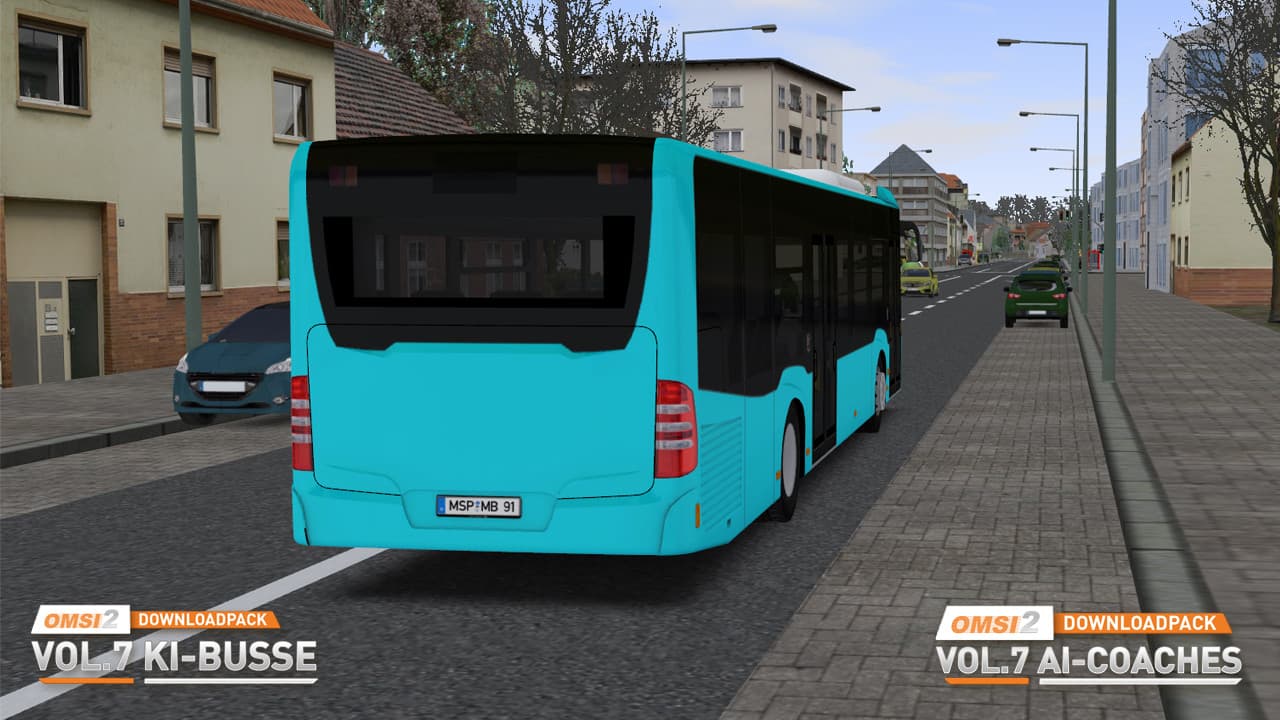
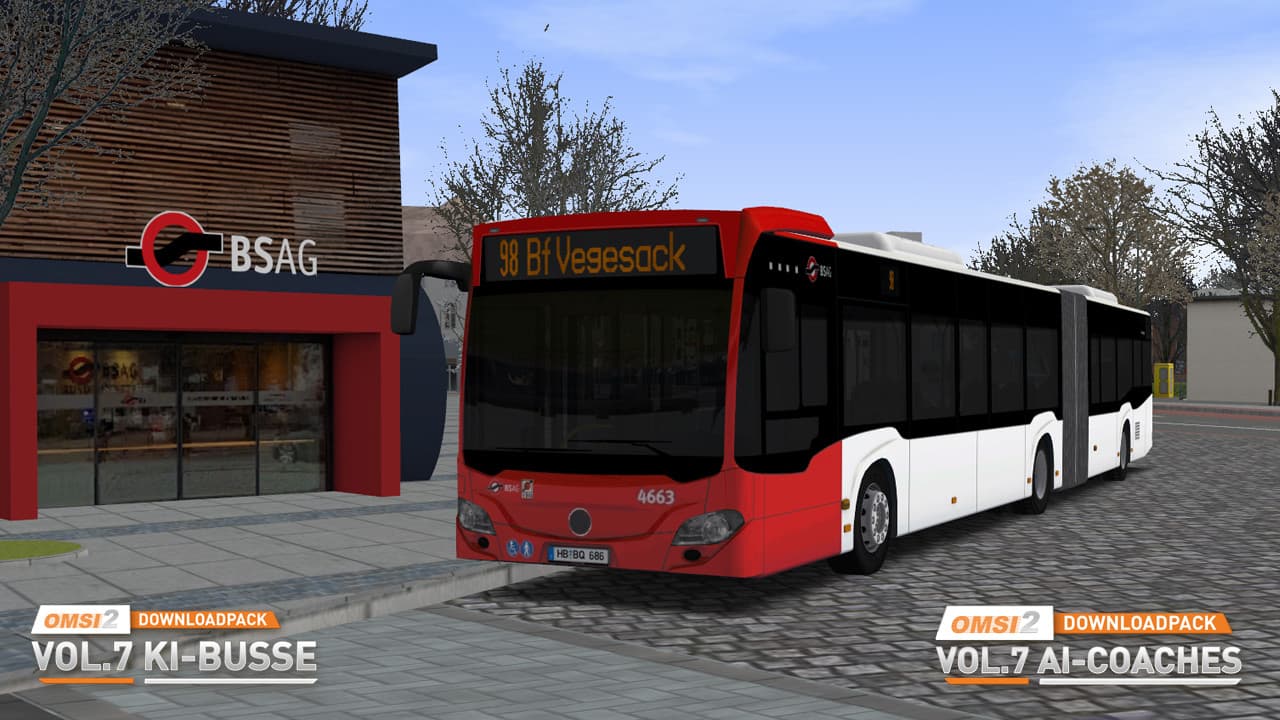
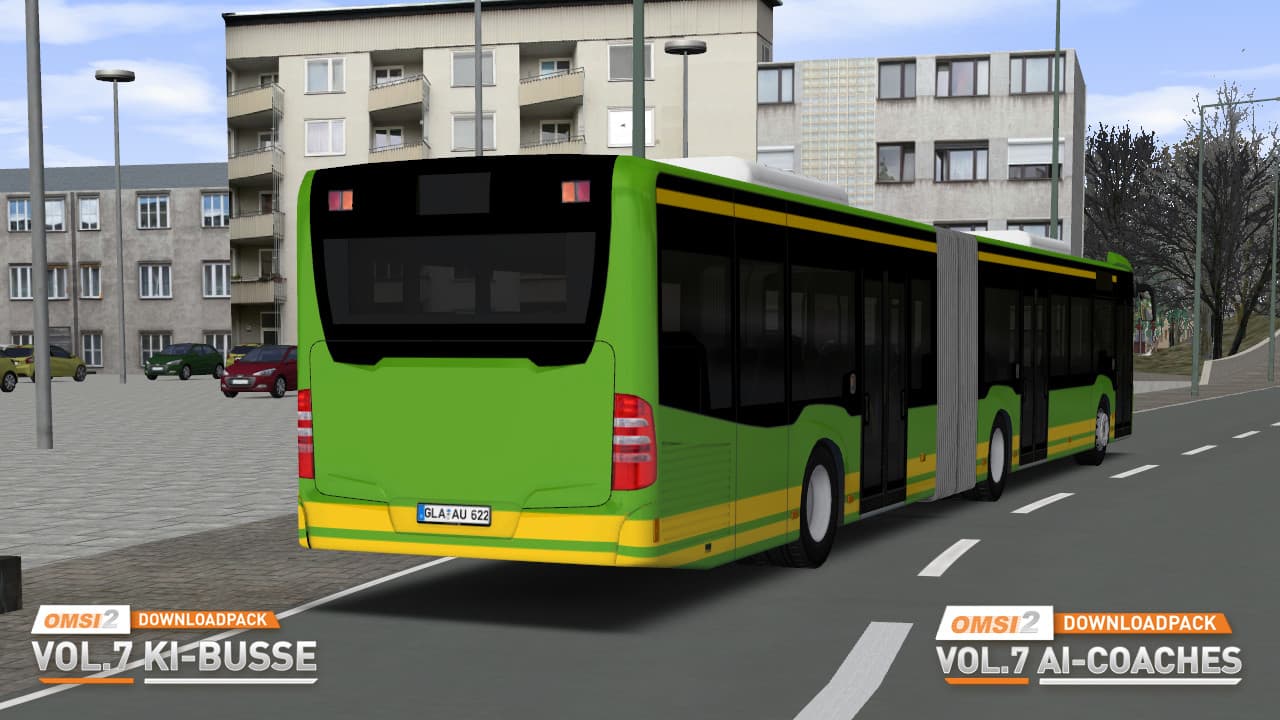
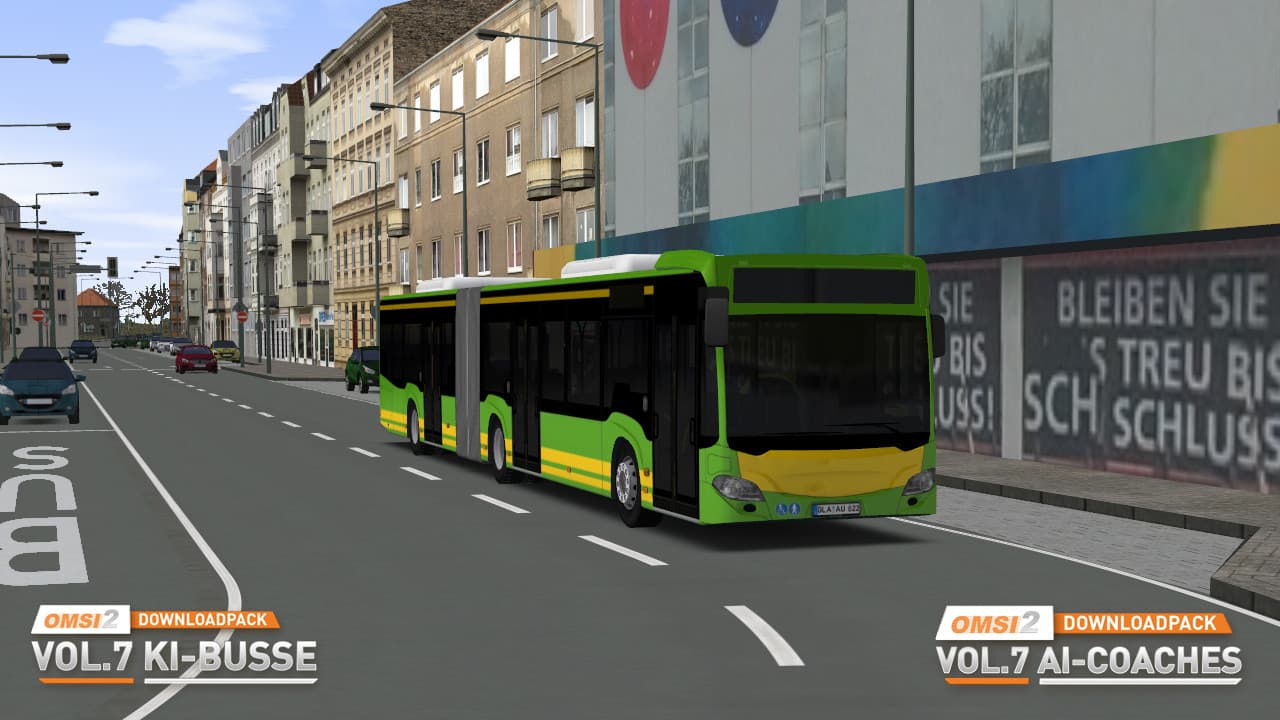
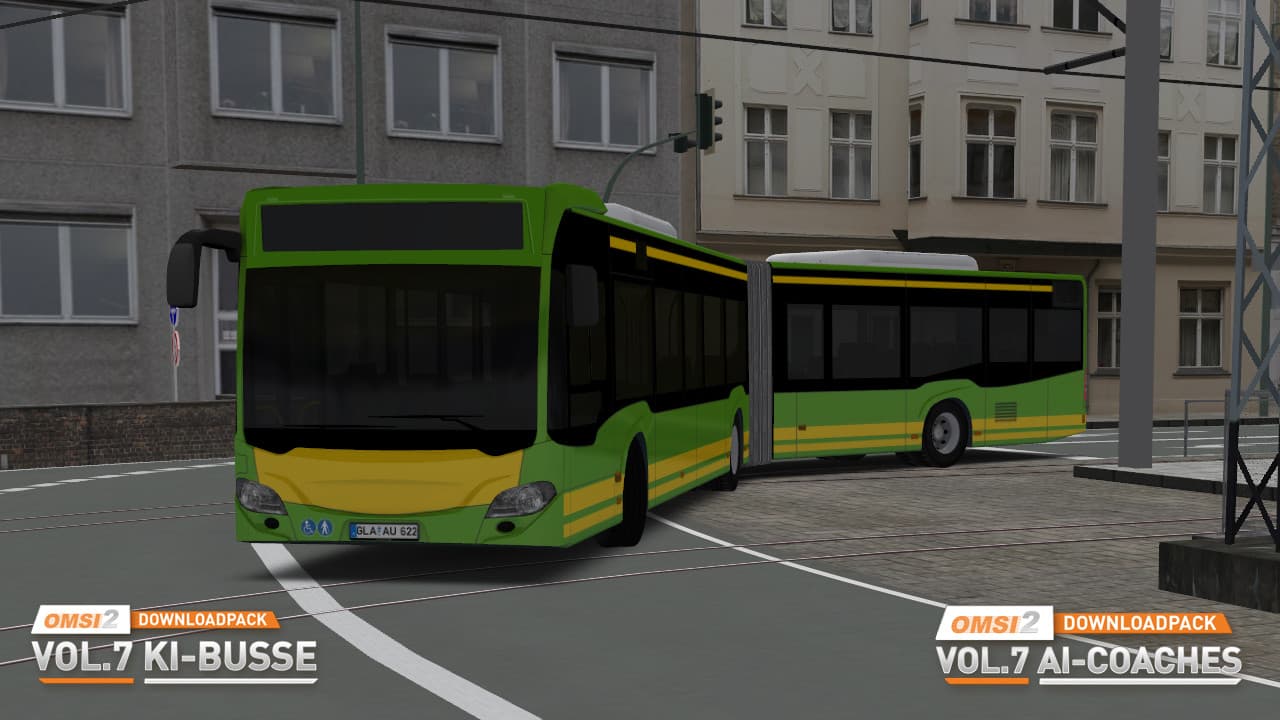
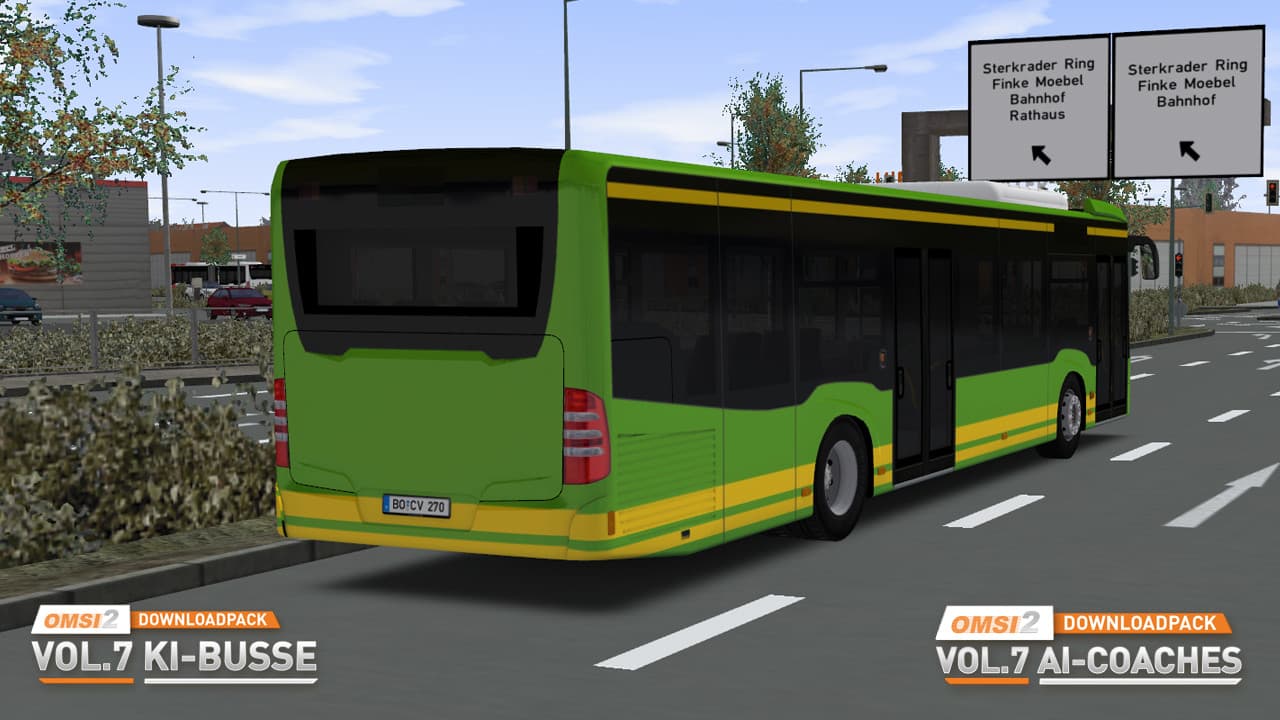
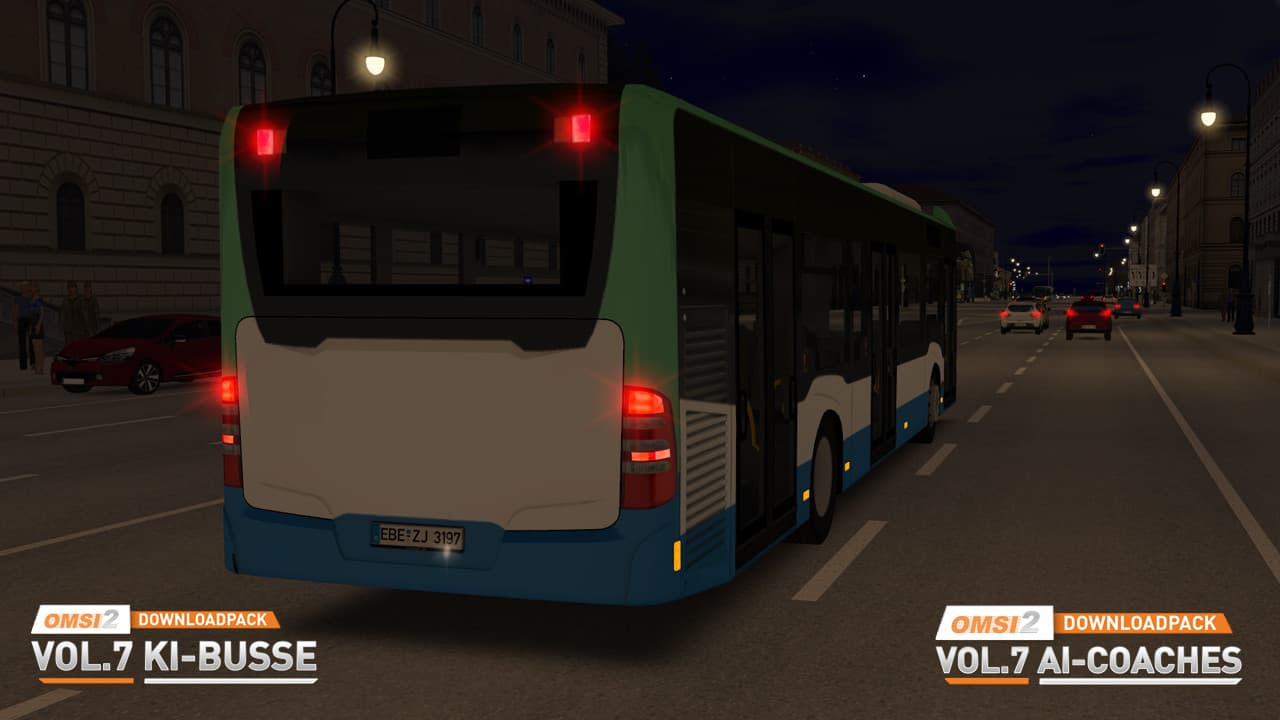
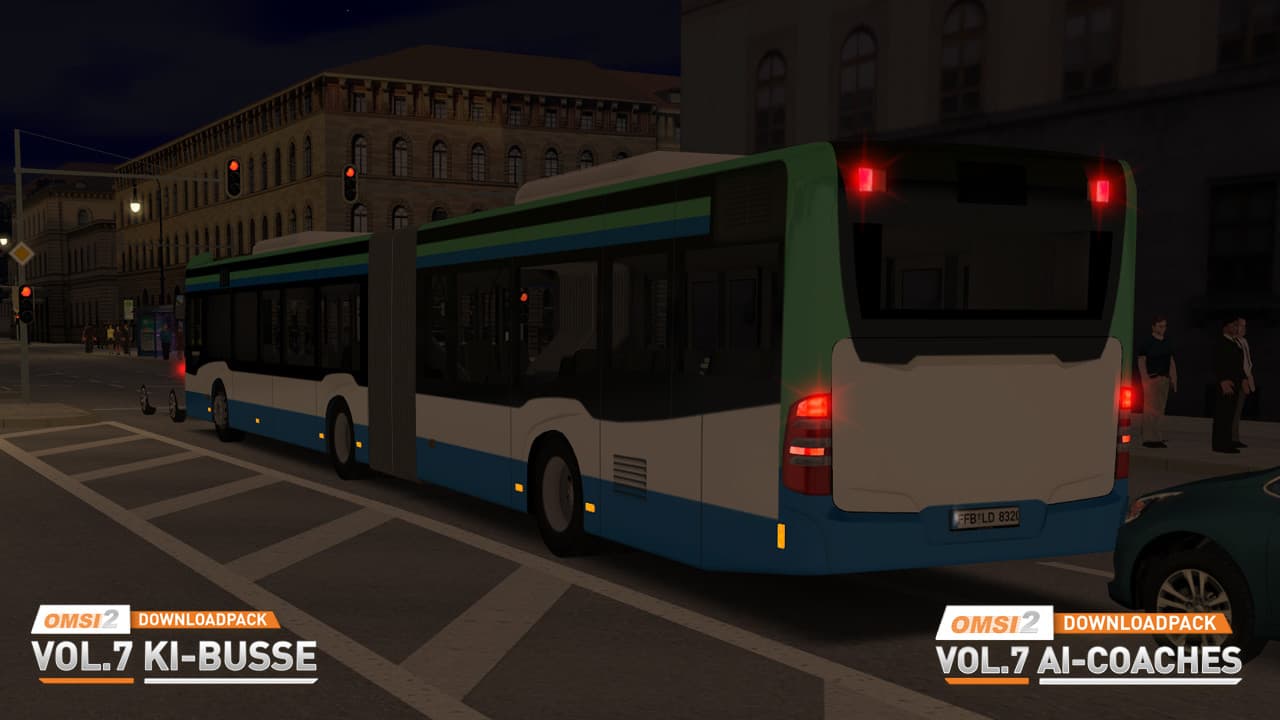
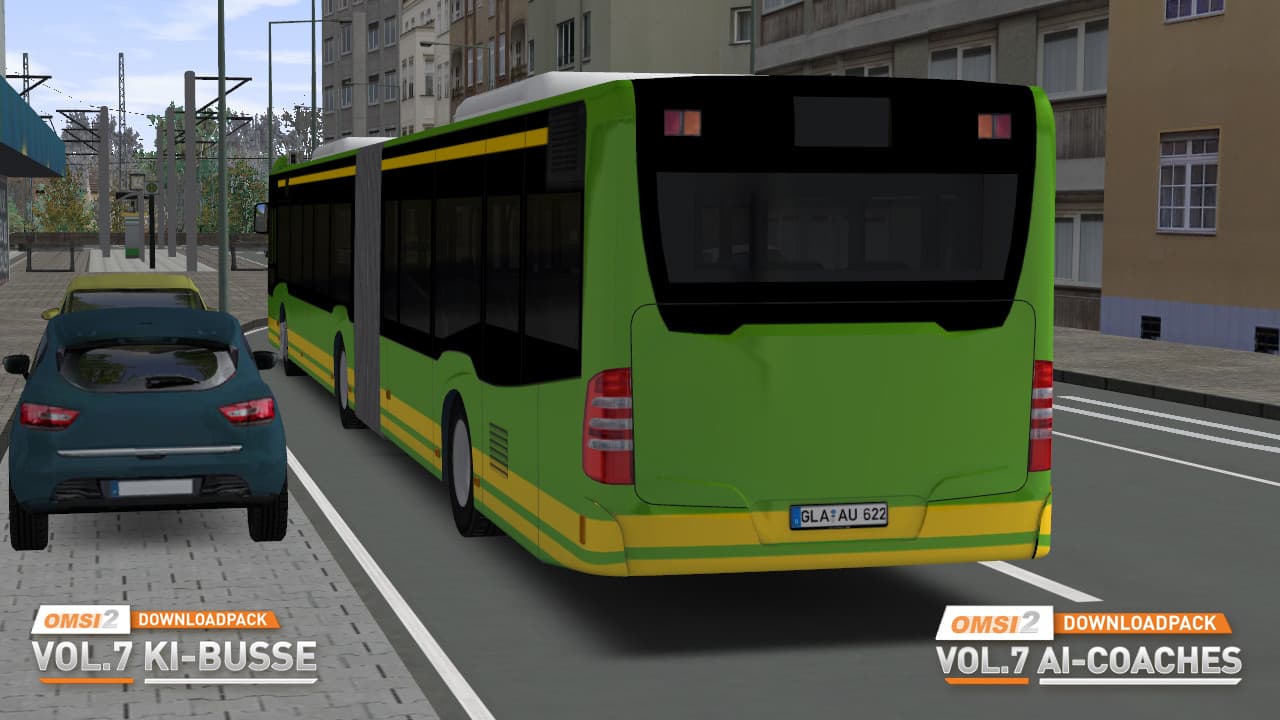
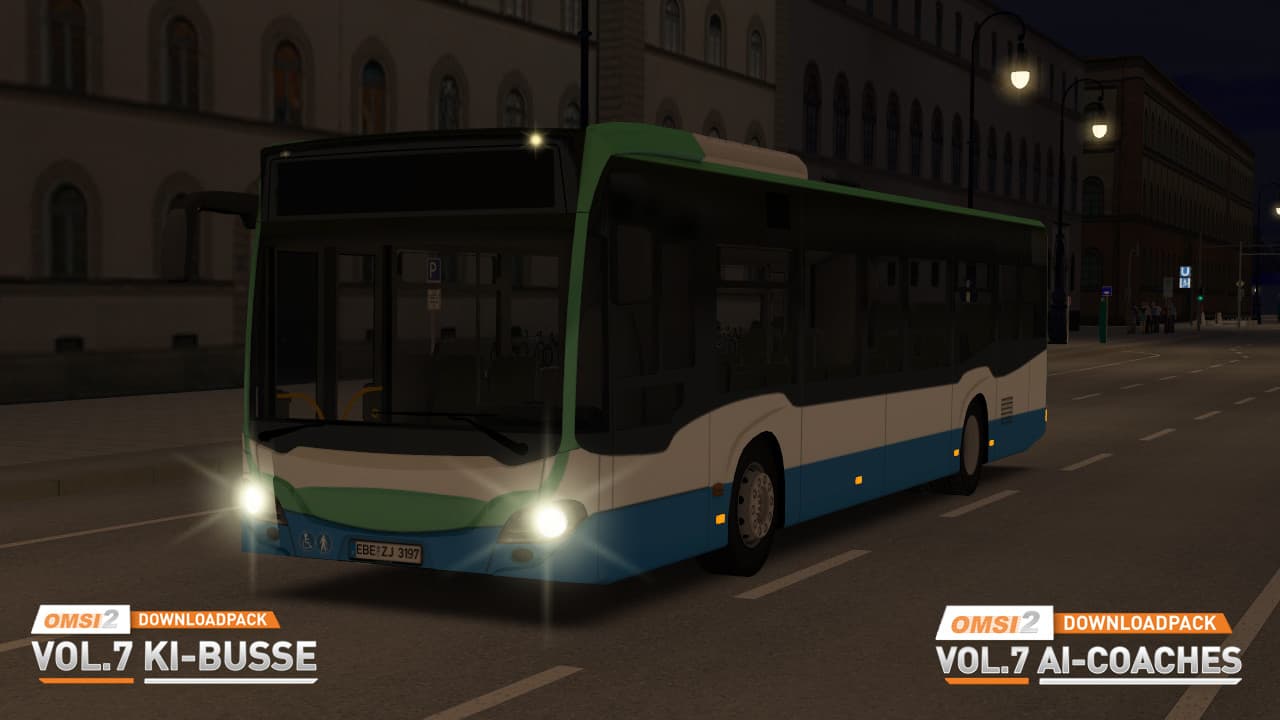
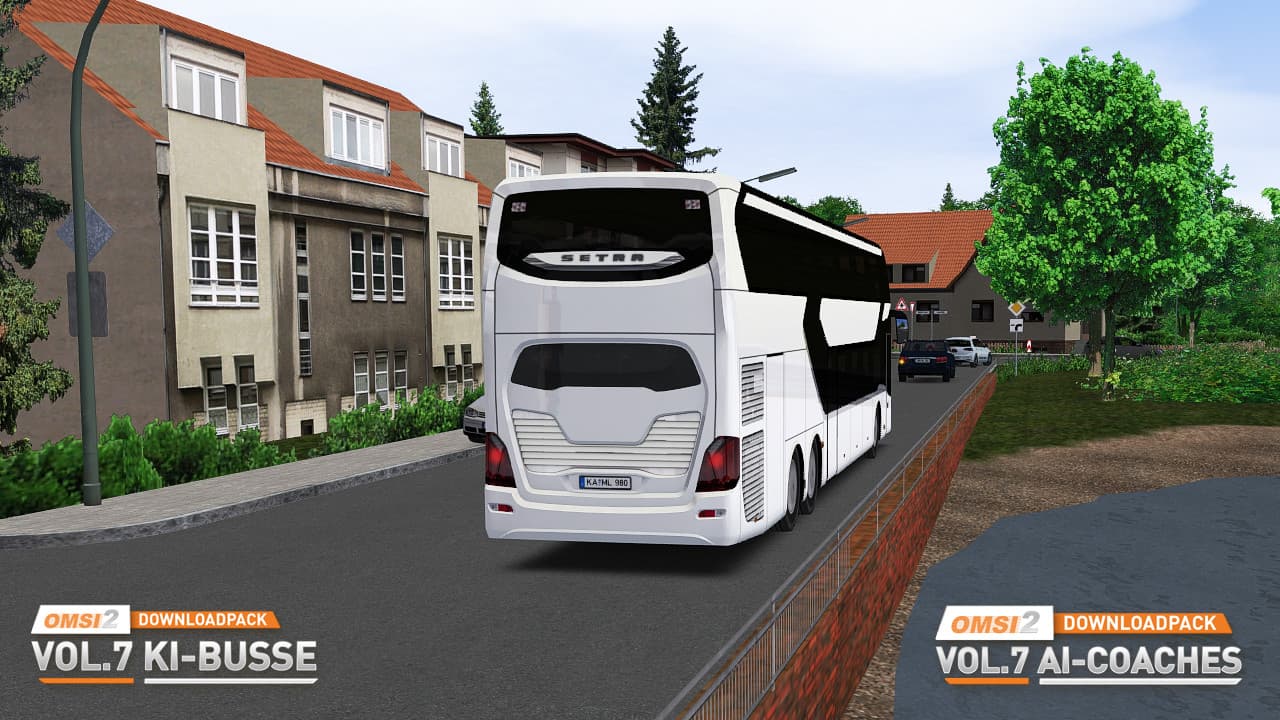
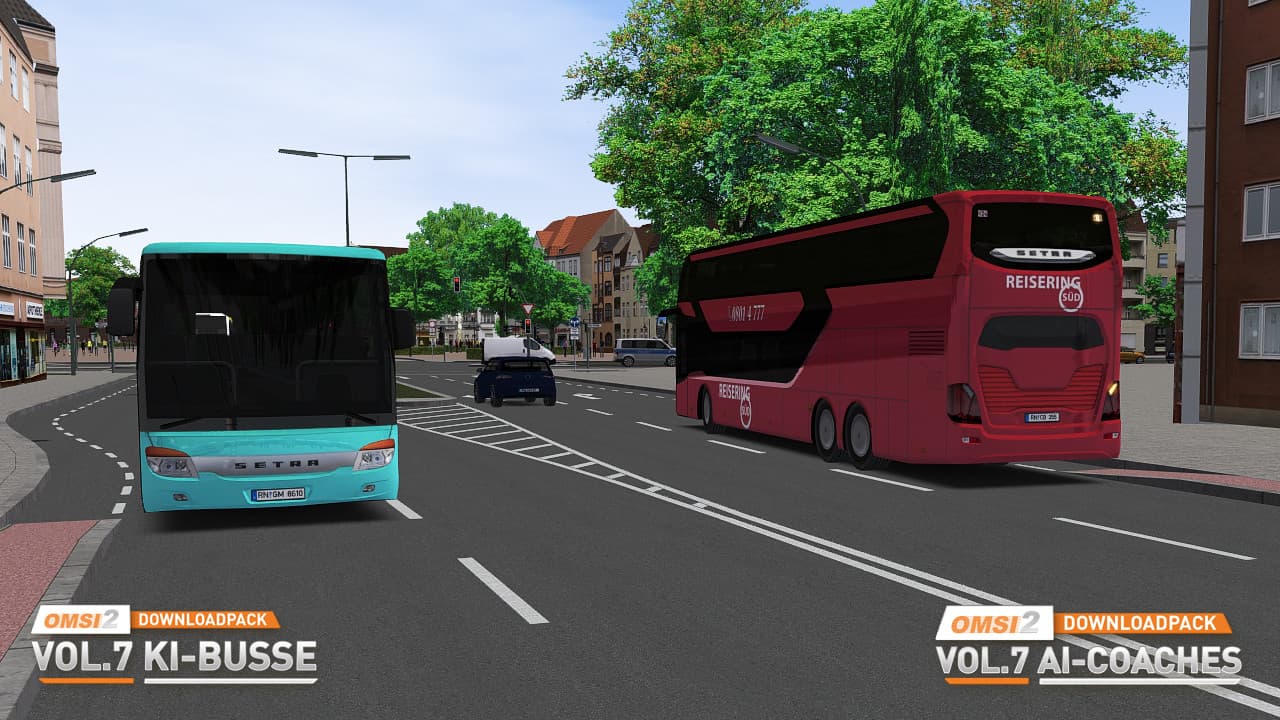
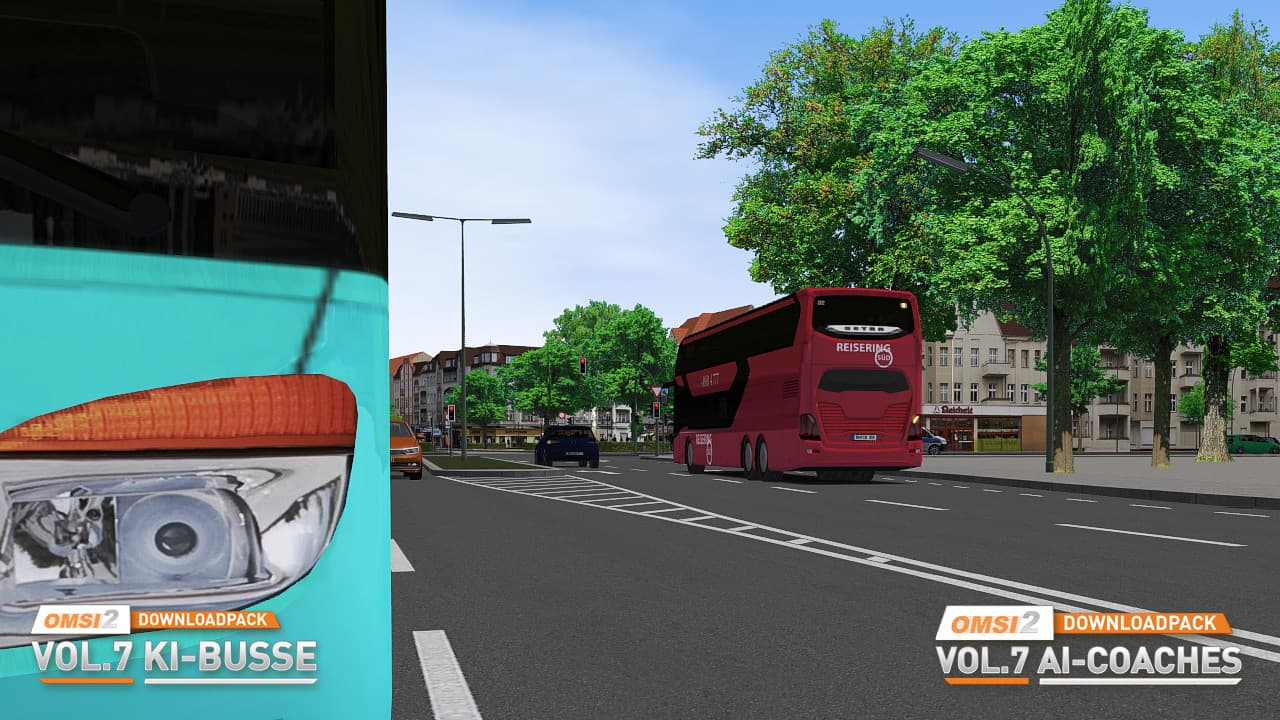
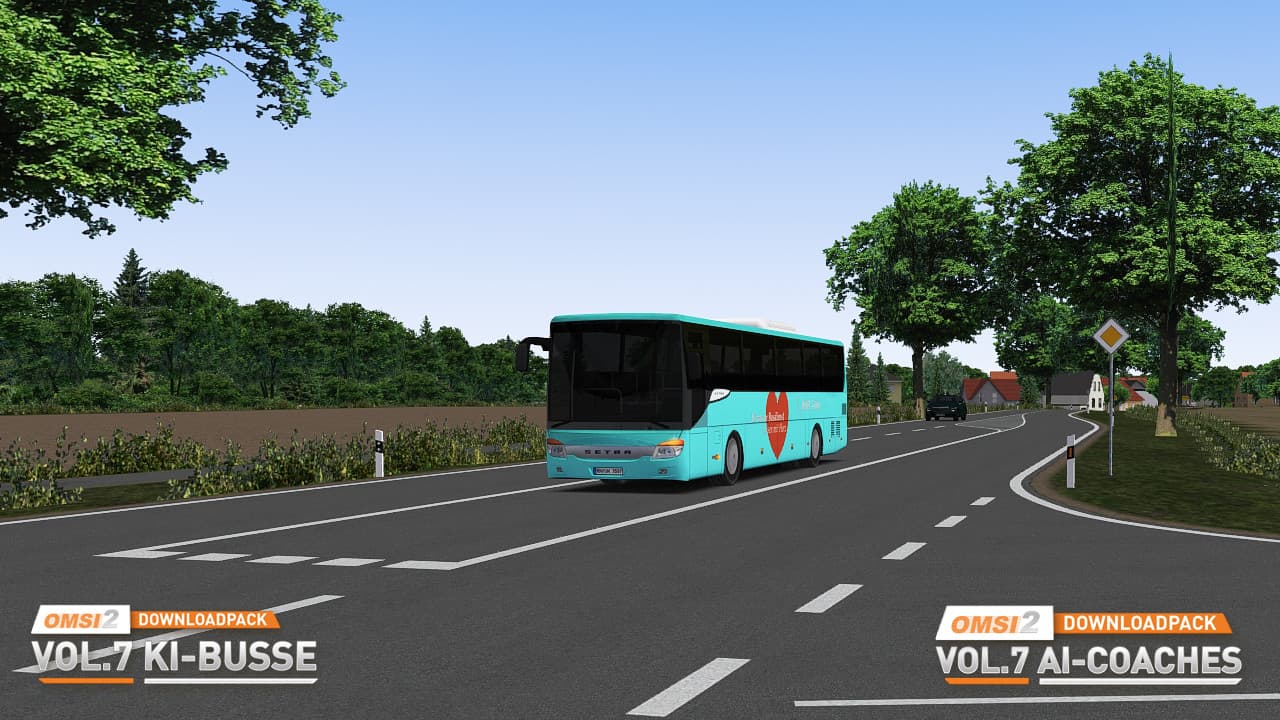
Nothing suits driving a bus in OMSI 2 better as the buses you encounter in the simulation - whether as oncoming vehicles in traffic or at large locations such as bus stations, where virtual colleagues and their vehicles can be found.
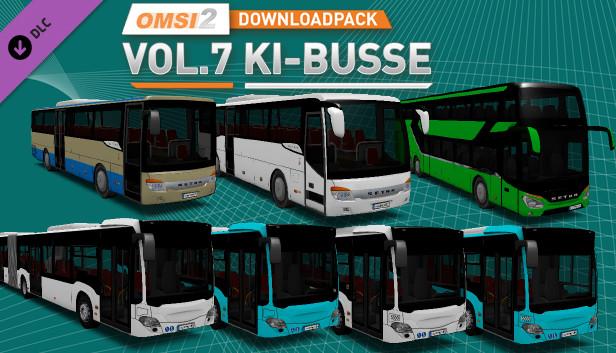
With the 7th part of the popular OMSI 2 Downloadpack series, AI buses are now appearing. When selecting the buses, a balanced mix of city buses, intercity versions and coaches was considered. ...
System Requirements
- Steam account is required for game activation and installation.
- This content requires the base game OMSI 2: Steam Edition on Steam in order to play.
- Windows Requirements
- OS
- Windows 7 / 8.1
- Processor
- Dual core processor (Core i5 with 2.8 GHz or similar)
- Memory
- 4 GB RAM
- Graphics
- 3D graphics card with at least 1,024 MB
- DirectX
- Version 9.0c
- Storage
- 1 GB available space
- Sound Card
- Yes
- OS
- Windows 10 (64bit)
- Processor
- Quad core with 3.0 GHz
- Memory
- 4 GB RAM
- Graphics
- 3D graphics card with at least 2,048 MB
- DirectX
- Version 9.0c
- Storage
- 1 GB available space
- Sound Card
- Yes
Legal information
Copyright © 2019 AEROSOFT. All rights reserved. All trademarks and brand names are trademarks or registered trademarks of the respective owners. Copyrights are serious stuff. If you find any pirated copies of this software please notify us. We will make sure reports of copyrights violation are rewarded.
Aerosoft GmbH
Lindberghring 12
D-33142 Büren, Germany