

How to activate
- Install Steam and sign in to your account (a free account is enough).
- In the top menu choose Games → Activate a Product on Steam…
- Enter your key exactly as shown in your order (with dashes) and confirm. The game appears in your library.
About
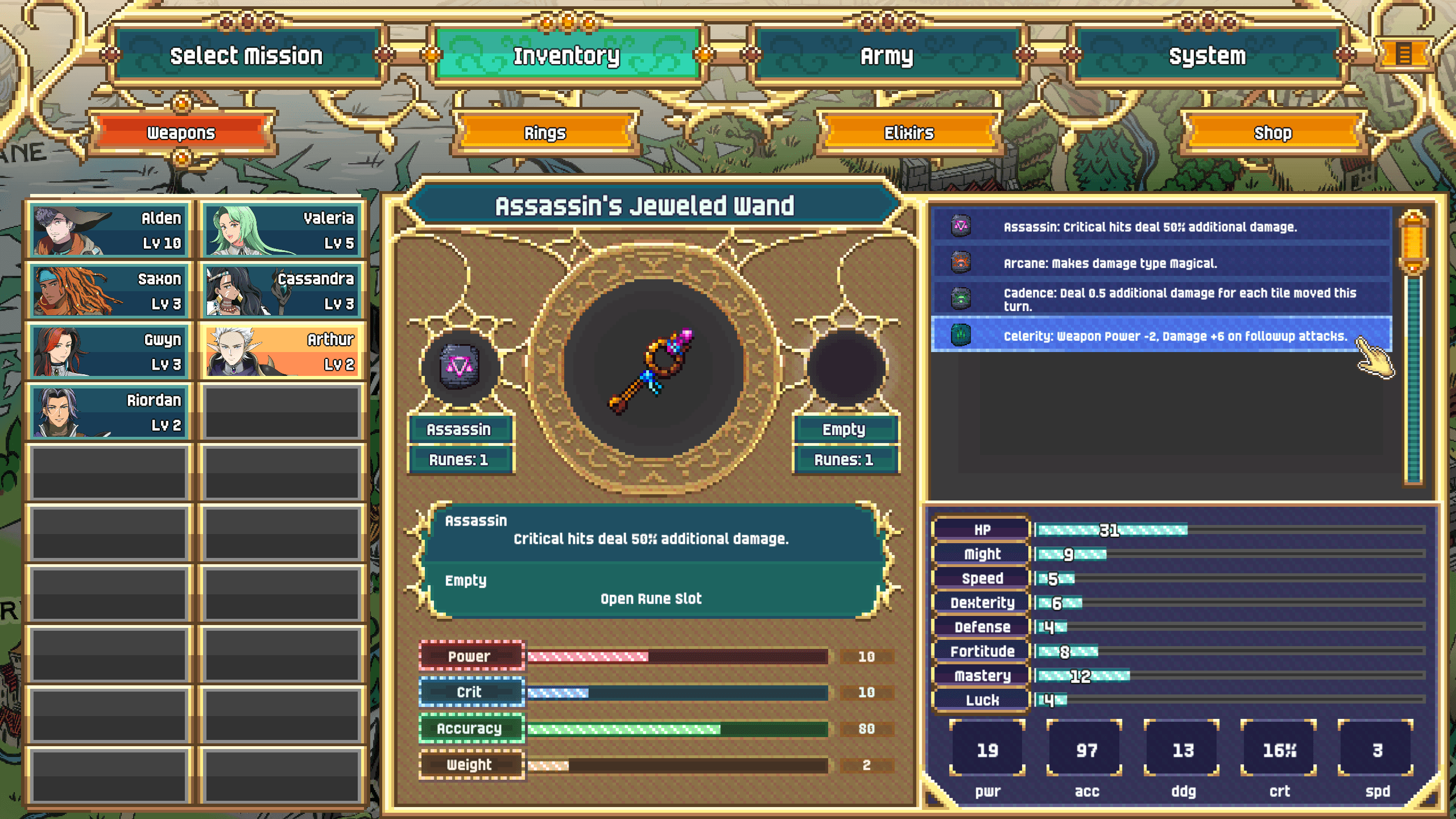
Dark Deity is back! A quarter of a century has passed, as Irving and the Eternal Order carefully rebuilt Verroa to protect it against a future war. Their efforts will be put to the test far too soon as a new threat looms on the horizon. The neighboring Holy Asverellian Empire needs new lands to grow, and the fractious, fragile Verroa seems ripe for the taking. All that stands in its way is the Order and twenty scrappy heroes-to-be. ...
System Requirements
Minimum
- Windows
- OS
- Windows 10
- Processor
- i3
- Memory
- 4 GB RAM
- Graphics
- Intel Iris 650 / Nvidia GT 1030 / Radeon 550X
- Storage
- 8 GB available space
Recommended
- Windows
- OS
- Windows 10
- Processor
- i5
- Memory
- 4 GB RAM
- Graphics
- Intel Iris 650 / Nvidia GT 1030 / Radeon 550X
- Storage
- 8 GB available space