Fakta utama
- Platform

- ProdukKunci digital
- Release date4 Mac 2024
- GenresRPG, Simulator
- DeveloperParadox Development Studio
- PublisherParadox Interactive AB
How to activate
- Pasang Steam dan log masuk ke akaun anda (akaun percuma sudah memadai).
- Dalam menu atas pilih „Games” → „Activate a Product on Steam…”.
- Masukkan kunci tepat seperti dalam pesanan anda (dengan sengkang) dan sahkan. Permainan akan muncul dalam pustaka anda.
About
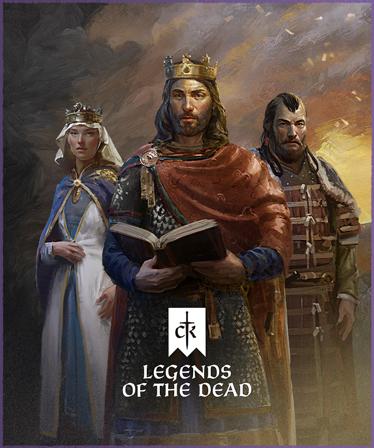
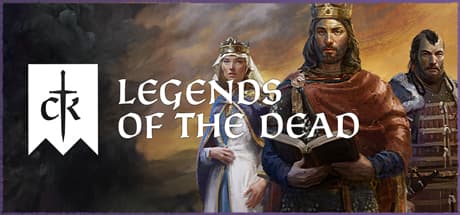
What good are grand accomplishments and heroic deeds if no one sings of them after you have gone? A royal legacy is only useful, after all, if it can provide cover and legitimacy for those who come after you. Live on in the memory of your subjects and rivals in Legends of the Dead, a Core Expansion for Crusader Kings III.
Crusader Kings III: Legends of the Dead adds new heroic gameplay, as you stoke the flames of your fame into a towering bonfire.
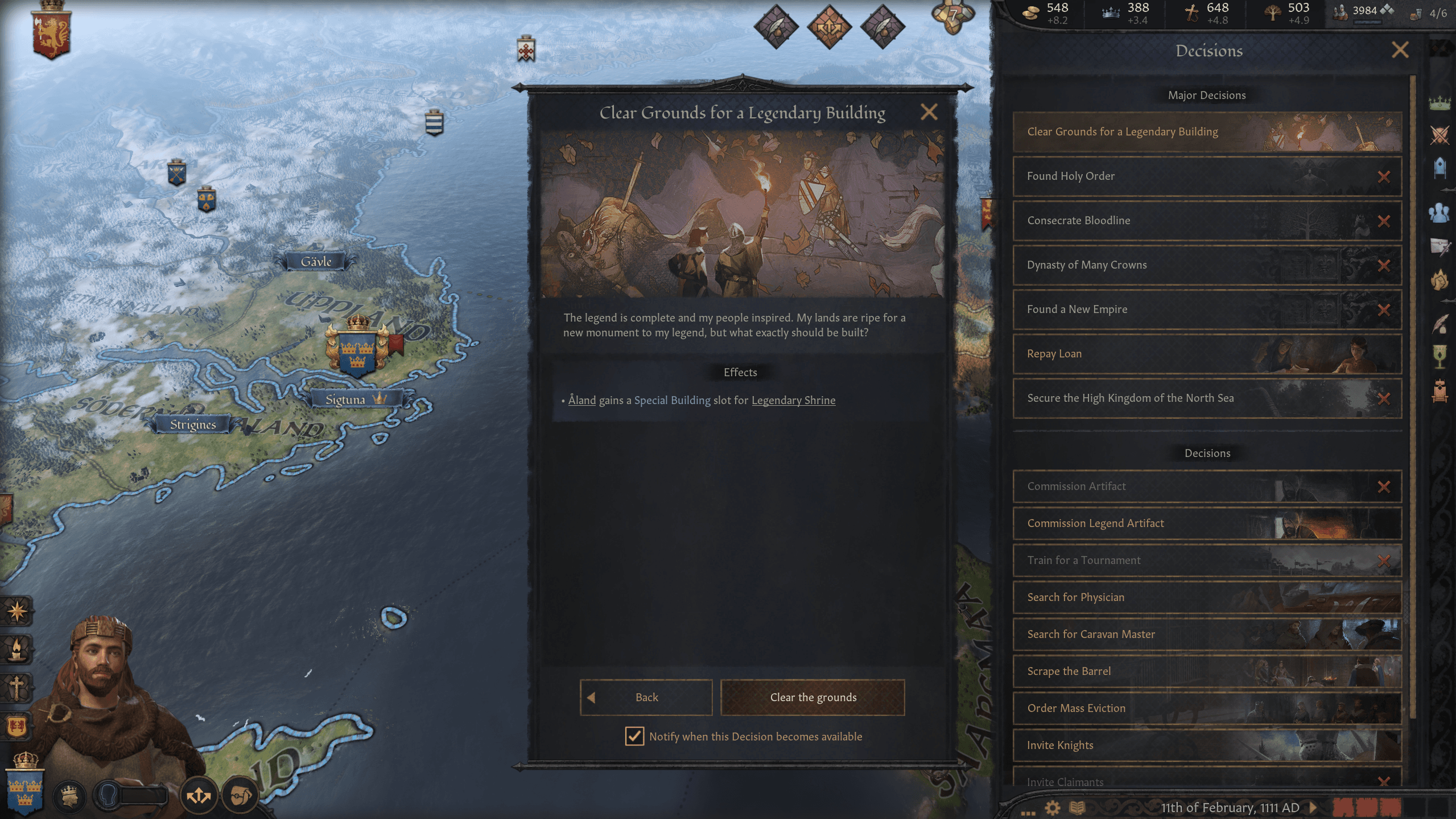
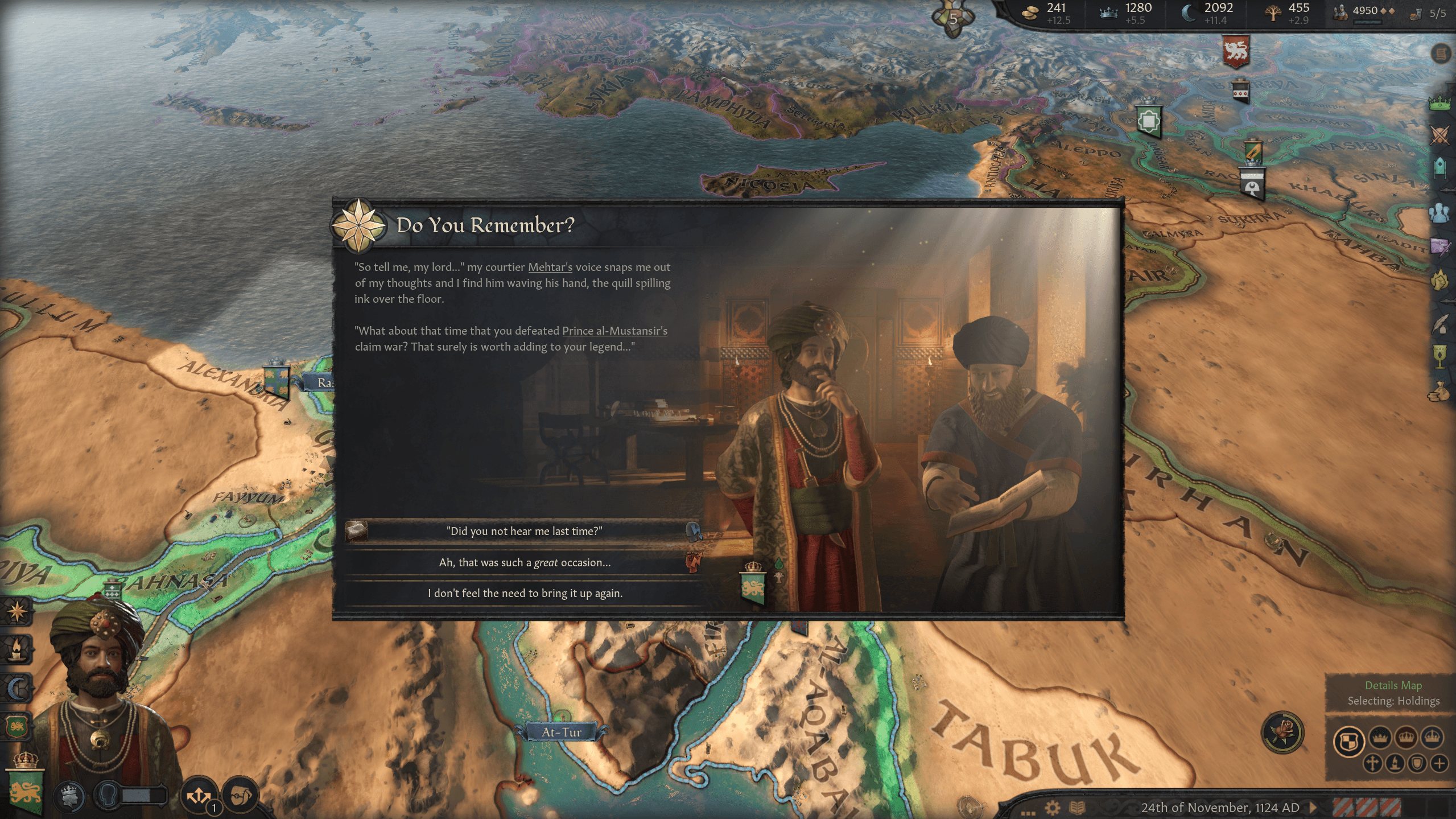
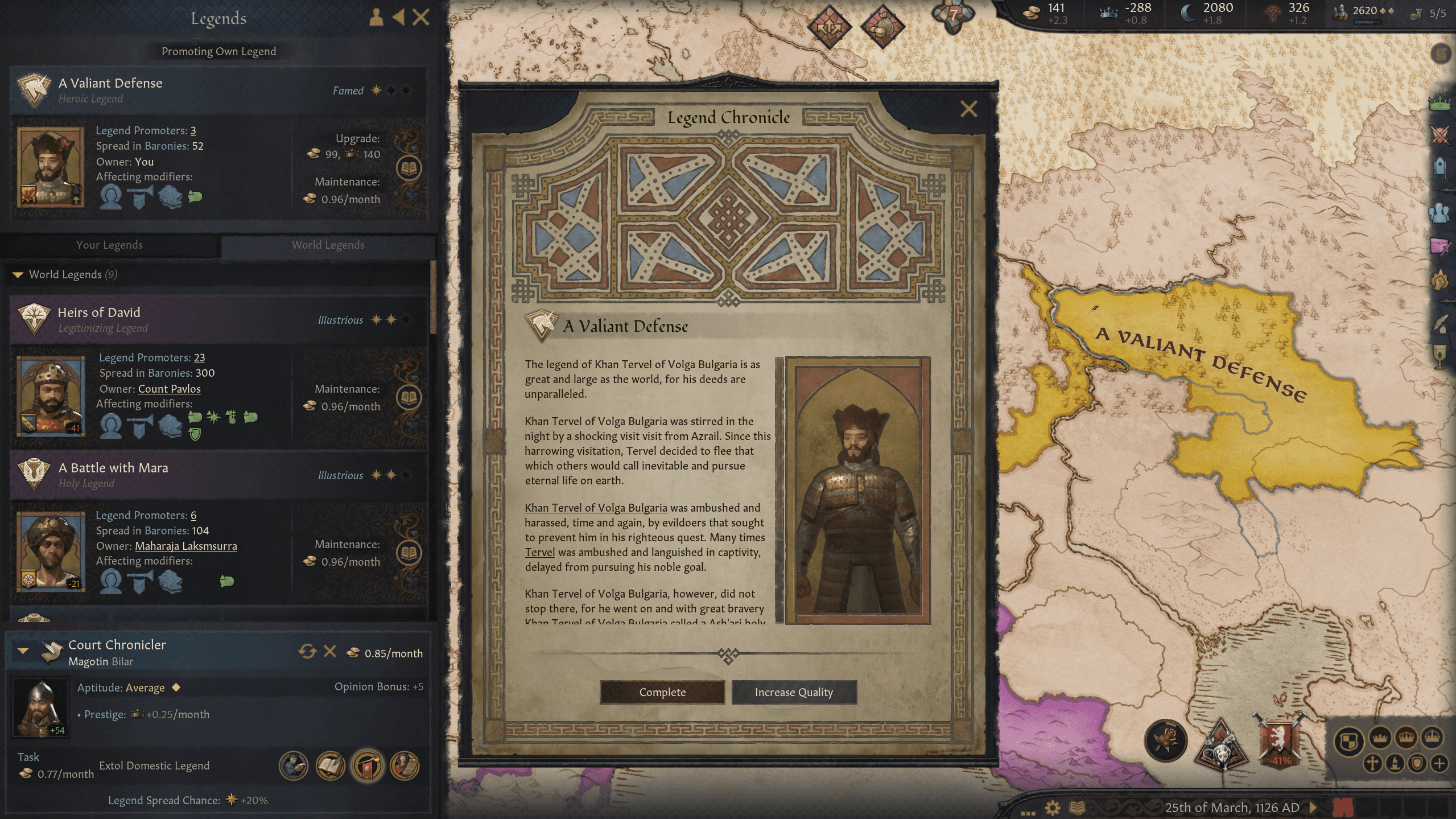
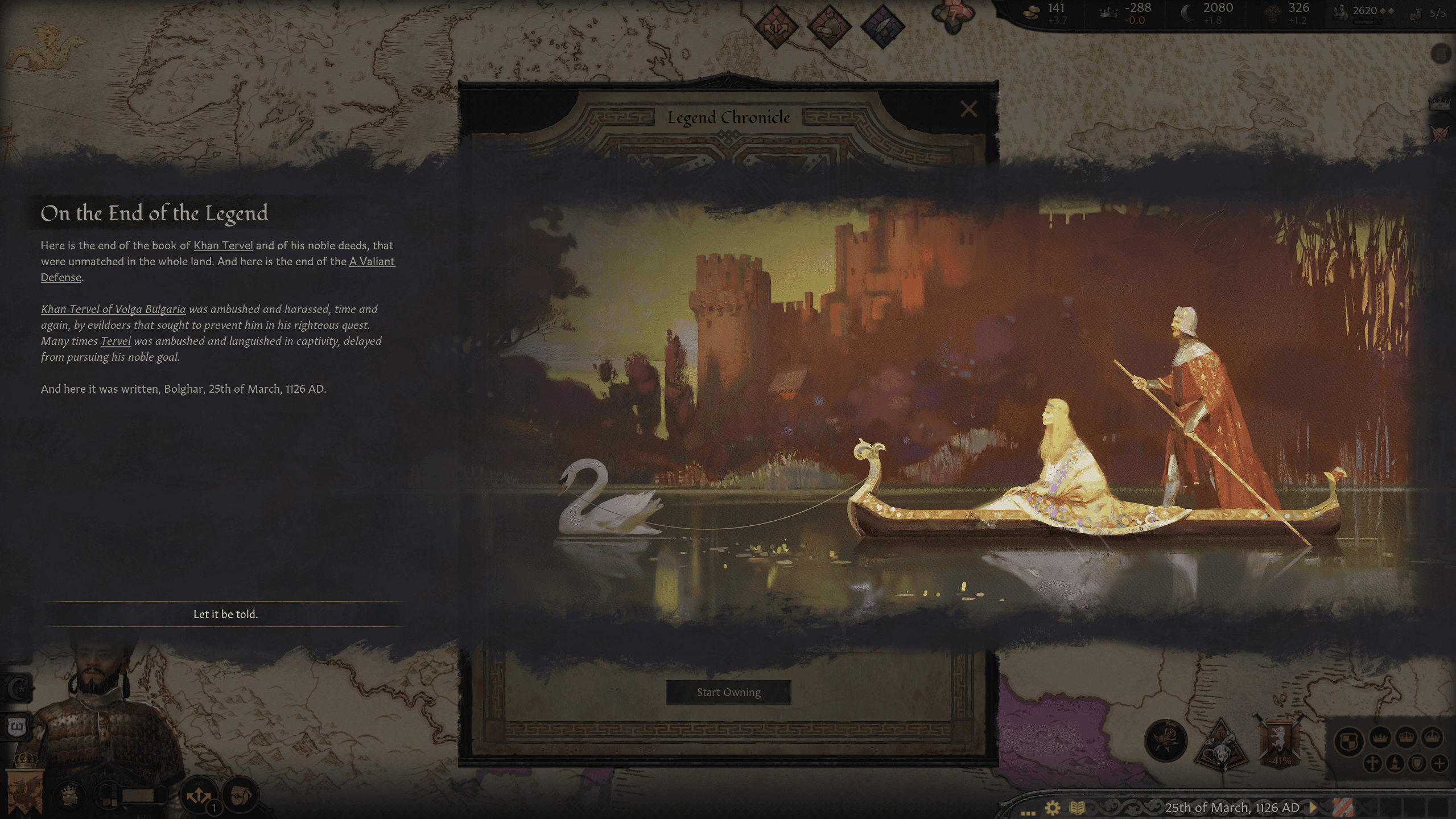
- Legends: Commission an epic retelling of your family history or build your own heroic reputation through great deeds. Promote this legend, far and wide, and see how the stories of the past reverberate through the centuries, and add more glory to legendary dynasties.
- Legendary Playstyle: Leverage your living legend status through new Decisions and actions, keeping the stories of your family in the minds of a continent, strengthening the legitimacy of your rule and allowing further choices.
- Legendary Buildings: Your legendary reputation gives you access to new elite buildings, cementing your legacy for future generations.
- **Legendary Feasts:**Poets and bards can ornament your celebrations with songs and odes to your greatness, inspiring your guests to spread the tale of your legendary generosity.
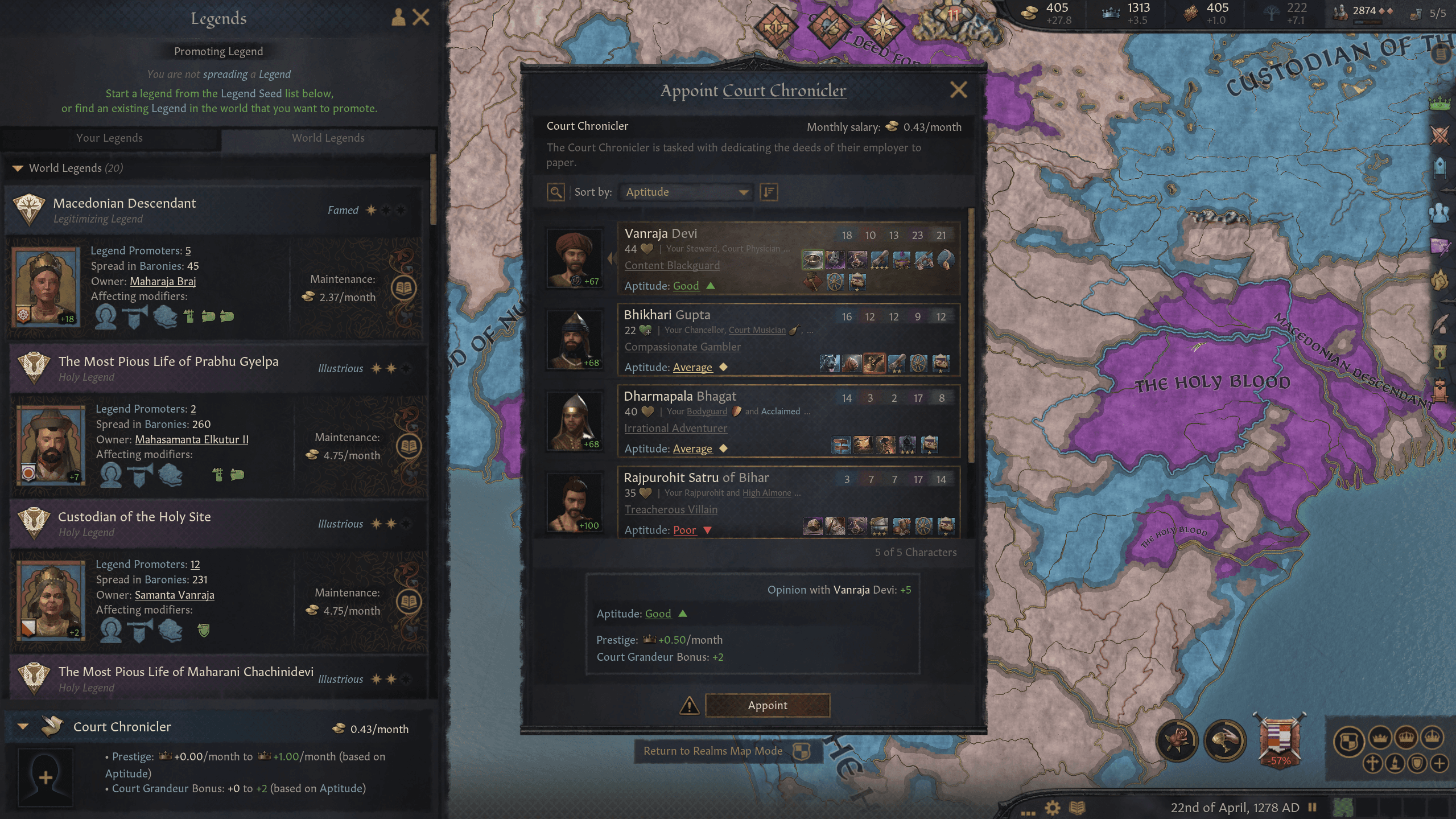
- Court Chroniclers: Hire an official historian to spread the story of your dynasty’s great accomplishments, or use your poets and musicians to turn your actions into art.
- Two New Legacies: A new Heroic dynastic Legacy for the heirs of legendary characters, even using the great deeds of ancestors to justify claims from the distant past, as well as a Legitimacy Legacy that promotes your dynasty as the true rulers of the realm.
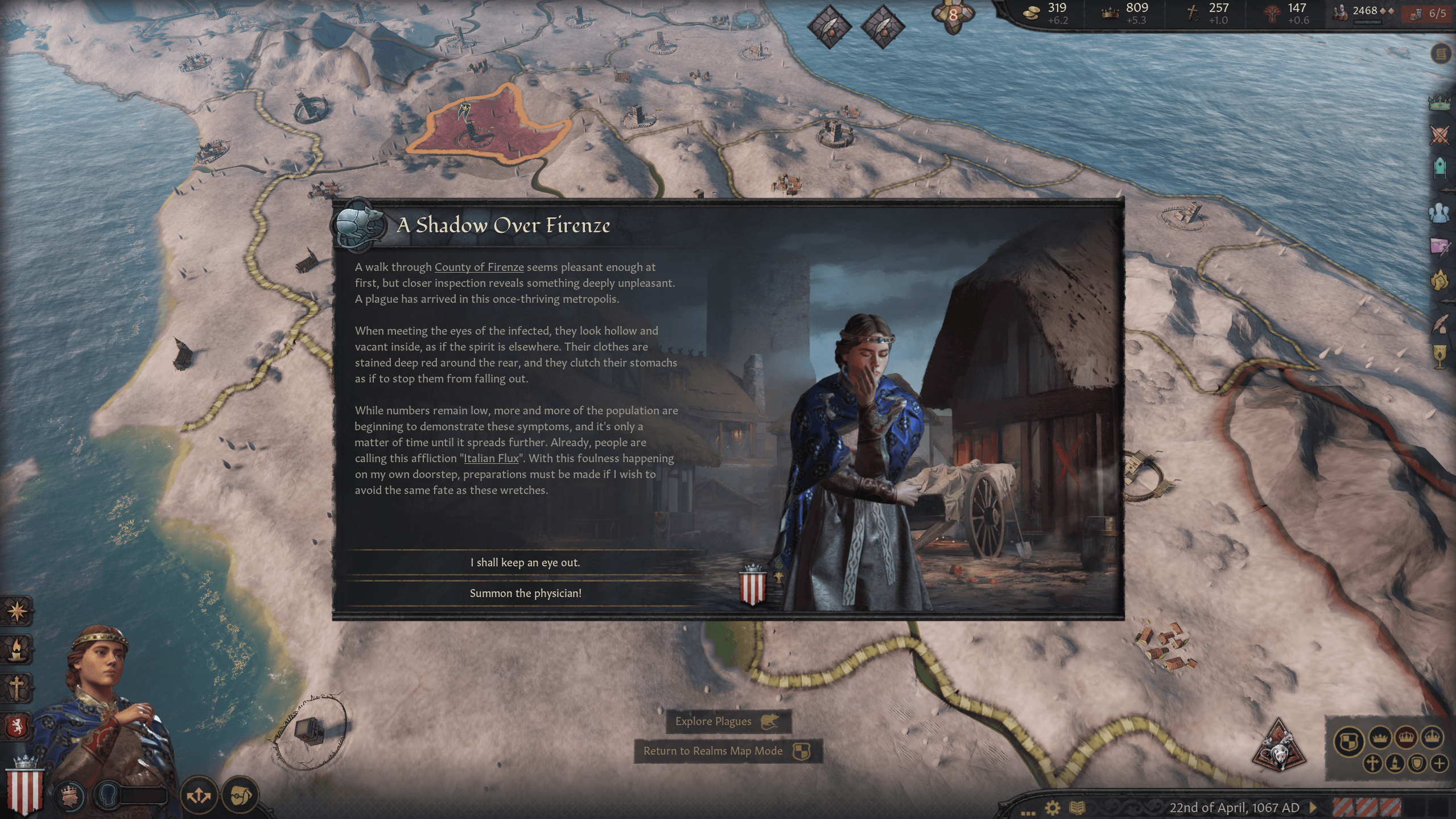
- Illness and Mourning: New diseases like the Bloody Flux, Measles and Holy Fire may ravage your court, but you can honor your deceased loved ones with dignified Funeral rites, according to your faith.
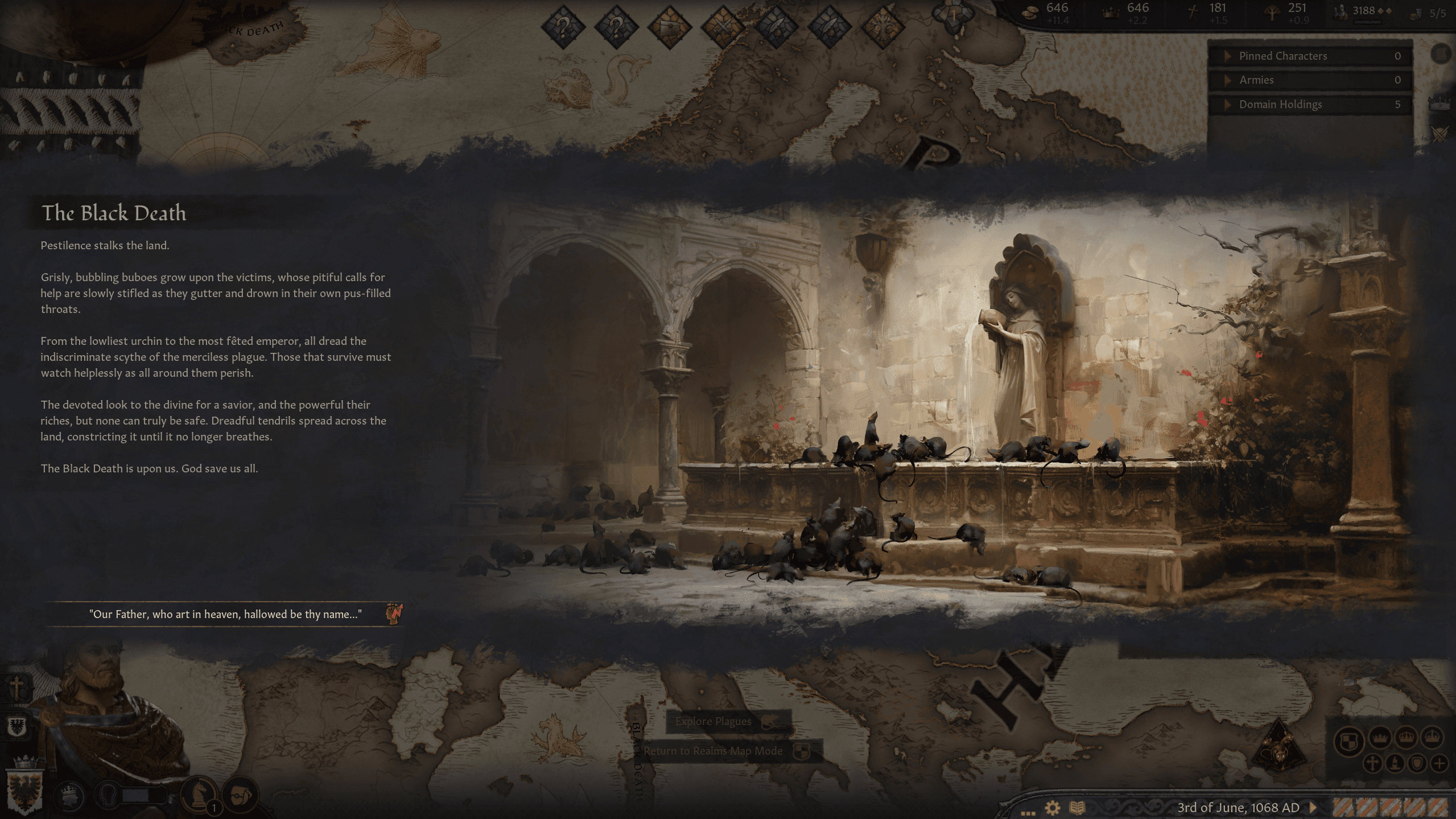
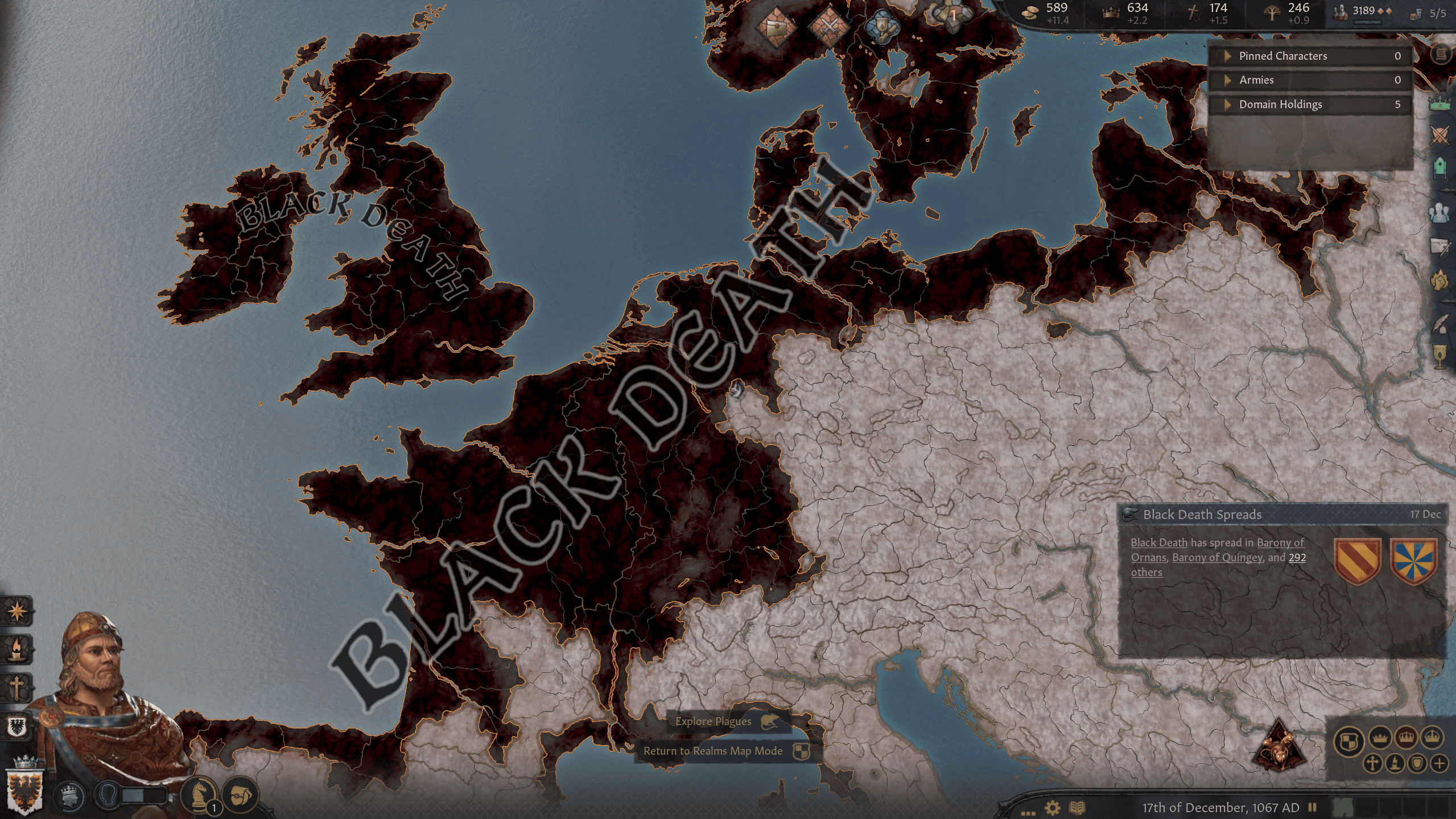
- The Black Death: The greatest scourge of the Middle Ages strikes down noble and commoner alike, radically transforming the political and social environment. Prepare your realm and prepare your soul, because a rampaging plague may be the strongest enemy facing your rule.
- New Art: Both life and death are given new energy with the celebrated art style that Crusader Kings III fans have come to appreciate. A new exclusive Map Table, new varieties of clothing, unit models and holding designs for extra flavor.
System Requirements
Minimum
- Steam account is required for game activation and installation.
- This content requires the base game Crusader Kings III on Steam in order to play.
- Windows Requirements
- Requires a 64-bit processor and operating system
- OS
- Windows® 10 Home 64 bit
- Pemproses
- Intel® Core™ i3-2120 / AMD® FX 6350
- Memori
- 6 GB RAM
- Grafik
- Nvidia® GeForce™ GTX 660 (2GB) / AMD® Radeon™ HD 7870 (2GB) / Intel® Iris Pro™ 580 / Intel® Iris® Plus G7 / AMD® Radeon™ Vega 11
- Storan
- 8 GB available space
Recommended
- Requires a 64-bit processor and operating system
- OS
- Windows® 10 Home 64 bit
- Pemproses
- Intel® Core™ i5-4670K / AMD® Ryzen™ 5 2400G
- Memori
- 8 GB RAM
- Grafik
- Nvidia® GeForce™ GTX 1650 (4GB) / AMD® Radeon™ R9 390X (8GB)
- Storan
- 8 GB available space
- Mac OS Requirements
- Minimum
- OS
- Mojave (MAC OS X 10.14)
- Pemproses
- Intel® Core™ i7-7820HQ
- Memori
- 12 GB RAM
- Grafik
- AMD® Radeon™ PRO 560 (4 GB)
- Storan
- 8 GB available space
Maklumat undang-undang
©2024 and published by Paradox Interactive AB, CRUSADER KINGS and PARADOX INTERACTIVE are trademarks and/or registered trademarks of Paradox Interactive AB in Europe, the U.S., and other countries. All other trademarks, logos, and copyrights are the property of their respective owners.