

How to activate
- Install Steam and sign in to your account (a free account is enough).
- In the top menu choose Games → Activate a Product on Steam…
- Enter your key exactly as shown in your order (with dashes) and confirm. The game appears in your library.
About
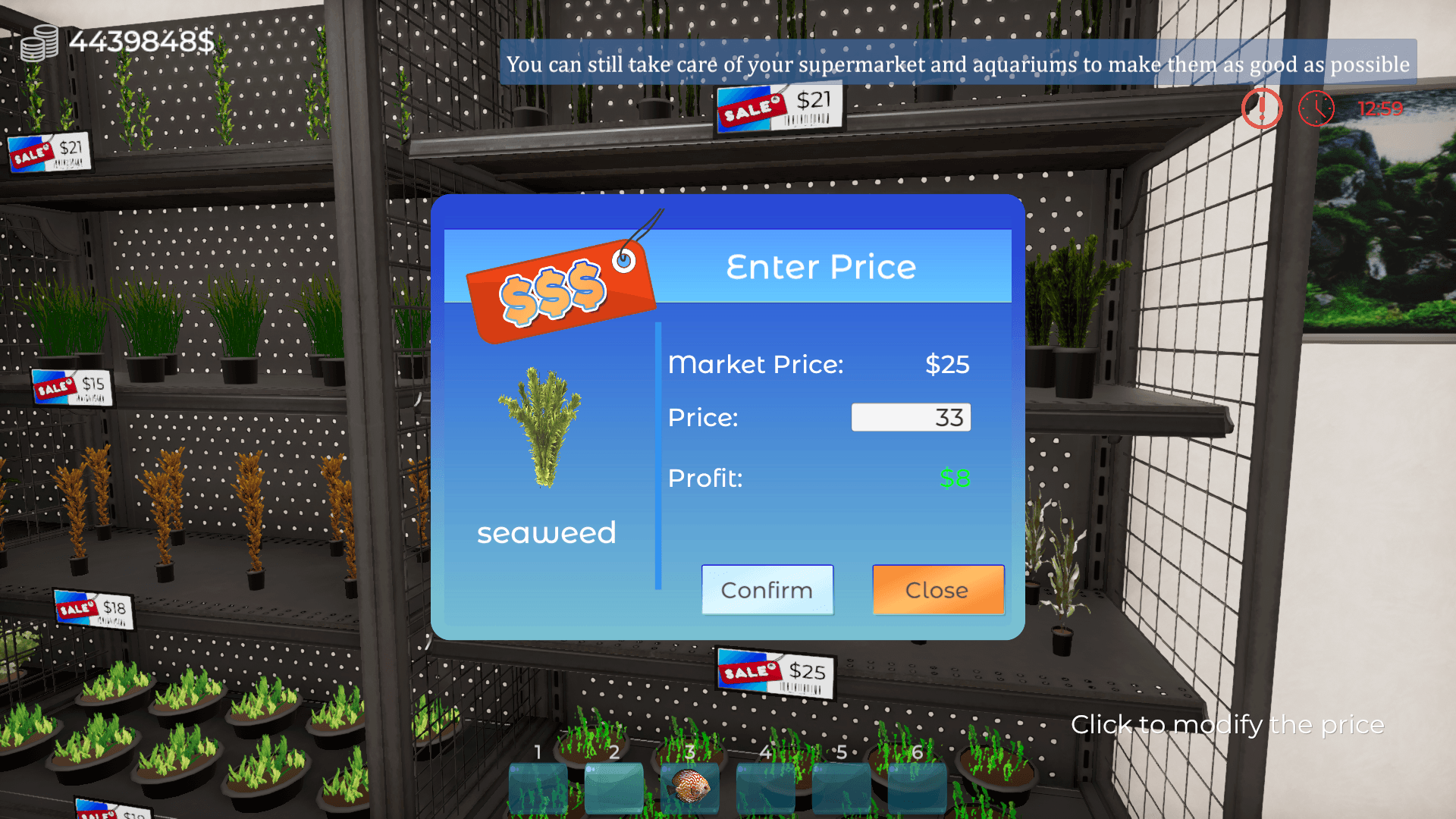
Dive into the vibrant world of aquatic retail with Aquatic Store Simulator! Take on the challenge of managing your very own underwater-themed supermarket, blending business management with the beauty of aquatic life. Stock shelves with exotic fish, decorations, set prices, take payments and maintain aquariums. Deliver fish, handle transactions, ensure your customers are happy. Customize and expand your store to become the ultimate aquarist entrepreneur.
🏪 Manage Your Own Aquatic Store: Build and customize your store, creating a paradise for both customers and marine creatures. ...
System Requirements
Minimum
- Windows
- OS
- Windows 10
- Processor
- Intel Core i5
- Memory
- 4 GB RAM
- Graphics
- NVidia GeForce GTX 750
- Storage
- 10 GB available space
- Sound Card
- DirectX compatible
Recommended
- Windows
- OS
- Windows 10
- Processor
- Intel Core i7
- Memory
- 8 GB RAM
- Graphics
- NVidia GeForce GTX 1050
- Storage
- 10 GB available space
- Sound Card
- DirectX compatible