
How to activate
- Install Steam and sign in to your account (a free account is enough).
- In the top menu choose Games → Activate a Product on Steam…
- Enter your key exactly as shown in your order (with dashes) and confirm. The game appears in your library.
About
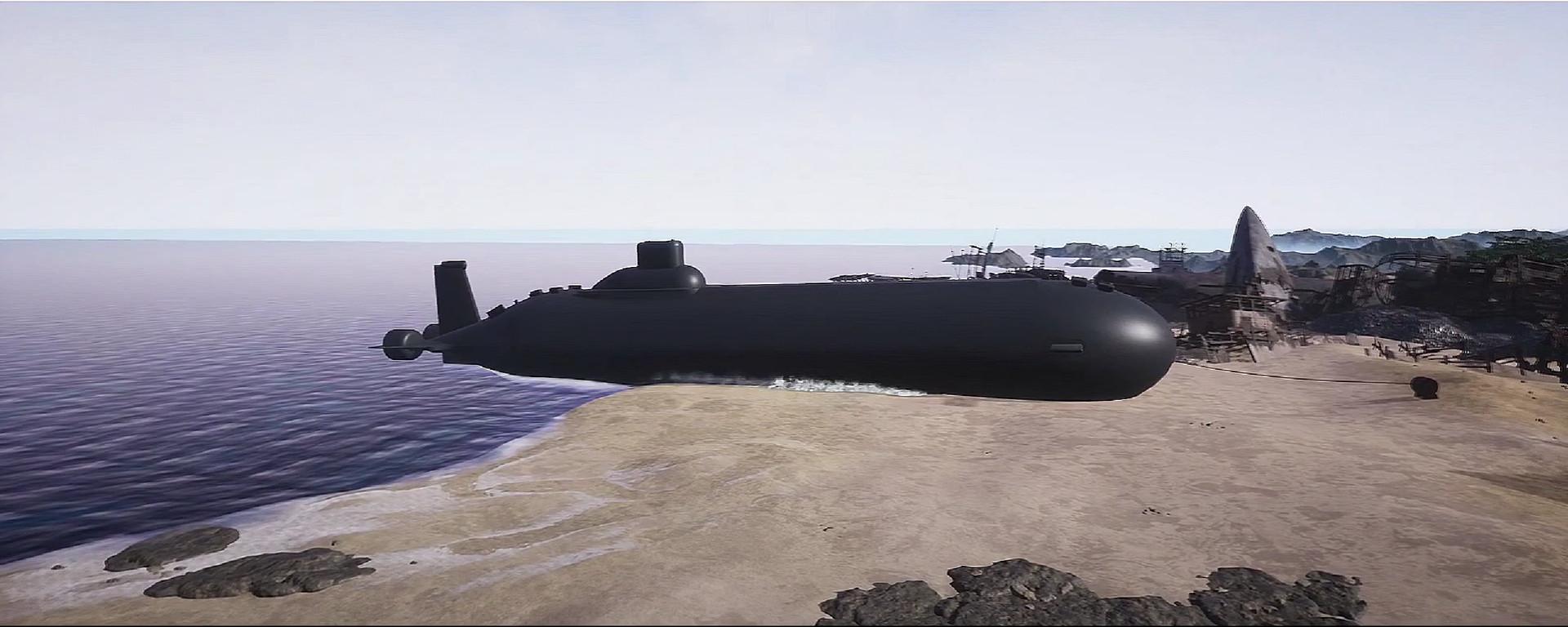
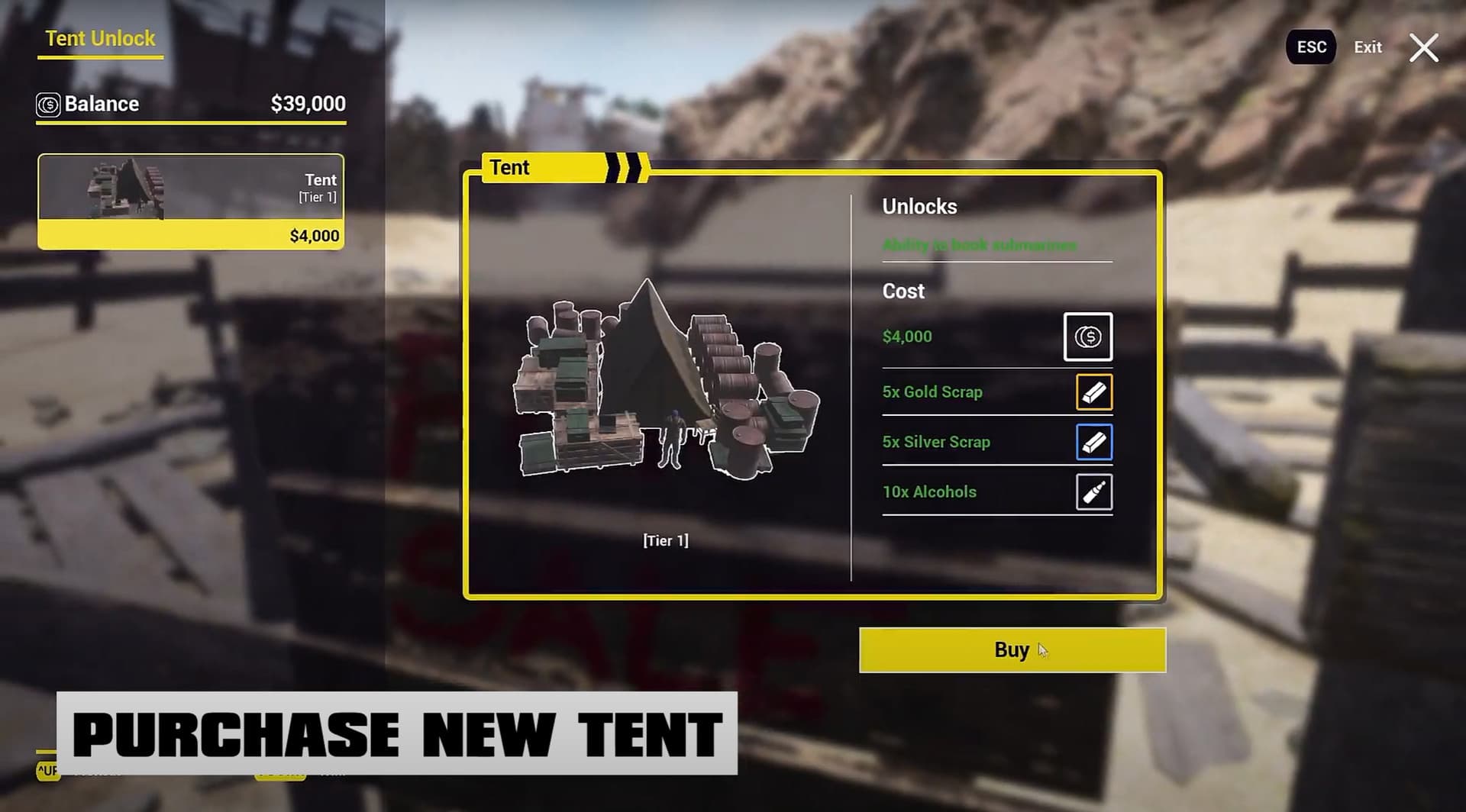
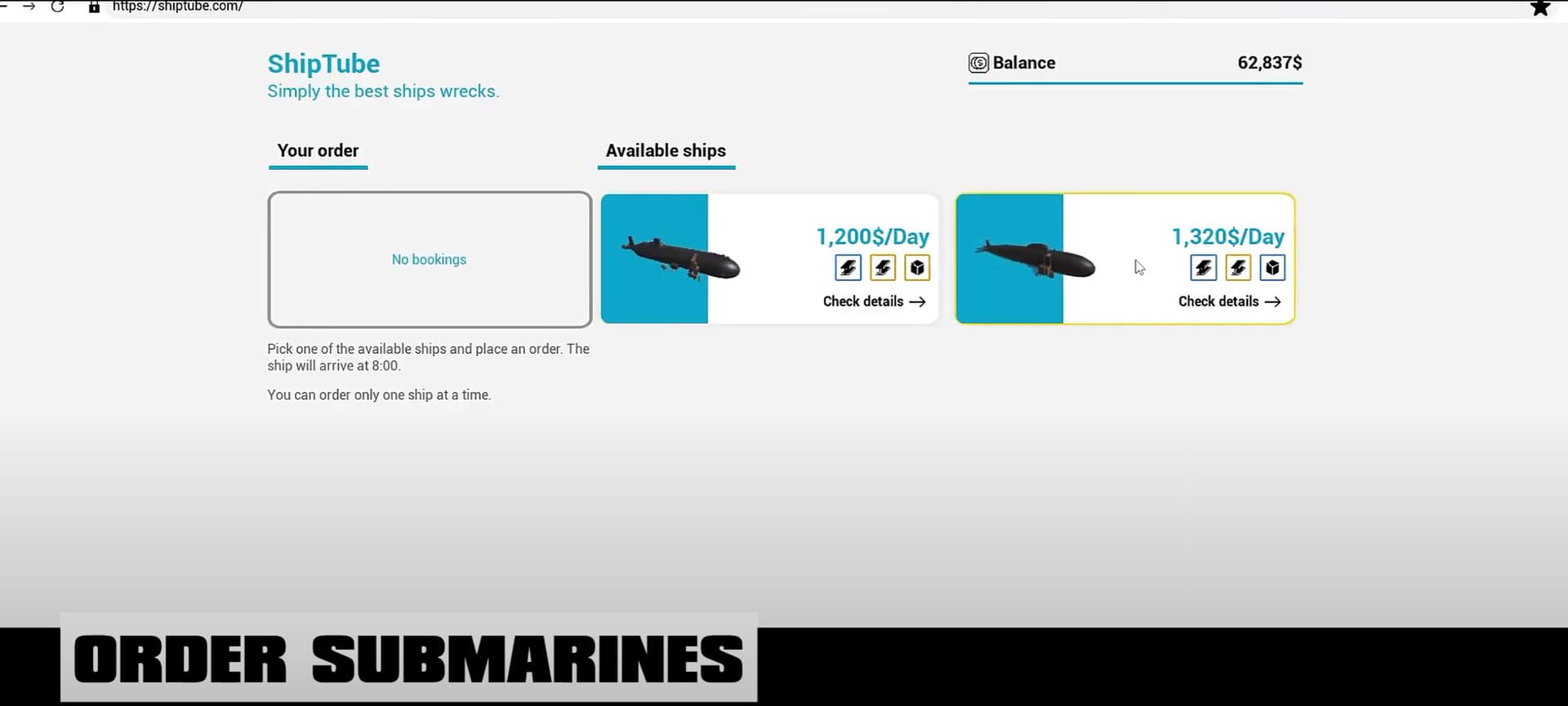
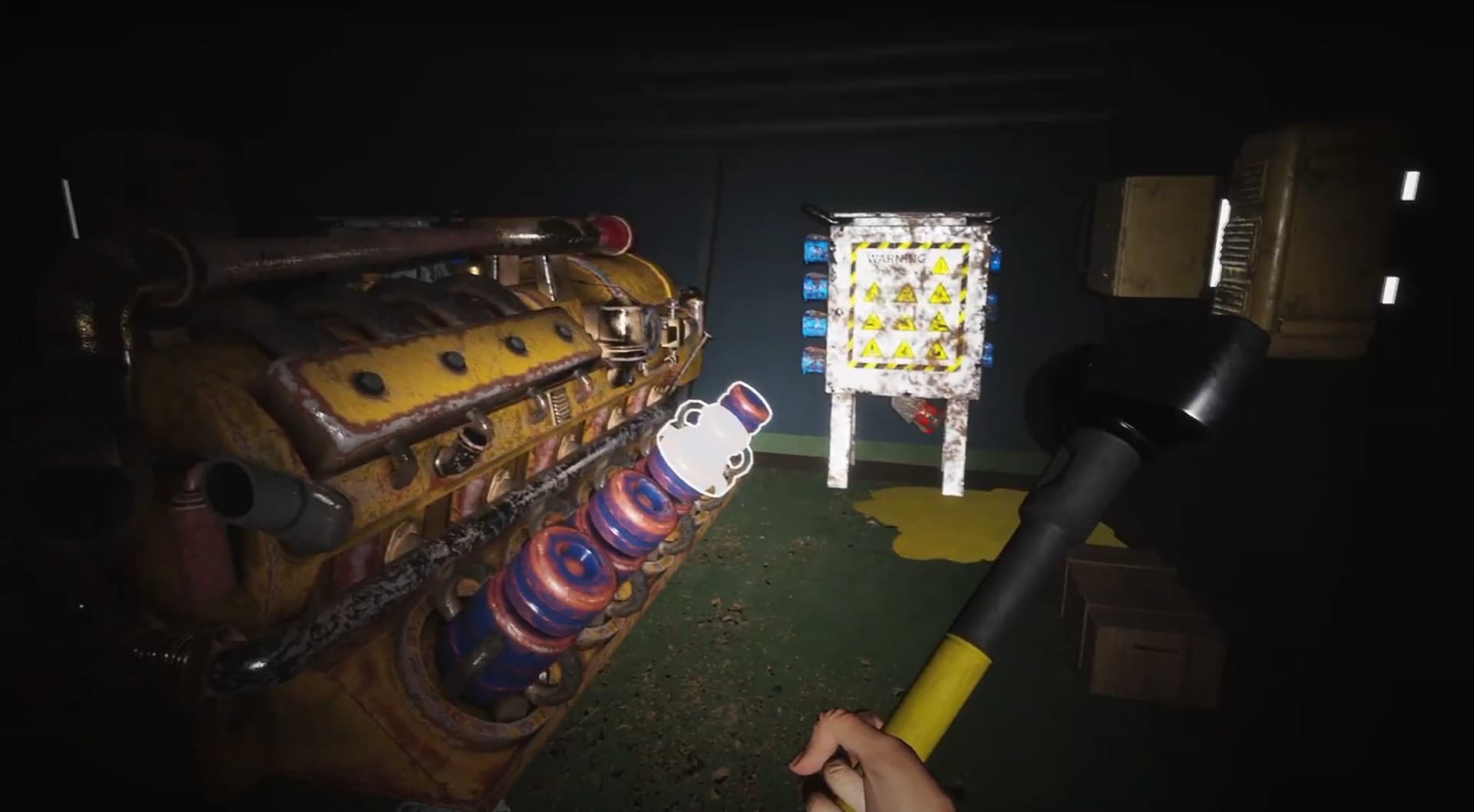
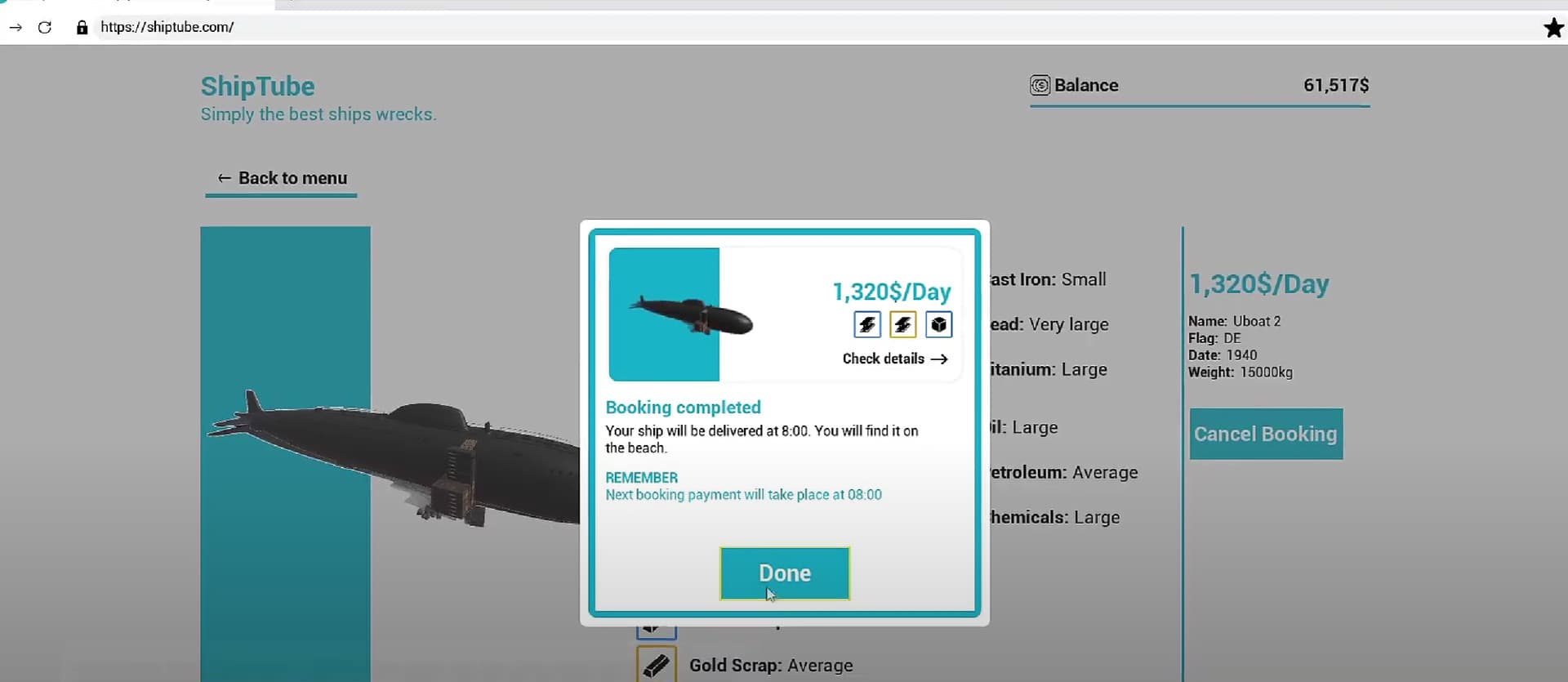
Submarines DLC brings a new and exciting addition to the game we know and love. Have you already disassembled all the ships on the sandy beach? Then now it’s time to put your skills to test with submarines!
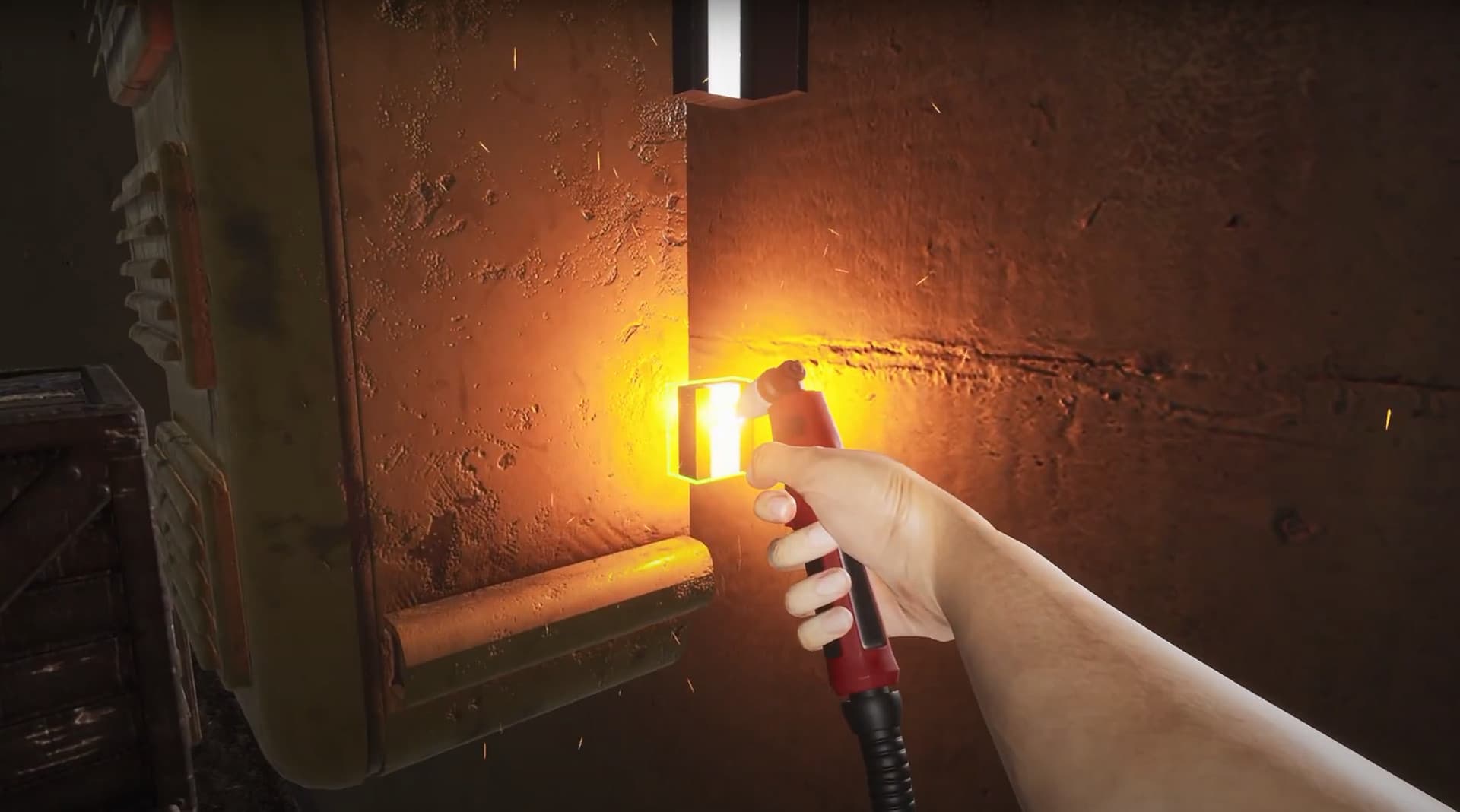
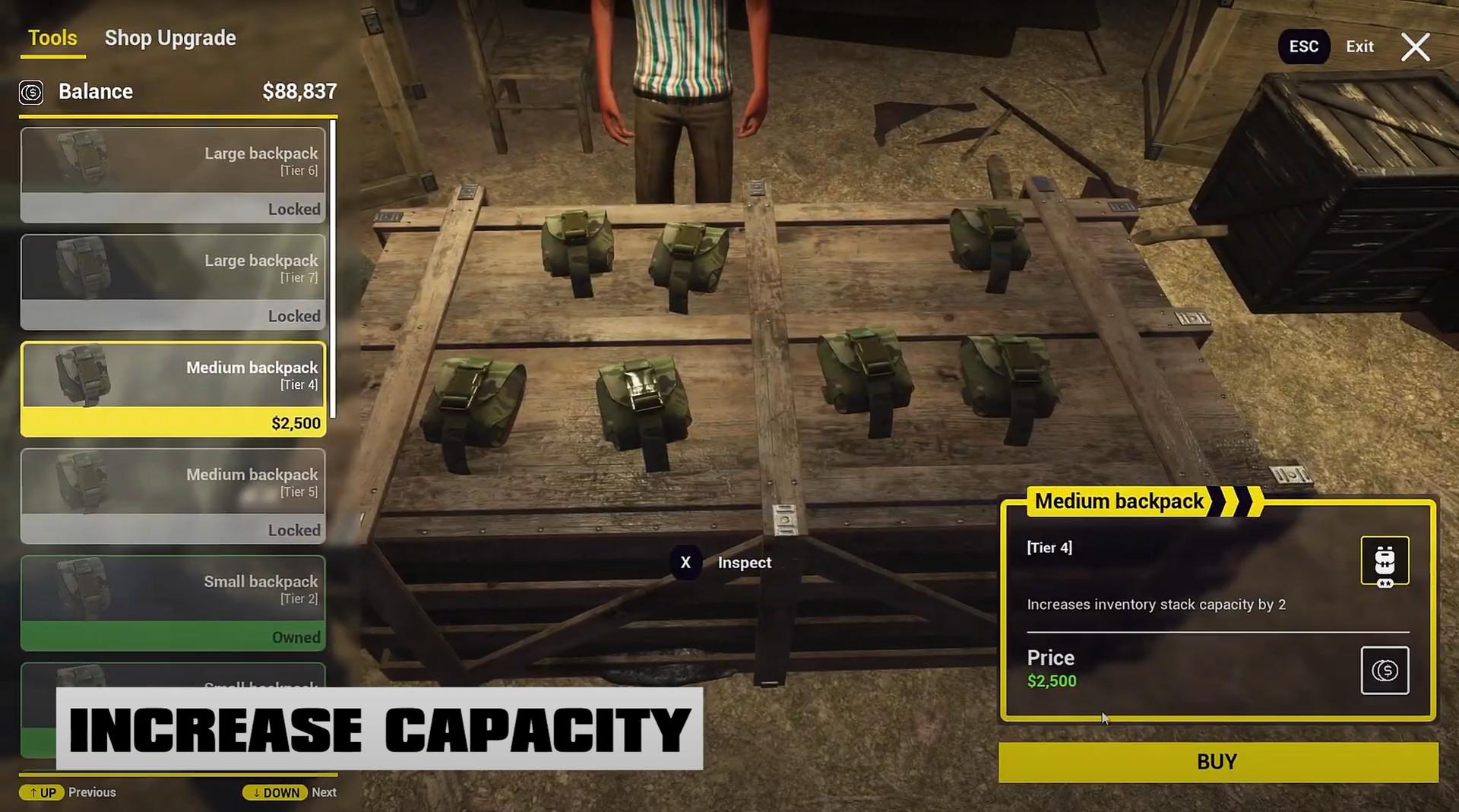
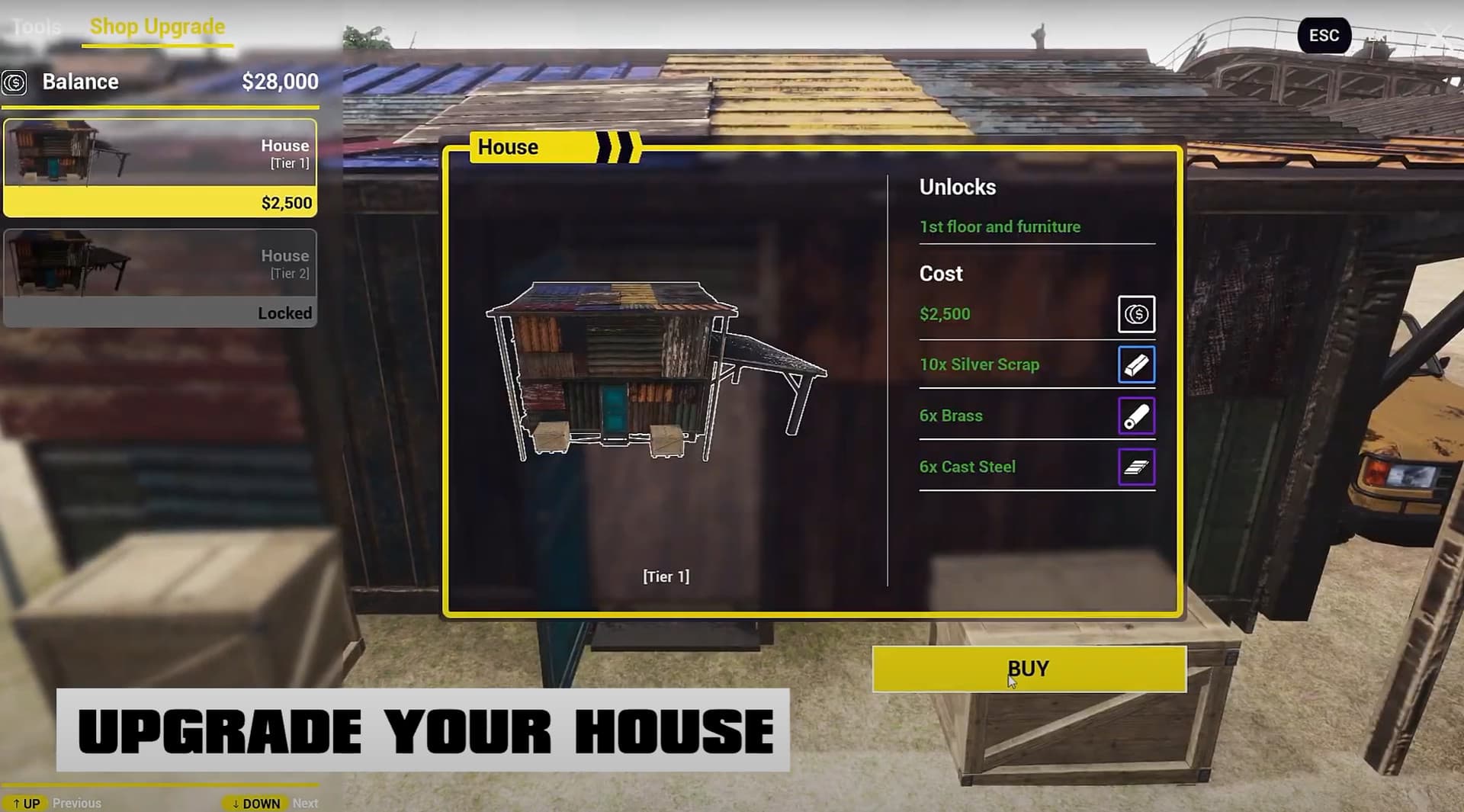
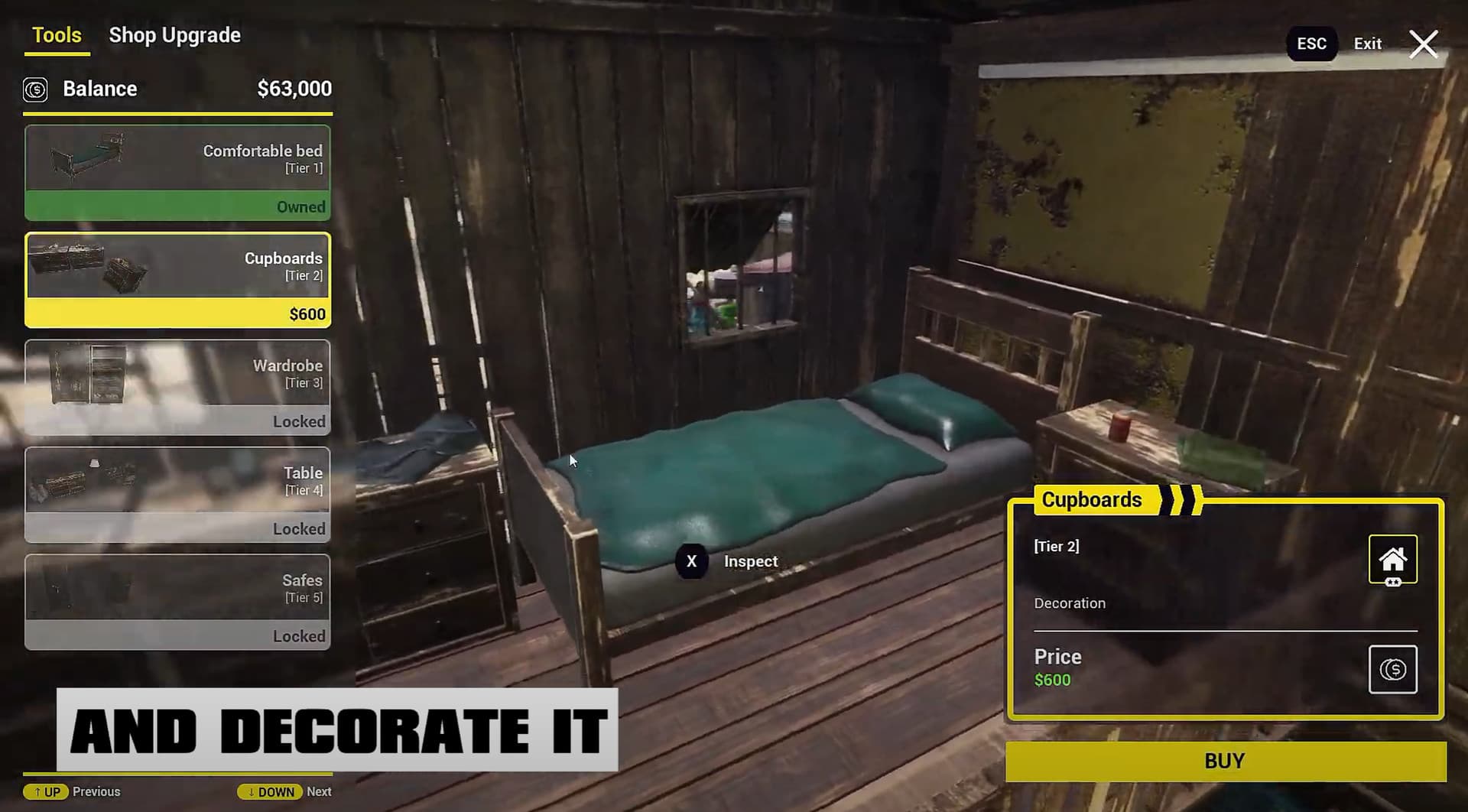
Order submarines that you will be able to destroy by tools wielded by your skillful hands. Collect more resources to further upgrade your headquarters and new shop. New decorations are also added to this DLC, so you can create an amazing new place to operate from. Also, you will be able to increase the capacity of your inventory. Don’t miss the opportunity to work on underwater military ...
System Requirements
Minimum
- OS
- Windows 7 64 Bit / Windows 8 64 Bit / Windows 10 64 Bit
- Processor
- Intel Core i3 3.0 GHz
- Memory
- 8 GB RAM
- Graphics
- NVidia GeForce GTX 780
- DirectX
- Version 11
- Storage
- 5 GB available space
Recommended
- OS
- Windows 7 64 Bit / Windows 8 64 Bit / Windows 10 64 Bit
- Processor
- Intel Core i5 3.4 GHz
- Memory
- 12 GB RAM
- Graphics
- NVidia GeForce GTX 970
- DirectX
- Version 11
- Storage
- 10 GB available space