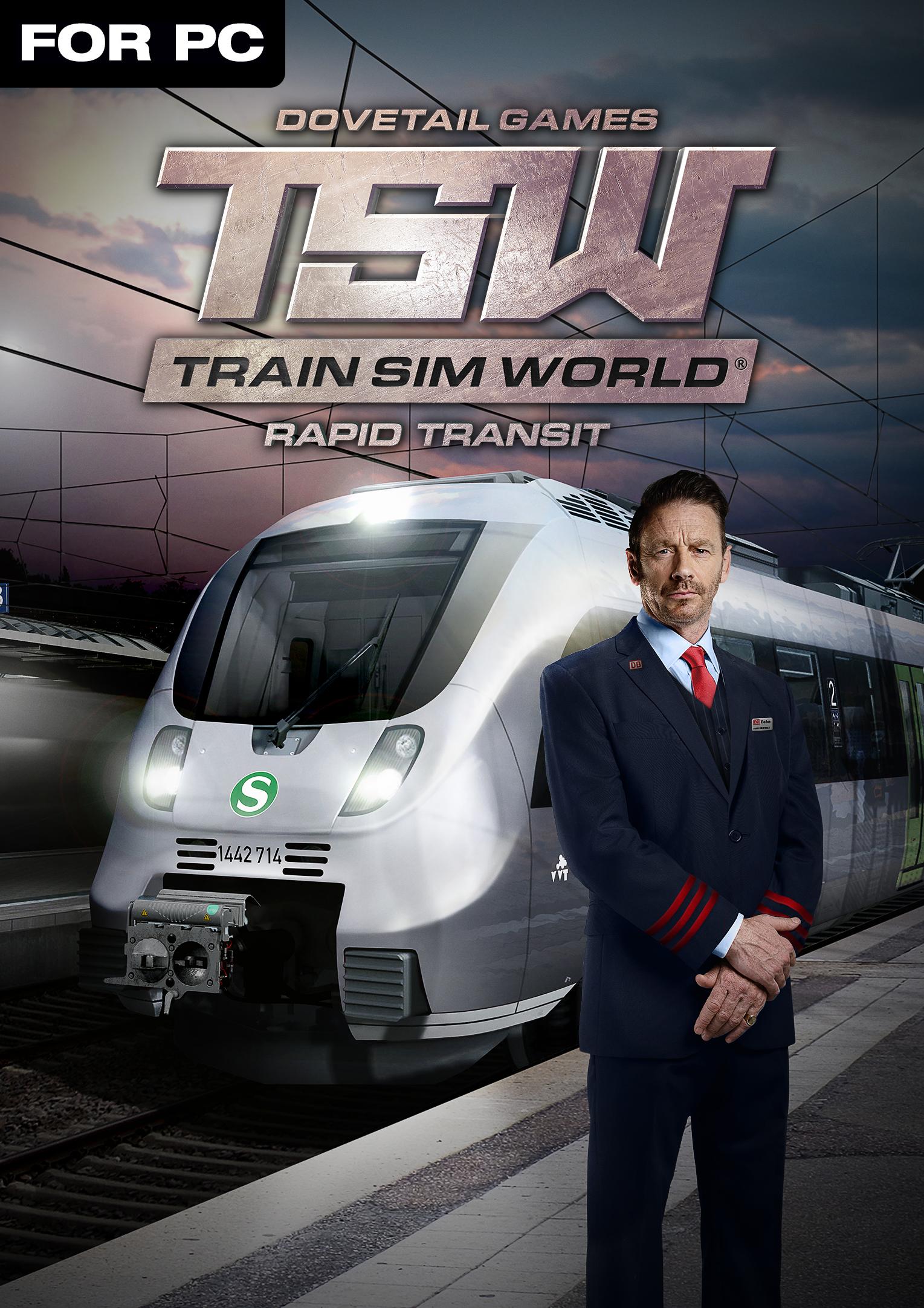
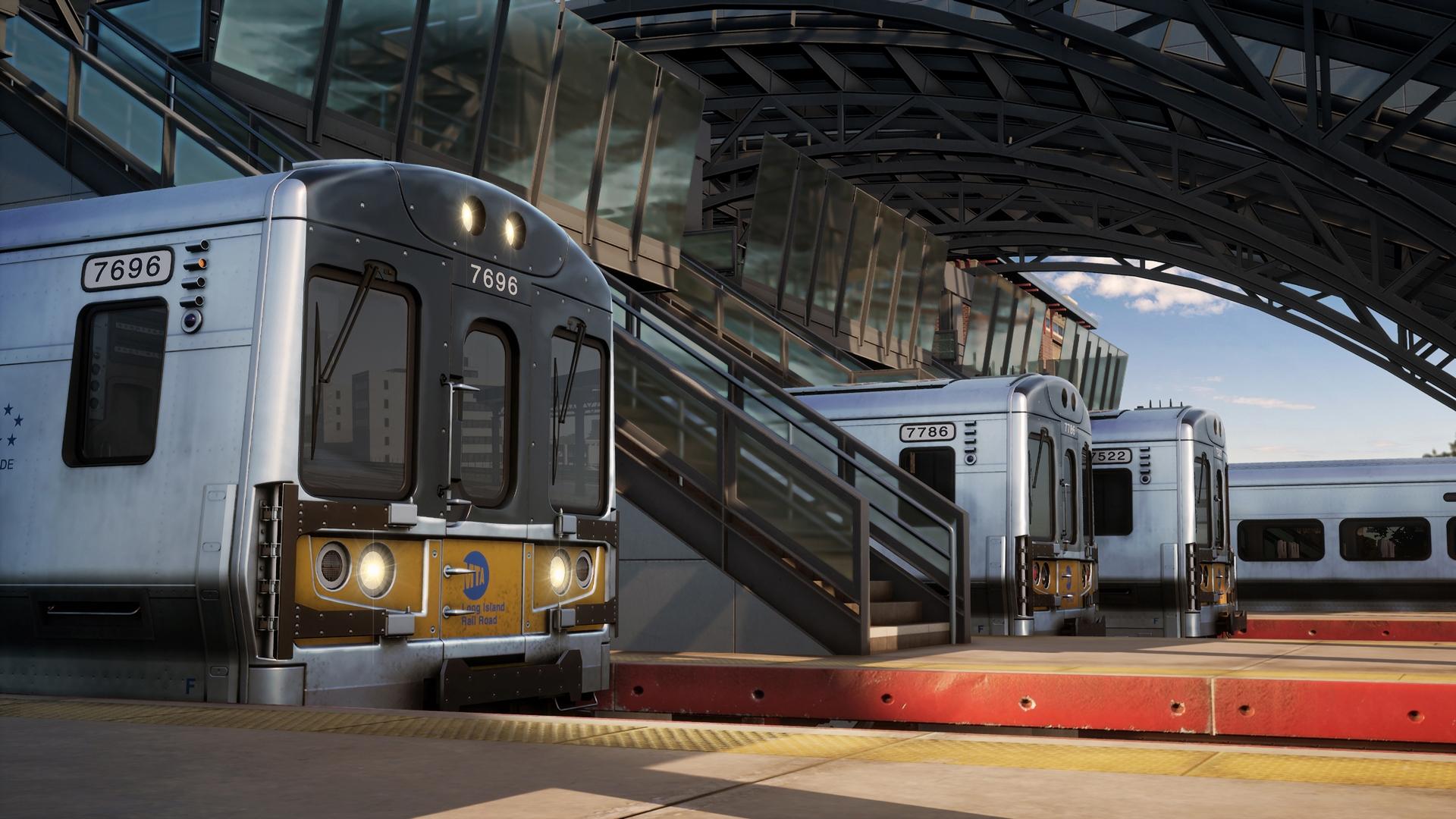
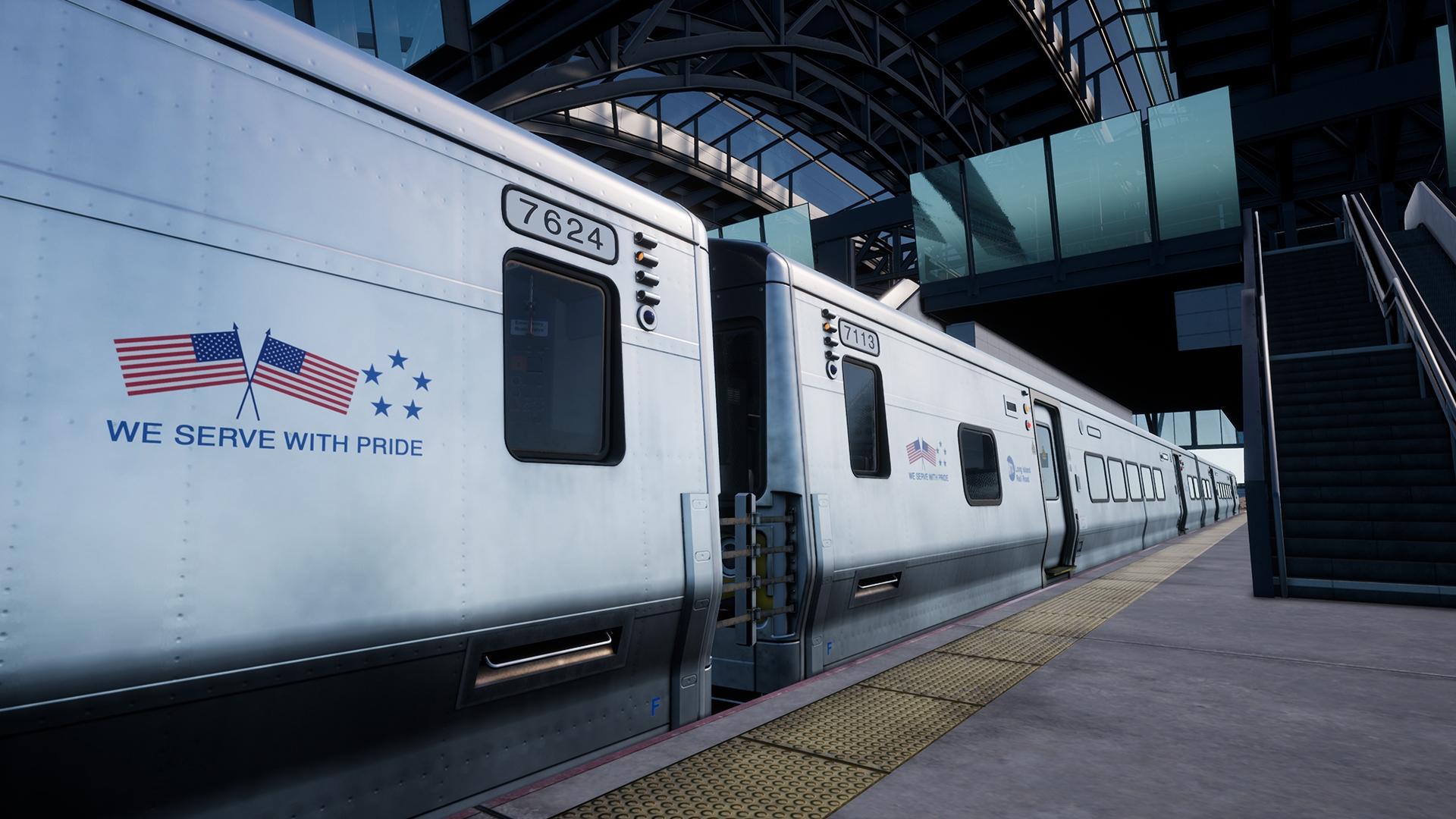
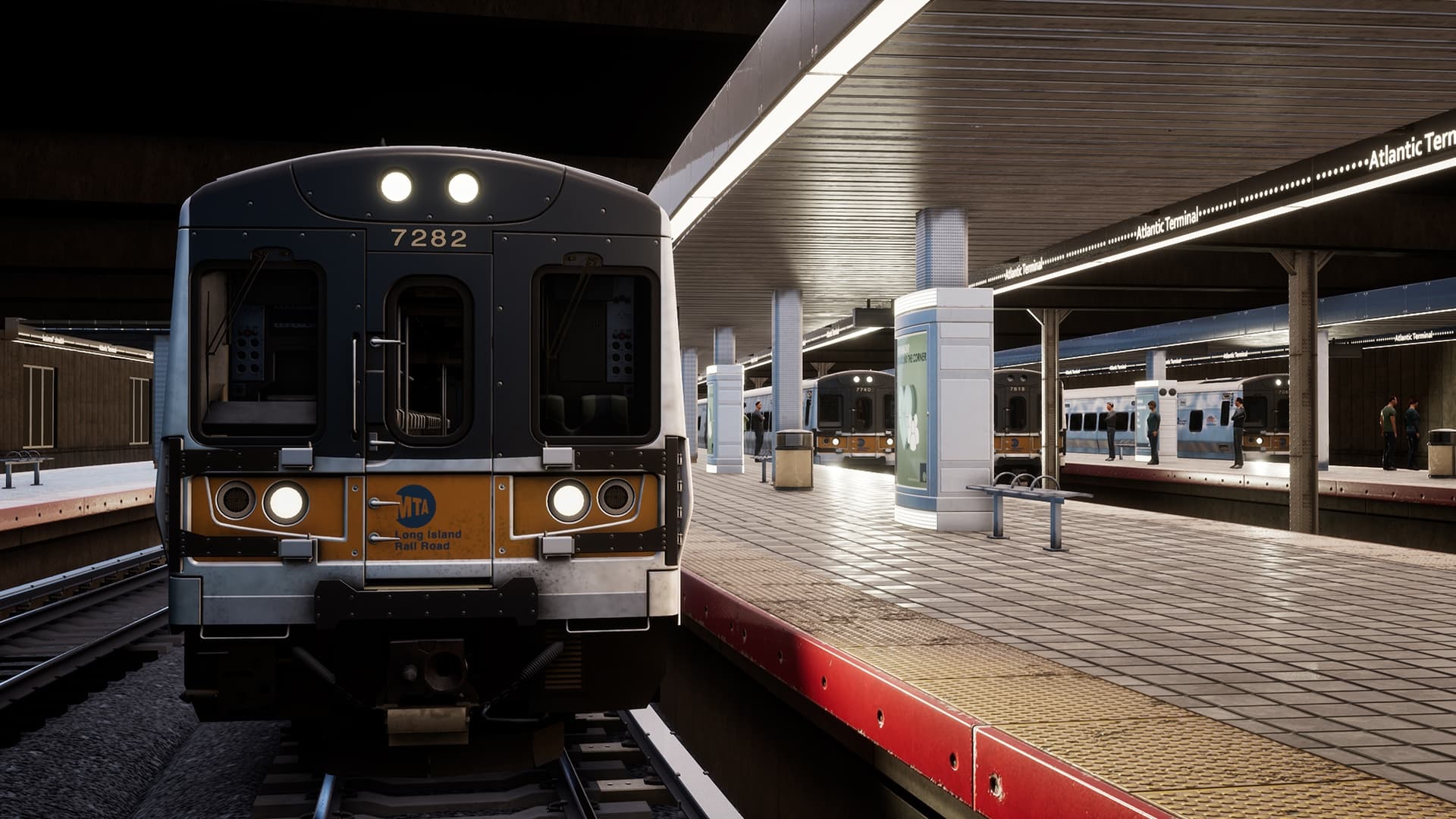
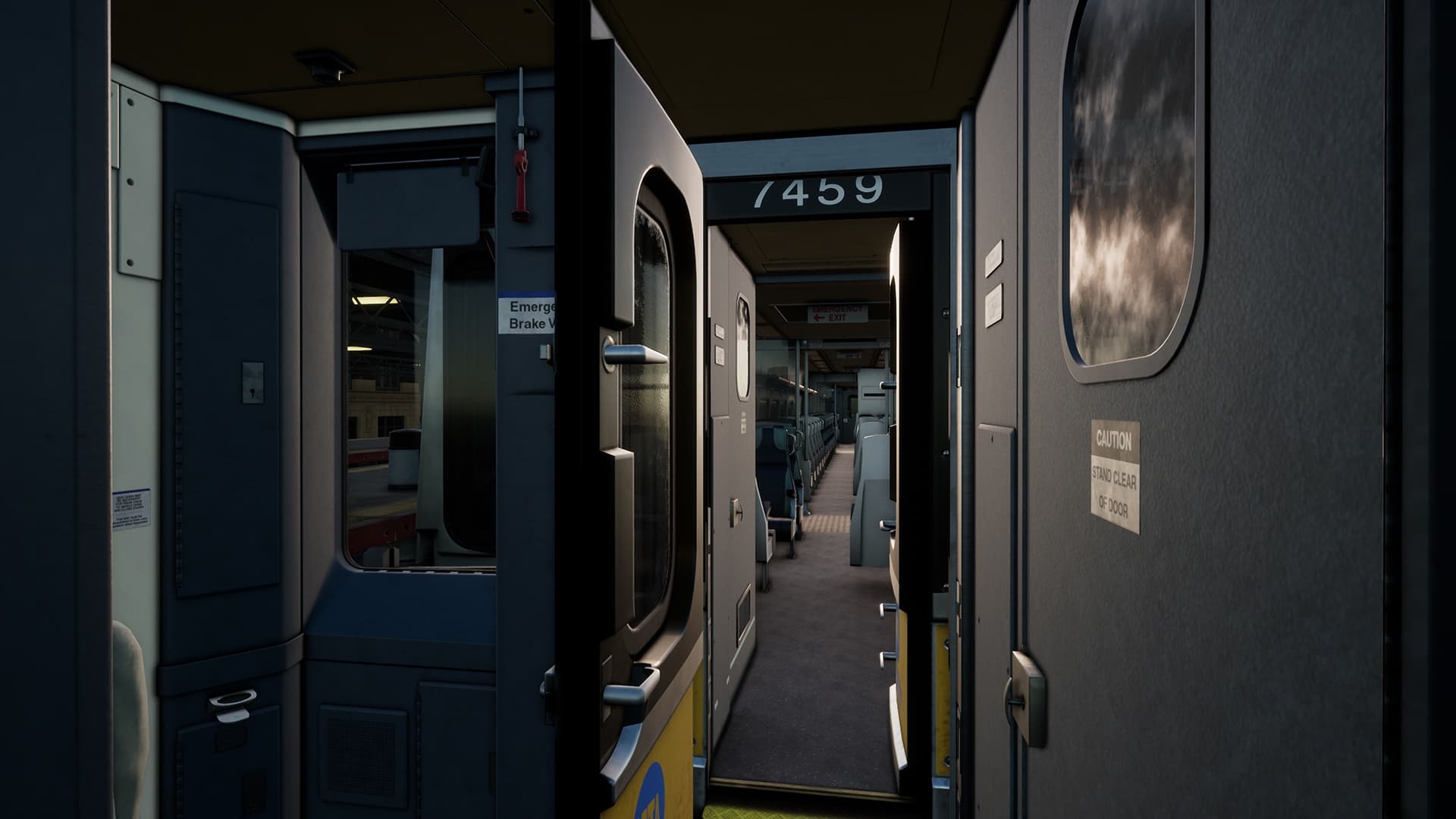
Viktigaste fakta
- Platform

- ProduktDigital nyckel
- Release date20 november 2018
- GenresSimulator
- DeveloperDovetail Games
- PublisherDovetail
- Languages5
How to activate
- Installera Steam och logga in på ditt konto (ett gratiskonto räcker).
- Välj ”Spel” → ”Aktivera en produkt på Steam…” i toppmenyn.
- Ange nyckeln exakt som i din beställning (med bindestreck) och bekräfta. Spelet visas i ditt bibliotek.
Officiell aktiveringsguide för Steam
För att aktivera det här spelet , behöver du ett tredjeparts 'Steam'-konto. Följ följande länk för fler uppgifter om aktiveringen: https://support.steampowered.com/kb_article.php?ref=5414-TFBN-1352
About
System Requirements
- Operativsystem
- 64-bit Windows 7 Service Pack 1, Windows 8 / 8.1 or Windows 10
- Processor
- Intel Core i5-4690 at 3.5 GHz or AMD Ryzen 5 1500X at 3.7 GHz
- Minne
- 8 GB RAM
- Grafik
- NVIDIA GeForce GTX 750 Ti or AMD Radeon R9 270 with 2 GB VRAM or more
- DirectX
- Version 10
- Nätverk
- Broadband Internet connection
- Lagring
- 20 GB available space
- Ljudkort
- DirectX Compatible
- Ytterligare anmärkningar
- Requires mouse and keyboard or Xbox Controller
Juridisk information
© 2018 Dovetail Games, a trading name of RailSimulator.com Limited (“DTG”). All rights reserved. "Dovetail Games", “Train Sim World” and “SimuGraph” are trademarks or registered trademarks of DTG. Unreal® Engine, © 1998-2018, Epic Games, Inc. All rights reserved. Unreal® is a registered trademark of Epic Games. Portions of this software utilise SpeedTree® technology (© 2014 Interactive Data Visualization, Inc.). SpeedTree® is a registered trademark of Interactive Data Visualization, Inc. All other copyrights or trademarks are the property of their respective owners. Unauthorised copying, adaptation, rental, re-sale, arcade use, charging for use, broadcast, cable transmission, public performance, distribution or extraction of the product or any trademark or copyright work that forms part of this product is prohibited. Developed and published by DTG.
The full credit list can be accessed from the TSW “Options” menu.