
Hatred
About
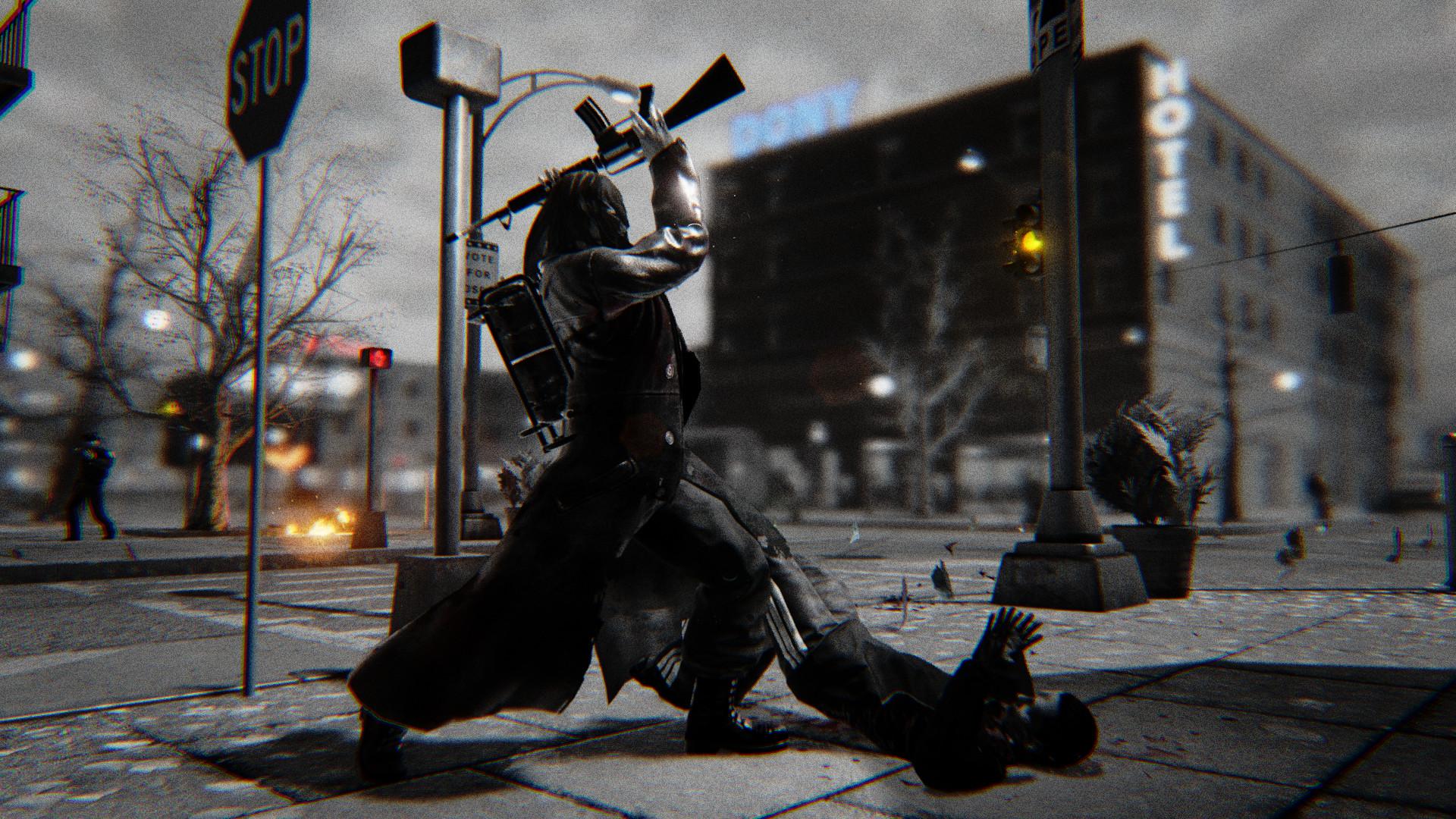
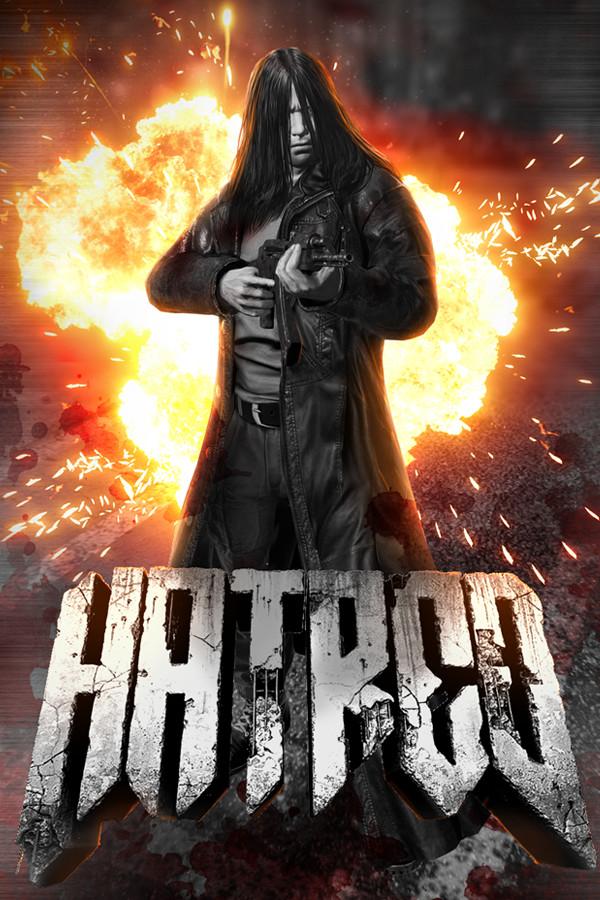
Hatred fills your whole body. You’re sick and tired of humanity’s worthless existence. The only thing that matters is your gun and the pure Armageddon that you want to unleash.
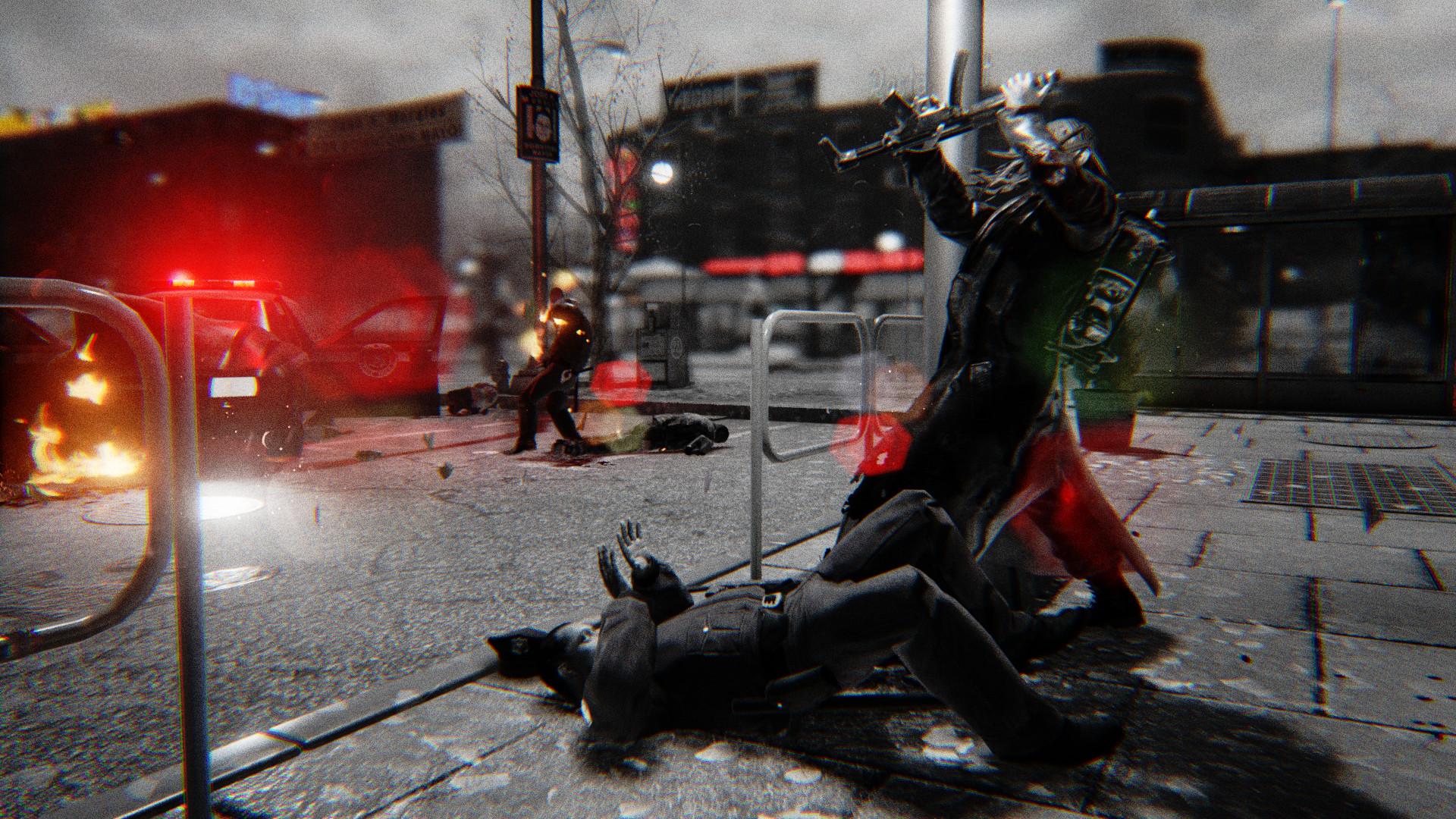
You will go out for a hunt, and you will clear the New York outskirts of all humans with cold blood. You will shoot, you will hurt, you will kill, and you will die. There are no rules, there is no compassion, no mercy, no point in going back. You are the lord of life and death now - and you have full control over the lives of worthless human scum. ...



System Requirements
Minimum
- Operációs rendszer
- Microsoft Windows Vista (SP2) with DirectX 11 update (KB971512-x64), Windows® 7 (Service Pack 1) , Windows 8.1 and Windows 10 - (64-bit only).
- Processzor
- 2.6 GHz Intel® Core™ i5-750 or 3.2 GHz AMD Phenom™ II X4 955
- Memória
- 4 GB RAM
- Videokártya
- NVIDIA GeForce GTX 460 or AMD Radeon HD5850 (1 GB VRAM)
- DirectX
- Version 11
- Tárhely
- 5 GB available space
- Hangkártya
- Integrated or dedicated DirectX 11 compatible soundcard
- További megjegyzések
- Hatred will launch only on "64-bit" version of operating system.
Recommended
- Operációs rendszer
- Windows® 7 (Service Pack 1) / Windows® 8 / Windows® 8.1 / Windows® 10 / (64-bit only)
- Processzor
- AMD Octa-Core / Intel Quad-Core processor running at 3.4 GHz (AMD FX X8 8350 or Intel Core i5 3570 or newer architectures are recommended)
- Memória
- 8 GB RAM
- Videokártya
- AMD/NVIDIA dedicated with at least 2048MB of dedicated VRAM and with at least DirectX 11 and Shader Model 5.0 support. AMD Radeon R9 285 and NVIDIA GeForce GTX 670 and above are recommended graphic cards.
- DirectX
- Version 11
- Tárhely
- 5 GB available space
- Hangkártya
- Integrated or dedicated DirectX 11 compatible soundcard
- További megjegyzések
- Hatred will launch only on "64-bit" version of operating system.
How to activate
- Telepítsd a(z) Steam alkalmazást, és jelentkezz be a fiókodba (egy ingyenes fiók is elég).
- A felső menüben válaszd a „Játékok” → „Termék aktiválása Steamen…” lehetőséget.
- Írd be a kulcsot pontosan úgy, ahogy a rendelésben szerepel (kötőjelekkel), és erősítsd meg. A játék megjelenik a könyvtáradban.